

Phonto - Text on Photos
com.youthhr.phonto
by youthhr
Screenshots
Ad slot: Top Leaderboard
About this app
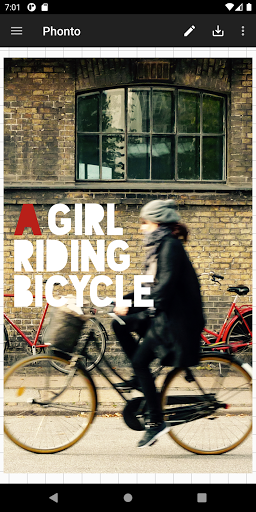
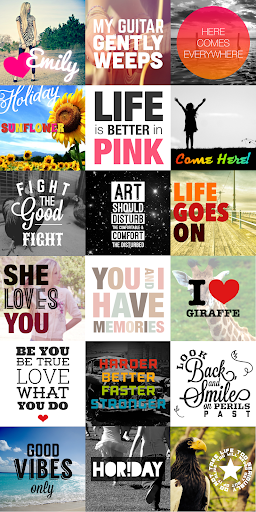
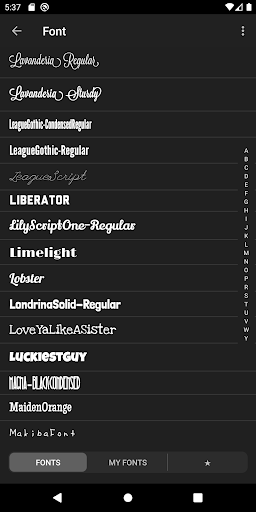
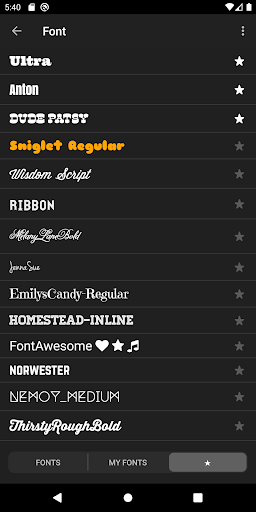
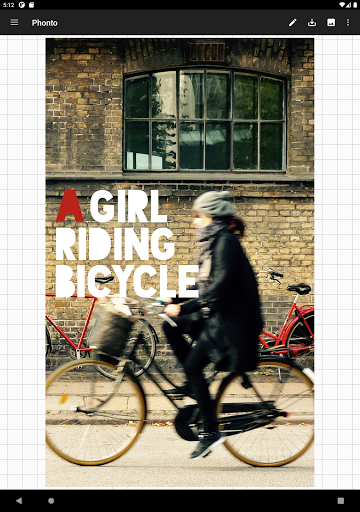
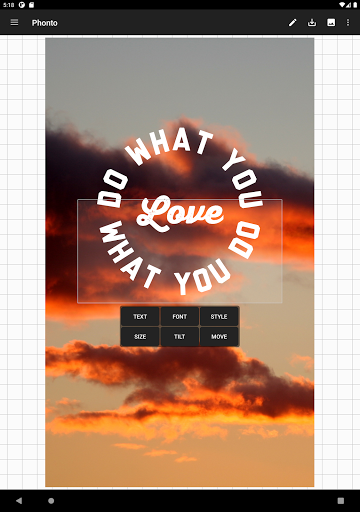
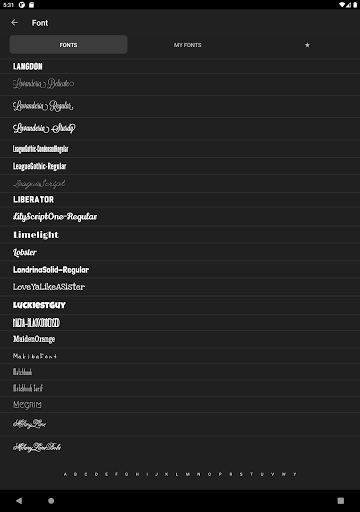
★ More than 200 fonts are available.
★ You can install other fonts.
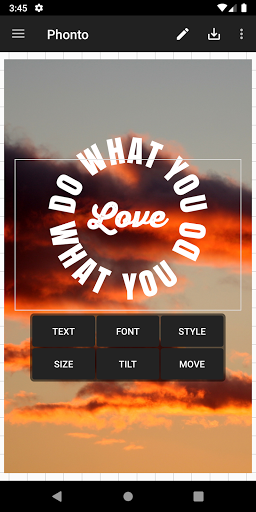
★ Text size is changeable.
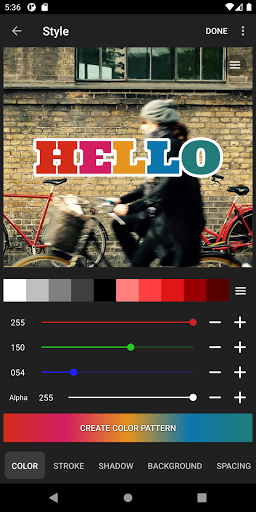
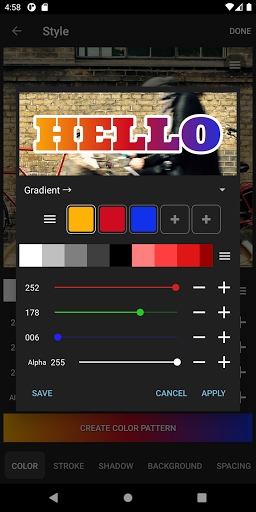
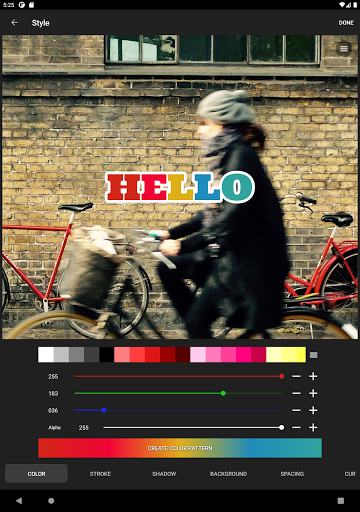
★ Text color is changeable.
★ Text shodow is changeable.
★ Text is rotatable.
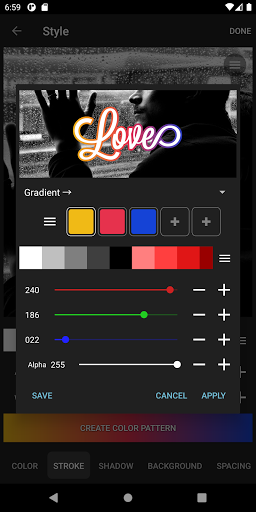
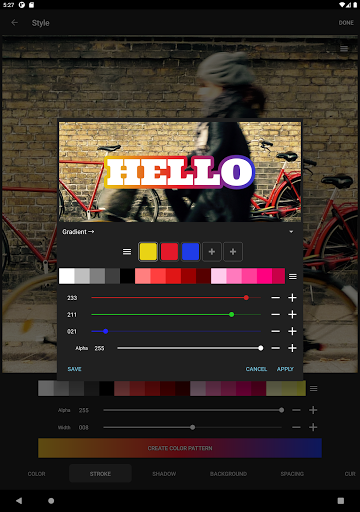
★ Text stroke color and width is changeable.
★ Text background color is changeable.
★ Letter spacing is changeable
★ Line spacing is changeable
★ Blend mode is changeable
-------------------------------------
How to install fonts
-------------------------------------
https://phon.to/android/install_fonts
1. Download font file from online. To search font, just google "FREE FONT".
2. Open font file (***zip, ***ttf, ***.otf) in Phonto.
NOTE: Don’t forget to check out font license before installing.
-------------------------------------
Ad-Free option
-------------------------------------
Ad-Free option removes all advertisements from Phonto. If you want to buy this option, please go to "Settings" in Phonto and tap "Ad-Free Option".
★ You can install other fonts.
★ Text size is changeable.
★ Text color is changeable.
★ Text shodow is changeable.
★ Text is rotatable.
★ Text stroke color and width is changeable.
★ Text background color is changeable.
★ Letter spacing is changeable
★ Line spacing is changeable
★ Blend mode is changeable
-------------------------------------
How to install fonts
-------------------------------------
https://phon.to/android/install_fonts
1. Download font file from online. To search font, just google "FREE FONT".
2. Open font file (***zip, ***ttf, ***.otf) in Phonto.
NOTE: Don’t forget to check out font license before installing.
-------------------------------------
Ad-Free option
-------------------------------------
Ad-Free option removes all advertisements from Phonto. If you want to buy this option, please go to "Settings" in Phonto and tap "Ad-Free Option".
App Information
Version Name
1.7.113
Version Code
156
File Size
23.5 MB
Minimum OS
Android 8.0+
Target SDK
Android 34
Developer
youthhr
Contact
Website
Content Rating
Everyone
Package Name
com.youthhr.phontoPermissions Required
This app may request the following permissions:
Recent Reviews

Tom Accuosti
4.0★
I bought the Paid version to get rid of the ads, and because I found that I was using it more and more because it is easy and does what I want. I would love to see an option for persistsnt sorting, so when I open a Pic in a folder & sort by new, the next Pics would also be sorted by new. Also, a way to change the default Save location would be great. And a way to rotate text in 45° or 90° increments would be nice, too. Are you still updating this app?
Callie Callie J.
5.0★
This is a fantastic app that does what it should do and has so many font and other visual options to help get the look and purpose I need! And it's so easy and direct to use! Never had a problem with it! Thanks!! / UPDATE (2025): First review up there was 4 years ago. I had loved this app. Now it's gone from five stars to one. I cannot save images after adding watermark. Error message pops up instead. I have to screenshot page and then crop it in order to save image. What happened to this app??

Leigh Phillips
3.0★
I loved this App, but it lost a few things. For one, you used to be able to add photos and had the choice for them to appear as any letter of the alphabet and a multitude of shapes. That was so cool. I made a lot of creative arts this way, but no longer. There were once templates, filters, more fonts. WTH?

A Google user
4.0★
If you're looking for a basic, free watermarking app, this works. There are a variety of fonts & color options, the basic necessities. The Android version has none of the IOS features that would make it worth using or paying for anything. I wouldn't spend money on any of the in-app purchases when there are so many high-quality, free options on other apps like Photofy. Photofy also allows you to edit pictures and fade your backgrounds for free.
Susan Fisher
5.0★
Free! And the ads don't bother me at all-- It's a welcome pause. By the way I do use it on an Android and it works very well. I particularly use for adding text. Really like the free font selection and colors choices, and that I could outline them or add shadows It's really quite perfect. Wish it had a way to add a sheer text box. But appreciate nonetheless.

Ty Carson
4.0★
This app is a great tool for creating simplistic thumbnails for YouTube or just creating memes for your friends. You can import any font you've downloaded and use it. I gave it 4 stars because while your able to save edits and return to them later, there is no auto save feature which means you'll have to remember to save your image as a project before you leave the app. Also, I've not seen a way to auto center text, which can be a bit annoying. It is a great app for being free and I'm happy!
Ad slot: In-Content