

WhatsApp Business
com.whatsapp.w4b
by WhatsApp LLC
Screenshots



Ad slot: Top Leaderboard
About this app
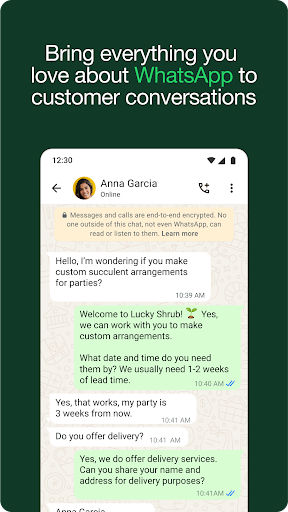
Everything you love about WhatsApp plus built-in tools for business WhatsApp Business is a free-to-download app with built-in tools to help you work smarter, build trust, and grow your business.
You get free calls* and free international messaging* plus business features to help you do more with conversations.
Download the app to get business benefits like these:
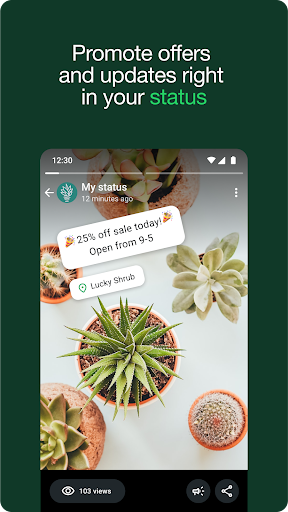
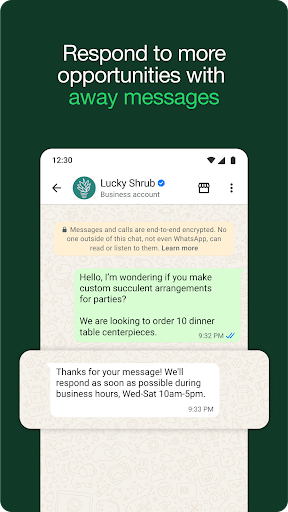
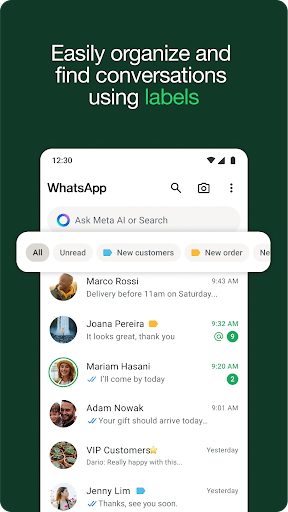
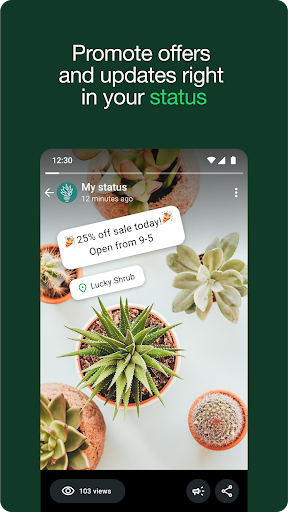
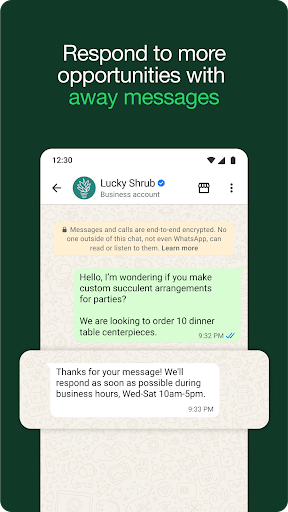
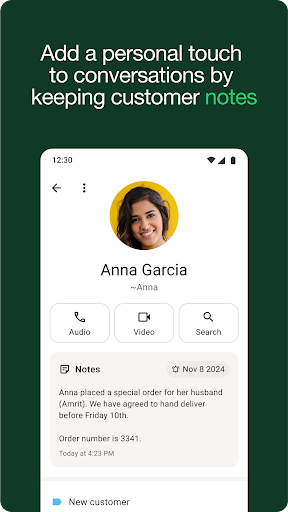
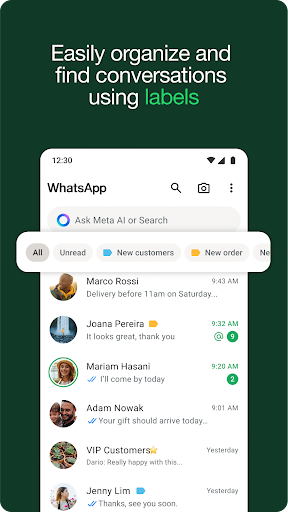
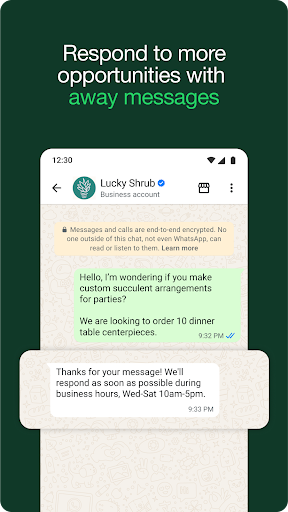
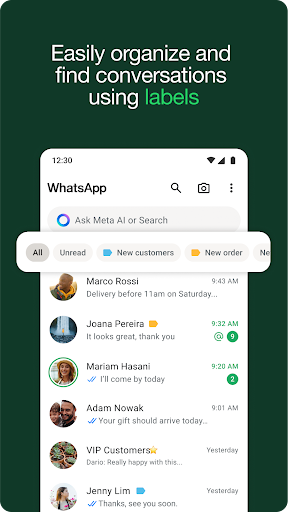
• Work smarter. Save time by letting the app do the work for you! Send customers automated quick replies and away messages so you never miss an opportunity. Use labels to quickly organize, filter, and find important conversations. Create a status to share an offer or news, and even take orders and payments** in-app to create a great customer experience.
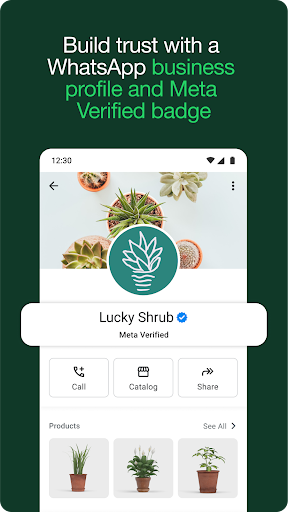
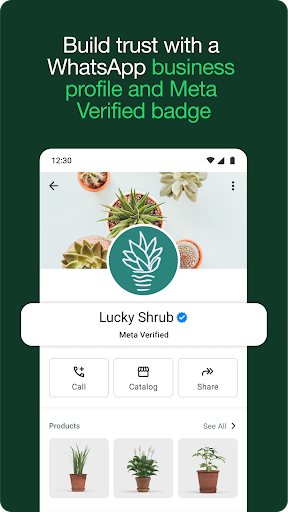
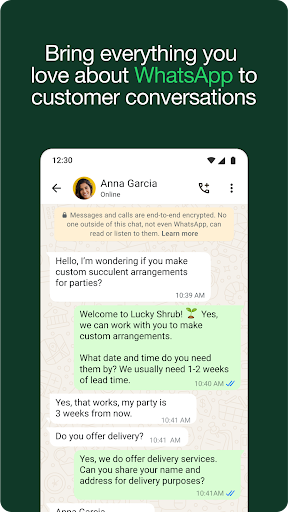
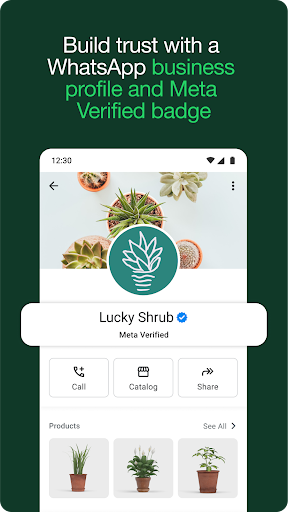
• Build relationships and trust. With a professional business profile on a secure platform, you build credibility and trust with customers. Use the app to provide more responsive customer support and build long-term loyalty. Subscribe to Meta Verified*** to reinforce your authenticity.
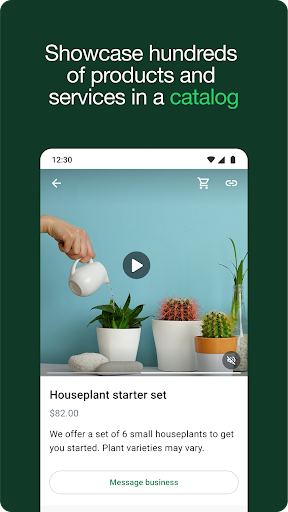
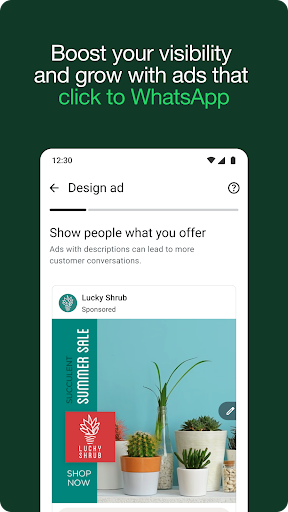
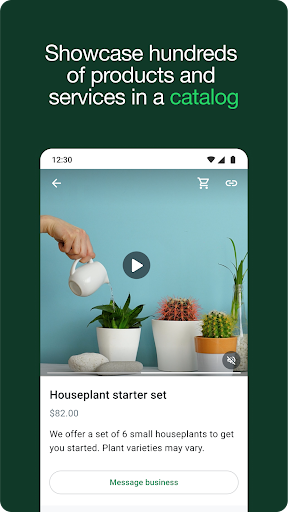
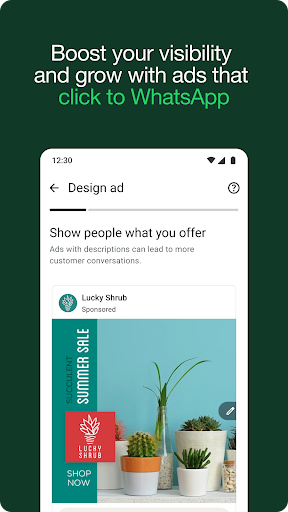
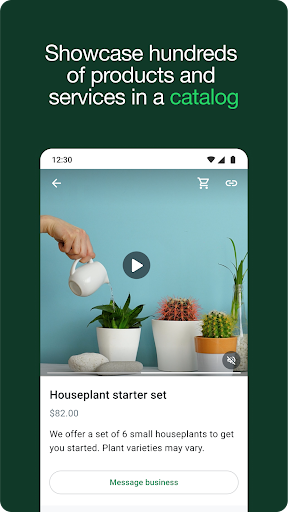
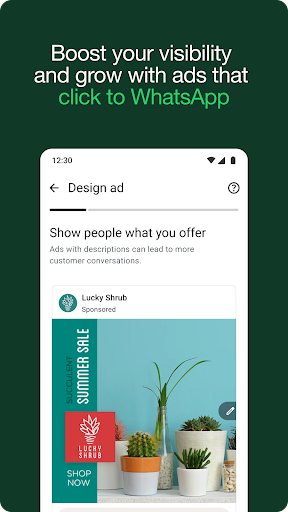
• Sell more and grow. Get discovered, advertise, and make more valuable customer connections. Boost sales by sending targeted offers to customers; create ads that click to WhatsApp; showcase your product catalog; and give customers the convenience of in-app orders and payments.**
FAQs
Are all features free?
The app is free to download and use, with a mix of free and paid features.
Can I still use my personal WhatsApp?
Yes! As long as you have two different phone numbers, your business and personal accounts can live together on a single device.
Can I transfer over my chat history?
Yes. When you set up the WhatsApp Business app, you can restore a backup from your WhatsApp account to transfer your messages, media, and contacts to your business account.
How many devices can I connect?
You can have a total of five web-based devices or mobile phones on your account (up to 10 if you subscribe to Meta Verified***).
*Data charges may apply. Contact your provider for details.
**Not available in all markets
***Available soon globally
You get free calls* and free international messaging* plus business features to help you do more with conversations.
Download the app to get business benefits like these:
• Work smarter. Save time by letting the app do the work for you! Send customers automated quick replies and away messages so you never miss an opportunity. Use labels to quickly organize, filter, and find important conversations. Create a status to share an offer or news, and even take orders and payments** in-app to create a great customer experience.
• Build relationships and trust. With a professional business profile on a secure platform, you build credibility and trust with customers. Use the app to provide more responsive customer support and build long-term loyalty. Subscribe to Meta Verified*** to reinforce your authenticity.
• Sell more and grow. Get discovered, advertise, and make more valuable customer connections. Boost sales by sending targeted offers to customers; create ads that click to WhatsApp; showcase your product catalog; and give customers the convenience of in-app orders and payments.**
FAQs
Are all features free?
The app is free to download and use, with a mix of free and paid features.
Can I still use my personal WhatsApp?
Yes! As long as you have two different phone numbers, your business and personal accounts can live together on a single device.
Can I transfer over my chat history?
Yes. When you set up the WhatsApp Business app, you can restore a backup from your WhatsApp account to transfer your messages, media, and contacts to your business account.
How many devices can I connect?
You can have a total of five web-based devices or mobile phones on your account (up to 10 if you subscribe to Meta Verified***).
*Data charges may apply. Contact your provider for details.
**Not available in all markets
***Available soon globally
What's New
We update the app regularly to fix bugs, optimize performance and improve the experience. Thanks for using WhatsApp!
App Information
Version Name
2.24.11.4
Version Code
241104003
File Size
59.6 MB
Minimum OS
Android 5.0+
Target SDK
Android 34
Developer
WhatsApp LLC
Contact
Website
Content Rating
Everyone
Package Name
com.whatsapp.w4bPermissions Required
This app may request the following permissions:
Recent Reviews

Anurag Chetan
1.0★
After the latest update, there's a problem with chats with unsaved contacts. Previously, when I received a text from a new number, a prompt would appear regarding saving the contact or responding to enable read receips. Once I replied, the prompt would automatically disappear and the blue read-receipt ticks would start working. Now, the prompt never goes away, even after I reply, and the blue ticks never appear. This is inconvenient because I don't want to save every new number as a contact.

Clara Edomobi
4.0★
1. There should be a feature for saving videos contacts save on status directly instead of always going to status saver or screen recording or begging please send😭😂 2. Another feature for having a play track for a video posted on status. so that if you didn't get one thing, you can go back instead of replaying from the beginning 3. Stop reducing picture and video quality😭 Business Whatsapp is a great app. let's make it better

Gopika Unnikrishnan
5.0★
As a professional model and artist, WhatsApp Business has been extremely useful for me. It helps me stay organized, manage client communications, and respond quickly with automated messages. The catalog feature is perfect for showcasing my work, and labels make it easy to track different projects. A must-have tool for anyone managing a creative or freelance career!

Confidence Onyedikachukwu Muoghalu
3.0★
WhatsApp is great but I feel it can be improved on. Firstly, it's now a bit of a challenge to access files when posting a status. Previously, files were arranged on WhatsApp the way it's been stored on the file folder and you could simply access a particular pic or video. Now though, pictures and videos are clustered into "recents" then a few folders. Secondly, it's really frustrating when we post a status update and the quality of the video or pic reduces drastically! Please improve on this!

Niqui Carlton
1.0★
Edit: Now my contacts aren't syncing, and names aren't showing. Some are, and some aren't. Some that have always displayed have now disappeared. What the hell. Whatever update just happened is causing WhatsApp Business to glitch and mess up my phone. It's doing the same to my husband's phone as well. Please sort it out quickly!!!

Tess Cooper
3.0★
I have to check the app constantly, as it has never managed to stay running in the background, and if the app isn't open I don't get notifications of messages coming through. I updated the app last week, and have had the message "App maintenance in progress" appear, which makes the app completely unresponsive. For several hours during the morning (UK time), it's this message or just a black screen when I open the app. Clients have been unable to contact me, and massively affected my business!
Ad slot: In-Content