

All Screen Cast to TV Roku
com.toxic.apps.chrome
by Swastek
Screenshots



Ad slot: Top Leaderboard
About this app
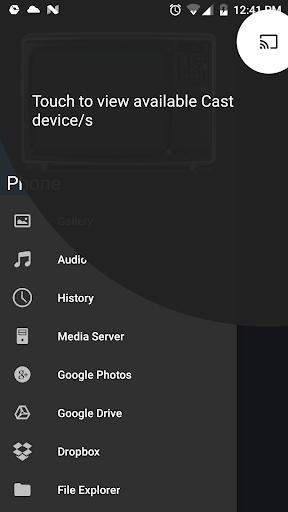
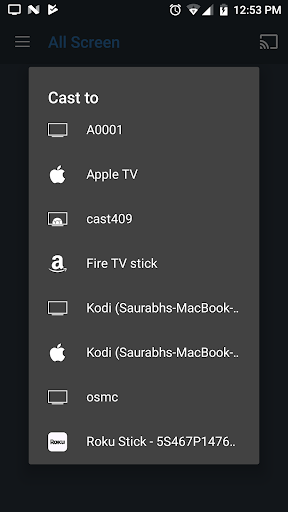
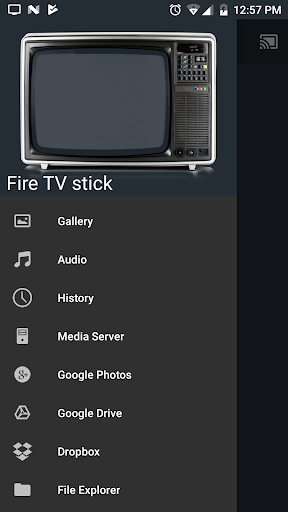
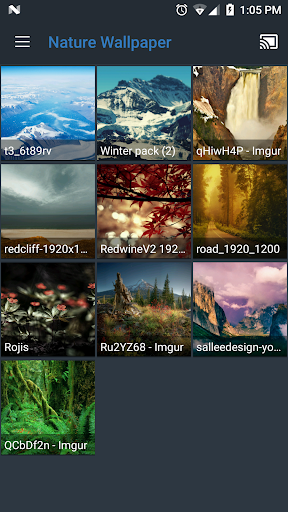
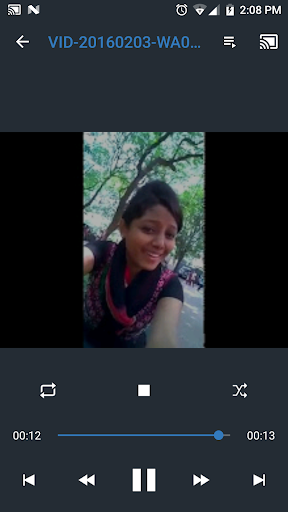
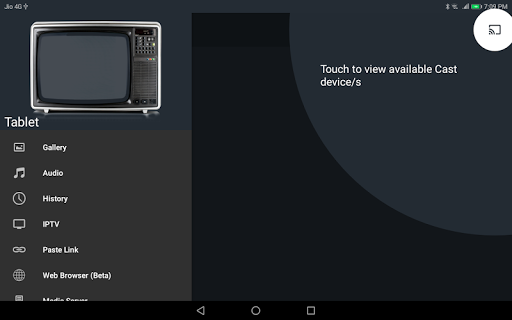
All Screen lets you view/cast your videos from your favourite websites including movies, TV shows and phone images, video, audio on your TV, Chromecast, Roku, Amazon Fire Stick or Fire TV, Apple TV or other DLNA Devices, Android based TV or Boxes. This app is free and has no restrictions.
Screen Mirroring for Miracast, Chromecast, Roku and Fire TV on supported phones. Kindly enable it from settings
Troubleshooting guide: http://bit.ly/2fmkgs1
SUPPORTED STREAMING DEVICES
• Chromecast
• Fire TV/Stick (Install companion app from Amazon Store on your Fire TV/Stick http://amzn.to/2fSxBwd)
• Apple TV
• Roku (Install companion app when suggested in this app)
• Kodi aka XBMC (Enable UPnP/DLNA in Settings>Services>UPnP/DLNA)
• Android TV (Install companion app from Play Store on your TV http://bit.ly/2bZBRn6)
• Smart TV's with DLNA / UPNP capability(All devices are not supported yet, Some feature might not work)
SUPPORTED MEDIA FROM
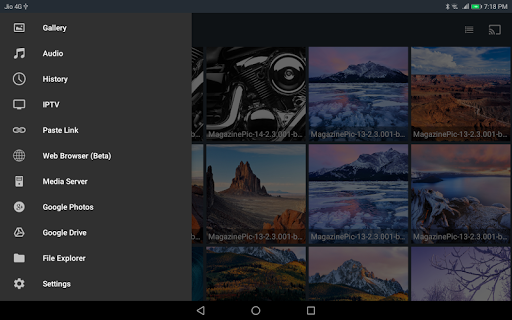
• Local phone storage
• DLNA/UPNP library
• Google Plus photos
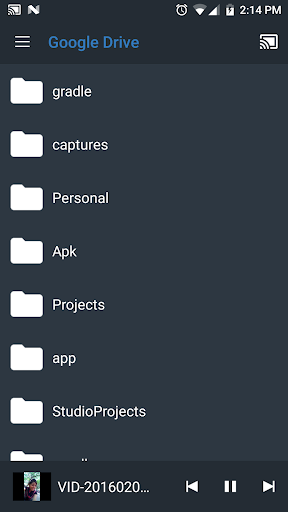
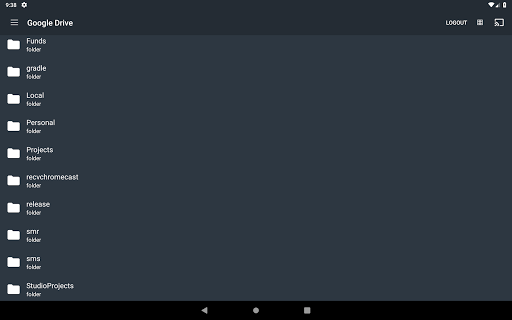
• Google Drive
• Web Browser
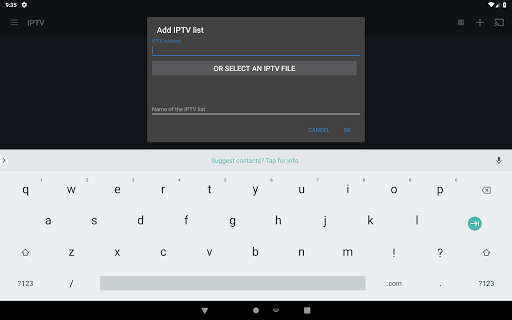
• IPTV
SUPPORTED MEDIA
• Movies and TV shows
• MP4 videos
• IPTV (M3U8).
• Photos.
• Audio files including music.
Note :
Subtitles are only supported on Chromecast, Roku, Fire TV/Stick and All Screen Receiver using local phone storage or from integrated search of OpenSubtitles.org.
If you have enjoyed your experience with this app, rate us on play store.
If you have any suggestions for us to improve or make the app better, please write to us.
Do not forget to share this app among all your friends who enjoy casting as much as you do.
Screen Mirroring for Miracast, Chromecast, Roku and Fire TV on supported phones. Kindly enable it from settings
Troubleshooting guide: http://bit.ly/2fmkgs1
SUPPORTED STREAMING DEVICES
• Chromecast
• Fire TV/Stick (Install companion app from Amazon Store on your Fire TV/Stick http://amzn.to/2fSxBwd)
• Apple TV
• Roku (Install companion app when suggested in this app)
• Kodi aka XBMC (Enable UPnP/DLNA in Settings>Services>UPnP/DLNA)
• Android TV (Install companion app from Play Store on your TV http://bit.ly/2bZBRn6)
• Smart TV's with DLNA / UPNP capability(All devices are not supported yet, Some feature might not work)
SUPPORTED MEDIA FROM
• Local phone storage
• DLNA/UPNP library
• Google Plus photos
• Google Drive
• Web Browser
• IPTV
SUPPORTED MEDIA
• Movies and TV shows
• MP4 videos
• IPTV (M3U8).
• Photos.
• Audio files including music.
Note :
Subtitles are only supported on Chromecast, Roku, Fire TV/Stick and All Screen Receiver using local phone storage or from integrated search of OpenSubtitles.org.
If you have enjoyed your experience with this app, rate us on play store.
If you have any suggestions for us to improve or make the app better, please write to us.
Do not forget to share this app among all your friends who enjoy casting as much as you do.
What's New
Updated libraries, improved performance
Fixed Chromecast bugs
Fixed Chromecast bugs
App Information
Version Name
1.5.0.586
Version Code
586
File Size
20.8 MB
Minimum OS
Android 5.0+
Target SDK
Android 33
Developer
Swastek
Contact
Website
Content Rating
Everyone
Package Name
com.toxic.apps.chromePermissions Required
This app may request the following permissions:
Recent Reviews
Mandy
5.0★
I’ve used this app for years to stream from my phone to my TV with Roku and it never disappoints. Super reliable and easy to use — my daily go-to for streaming movies and shows. What’s even better is the customer support! I’ve had two small issues over the years, and both times after reporting an issue, someone personally emailed me and helped me fix it fast. 10 million downloads - and they still care about the user. Awesome app and even better service!

Rebecca French
1.0★
I used to have no problem with casting to my Roku tv and on another TV with a firestick...but now, nothing but trouble. Very frustrating!!! Please do not tell me to update my devices for I have troubleshot to no avail. Allscreen will randomly detect my devices then they will randomly disappear. I've grown exhausted trying to get this to work like it's supposed to and like it used to to no avail. I believe I will be deleting the app!!!

A Google user
3.0★
It does let you cast pics & videos from your phone or tablet & has no problem connecting. That being said the quality of your audio & video is poor @ best. Lots of pixelation & videos don't play straight through. It's like they have to buffer or something, screen goes black & it you wait around long enough it'll start playing again. Audio isn't as bad as video but it does leave something to be desired.

Jason Kiegel
1.0★
This app used to work perfectly for multiple years. But at the beginning of 2025, either because of the update for the app, android, or Roku, it no longer works. All of the settings, on all of the devices involved will not enable it to connect. I'm changing my original 5 stars to one because the problem has persisted for over a month now.
A Google user
1.0★
Dude... Finally I find an app that lets me cast off of my ethernet-only android box. the thing has no wifi radio, and no other cast apps work with it. (because the apps think the wifi is switched off) this will tell you the wifi is off, but clients will still show up when pressing the cast button. EDIT - Its just like the rest of them, it connects but doesnt cast anything. had to change to 1-star.

Angela Gamblin (WITCHYBOO)
1.0★
edit: doesn't work at all now. I PAID for this. Why am I still getting ads? Works well when it decides to work at all but speaking of that...why do I have to go through so much to get this app to work on my fire TV????
Ad slot: In-Content