Squid: Take Notes, Markup PDFs

Phone

Squid: Take Notes, Markup PDFs

Productivity Steadfast Innovation, LLC ⭐ 4.10 10,000,000+

All News. All Perspectives. One App. Over 20,000 sources. 60 countries.

Version Varies with device 29.1 MB Everyone

Screenshots

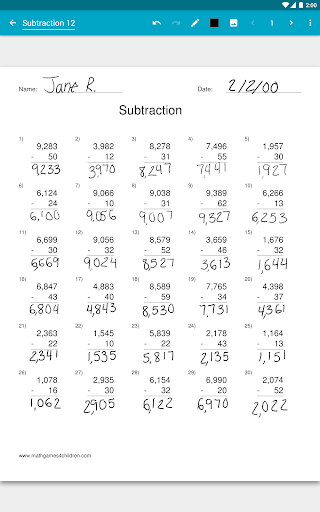
Squid: Take Notes, Markup PDFs screenshot

About Squid: Take Notes, Markup PDFs

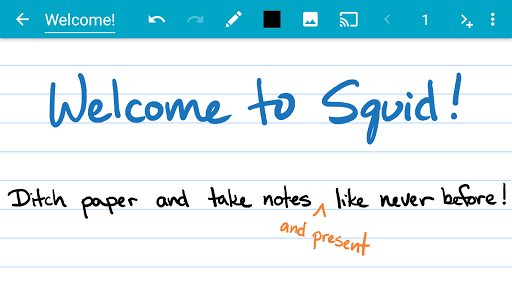
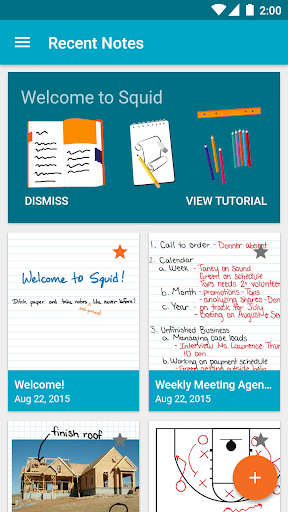
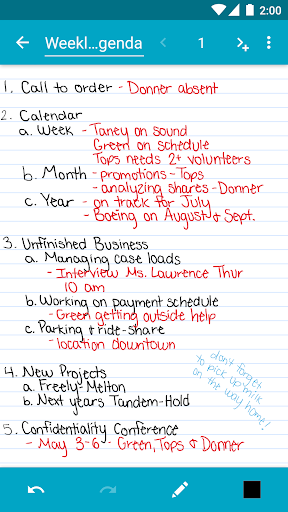
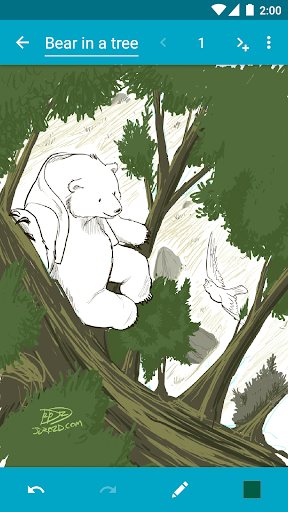
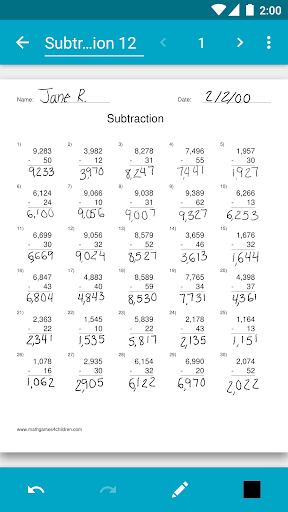
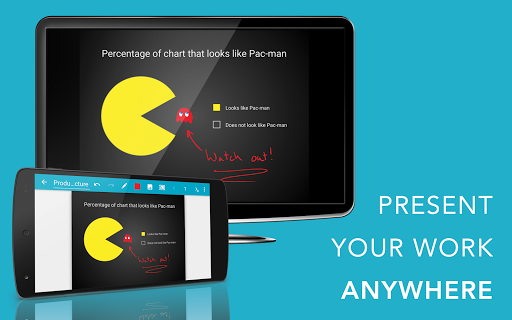
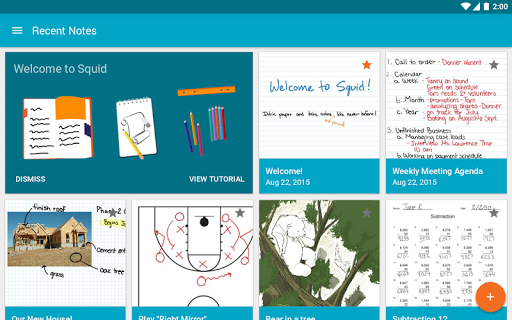
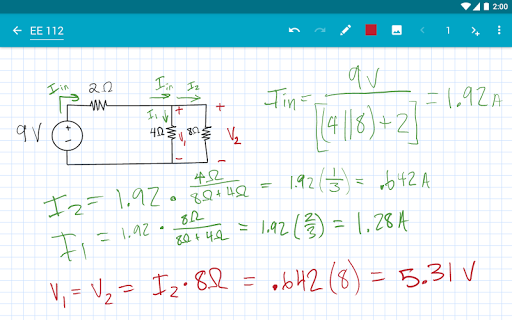
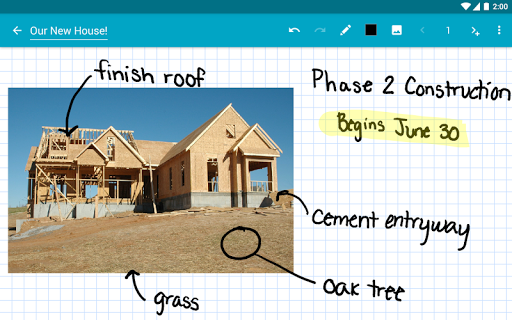
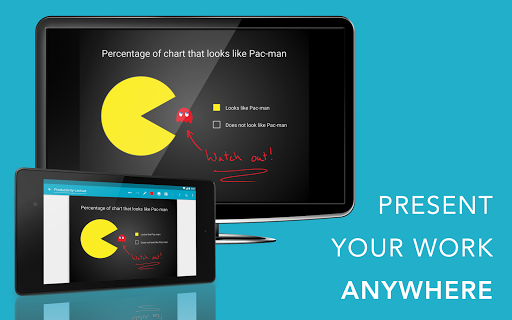
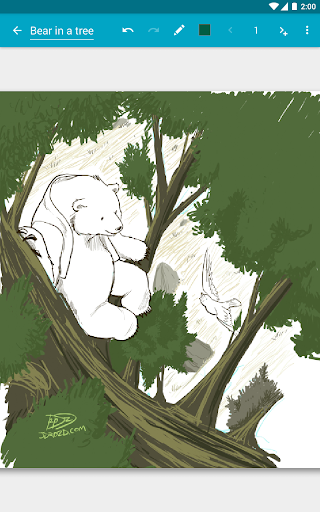
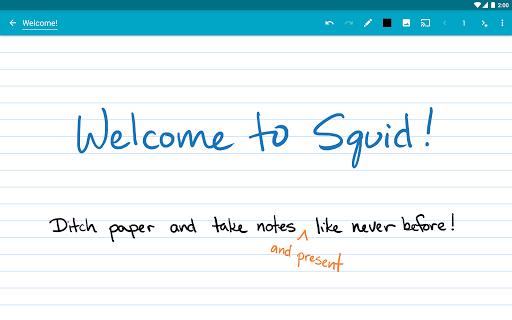
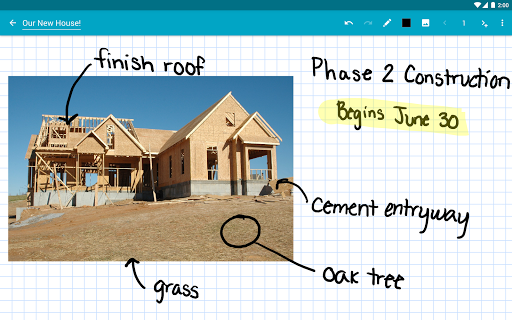
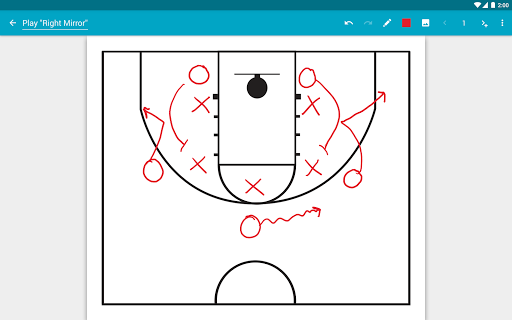
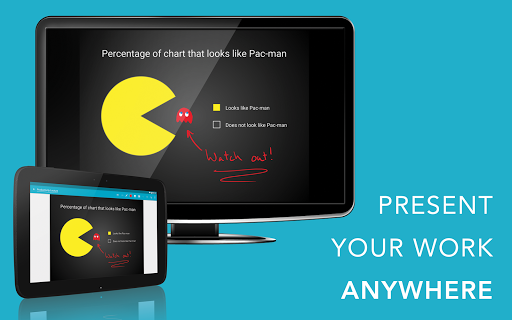
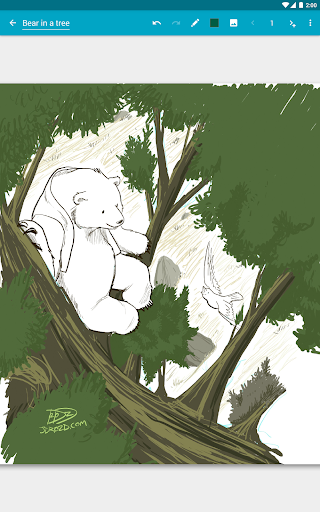
Transform your note-taking experience with Squid! For over 12 years, Squid has been a trusted app with over 12 million installs, helping users replace paper, save money, and reduce waste. Write just like you would on paper on your Android tablet, phone, or Chromebook! ✨ Key Features: • ✍️ Natural Writing: Seamlessly write with a pen and erase with your finger on active pen enabled devices like Samsung devices with S Pen. Use your finger or capacitive stylus on other devices. • ⚡ Low Latency Ink: Enjoy a seamless and responsive writing experience with support for low latency ink¹. • 🔒 Private: Notes are stored on your device and are completely private. No account or sign-in required. Backup your notes to your desired location. • 📝 PDF Markup: Easily annotate PDFs, fill out forms, edit/grade papers, and sign documents. • 🧰 Versatile Tools: Use any color pen or highlighter, import images, draw shapes, and add typed text. • 📁 Organize: Select, copy/paste, and move content between pages and notes. Place notes in folders to stay organized. • 📊 Presentations: Turn your device into a virtual whiteboard and cast your notes to a TV/projector. • 📤 Export: Export notes as PDFs, images, or Squid Note format and share or store in the cloud. • 💰 Save: Reduce stationery costs and replace paper notebooks with Squid for eco-friendly note-taking! 🏆 Awards/Recognition: • 🌟 Featured App and Editors' Choice in Google Play • 📈 Category Honorable Mention for Productivity in the Samsung Galaxy Note S Pen App Challenge • 🎉 Popular Choice Award in the Dual Screen App Challenge 👑 Squid Premium: • Premium paper backgrounds: math, engineering, music, sports, planning, & more • Import and markup PDFs • Additional tools: highlighter, true eraser, shapes, text • Backup/restore and bulk export notes as PDFs to Google Drive, Dropbox, or Box 🛠️ Base Features: • Vector graphics engine keeps your notes beautiful at any zoom level and on any device • Various paper backgrounds (blank, ruled, graph) and sizes (infinite, letter, A4) • Erase entire letters or words quickly with the stroke eraser • Undo/redo, select, move, and resize • Change color and weight of selected items • Cut, copy, and paste items between notes • Two-finger scroll, pinch-to-zoom, and double tap for quick zoom • Sort and organize notes and folders • Import, crop, and resize images • Export notes to PDF, PNG, JPEG, or Squid Note format • Share notes via email, Google Drive, Evernote, etc. • Multi-Window support (take notes while watching a video) • Shortcuts to create new notes or open folders • Dark theme 🎓 Google Workspace for Education customers can purchase Squid Premium in bulk at https://squidnotes.com/edu 🐞 If you encounter any bugs, please email us at [email protected] with a description. 💡 We would love to hear your feedback or feature requests at https://idea.squidnotes.com ¹Low latency ink is available now on Chromebooks and coming soon to Android devices. 🎯 Increase your productivity and unleash your…


App Details

Package:
com.steadfastinnovation.android.projectpapyrus
Category:
Productivity
Developer:
Steadfast Innovation, LLC
Version:
Varies with device
Updated:
Feb 1, 2026
Min Android:
Varies with device
Age Rating:
Everyone
Contains Ads:
No
In-App Purchases:
Yes

Permissions

This app requests 15 permissions.

  • com.android.vending.BILLING
  • WRITE_EXTERNAL_STORAGE
  • USE_CREDENTIALS
  • INTERNET
  • RECEIVE_BOOT_COMPLETED
  • ACCESS_NETWORK_STATE
  • ACCESS_WIFI_STATE
  • POST_NOTIFICATIONS
  • WAKE_LOCK
  • ACCESS_ADSERVICES_ATTRIBUTION
  • ACCESS_ADSERVICES_AD_ID
  • com.google.android.finsky.permission.BIND_GET_INSTALL_REFERRER_SERVICE

Showing the first 12 permissions.

Official Listing

  • Official listing available on Google Play
  • Package name: com.steadfastinnovation.android.projectpapyrus
  • Age rating: Everyone

Explore More

Browse more apps in Productivity or explore the Phone hub .

Related Productivity Apps

Microsoft OneDrive icon

Microsoft OneDrive

Productivity Microsoft Corporation

Securely save and share your favorite memories and files across your devices.

Version Varies with device 89.8 MB ⭐ 4.60 5,000,000,000+ installs
Google One icon

Google One

Productivity Google LLC

Cloud storage, automatic phone backup, and more.

Version 1.302.885140631 25.5 MB ⭐ 4.10 1,000,000,000+ installs
Microsoft Word: Edit Documents icon

Microsoft Word: Edit Documents

Productivity Microsoft Corporation

Craft your story with formatting and grammar tools to ensure it’s right, always

Version Varies with device 120.4 MB ⭐ 4.80 1,000,000,000+ installs
Microsoft Excel: Spreadsheets icon

Microsoft Excel: Spreadsheets

Productivity Microsoft Corporation

Use powerful, industry-leading AI tools to generate visual charts from any data

Version Varies with device 230.4 MB ⭐ 4.80 1,000,000,000+ installs
Microsoft PowerPoint icon

Microsoft PowerPoint

Productivity Microsoft Corporation

Seamlessly integrate data and reports to build your presentation to impress

Version Varies with device 226.3 MB ⭐ 4.80 1,000,000,000+ installs
Microsoft Outlook icon

Microsoft Outlook

Productivity Microsoft Corporation

Stay on top of multiple accounts with emails, calendars & contacts in one place

Version 5.2611.0 106.4 MB ⭐ 4.40 1,000,000,000+ installs

How to Download Squid: Take Notes, Markup PDFs

This app is not hosted directly on APKApps. For the safest and most up-to-date version, install it from its official Google Play listing.