
Square Home
com.ss.squarehome2
by Total_Apps
Screenshots


Ad slot: Top Leaderboard
About this app
* This app uses the Device Administrator permission.
If Android version is lower than 9.0, you should allow the permission to make the "screen lock" launcher action work.
* This app uses Accessibility service API for the following Launcher actions only if necessary:
- Expand notifications panel
- Expand quick settings panel
- Open recent apps
- Screen lock
- Power dialog
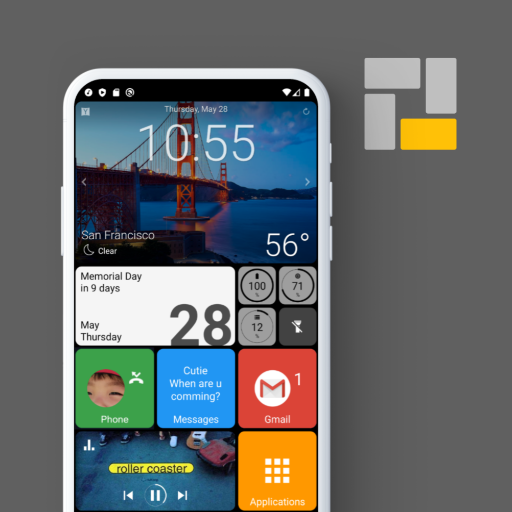
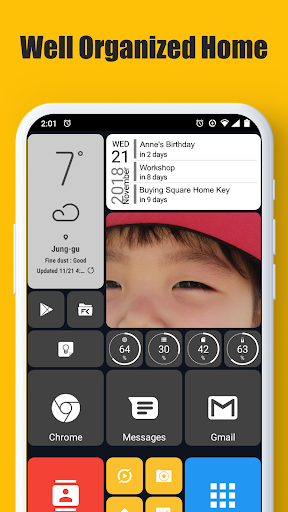
Square Home is the best launcher with metro UI of Windows.
It's easy to use, simple, beautiful and powerful for any of phone, tablet and TV box.
Main features:
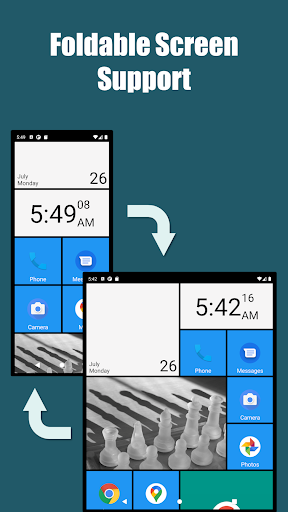
- Foldable screen support.
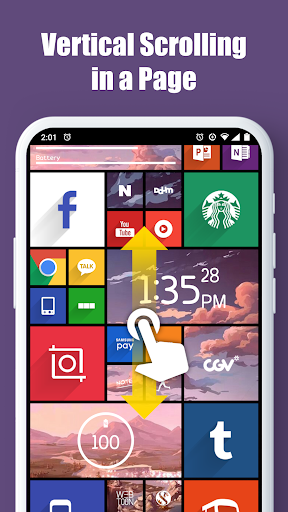
- Vertical scrolling in a page and horizontal scrolling from page to page.
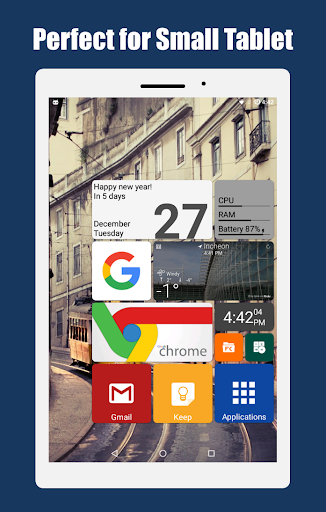
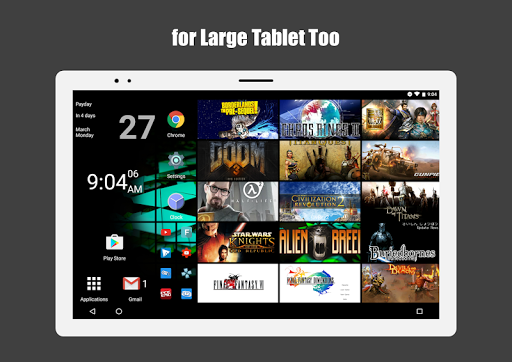
- Perfect metro style UI and tablet support.
- Beautiful tile effects.
- Shows notifications and count on tile.
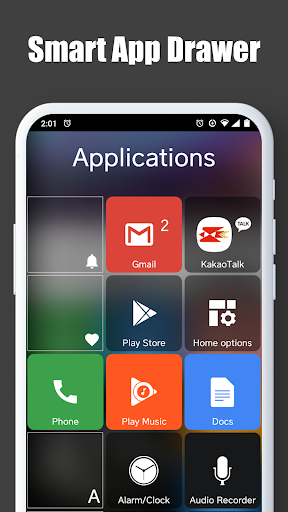
- Smart app drawer : Sort the best apps to the top based on app usage patterns
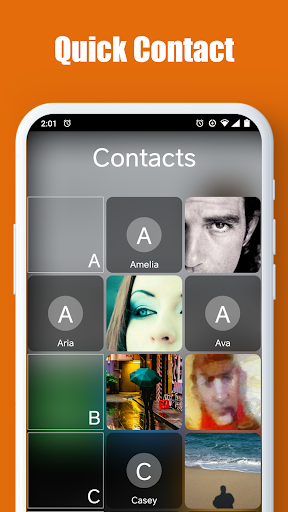
- Quick access to your contacts.
- Plenty options for customization.
If Android version is lower than 9.0, you should allow the permission to make the "screen lock" launcher action work.
* This app uses Accessibility service API for the following Launcher actions only if necessary:
- Expand notifications panel
- Expand quick settings panel
- Open recent apps
- Screen lock
- Power dialog
Square Home is the best launcher with metro UI of Windows.
It's easy to use, simple, beautiful and powerful for any of phone, tablet and TV box.
Main features:
- Foldable screen support.
- Vertical scrolling in a page and horizontal scrolling from page to page.
- Perfect metro style UI and tablet support.
- Beautiful tile effects.
- Shows notifications and count on tile.
- Smart app drawer : Sort the best apps to the top based on app usage patterns
- Quick access to your contacts.
- Plenty options for customization.
What's New
- new widget: Checklist
- new launcher actions: Quick scroll app drawer, Quick scroll contacts
- support Tap and Long press actions for "Label" widget
- added "Launch lock" in the launch options of tile and the Tile group options when you set a password in the Behavior and UI options
- fixed some bugs and optimized
- new launcher actions: Quick scroll app drawer, Quick scroll contacts
- support Tap and Long press actions for "Label" widget
- added "Launch lock" in the launch options of tile and the Tile group options when you set a password in the Behavior and UI options
- fixed some bugs and optimized
App Information
Version Name
3.0.12
Version Code
30012
File Size
5.6 MB
Minimum OS
Android 7.0+
Target SDK
Android 34
Developer
Total_Apps
Contact
Website
Content Rating
Everyone
Package Name
com.ss.squarehome2Permissions Required
This app may request the following permissions:
Recent Reviews

John “ZoomZoom” Hoit
5.0★
This is a refreshing change from the standard android layout. If Microsoft would have done their cellphone UI with this much dazzle and function it might have actually survived. Configuration and tweaking takes a little getting used to and a lot of it is trial and error. I have mine set up the way I like it and I use it often when I need a change. I am very pleased with how well it looks on my tablet. This launcher is definitely worth paying for.

Nathaniel Roda
5.0★
Very smooth and intuitive. Reminds me of my old windows Nokia phones I had years ago, but better. Took me a minute to figure out how I wanted to get it dialed in. If I were to recommend/request one thing it'd be: the ability to pin/favorite/add apps that you want to the grey bar at the bottom of the app panel list, where the folders, search, etc. are. The ability to pin the Play Store, F-Droid, etc. right there would be great. 10/10 app though

Scott Brown
5.0★
the best. I've used it for years now on all of my devices... I think this is my third phone (plus my tablets) that I've put it on. just thought I'd finally leave a review. no glitches and rebooting like Nova seemed to do all of the time. came back to add: no battery drain and some really legit icon packs. I finally paid for the full version after way too long- but what you get for free is so sufficient I never really looked back, but once I saw what you actually get extra...I was sold

Robin B
5.0★
I have SO missed my Windows phone and the ease and simplicity of the tiles. It saves so much time and is so much easier to navigate than the tiny icons on both Android and iPhone. I am almost crying tears of joy to have this Windows phone experience again! No more swiping left or right to see all the icons and trying to remember which one is where. I have customized my home screen with everything I want to see, in the order I want to see it. And in different sizes.

Kail Galestorm
5.0★
I got this app almost 6 years ago. I was part of a small focus group for Windows phones, and when I switched back to android, I just couldn't over the usability of the wp ui, so I got this. It is not a clone of metro ui from wp but a whole other beast. It is very good. It is updated alongside most android updates, or not far off, and has worked for years. I paid to support, but the free version is perfectly fine.

Josh Muglia
5.0★
I'm a folders guy. I like to have everything on a single page, and that typically requires me to group things together and put them in folders. Then i discovered this launcher. I now have everything conveniently put into stylish cubes that I can quickly use to select any app I want. I even have super convenient shortcuts for things like calling and texting specific people. Out of all the launchers I've tried, this one is far and away my favorite and I'll be purchasing the full version very soon.
Ad slot: In-Content