

Matterport
com.matterport.android.capture
by Matterport, LLC
Screenshots

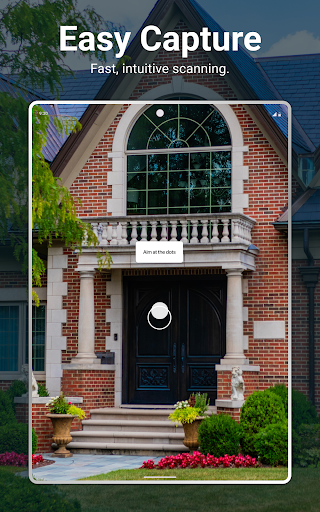
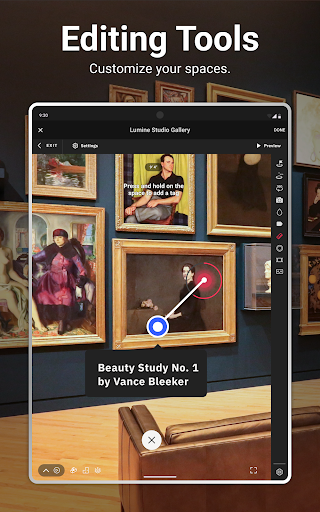

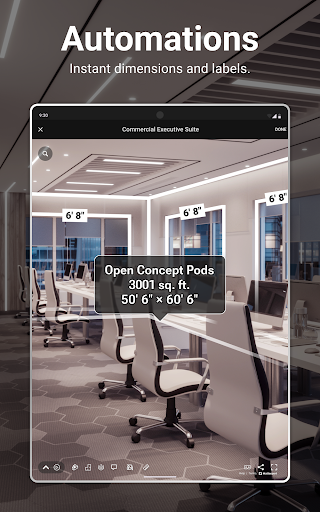
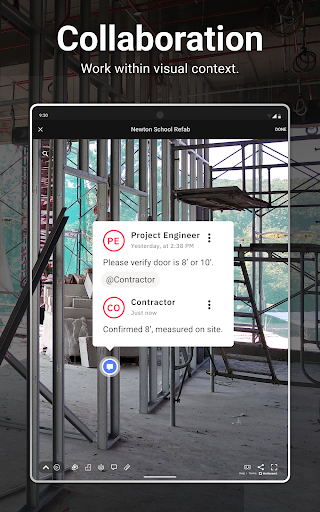

Ad slot: Top Leaderboard
About this app
Matterport: The Standard for 3D Space Capture
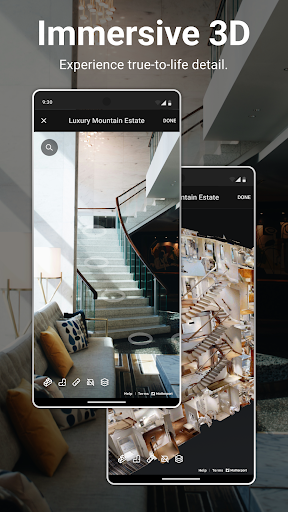
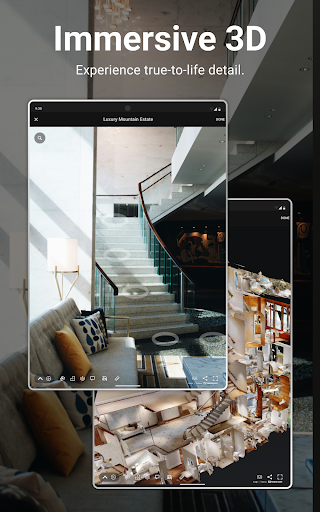
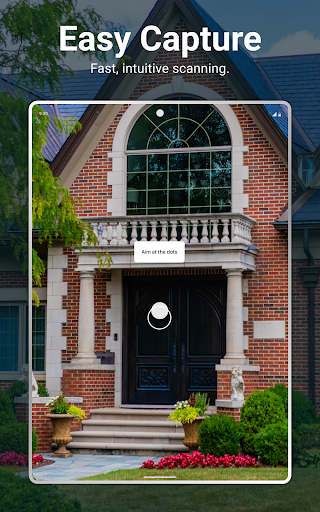
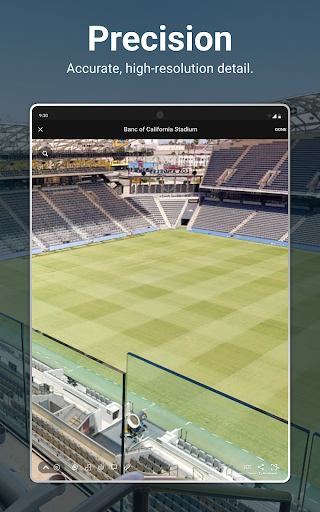
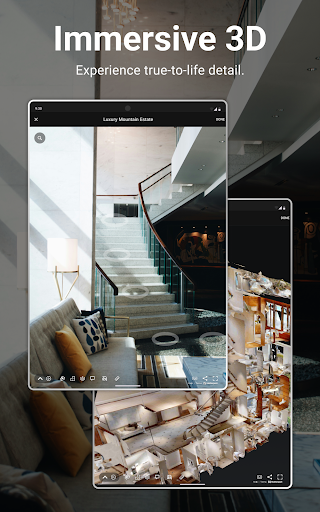
Transform any space into an interactive, immersive and intelligent 3D digital twin–accessible anywhere. Whether you’re marketing real estate, documenting projects, managing facilities, or showcasing your business, Matterport makes capturing and sharing digital spaces easy.
Designed for Any Space, Anywhere
Powerful and Easy-to-Use Features
Seamlessly Share and Publish
File Export and Media
Extensive Camera Compatibility
Get Started for Free
Join millions of users who trust Matterport to bring their spaces to life in immersive 3D. Download the free app and create your first Matterport today!
Transform any space into an interactive, immersive and intelligent 3D digital twin–accessible anywhere. Whether you’re marketing real estate, documenting projects, managing facilities, or showcasing your business, Matterport makes capturing and sharing digital spaces easy.
Designed for Any Space, Anywhere
- Real Estate : Enhance your listings with interactive 3D virtual tours and floor plans that give potential buyers and renters the ability to view your properties from anywhere.
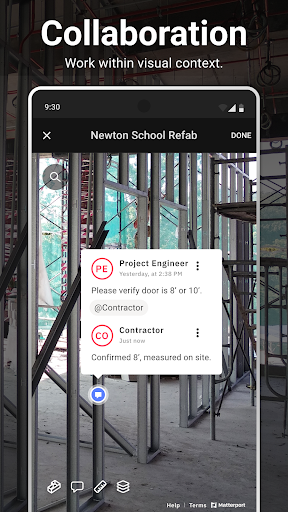
- Design & Construction : Capture detailed, accurate site conditions to collaborate with your team and execute projects seamlessly.
- Facilities Management : Simplify space planning, maintenance, and operations with up-to-date digital twins of your properties.
- Retail & Entertainment : Create engaging virtual experiences for everything from retail stores and shopping malls to museums and event spaces.
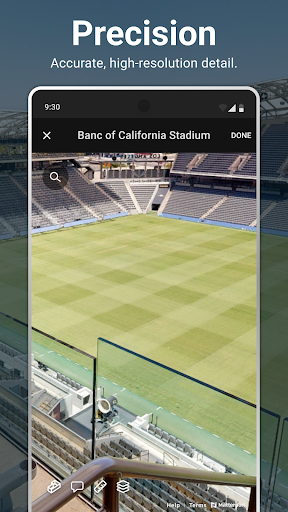
- Insurance & Restoration : Speed up claims processing and restoration efforts with accurate, high-resolution 3D scans of damaged properties.
- Travel & Hospitality : Promote hotels, vacation rentals, and event venues with interactive 3D walkthroughs to attract more guests.
- Education : Showcase campuses, classrooms, and learning facilities with immersive digital tours for prospective students and staff.
- Homeowners : Digitally document your home and belongings for insurance, remodeling, or personal records.
Powerful and Easy-to-Use Features
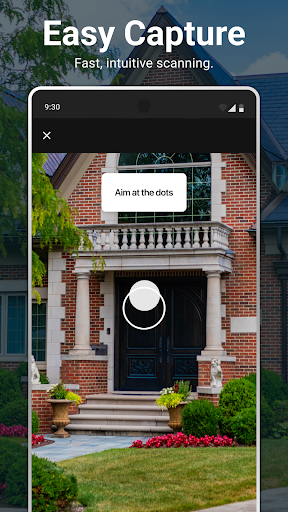
- Effortless 3D Capture : Quickly capture any space using a smartphone, tablet, 360 camera, 360 imagery or Matterport Pro Series cameras.
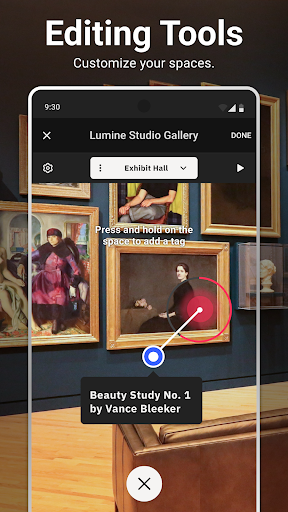
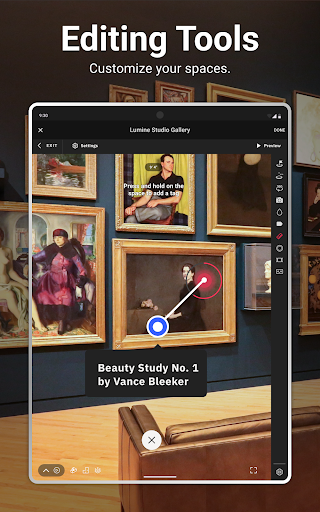
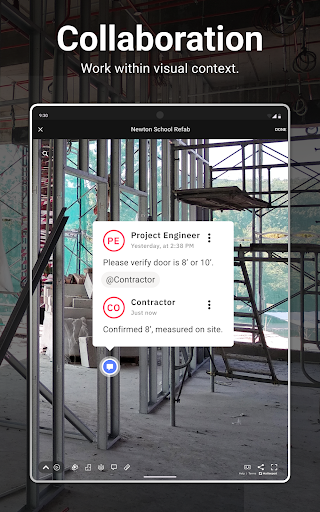
- Interactive Virtual Tours : Build engaging 3D tours for storytelling with collaboration features like tags, notes, and guided navigation.
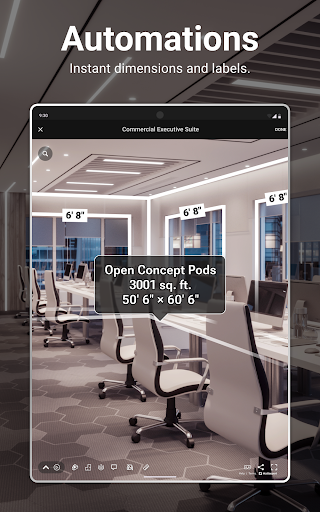
- Automated Measurements & Labels : Use AI Property Intelligence to get accurate room names and dimensions, instantly generated within your 3D models for precise planning.
- Easy Customization : Enhance your 3D virtual tours by adding annotations, including labels and multimedia tags.
Seamlessly Share and Publish
- Instant Collaboration : Share links with clients, teammates, or stakeholders for easy access to your digital twins.
- Publish and Embed : Publish directly to Google Street View, real estate MLS—or embed your tours in websites and presentations.
File Export and Media
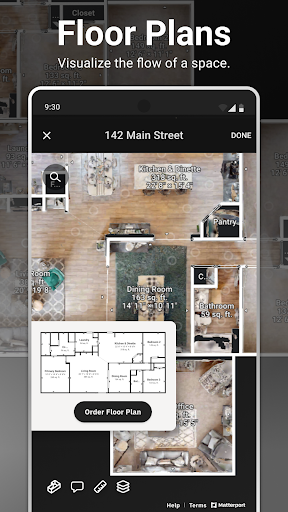
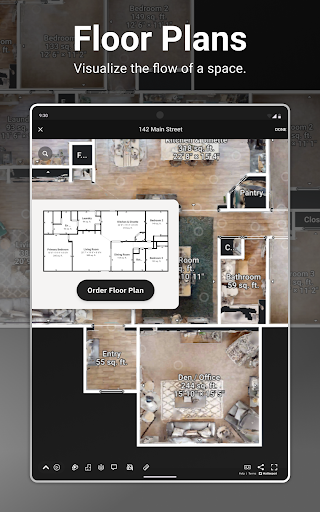
- Floor Plans : Get affordable professional-grade schematic floor plans, simply and easily with just the push of a button.
- All-In-One Marketing Media Assets : Transform a single Matterport digital twin into immersive 3D experiences, high-quality 2D photography, detailed floor plans, and more.
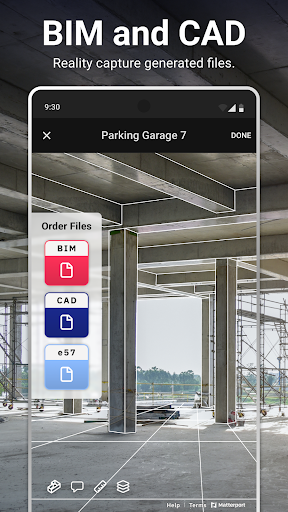
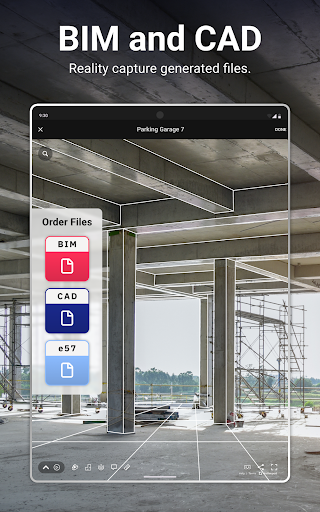
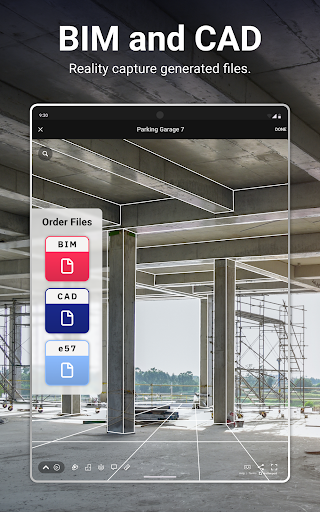
- File Export : Export your digital twins in E57, OBJ, XYZ, and industry-standard formats such as RVT and DWG for use with BIM and CAD applications. Generate ready-to-use Xactimate®-compatible sketches, simplifying insurance claims and restoration planning
Extensive Camera Compatibility
- Matterport’s advanced Lidar Pro3 3D camera
- Matterport’s industry-favorite Pro2 3D camera
- Popular 360 cameras from Insta360 and Ricoh, see details here.
- Smart Phones, see details here.
Get Started for Free
Join millions of users who trust Matterport to bring their spaces to life in immersive 3D. Download the free app and create your first Matterport today!
What's New
+ Performance improvements and bug fixes
App Information
Version Name
2.31.1 (2342)
Version Code
2342
File Size
100.4 MB
Minimum OS
Android 10+
Target SDK
Android 34
Developer
Matterport, LLC
Contact
Website
Content Rating
Everyone
Package Name
com.matterport.android.capturePermissions Required
This app may request the following permissions:
Recent Reviews

Perfect Rice
1.0★
I wanted to scan the interior of a small building with three rooms. Things were going well until room 3, at which point either it's "not aligned" or the app places it on top of the first room. Yes, it can be manually moved, but once you've done that the app randomly moves it to a different location anyway. I did seven scans of room 3 and was never able to get in the correct location. An utter waste of time.

Daniel L
4.0★
Been using the app for 3 years now. High variability of performance based upon the device you're using. Not all features across all devices. Back-end tech-engineering isn't leak proof, however you can still get job done. I must say that the tragic part is that it's not allowing to place 360s on the map, at least for my Samsung device amongst others. I mean what's the point then if you can't place the 360s on map, that option for you is now 86'd.

ilker Aktuna
5.0★
I am not a company but an individual trying to get captures of my rooms at home. I connected my insta 360 camera and successfully captured a bird's eye view of one of my rooms. But then what can I do with this I am not sure. Is there a possibility of connecting the rooms in the app ? And how can I get those fancy views in the screenshots ? What is the upload process used for ? I uploaded one capture but then there is no process on it. Edit: I used the online features and it works quite well. Very happy with output from my home captures.

A J
2.0★
Works, but it's pretty buggy. Exits the capture screen if you move the phone a way it doesn't like. If it has trouble connecting to your camera, it puts an error message RIGHT OVER WHERE THE KEYBOARD APPEARS, & blocks the letters so you can't type those characters. Only way to clear the message is by restarting the phone. Certain features, if they don't work the first time, continue to say they didn't work even if you fix the issue. Crashes whenever I try to place a 360 photo on the map.

Zero Cool
5.0★
It takes some doing but once you get the hang of it you can map out a floorplan quite nicely. It's not something you can rush through though. And I'm not 100% certain but I believe this app can also be used to manually take 360 photos on any cell phone. However, it's made for a device that can hold cell phones and make 360 photos and the like MUCH more accurate. I have seen people say that they have gotten better results doing those manually but I haven't had any problems.

Shannon Domarski
5.0★
We finally figured out that all the bad experiences were definitely because we were running the app on an iPad. We are now using our Galaxy 24 Ultras and it's so much faster. However, the app does not allow me to place my 2D scans on the map. When I tap the "place on map" it just says "please wait" and never does anything more.
Ad slot: In-Content