

Business Card Maker
com.irisstudio.businesscardmaker
by Iris Studios and Services
Screenshots
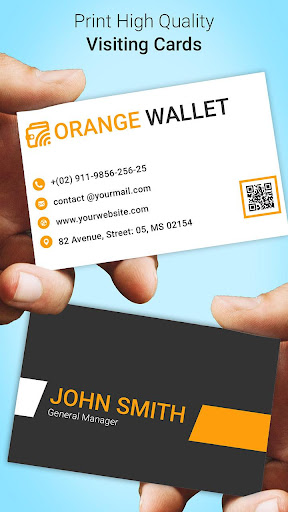
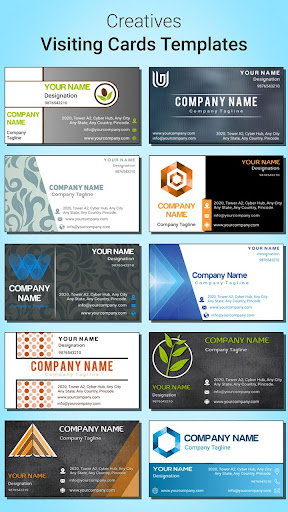
Ad slot: Top Leaderboard
About this app
Want to create your own Business Card?
If yes, then this is the app for you.
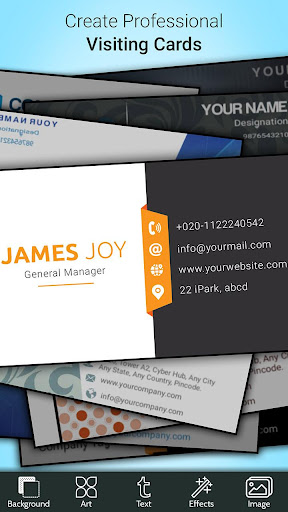
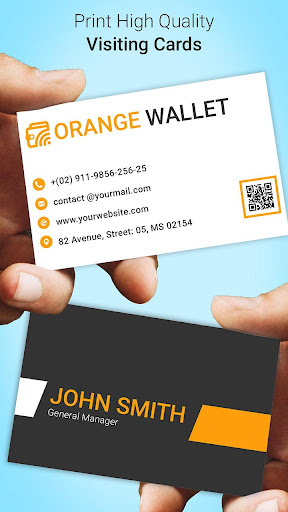
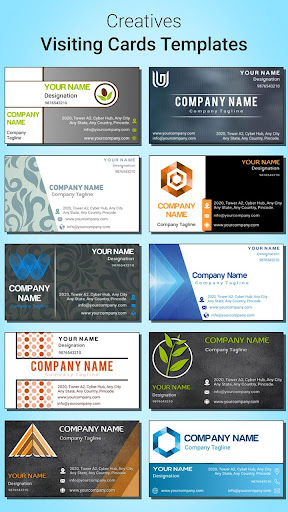
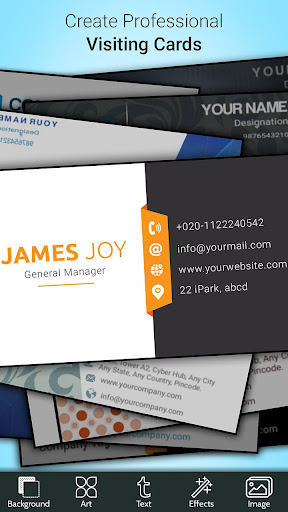
Create your own business card in just few seconds, just enter your details and choose from multiple business card created.
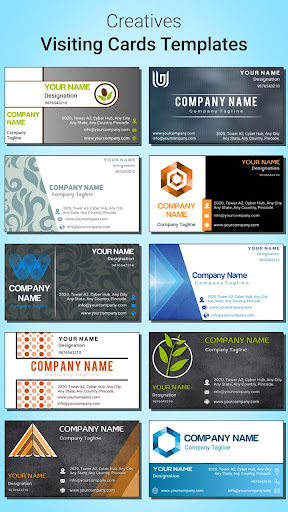
To establish yourself as a professional, your identity is essential. A Visiting/Business Card is a unique marketing strategy used to promote the business in the market. Create your own business card in seconds using beautiful and professional design templates.
Business Card Maker also have the Key feature of Logo Maker, Poster Maker and Flyer Designer & Thumbnail Maker app.
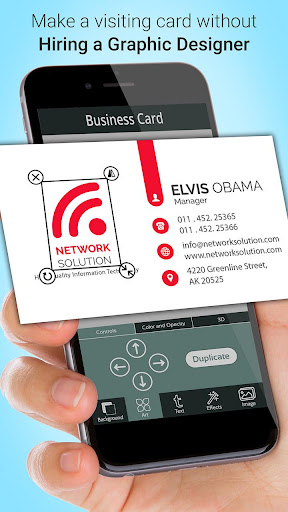
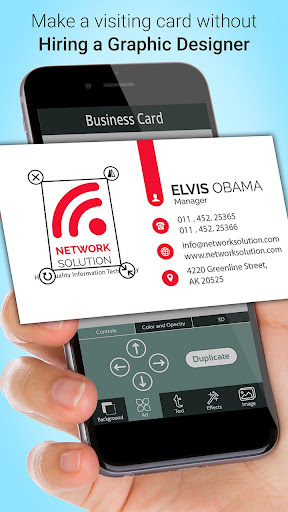
Business Card Maker creates professional digital business card for your business. You can create your business card using Designer or you can create your business card from scratch according to your need.
Business Card Maker is :-
- A simple application which makes your business card in few seconds.
- A mini studio that inspires and enhance your creativity.
- An evaluate vision for your brand.
Business Card Maker Features :-
- Create business card easily using designer.
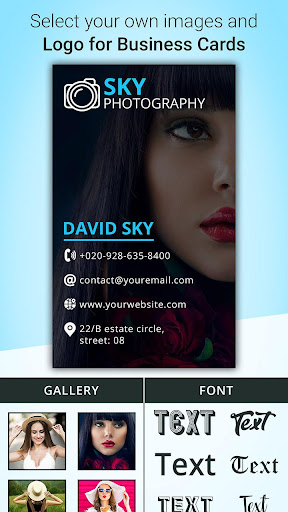
- Create standard and vertical card.
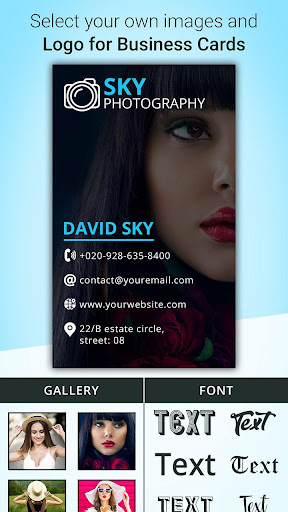
- Built-in sticker collection, backgrounds, colors and other effects.
- Provide multiple elegant fonts.
- Save and Share businesscard Using social Media.
2 type of business cards you can create :-
- Standard Card
- Vertical Card
How it works :- Business Card Maker can be used in two ways -
1. Create Business Card using Designer: (Fast & Easy to use)
- Just Enter your details and get multiple business card in few seconds.
- You can further edit your selected business card if you want.
- Save as Design (lets you re-edit) or as Image.
- Share your business card on social media.
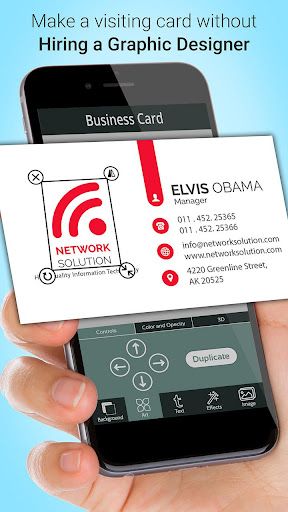
2. Create Business Card from Scratch: (Convert own Idea into Card)
- Choose Business Card Style(Standard or Vertical)
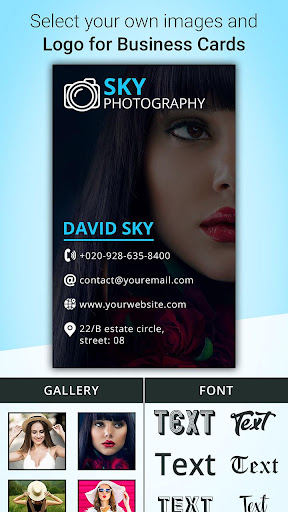
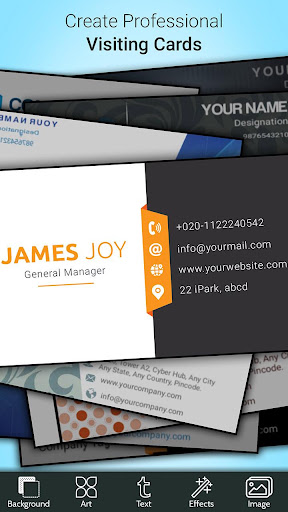
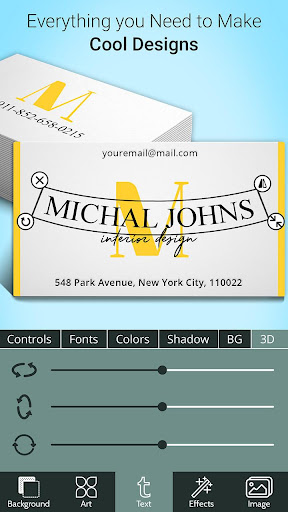
- Add Text, Stickers & Background
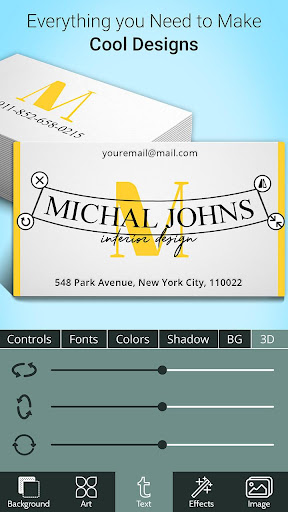
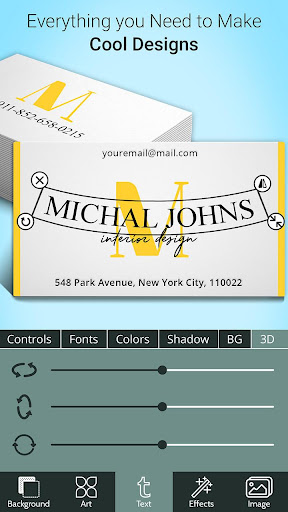
- Apply color, Opacity, fonts, rotation, 3D effects and other effects.
- Seve as Design (lets you re-edit) or as Image.
- Share your business card on social media.
This app can help you to create a digital business card for your business networks. You can also use them as your digital identity and e-card.
Try this amazing app for free and share your feedback & suggestion with us and let us know how we can further improve.
If yes, then this is the app for you.
Create your own business card in just few seconds, just enter your details and choose from multiple business card created.
To establish yourself as a professional, your identity is essential. A Visiting/Business Card is a unique marketing strategy used to promote the business in the market. Create your own business card in seconds using beautiful and professional design templates.
Business Card Maker also have the Key feature of Logo Maker, Poster Maker and Flyer Designer & Thumbnail Maker app.
Business Card Maker creates professional digital business card for your business. You can create your business card using Designer or you can create your business card from scratch according to your need.
Business Card Maker is :-
- A simple application which makes your business card in few seconds.
- A mini studio that inspires and enhance your creativity.
- An evaluate vision for your brand.
Business Card Maker Features :-
- Create business card easily using designer.
- Create standard and vertical card.
- Built-in sticker collection, backgrounds, colors and other effects.
- Provide multiple elegant fonts.
- Save and Share businesscard Using social Media.
2 type of business cards you can create :-
- Standard Card
- Vertical Card
How it works :- Business Card Maker can be used in two ways -
1. Create Business Card using Designer: (Fast & Easy to use)
- Just Enter your details and get multiple business card in few seconds.
- You can further edit your selected business card if you want.
- Save as Design (lets you re-edit) or as Image.
- Share your business card on social media.
2. Create Business Card from Scratch: (Convert own Idea into Card)
- Choose Business Card Style(Standard or Vertical)
- Add Text, Stickers & Background
- Apply color, Opacity, fonts, rotation, 3D effects and other effects.
- Seve as Design (lets you re-edit) or as Image.
- Share your business card on social media.
This app can help you to create a digital business card for your business networks. You can also use them as your digital identity and e-card.
Try this amazing app for free and share your feedback & suggestion with us and let us know how we can further improve.
What's New
🔧 Boosted app performance and resolved Firebase issues for smoother usage.
App Information
Version Name
1.9
Version Code
12
File Size
41.7 MB
Minimum OS
Android 7.0+
Target SDK
Android 33
Developer
Iris Studios and Services
Contact
Content Rating
Everyone
Package Name
com.irisstudio.businesscardmakerPermissions Required
This app may request the following permissions:
Recent Reviews

Ari Busch
4.0★
Easy to use, freezes often, and then i have to restart the app. I just wish it told you what the standard size is, like the logo maker app they made. Also, I thought it was cool that the logo you created would carry over to this app. Also, there are too many ads. Again, though, it was easy to use and pretty fast to create the logo and business card.

A Google user
2.0★
Surprised to see so many high ratings. Theres so much you can't do with this app. You can resize font, but you can't pick a font size so you'll just have to eyeball it. Same with the colours. If your brand is a specific color you have no way of entering that color code. Aside from that images that come free with Vista Print you have to either pay a monthly price for or watch an ad.

Everyone's Favorite
5.0★
Literally took me, maybe, 10 minutes, IF that to fully create my business card!! I was going for more minimalist so it didn't require too much. I used their logo maker right before and I will say I wasn't impressed with the limited choices as far as graphics and images go, however it worked rather well for what I needed it for right now and I'm happy with the finished product. Thanks guys!!
A Google user
4.0★
I have a graphic design background so I found this app a pleasure and simple to use for most part. There are a few unexpected limitations though...textbox doesn't recognize short text or moving text to next line so you cant do a "list" in one text box. Also, line art under the shapes tool cannot be resized. But, I love my v-card!! Now I'm just testing how well it shares, sends and is received by clients. If that goes well I would definitely upgrade!

Pastor S M. Johnson
4.0★
Good app, except after you created your business card, at the bottom, right side of the card is their company name. Which mean if you don't crop the name of company, it will show on your card. Which is why I gave it a 4 🌟 Other than that, the app is awesome 👌 and easy to use. It's a no brainer.. I ❤️ this app and you can share and send it to people's phone, email, etc.

Stack Thomas
5.0★
Designed my cards with detail. Super jazzed about all the options. Super pro. Had my designs printed on vista print. Easy from start to finish. Thanks. I also used the logo maker from these guys! These are the only good card designers. The sizing can be easily adjusted to whatever size you need, you can do all that manually. I actually couldn't find any card designers that let you choose between their designs and creating your own from scratch options. THIS IS THE ONLY ONE!!
Ad slot: In-Content