
Word Fit Puzzle
com.havos.wordpuzzle
by Havos Word Games
Screenshots


Ad slot: Top Leaderboard
About this app
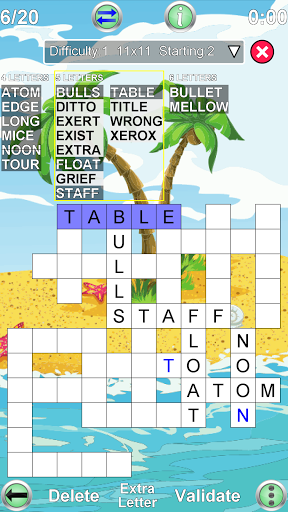
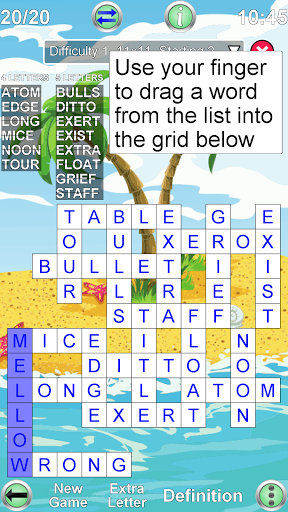
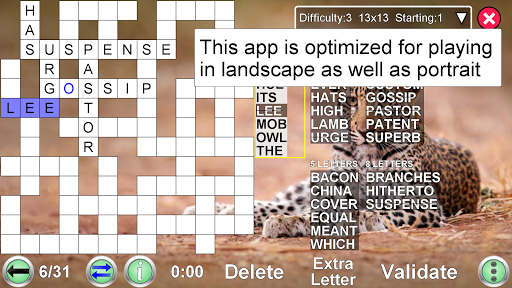
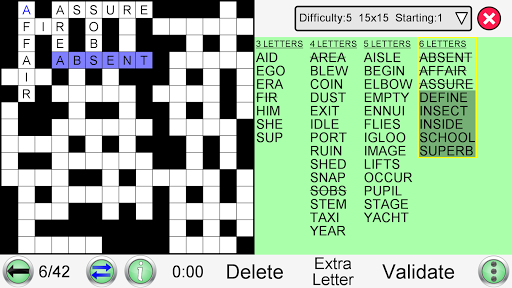
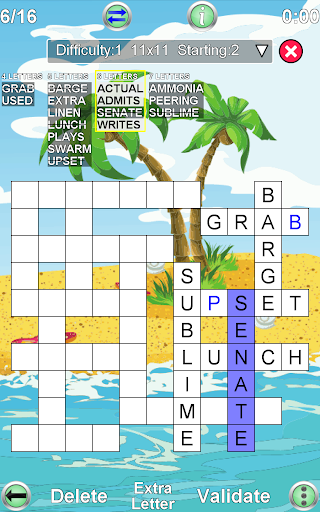
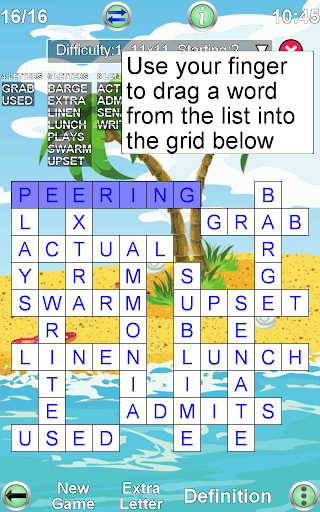
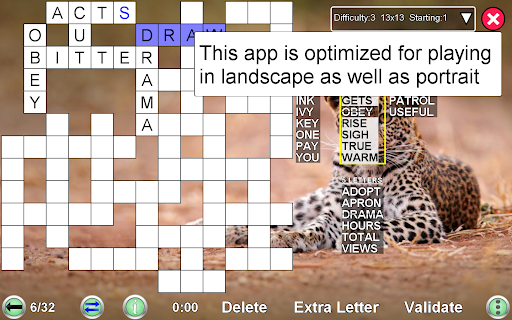
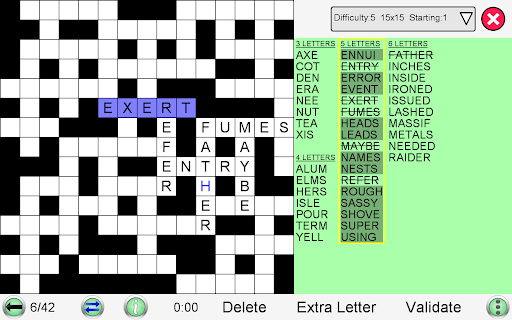
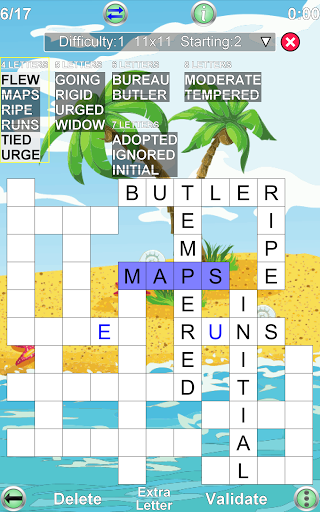
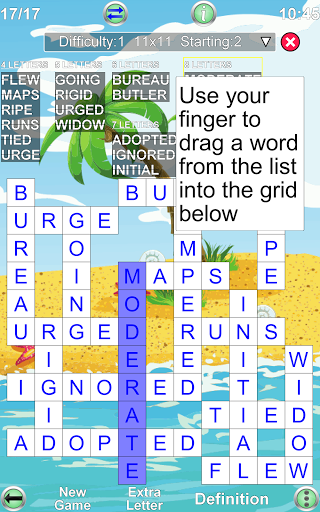
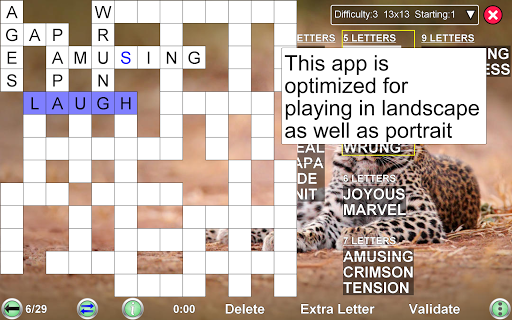
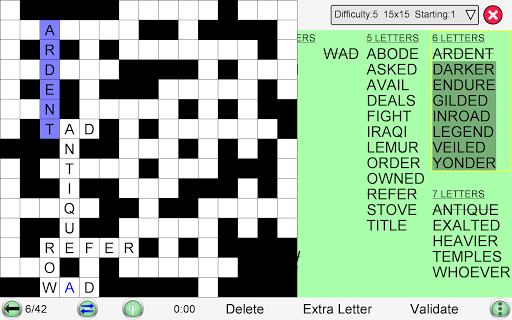
Fit words into a grid in this popular game, often seen in puzzle magazines as fill-ins. The grid looks like a crossword, but there are no normal clues. Instead you must find the right place in the grid for each word from a given list. The game has an easy to use interface. Either drag-and-drop the words to their correct position, or tap the grid and then the word.
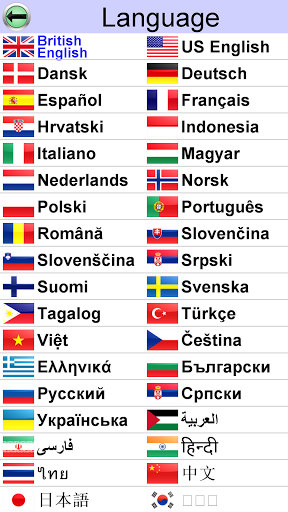
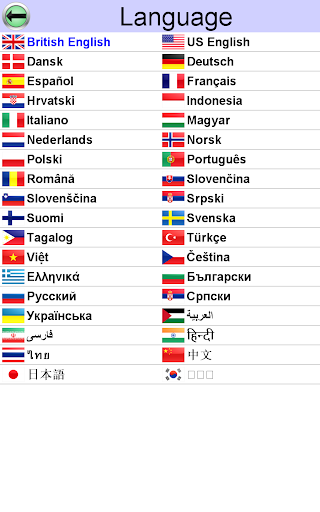
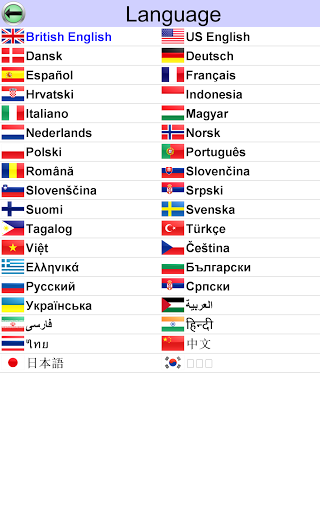
The words to find are in English, or you can play in 35 other languages.
• Play an unlimited number of different puzzles!!
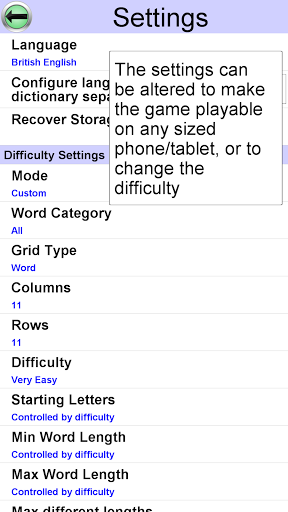
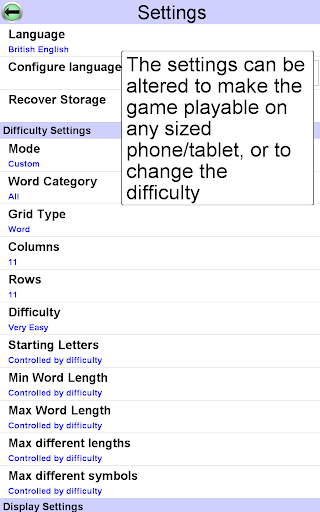
• Multiple difficulty options. Play one of 10 built in difficulty levels, or use the custom mode to configure the difficulty of the game to exactly what you want
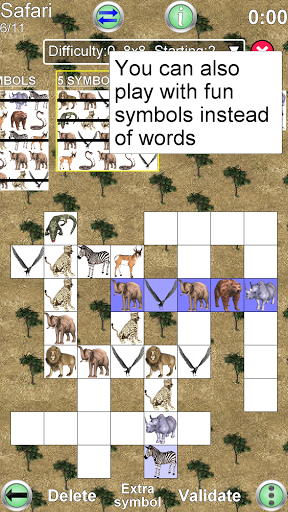
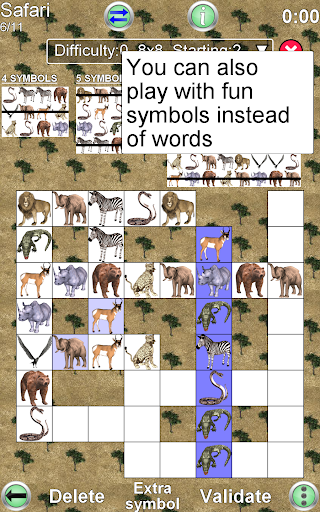
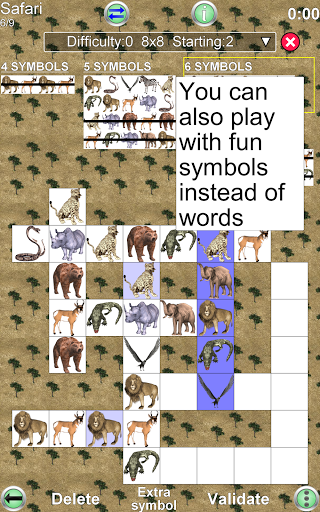
• You can also look for sequences of digits or symbols, not just words
• Designed for fun games from the smallest mobile phones up to the largest tablets
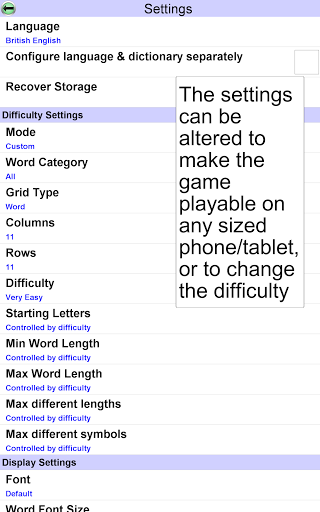
You can configure:
1) Grid size
Specify exactly how many columns and rows to use (from 3 to 20). Even non square grids (e.g. 12x15) are possible
2) Difficulty settings
Change the difficulty of the puzzles, from easy to very difficult
3) Minimum & Maximum word length
This helps avoid searching for many small words (a common problem in word apps). Also useful for specifying really difficult games (e.g. set both minimum and maximum word length to three).
4) Starting letters
The game can start with one or more letters already placed in the grid, in order to help you get started
5) Language
Choose the language of the word list, from a large range of downloadable dictionaries. 36 languages are currently available (see below)
6) Orientation
Can be played in portrait or landscape mode. Just rotate your device and the display adjusts automatically
7) Word Category
Choose the words to find from a range of categories; e.g. animals, food etc
This app gives you the ultimate power to play the game just the way you want
Each game is assigned a difficulty level from 0 (easy) to 9 (very hard). The difficulty level is determined by the settings or the difficulty selector. Each difficulty level maintains the high scores (measured by fastest time to complete the game). The game displays the best 20 scores for each difficulty level.
Other features unique to this app:
1) View the definition of the word from an online dictionary (internet connection required)
2) When you play with a word list in a foreign language, the word definition will (where possible) be in your own language. This is great for language learning!
You can play this app in the following languages: English, French, German, Spanish, Portuguese, Italian, Dutch, Swedish, Danish, Norwegian, Finnish, Polish, Hungarian, Czech, Russian, Arabic, Bulgarian, Croatian, Greek, Indonesian, Romanian, Serbian, Serbo-Croatian, Slovak, Slovene, Turkish, Ukrainian, Afrikaans, Albanian, Azeri, Estonian, Latvian, Lithuanian, Catalan, Galician, Tagalog
The words to find are in English, or you can play in 35 other languages.
• Play an unlimited number of different puzzles!!
• Multiple difficulty options. Play one of 10 built in difficulty levels, or use the custom mode to configure the difficulty of the game to exactly what you want
• You can also look for sequences of digits or symbols, not just words
• Designed for fun games from the smallest mobile phones up to the largest tablets
You can configure:
1) Grid size
Specify exactly how many columns and rows to use (from 3 to 20). Even non square grids (e.g. 12x15) are possible
2) Difficulty settings
Change the difficulty of the puzzles, from easy to very difficult
3) Minimum & Maximum word length
This helps avoid searching for many small words (a common problem in word apps). Also useful for specifying really difficult games (e.g. set both minimum and maximum word length to three).
4) Starting letters
The game can start with one or more letters already placed in the grid, in order to help you get started
5) Language
Choose the language of the word list, from a large range of downloadable dictionaries. 36 languages are currently available (see below)
6) Orientation
Can be played in portrait or landscape mode. Just rotate your device and the display adjusts automatically
7) Word Category
Choose the words to find from a range of categories; e.g. animals, food etc
This app gives you the ultimate power to play the game just the way you want
Each game is assigned a difficulty level from 0 (easy) to 9 (very hard). The difficulty level is determined by the settings or the difficulty selector. Each difficulty level maintains the high scores (measured by fastest time to complete the game). The game displays the best 20 scores for each difficulty level.
Other features unique to this app:
1) View the definition of the word from an online dictionary (internet connection required)
2) When you play with a word list in a foreign language, the word definition will (where possible) be in your own language. This is great for language learning!
You can play this app in the following languages: English, French, German, Spanish, Portuguese, Italian, Dutch, Swedish, Danish, Norwegian, Finnish, Polish, Hungarian, Czech, Russian, Arabic, Bulgarian, Croatian, Greek, Indonesian, Romanian, Serbian, Serbo-Croatian, Slovak, Slovene, Turkish, Ukrainian, Afrikaans, Albanian, Azeri, Estonian, Latvian, Lithuanian, Catalan, Galician, Tagalog
What's New
1) Bugfixes
App Information
Version Name
3.2.4
Version Code
41
File Size
24.6 MB
Minimum OS
Android 4.4+
Target SDK
Android 34
Developer
Havos Word Games
Contact
Website
Content Rating
Everyone
Package Name
com.havos.wordpuzzlePermissions Required
This app may request the following permissions:
Recent Reviews

S. Jaye
4.0★
Excellent game. The format and layout are very good. My only complaint is that when it gives a starter letter, it always fits at least three words, each of which also fits several words. They're usually too complex to start with. Instead, I work with the category that has the fewest possible words and eliminate the ones that don't work. I usually play at level 5.

A Google user
2.0★
I really loved this game, it's a really good word fit puzzle and easy to use on my phone. Unfortunately, it's been using background data and running in the background any time I have my phone on! This is completely unacceptable. Uninstalled.

Dee Johnston
1.0★
This USED to be my favorite game. 5 stars without a doubt. However, the recent changes they've made to the format and settings choices (version 3.0) are very limiting. I will uninstall it if these changes remain. VERY disappointing!

Kathy Olinger
5.0★
I've played online and on the app. It's great! I only wish they had some number fill ins too but it's possible they do and I just haven't found them yet. They have an extensive collection of free games that I am just now starting to explore. Five Stars!

John Keegan
5.0★
love this app. It is hard but not too hard as you can choose the levels 1 to 10. great way to lose time.

Michael Harris
5.0★
Great fill-in game. It's just what you would expect for a fill-in game. Placement of the words isn't complicated at all, in fact it's very easy. If you like to do fill-ins, you'll really enjoy this app. If you're looking for a fun word game, this is the one you're looking for.
Ad slot: In-Content