

Chrome Remote Desktop
com.google.chromeremotedesktop
by Google LLC
Screenshots


Ad slot: Top Leaderboard
About this app
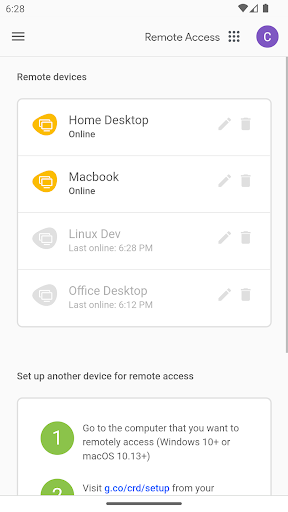
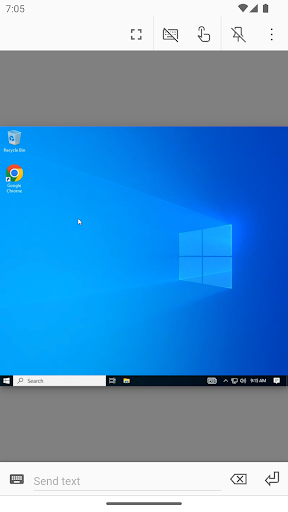
Securely access your computers from your Android device.
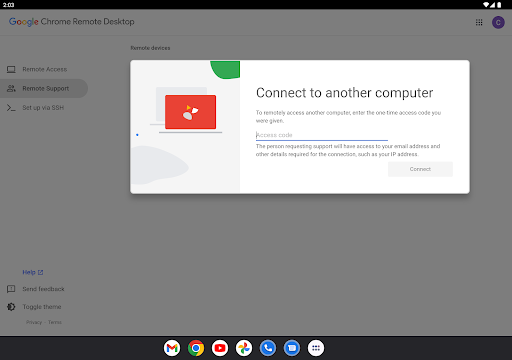
• On each of your computers, set up remote access using the Chrome Remote Desktop app from Chrome Web Store: https://chrome.google.com/remotedesktop
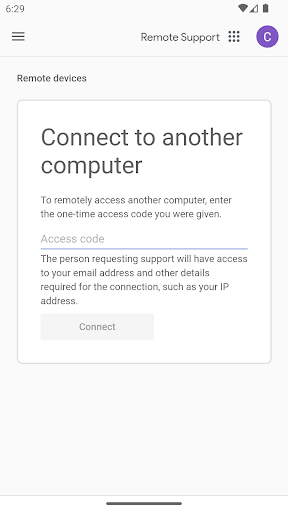
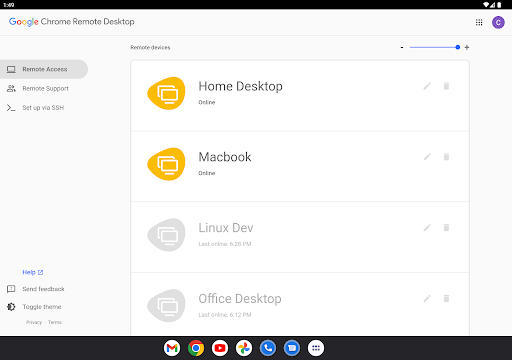
• On your Android device, open the app and tap on any of your online computers to connect.
For information about privacy, please see the Google Privacy Policy (http://goo.gl/SyrVzj) and the Chrome Privacy Policy (http://goo.gl/0uXE5d).
• On each of your computers, set up remote access using the Chrome Remote Desktop app from Chrome Web Store: https://chrome.google.com/remotedesktop
• On your Android device, open the app and tap on any of your online computers to connect.
For information about privacy, please see the Google Privacy Policy (http://goo.gl/SyrVzj) and the Chrome Privacy Policy (http://goo.gl/0uXE5d).
What's New
General fixes and stability improvements.
App Information
Version Name
44.0.2403.25
Version Code
240302510
File Size
5.0 MB
Min SDK
Android 14+
Target SDK
Android 21
Developer
Google LLC
Contact
Website
Content Rating
Everyone
Package Name
com.google.chromeremotedesktopPermissions Required
This app may request the following permissions:
Recent Reviews

Mirrations
1.0★
I've been using this app for a while, and I used to believe this was the best remote desktop app out there. Until recently. I set it up to use with my brand new computer, connected it with my 23Utra as I had any other time and... nothing. You can zoom, change displays, but that's it. No left or right click, no input, nothing. I used RD to do programming on the go with my phone and now I can't. What happened Google?

Jagger Mitchell
1.0★
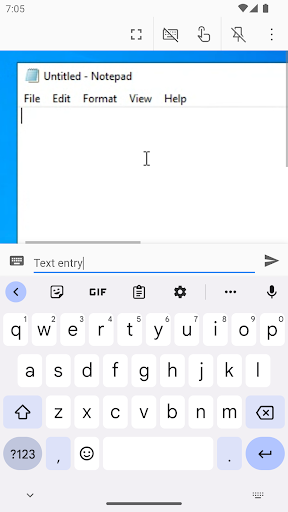
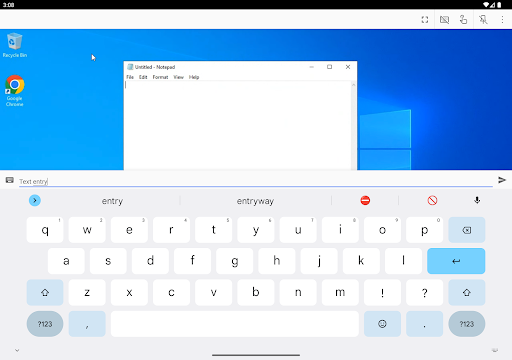
This was such a useful app before the most recent changes. They changed text input to be 2 steps instead of just one. So, on my tablet, i have to use my keyboard to input in a text box, then hit enter to send the text. Just bring back the old input method, please. Also, when using a mouse on a tablet, it will not show up or work properly in the app. Once they fix these issues, it would be a nice app again.

chrisar100
1.0★
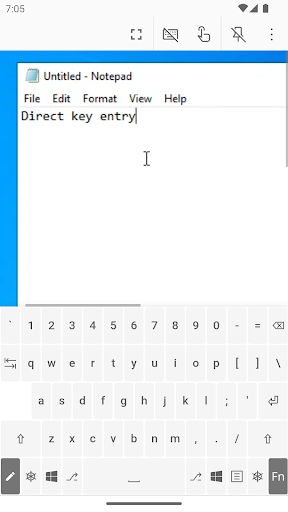
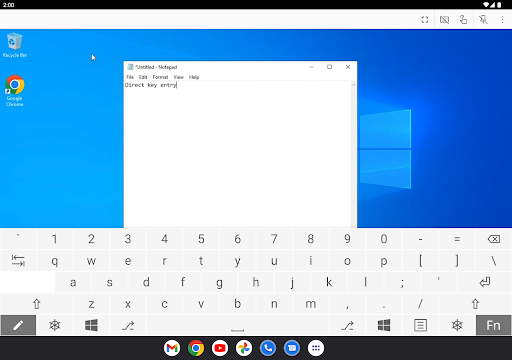
Oh Jesus Christ, you people can't leave anything alone, can you? You had a good, solid app. Bugs, sure. But solid. What the heck is this new update? You practically lobotomized it, running it on HTML. The old keyboard system was good. Direct input. Now you type a keystroke out and send it? It doesn't work. I'm actively looking for a replacement for this app now. Used it for over 8 years, this killed it for me.

Ignatius C
1.0★
Can't display all monitors with a dual monitor setup, only a black screen. Have to go in settings and change it to display one monitor, and even that doesn't always work. Battery usage is at least three times higher than before. Audio is distorted into the voice of the devil himself. The custom keyboard has almost no feedback, making it a pain to use. Being able to upload and download files is nice at least.

Will Redfern
1.0★
I understand changing to the web version. Probably more cost effective or whatever. But really, you change the controls and the viewports and make it 20 times slower to type text and make it impossible to see the desktop you are viewing. The whole "Send text" interface is just the poorest choice. What would have been quick and easy to help out my older relatives with their computer issues remotely now becomes a nightmare to do.

A Google user
3.0★
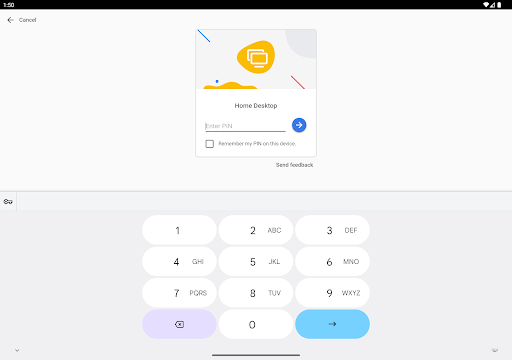
I love the app. I use it everyday. I only have two issues. First one, recently, after updating to Oreo, I found that whenever I type more than 5 characters on anything while on a remote connection it duplicates the text. I type a word with 6 characters, hit space or enter, and it duplicates what I typed on the text field. The other issue is when I type the pin to access my remote connection, after that, when I want to type on a different field it stays on the number keypad rather than switching to the qwerty keyboard... I use the app everyday to help me with school homework while I'm away or whenever I just need to access my computer so these things can be really annoying. Please fix! :(
Ad slot: In-Content