

Google Cast
com.google.android.apps.mediashell
by Google LLC
Screenshots
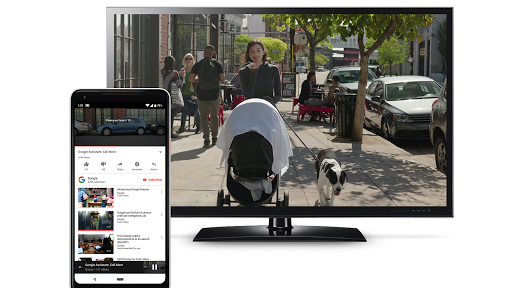
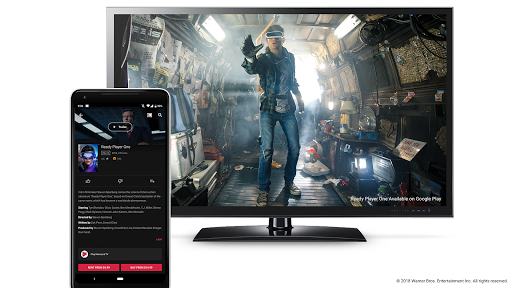
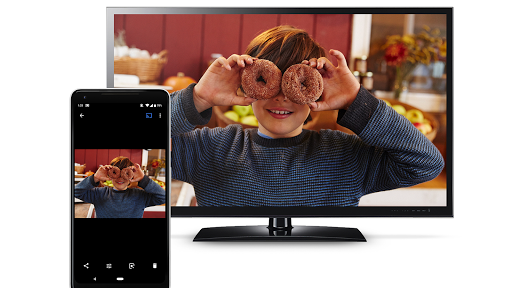
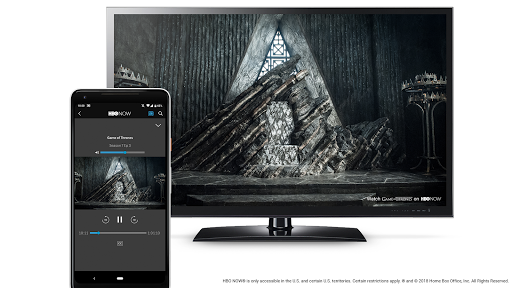
Ad slot: Top Leaderboard
About this app
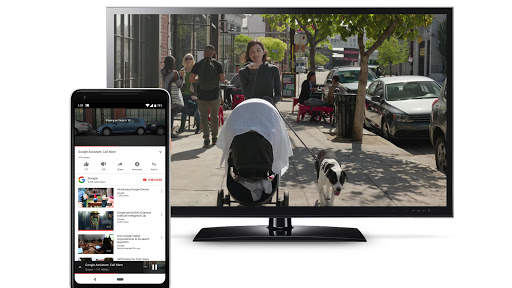
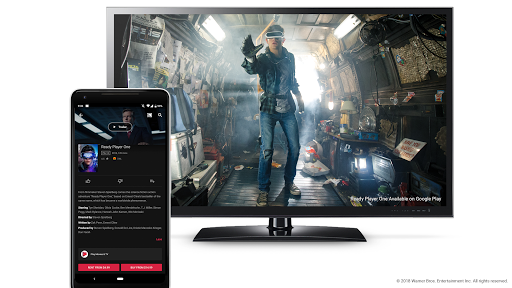
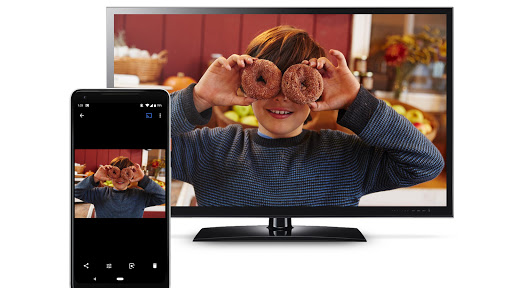
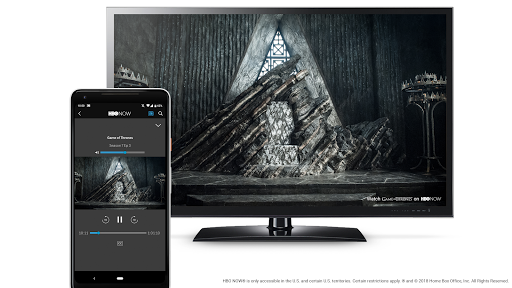
Google Cast is a technology that enables multi-screen experiences and lets a user send and control content like video from a small computing device like a phone, tablet, or laptop to a large display device like a television.
This app includes Chromecast built-in for Android TV.
Available and pre-installed only on Google approved Android TV devices.
This app includes Chromecast built-in for Android TV.
Available and pre-installed only on Google approved Android TV devices.
App Information
Version Name
1.68.410410
Version Code
410410110
File Size
96.7 MB
Min SDK
Android 24+
Target SDK
Android 33
Developer
Google LLC
Contact
Website
Content Rating
Everyone
Package Name
com.google.android.apps.mediashellPermissions Required
This app may request the following permissions:
Recent Reviews

A Google user
1.0★
Chromecast built-in is broken. App casting like YouTube and Netflix works because you can get around it by having the same accounts, but anything on the local network wont work. Philips 43" (43PFL5604/F7) casting doesn't work after uninstalling the updates/forcing an update/ rebooting/ or factory reset. I've spent 2 whole days trying to get it to work with nothing. Chromecast (2 hours in a text conversation and 1 hour in voice call) or Philips (1 hour in voice call and 2 hours on hold collectively) support doesn't even know what the issue is. Hoping that the next major version of Android TV the issues
A Google user
2.0★
Reply: Thank you for your reply. Since by resetting the app's data and cache youtube's chromecasting restores (only for the problem to emerge again a couple of hours later), I am pretty sure that there is nothing wrong with my router or anything else. I repeat that other apps (Google Photos, Netflix, TuneIn, Google Play etc.) are chromecasting wthout any problem. There are multiple threads and posts in avforum and sony community where people are reporting the same problem AFTER THE LATEST UPDATE. People that never updated to the latest version have not this youtube chromecasting issue.

Misha Syeed
2.0★
On my Sony TV, the factory installed version (1.47.216070) I couldn't get many websites, most notably Netflix, to successfully cast from Chrome off a laptop. The dedicated app for said site would attempt to load (three pulsing red dots) and then fail, crashing back to the home screen. With this update, that's not even an option -- trying to cast those sites that previously failed now instead triggers Chromecast Mirroring for that tab...which also frequently fails. I don't understand why this experience is so much worse than with a dedicated Chromecast device.
A Google user
1.0★
I've been having major issues with the latest version of this app. I use an Nvidia Shield TV, and I'd been unable to cast to the device in multiple apps. Youtube and HBO Go would both regularly fail to show content. The only fix I've found has been to uninstall the latest update for this app. Once I do that everything works great. Clearly the latest version has been hosed, and needs to be fixed.
A Google user
1.0★
Own a Sony Bravia XBR-900 Android TV, automatic updates on and overnight NOTHING works I even hard reset the whole system with all the issues and problems that means with the hope to get the out of the box version of Chromecast built-in (that was working flawlessly) nothing, I’m stuck with a not- working cast receiver. Can’t believe an update broke everything I liked and loved of my TV overnight, really, really disappointed at you guys. It was working fine. Please fix this!

Kristen Pershin
1.0★
This built in Chromecast thing is complete and utter garbage. I have been trying to get mine set up for about 2 weeks now and it does NOT work at all. My google home app won't pick it up and it is up to date and all the permissions are granted...completely frustrated with it.
Ad slot: In-Content