

Perfect Piano
com.gamestar.perfectpiano
by Revontulet Soft
Screenshots
Ad slot: Top Leaderboard
About this app
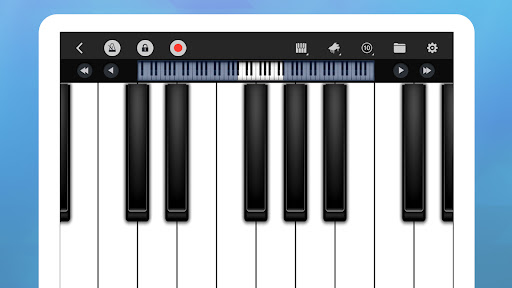
Perfect Piano is an intelligent piano simulator designed for Android phones and tablets. With in-built genuine piano timbre, this app can teach you how to play the piano and amuse you at the same time!
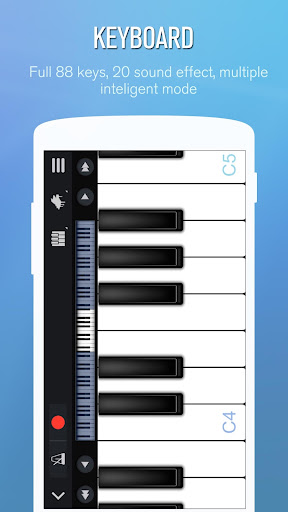
[ Intelligent Keyboard ]
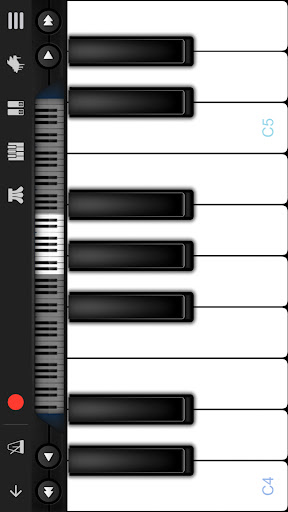
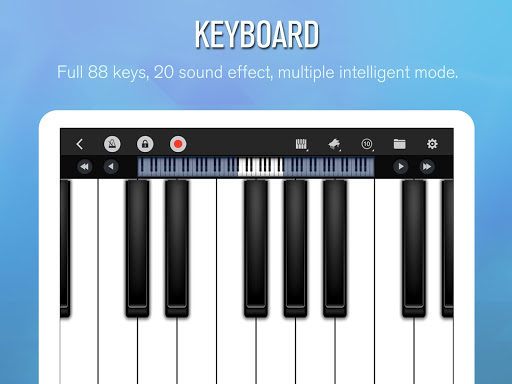
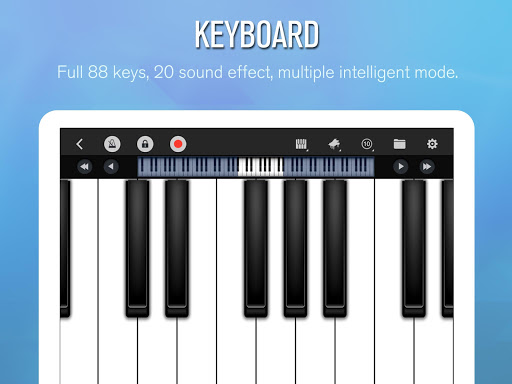
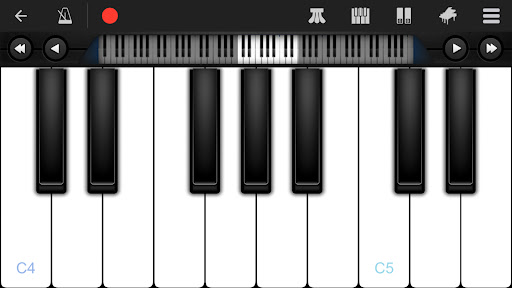
• 88-key piano keyboard
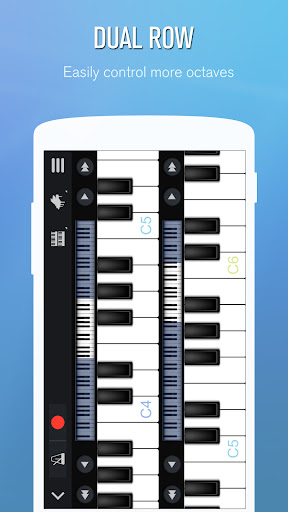
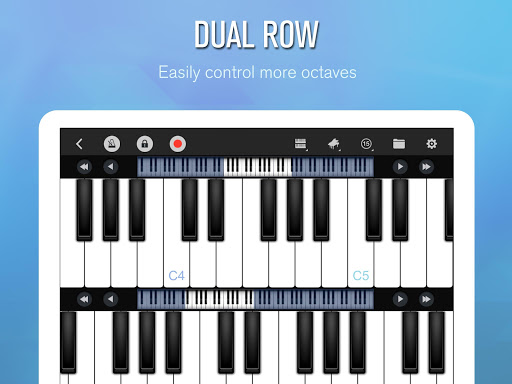
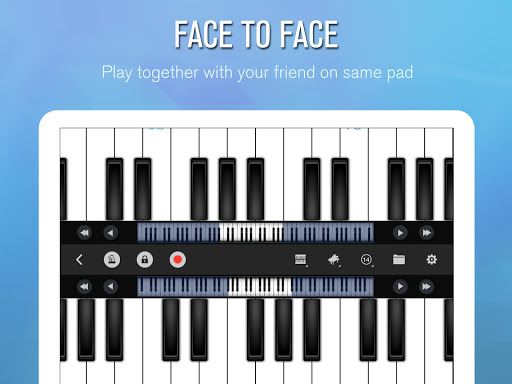
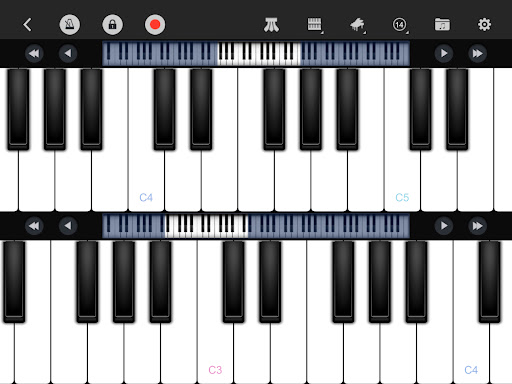
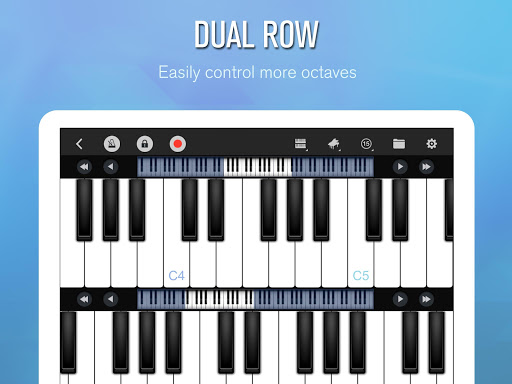
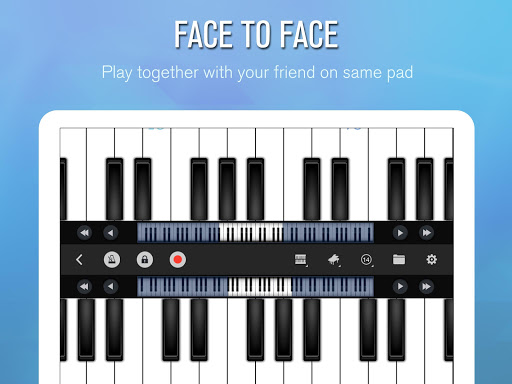
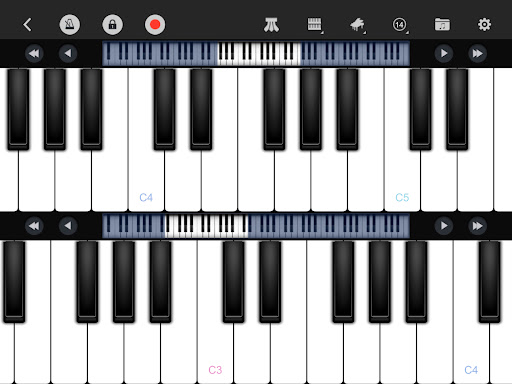
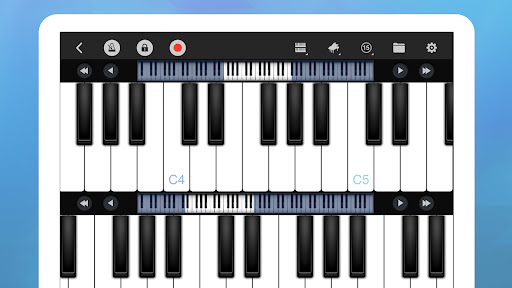
• Single-row mode; Double-row mode; Dual players; Chords mode
• Multitouch screen support
• Force touch
• Keyboard width adjustment
• Multiple in-built sound effects: Grand piano, Bright Piano, Music Box, Pipe Organ, Rhodes, Synthesiser
• MIDI and ACC audio recording
• Metronome
• Direct sharing of recording file or set as ringtone
• OpenSL ES low latency audio support (beta)
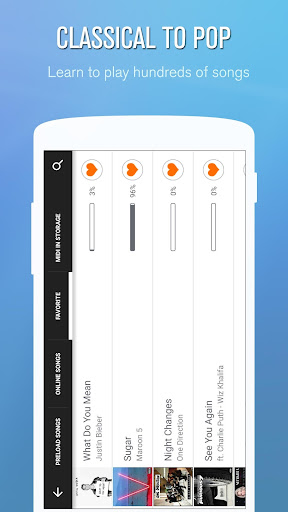
[ Learn to Play ]
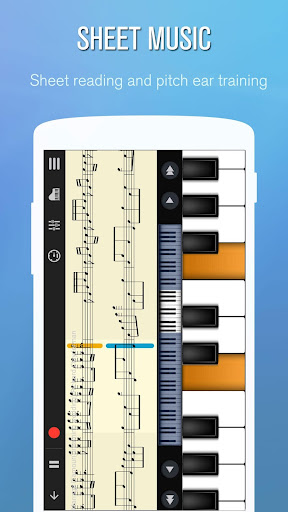
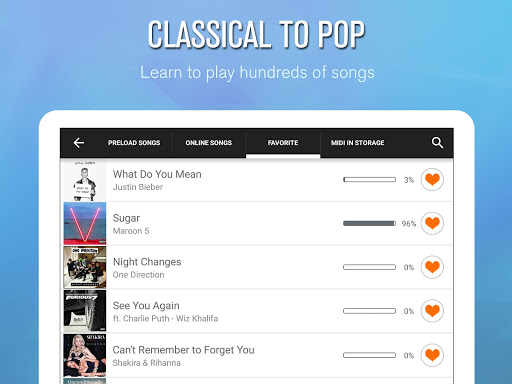
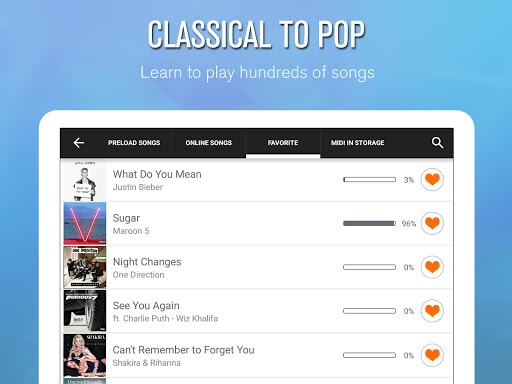
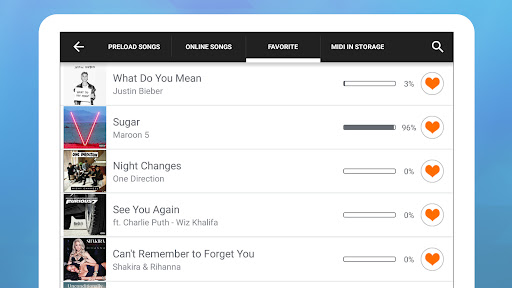
• Learn thousands of popular music scores
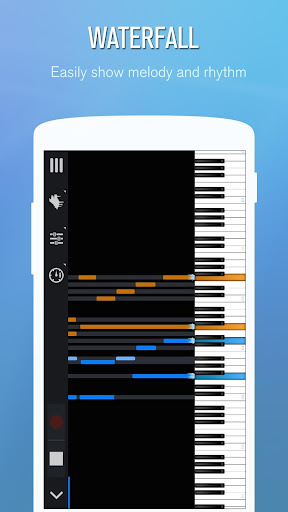
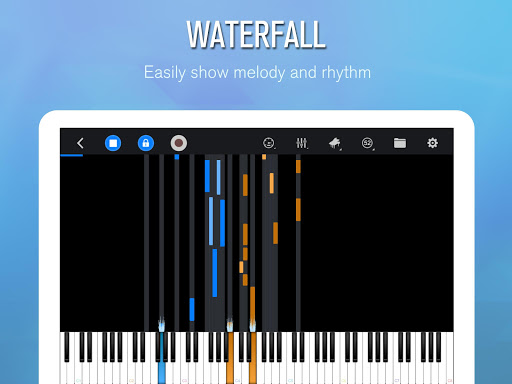
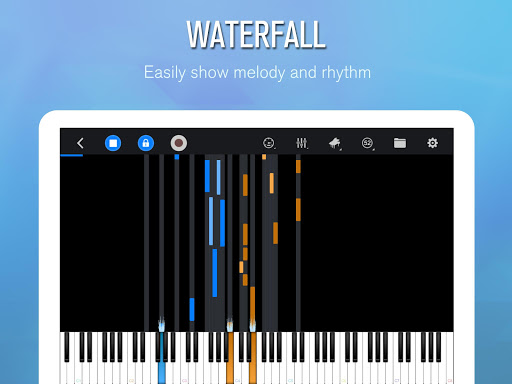
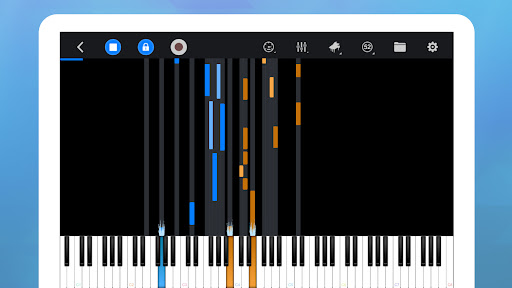
• Three guidance patterns: falling note, waterfall, music sheet (stave)
• Three play modes: auto play, semi-auto play, note pause
• Left & right hand setup
• A->B loop
• Speed adjustment
• Difficulty adjustment
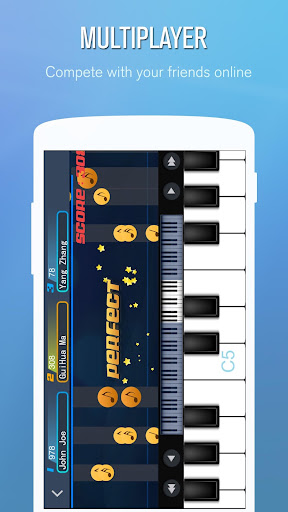
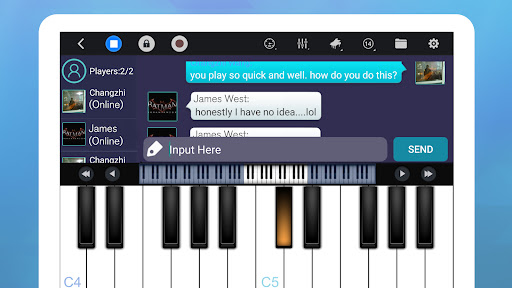
[ Multiplayer Connection & Competition ]
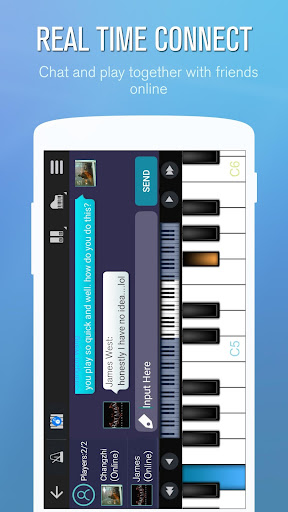
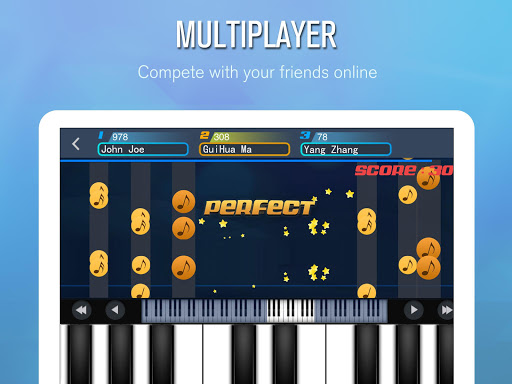
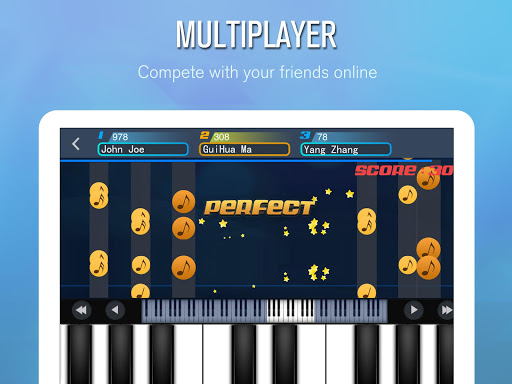
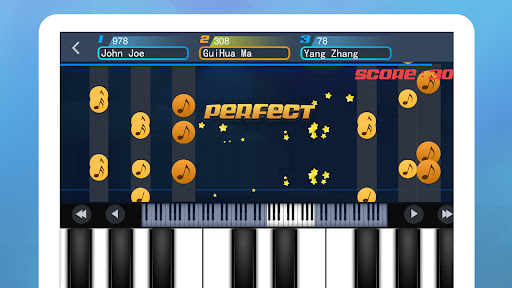
• Play the piano with other players from all over the world
• Make friends
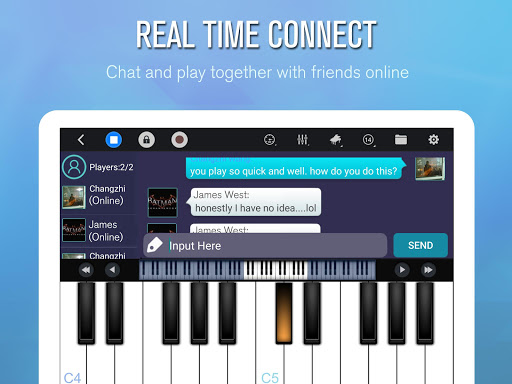
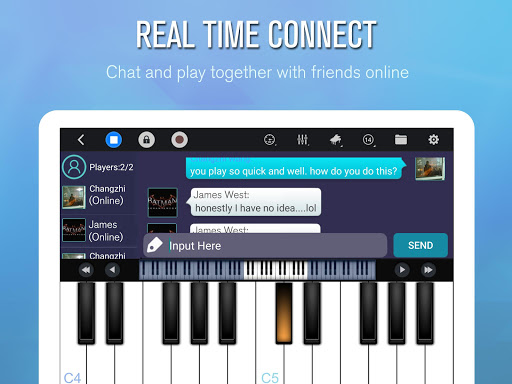
• Real-time online chat
• Weekly new song challenge ranking
• Create guilds
[ Support USB MIDI Keyboard ]
• Supports standard General MIDI protocol and allows the connection of MIDI keyboard (such as YAMAHA P105, Roland F-120, Xkey, etc.) through USB interface
• Perfectly control the piano, play, record and compete via external MIDI keyboard
• Note: this function is only available for Android version 3.1 or higher and supports USB Host with the connection of USB OTG lines.
[ Support Timbre Plug-ins ]
• Timbre plug-ins are free to download and install, such as bass, electric guitar, wooden guitar, flute, saxophone, electronic keyboard, violin, chord, xylophone and harp.
[ MusicXML notation ]
• Support MIDI and MusicXML notation.
Join our community. Talk and get assistant.
• Discord: https://discord.gg/u2tahKKxUP
• Facebook: https://www.facebook.com/PerfectPiano
Let's rock and roll!
[ Intelligent Keyboard ]
• 88-key piano keyboard
• Single-row mode; Double-row mode; Dual players; Chords mode
• Multitouch screen support
• Force touch
• Keyboard width adjustment
• Multiple in-built sound effects: Grand piano, Bright Piano, Music Box, Pipe Organ, Rhodes, Synthesiser
• MIDI and ACC audio recording
• Metronome
• Direct sharing of recording file or set as ringtone
• OpenSL ES low latency audio support (beta)
[ Learn to Play ]
• Learn thousands of popular music scores
• Three guidance patterns: falling note, waterfall, music sheet (stave)
• Three play modes: auto play, semi-auto play, note pause
• Left & right hand setup
• A->B loop
• Speed adjustment
• Difficulty adjustment
[ Multiplayer Connection & Competition ]
• Play the piano with other players from all over the world
• Make friends
• Real-time online chat
• Weekly new song challenge ranking
• Create guilds
[ Support USB MIDI Keyboard ]
• Supports standard General MIDI protocol and allows the connection of MIDI keyboard (such as YAMAHA P105, Roland F-120, Xkey, etc.) through USB interface
• Perfectly control the piano, play, record and compete via external MIDI keyboard
• Note: this function is only available for Android version 3.1 or higher and supports USB Host with the connection of USB OTG lines.
[ Support Timbre Plug-ins ]
• Timbre plug-ins are free to download and install, such as bass, electric guitar, wooden guitar, flute, saxophone, electronic keyboard, violin, chord, xylophone and harp.
[ MusicXML notation ]
• Support MIDI and MusicXML notation.
Join our community. Talk and get assistant.
• Discord: https://discord.gg/u2tahKKxUP
• Facebook: https://www.facebook.com/PerfectPiano
Let's rock and roll!
What's New
1. Add distortion, reverb, echo sound SFX settings.
2. Add MusicXML support.
2. Add MusicXML support.
App Information
Version Name
7.5.3
Version Code
2101753
File Size
57.7 MB
Minimum OS
Android 6.0+
Target SDK
Android 31
Developer
Revontulet Soft
Contact
Website
Content Rating
Everyone
Package Name
com.gamestar.perfectpianoPermissions Required
This app may request the following permissions:
Recent Reviews

A Google user
4.0★
If you're looking for a good app, then this is it. However, there are a few things that I do not like.1) sometimes, random keys stick when you're in the middle of playing and you have to press that key again to get it to stop playing. 2) when learning a song, the keyboard shifts on it's own, so you have to fight the app to stay in one spot and it can be annoying. 3) could you add more instruments, I would love to here the alto sax, and more brass, (Tuba, Baritone horn, French horn, etc.)
A Google user
5.0★
I Love this app!!! It's so useful! The only thing I wish it had (and maybe I'm just not seeing it) is a way to replay the file you just played without having to go into records files again. I just see the record button beauties l becomes a stop button when playing but don't see a play button. Also where is an electric guitar plugin? Otherwise, amazing!

Zoot774
4.0★
Very easy to use and fun. You can make a simple song out of this by mixing up recordings with different instruments. However, there is an issue with the recording. I choose a specific instrument in the app and then hope that the MID keeps it after turning it into an mp3. Before, this wasn't an issue, and all you had to do was choose instrument of choice in the app and download the recording. Please fix this.

T Albrecht
5.0★
I mostly just use the piano. It works great! The tones sound like an acoustic piano and don't bleed over one another. Pitches are accurate. It's perfect for when I'm not near a piano but I am writing music or when I need to check if a song is too high/ low for my group to sing. Also, you can play more than one note at a time, like on a real piano! I've used this app occasionally for a few years! Very reliable app. Thank you, developer!

Ross Calvin
4.0★
Piano mode works fine and is very helpful when I need to get pitches quickly and don't have an actual piano nearby. Multiplayer game is awful. Maybe there is a way to connect to an actual keyboard? Otherwise there's no way to actually hit all the notes. Edit: changed from 3 to 4 stars because I find the piano mode so useful when I need to find pitches on the go.
A Google user
5.0★
Though the app has other features, I just use it to pick out the notes for my singing parts. It works for that purpose well, good "piano" sounds and key responsiveness. I sometimes "fat-finger" a wrong now due to the small keys, but there are only so many notes you can for on a small phone screen! You do need to back out of the keyboard function before you can jump over to another app. other than that, no glitches in a few months of use. Five stars.
Ad slot: In-Content