

AppLock
com.gamemalt.applocker
by KewlApps
Screenshots
Ad slot: Top Leaderboard
About this app
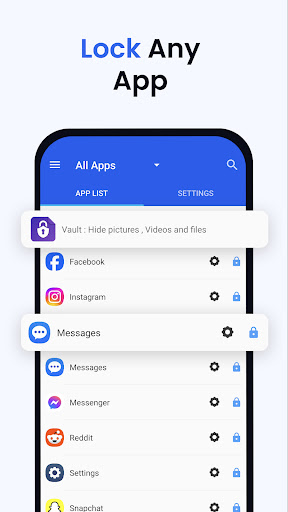
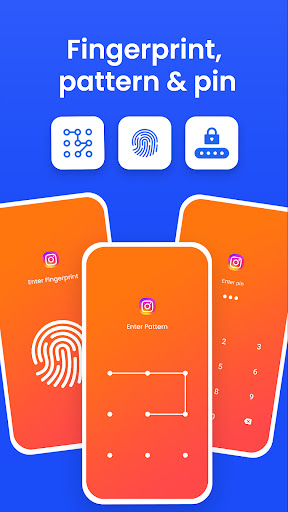
AppLock allows you to lock apps and protect your apps using Pattern , Pin , Fingerprint and crash screen with many other options.
---- Features -----
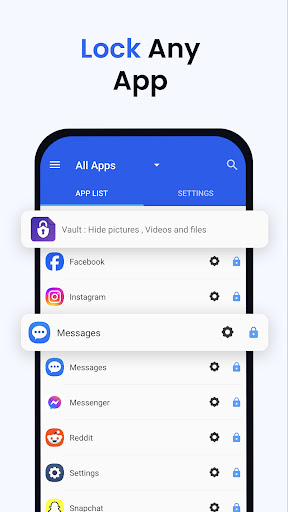
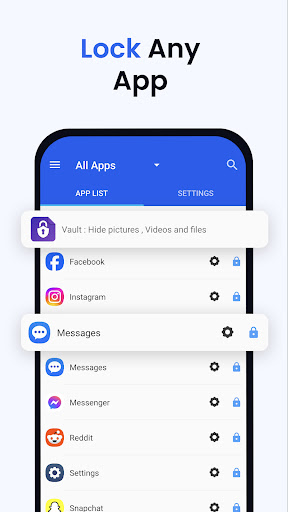
▶ Lock Apps / App Locker
AppLock allows you to lock apps like gallery , message apps , social apps and email apps with fingerprint , pin , pattern and crash screen.
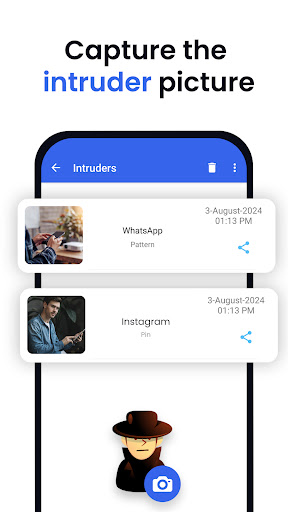
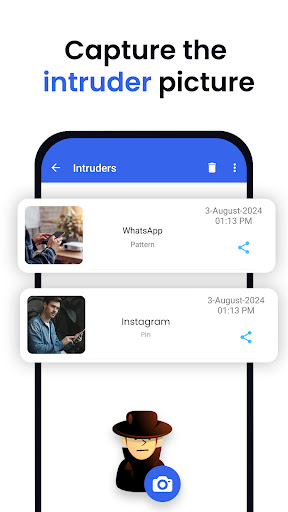
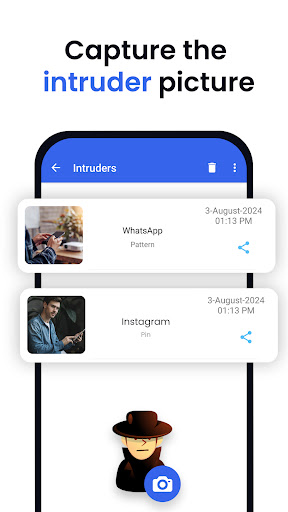
▶ Capture Intruder Picture
If someone tries to open locked apps with wrong password , AppLock will capture the pictuer of intruder from front camera and show you when you open AppLock.
▶ Lock Recent Apps
You can lock recent apps page so no one can see the content of recently used apps.
▶ Custom Settings
Use separate combination of locking methods with different pin or pattern for a specific apps.
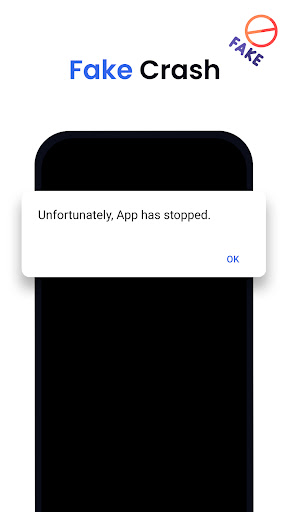
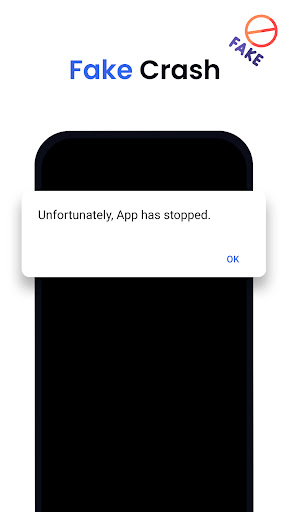
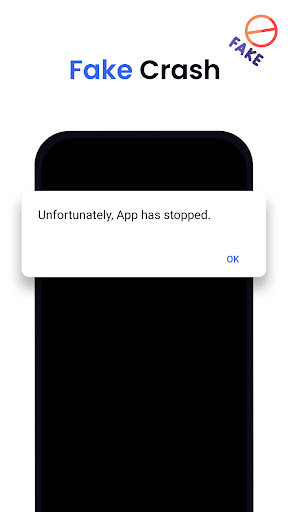
▶ Crash screen
set crash screen for locked app , so no one can know that if an app is locked.
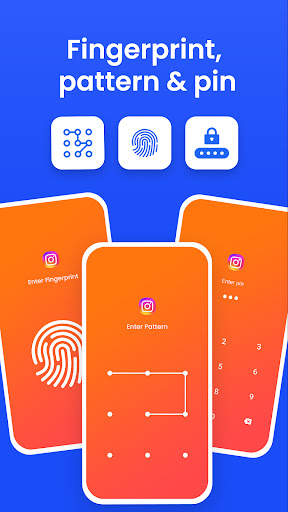
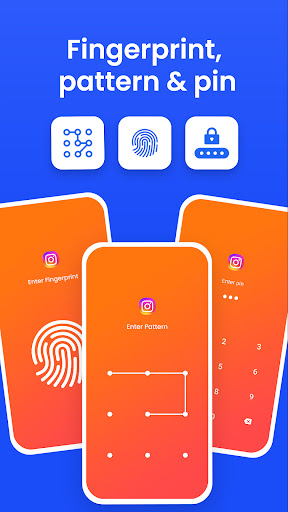
▶ Fingerprint Support
Use fingerprint as secondary , or use only fingerprint to un-lock apps.
▶ Improved Lock Engine
AppLock use two locking engines , default engine is fast and the "Improved Lock Engine" is battery efficient with more features that does not drain your battery.
▶ Turn Off AppLock
you can turn off AppLock completely , just go to app settings and turn off the app.
▶ Lock Timeout
you can to re-lock apps after some time [1-60] minuets , immediately or after screen off.
▶ Simple and Beautiful UI
Beautiful and simple UI so you can perform any task easily.
▶ Lock Screen Theme
lock screen changes color according to the app that you locked , every time when lock screen appears you will experience AppLock differently.
▶ Prevent Uninstall
To protect AppLock from uninstall you can go to AppLock setting and press "Prevent Force Close/Uninstall".
FAQs
----------
Q 2: How can I create different pin & pattern for each application?
A: Select the app that you want to lock from App list, Lock the app and then click on Custom, Then enable "Custom Settings" and then change pin, and pattern.
Q 3: How can I prevent someone from uninstalling my AppLock?
A: Go to settings and click on “Prevent Force Close/Uninstall”. Then Lock your mobile Settings.
Q 4: Will AppLock works if I restart my Mobile?
A: Yes it will start working, and your locked apps will be protected.
Q 5: How can I check which apps are locked?
A: In the top right corner of AppLock From the drop-down menu select “Locked Apps”.
Q 6: What does “Lock recent apps” do?
A: This option prevents someone from seeing your recent Opened Apps.
Q 7: I installed AppLock, but there is no option to lock my apps with the fingerprint?
A: It depends on your mobile if your mobile has a fingerprint scanner and Android version 6.0 (Marshmallow) then finger print app lock method will also work.
Q 8: In my Huawei device when I open AppLock it again asks to On the Option of AppLock service?
A: Because you have not added AppLock in your Protected Apps list of your Huawei Mobile.
Q 9: What is "Crash Screen"?
A: If you enable Crash screen for some application it will show a window with a message of “App Crashed” after long pressing "OK" you can go to lock screen.
Q 10: How to enable Crash screen option in AppLock?
A: In, App List lock your desired app Click on “custom” and enable custom settings, and then enable “Crash.”
Q 15: How to uninstall AppLock?
A: First Remove AppLock from Device Admin from mobile settings or AppLock settings and then simply uninstall it.
Permissions:
• Accessibility Service: This app uses Accessibility services to enable "Improved Lock Engine" and stop battery drain.
• Draw Over Other Apps: AppLock uses this permission to draw lock screen on top of your locked app.
• Usage Access: AppLock uses this permission to detect if a lock app is opened.
• This app uses the Device Administrator permission : We use this permission to prevent other users from uninstalling this app so your locked content can be fully secured.
---- Features -----
▶ Lock Apps / App Locker
AppLock allows you to lock apps like gallery , message apps , social apps and email apps with fingerprint , pin , pattern and crash screen.
▶ Capture Intruder Picture
If someone tries to open locked apps with wrong password , AppLock will capture the pictuer of intruder from front camera and show you when you open AppLock.
▶ Lock Recent Apps
You can lock recent apps page so no one can see the content of recently used apps.
▶ Custom Settings
Use separate combination of locking methods with different pin or pattern for a specific apps.
▶ Crash screen
set crash screen for locked app , so no one can know that if an app is locked.
▶ Fingerprint Support
Use fingerprint as secondary , or use only fingerprint to un-lock apps.
▶ Improved Lock Engine
AppLock use two locking engines , default engine is fast and the "Improved Lock Engine" is battery efficient with more features that does not drain your battery.
▶ Turn Off AppLock
you can turn off AppLock completely , just go to app settings and turn off the app.
▶ Lock Timeout
you can to re-lock apps after some time [1-60] minuets , immediately or after screen off.
▶ Simple and Beautiful UI
Beautiful and simple UI so you can perform any task easily.
▶ Lock Screen Theme
lock screen changes color according to the app that you locked , every time when lock screen appears you will experience AppLock differently.
▶ Prevent Uninstall
To protect AppLock from uninstall you can go to AppLock setting and press "Prevent Force Close/Uninstall".
FAQs
----------
Q 2: How can I create different pin & pattern for each application?
A: Select the app that you want to lock from App list, Lock the app and then click on Custom, Then enable "Custom Settings" and then change pin, and pattern.
Q 3: How can I prevent someone from uninstalling my AppLock?
A: Go to settings and click on “Prevent Force Close/Uninstall”. Then Lock your mobile Settings.
Q 4: Will AppLock works if I restart my Mobile?
A: Yes it will start working, and your locked apps will be protected.
Q 5: How can I check which apps are locked?
A: In the top right corner of AppLock From the drop-down menu select “Locked Apps”.
Q 6: What does “Lock recent apps” do?
A: This option prevents someone from seeing your recent Opened Apps.
Q 7: I installed AppLock, but there is no option to lock my apps with the fingerprint?
A: It depends on your mobile if your mobile has a fingerprint scanner and Android version 6.0 (Marshmallow) then finger print app lock method will also work.
Q 8: In my Huawei device when I open AppLock it again asks to On the Option of AppLock service?
A: Because you have not added AppLock in your Protected Apps list of your Huawei Mobile.
Q 9: What is "Crash Screen"?
A: If you enable Crash screen for some application it will show a window with a message of “App Crashed” after long pressing "OK" you can go to lock screen.
Q 10: How to enable Crash screen option in AppLock?
A: In, App List lock your desired app Click on “custom” and enable custom settings, and then enable “Crash.”
Q 15: How to uninstall AppLock?
A: First Remove AppLock from Device Admin from mobile settings or AppLock settings and then simply uninstall it.
Permissions:
• Accessibility Service: This app uses Accessibility services to enable "Improved Lock Engine" and stop battery drain.
• Draw Over Other Apps: AppLock uses this permission to draw lock screen on top of your locked app.
• Usage Access: AppLock uses this permission to detect if a lock app is opened.
• This app uses the Device Administrator permission : We use this permission to prevent other users from uninstalling this app so your locked content can be fully secured.
What's New
*** Biometrics added : Face, iris and fingerprint scan.
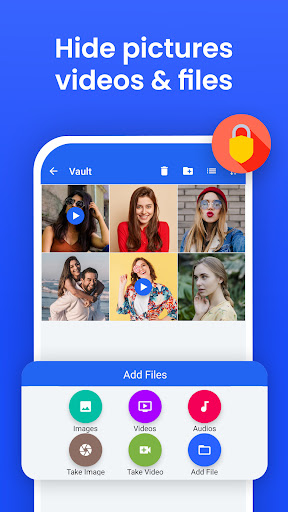
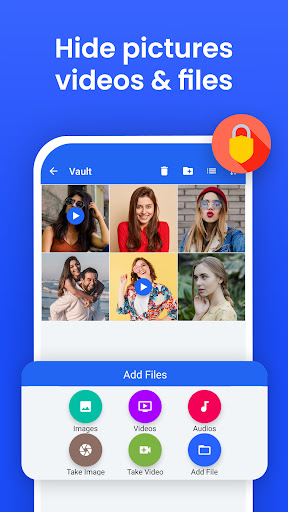
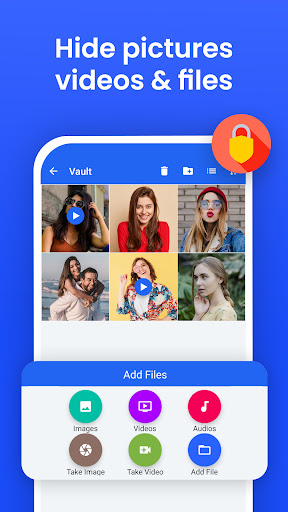
*** File Vault : Hide pictures , videos , files feature added ***
*** Themes added ***
*** Low battery consumption ***
*** Android 16 supported ***
*** Bugs are Bad, Mkay? , lots of bugs fixed ***
*** Lock recent apps added ***
*** FAST , FASTER , FASTEST ***
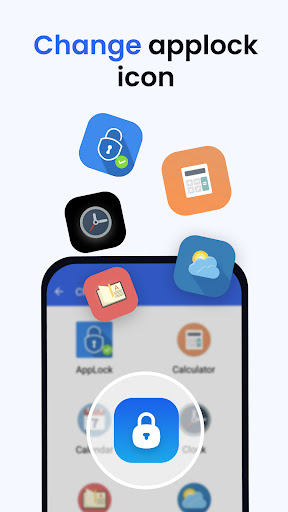
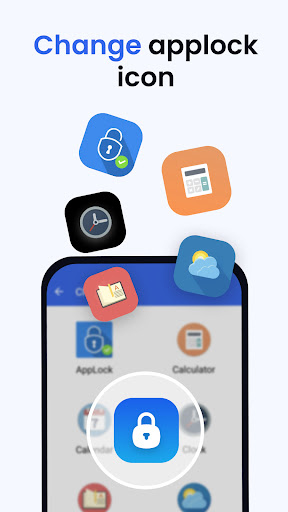
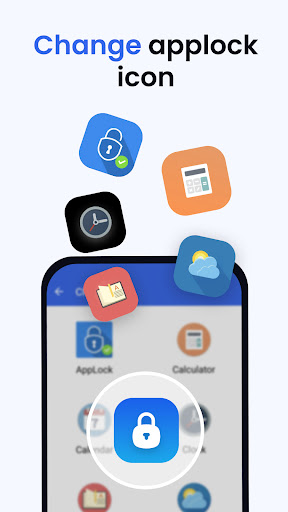
*** Hide Applock icon added ***
*** App uninstall lock added ***
*** Performance Improved ***
*** File Vault : Hide pictures , videos , files feature added ***
*** Themes added ***
*** Low battery consumption ***
*** Android 16 supported ***
*** Bugs are Bad, Mkay? , lots of bugs fixed ***
*** Lock recent apps added ***
*** FAST , FASTER , FASTEST ***
*** Hide Applock icon added ***
*** App uninstall lock added ***
*** Performance Improved ***
App Information
Version Name
1.206
Version Code
16
File Size
1.4 MB
Minimum OS
Android 6.0+
Target SDK
Android 23
Developer
KewlApps
Contact
Website
Content Rating
Everyone
Package Name
com.gamemalt.applockerPermissions Required
This app may request the following permissions:
Recent Reviews

Jimmy
5.0★
Excellent app! I haven't found any bugs yet (I'll change the review if I do). A quick description of it for anyone looking to get the app is it asks for permissions to be over an app and then it asks you to drag a line password. (Pins are also available!) When you lock an app, it pops up and asks for the password you made. This is really smart if you have kids using your phone, snooping friends/parents, etc.

Vanessa Hansen
2.0★
The concept is nice, although it seems a little too aggressive at times, as it locks not only when you open the app but also when you do things in the app. If I already unlocked an app once, it should stay unlocked until the app has been closed or at least minimised. Sometimes, it also asks you to unlock twice in a row.

JP D
2.0★
Awful app for locking apps. I can be using a banking app etc after entering the pin the app randomly locks the banking app again preventing me from doing anything. I have to deactivate it entirely first before using many different apps. Wow I miss my old app lock from a well known company that Play store bizarrely removed.

Madpeople Street
1.0★
Aggravating!!!! The app keeps locking after I have unlocked whatever app I had locked. It should remain unlocked until I have finished used the app and exited said app. Having to unlock the app every few minutes even when I am using the app is annoying af! Fix the problem and I will rate 5 stars!!!

Samuel ANIOBI
5.0★
The app named App lock is an amazing 🤩 app at first I taught it was a scam , but it worked out perfect although I had to put my email and junk . It was worth it , this app works wonders and is soooo good , it locks the apps you want it to lock my tapping on the lock 🔒, it works so good and is amazing you should definitely try it out

Daz M
5.0★
This by far is the most reliable and comprehensive app lock avalible for android phones. It has all the features you need and more. The only function that is missing is locking split screen which i hope will come in future updates otherwise I give it 5 stars.
Ad slot: In-Content