
Kids Doodle - Paint & Draw
com.doodlejoy.studio.kidsdoojoy
by Doodle Joy Studio
Screenshots








Ad slot: Top Leaderboard
About this app
Kids Doodle, the BEST android drawing app for kids!
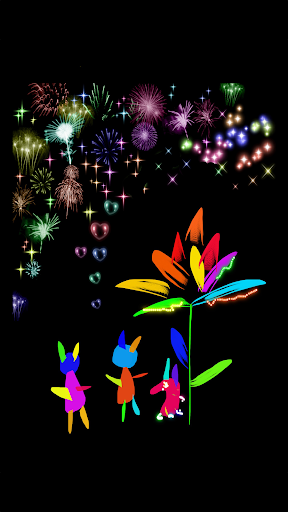
Kids Doodle is particularly designed for kids with super easy-to-use painting on photo or canvas.
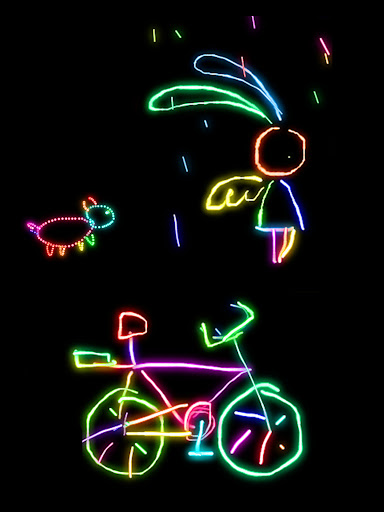
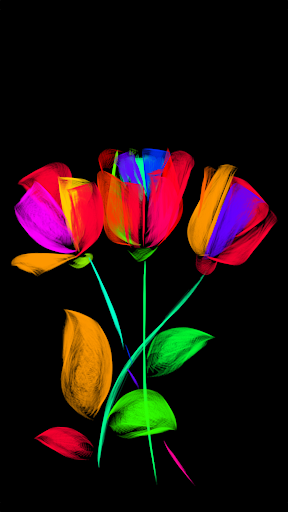
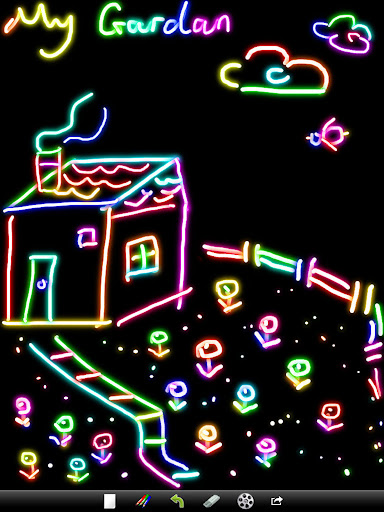
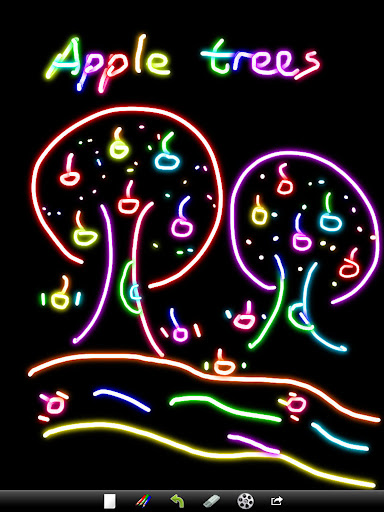
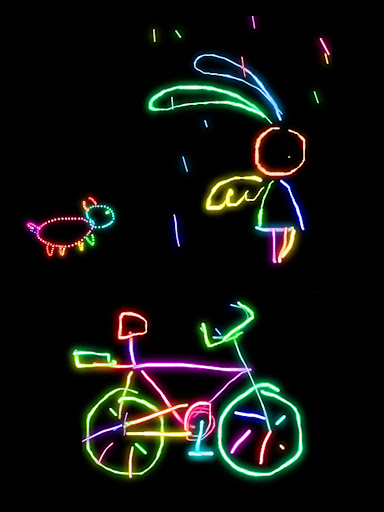
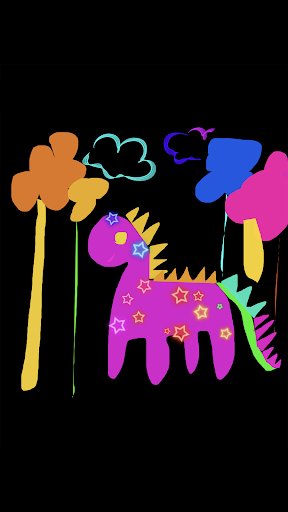
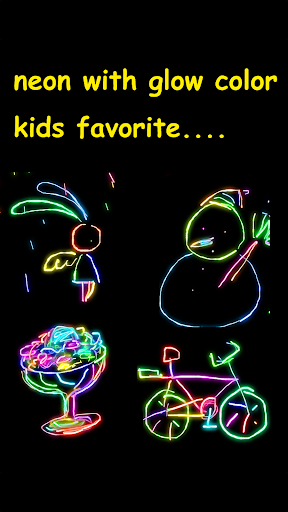
It has endless bright colors and 24 beautiful brushes, such as glow, neon, rainbow, crayon and sketchy, etc.
App supports unique "movie" mode, which can play back kid's artwork like a small film. Children love it so much!
The built-in gallery stores both kids drawing picture and drawing procedure. Kids can continue their drawing whenever they want, or "movie" their previous masterpiece anytime they would love.
GAME FEATURES:
* paint on photo or canvas * 24 brushes, such as glow, neon, fireworks, spark, star, rainbow, crayon, spray, ribbon, etc
* bright colors
* creative drawing
* built-in art gallery stores both doodle and doodle animation.
* "movie" mode to play back the drawing like a little film.
* undo, redo
* share drawing via Facebook, twitter, instagram, gmail, etc.
http://www.youtube.com/watch?v=rObLR7_Bjec
Share your Art on Kids Doodle Facebook Page
http://www.facebook.com/pages/Kids-Doodle/288132957929045
Kids Doodle is particularly designed for kids with super easy-to-use painting on photo or canvas.
It has endless bright colors and 24 beautiful brushes, such as glow, neon, rainbow, crayon and sketchy, etc.
App supports unique "movie" mode, which can play back kid's artwork like a small film. Children love it so much!
The built-in gallery stores both kids drawing picture and drawing procedure. Kids can continue their drawing whenever they want, or "movie" their previous masterpiece anytime they would love.
GAME FEATURES:
* paint on photo or canvas * 24 brushes, such as glow, neon, fireworks, spark, star, rainbow, crayon, spray, ribbon, etc
* bright colors
* creative drawing
* built-in art gallery stores both doodle and doodle animation.
* "movie" mode to play back the drawing like a little film.
* undo, redo
* share drawing via Facebook, twitter, instagram, gmail, etc.
http://www.youtube.com/watch?v=rObLR7_Bjec
Share your Art on Kids Doodle Facebook Page
http://www.facebook.com/pages/Kids-Doodle/288132957929045
What's New
1. Improve the effect of several brushes.
2. Fix several stability bugs.
2. Fix several stability bugs.
App Information
Version Name
1.8.6
Version Code
65
File Size
6.1 MB
Minimum OS
Android 7.0+
Target SDK
Android 33
Developer
Doodle Joy Studio
Contact
Website
Content Rating
Everyone
Package Name
com.doodlejoy.studio.kidsdoojoyPermissions Required
This app may request the following permissions:
Recent Reviews

Craig Pittman
2.0★
Change the name or drop the banner ad. Not kid friendly. App design is fantastic. Simple and intuitive. HOWEVER, placing a banner ad at the edge of the drawing surface that (in some cases) links to another app install screen means this app isn't usable for young kids. I'd happily pay for a version that drops the banner ad. I'd pay a premium for a version that keeps the app up and the keeps small ones from getting to the rest of my phone accidentally.

Baal Omni
5.0★
I actually find this to be a very well built art program with a basic, unambiguous interface that I really appreciated. There are a large number of brushes, only a couple of the most complicated ones run slow enough behind your touch to notice, and the app is overall very well implemented. My only wish would be for a full version to buy to get rid of the ads and maybe be able to select brush and background colors yourself. But for a small kids art app, this is definitely a solid choice. Kudos.

Erin Doran
3.0★
My toddler enjoys the fact that she can use more than one finger. Still too young to play with the different "brushes" but I enjoy showing her. Talking about color and shape. I wish it could be full screen, so she didn't click banners or buttons, and the ads are never fun, but it's free so... I have only used it twice, and both times it did freeze on me, but I'm going to chalk that up to wandering fingers.

Joy
3.0★
My suggestion would be to make a lock screen option where my kid can draw without accidentally opening an ad or getting off the app, or give me an option to pay for the app a one time fair price. Basically, The app works, but the issue I have with it is the placement of the ads. It's sitting right at the top of the drawing page where a toddler's fingers are likely to run into it. I want something I can hand to my kid without worrying about them pulling up random ads.

A Google user
5.0★
We have a lot of fun with this app. There are many brush choices, and you can even draw directly on a photo. My only wish would be to control the color instead of random cycling. Even though it's meant for kids, I find it to be a relaxing way to be creative, and I can even incorporate it into designs for my family scrapbooking activities.

Papa Happy
5.0★
I totally reccommend this game. It's amazingly satisfying and the different brushes are just so cool. I love how you can watch how you did your drawings over and over and in different speeds - sometimes I even make videos with that button😁. Just a minor problem. With the mode where you draw on pictures from your gallery the images that are landscape stay that way when you draw. I wish you could adjust your image portrait or landscape. But this is definately one of my fave games. It's the best!!
Ad slot: In-Content