

GPS Waypoints Navigator | MAPS
com.discipleskies.android.gpswaypointsnavigator
by Disciple Skies Software
Screenshots




Ad slot: Top Leaderboard
About this app
Convert your phone into a powerful GPS and find your way with confidence in the wilderness, at sea or in the city.
GPS Waypoints Navigator offers dozens of options for navigating the back-country, waterways and roadways. Venture beyond network reach using offline maps and tools that only require a good view of the sky. Create and organize waypoints, record trails and share location data with friends.
★ Typical Usage:
✔️ Trail hiking and track recording.
✔️ Off road and ATV (all-terrain vehicle) navigation.
✔️ Maritime navigation.
✔️ Camping / orienteering.
✔️ City and wilderness exploration.
✔️ Geocaching.
✔️ Surveying and coordinate logging.
✔️ Hunting and fishing.
With GPS Waypoints Navigator, you get:
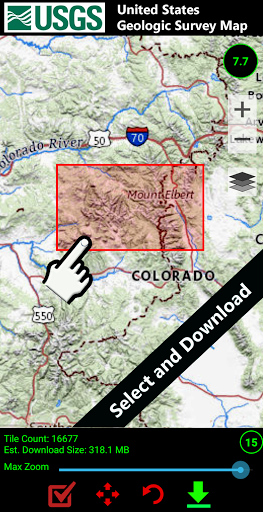
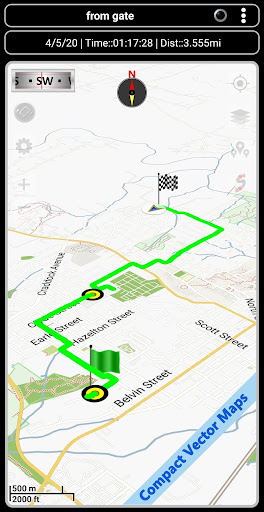
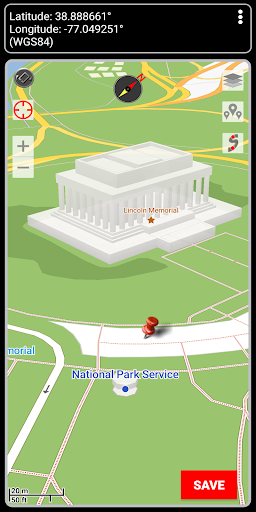
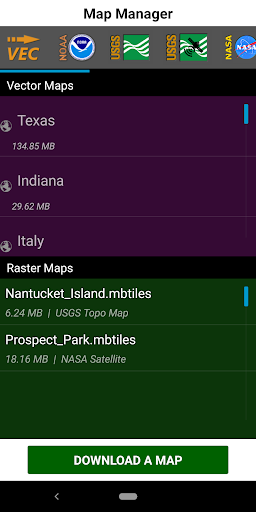
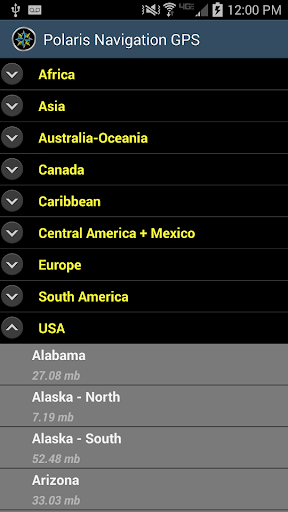
★ Unlimited access to our 3D vector map library with over 400 maps. Download maps for offline use. Maps can be transferred to your SD card to free-up internal memory.
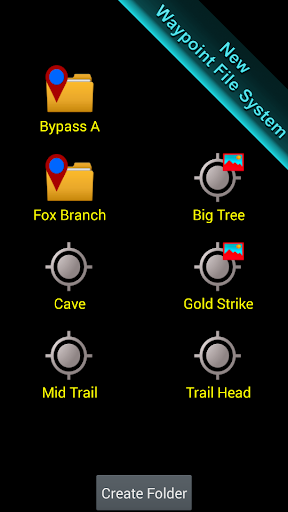
★ Searchable waypoint and trail management systems including our one-of-a-kind waypoint filing system.
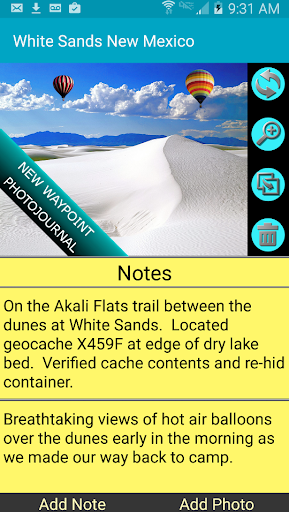
★ Waypoint photojournal - attach notes and coordinate-tagged photos to your waypoints.
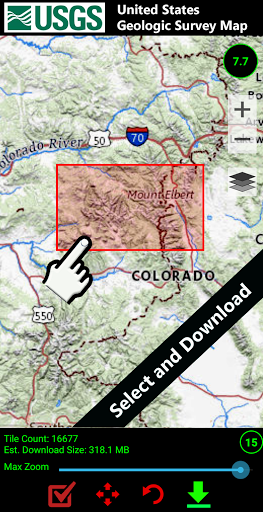
★ Maps! Choose from multiple sources: Downloadable vector and raster maps, Topo Maps, Google Maps, Satellite Maps, OpenStreetMaps- MapNik, Cycling Maps, OpenSeaMap, USGS Topo Maps, Canada Toporama, Trail Hiking and Biking, NOAA Nautical Charts (raster and ENC) and several others.
★ KML, GPX and KMZ file importing and exporting for trails, waypoints, photos and notes. Share data and view it in Google Earth.
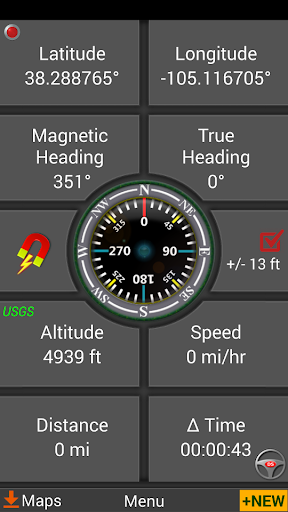
★ Reporting panel for GPS parameters.
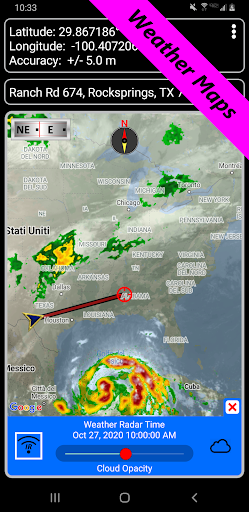
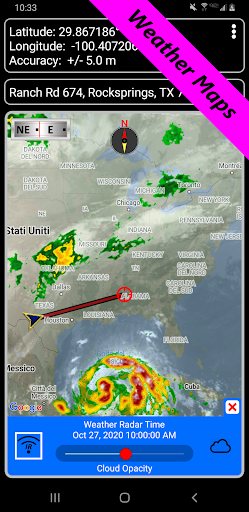
★ Weather Maps with animated live Doppler radar and cloud patterns.
★ Navigational and waypoint compasses.
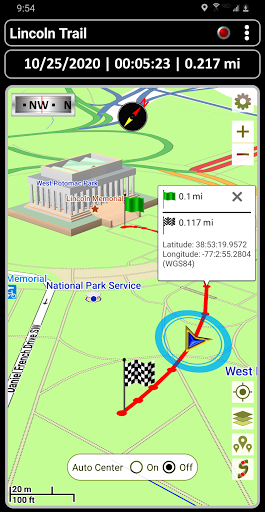
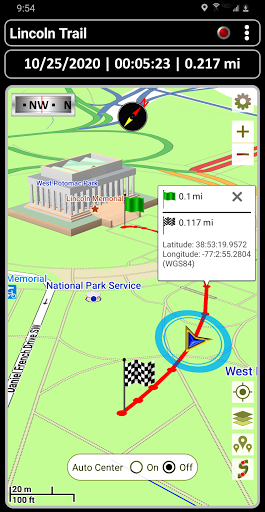
★ Trail recording and trail drawing board.
★ Drag anchor alert. Drop anchor and set a drift radius.
★ Military coordinate finder.
★ Several waypoint creation tools: Enter coordinates, drop a pin on a map, save your current position or enter an address.
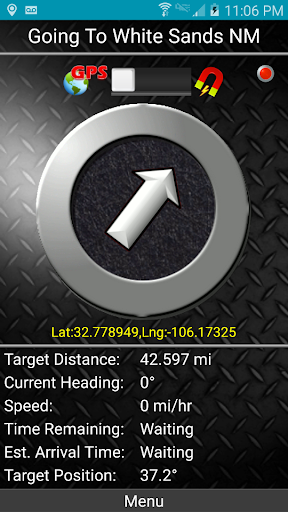
★ Two Waypoint Guidance Systems including a dynamic waypoint compass that always points to your target and GPS Reflected Pseudo-Radar.
★ Map Search: Supports entry of addresses and coordinates in just about any format including UTM, MGRS.
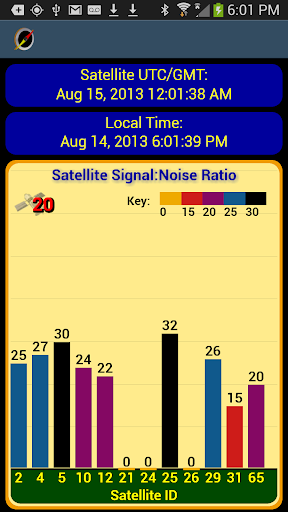
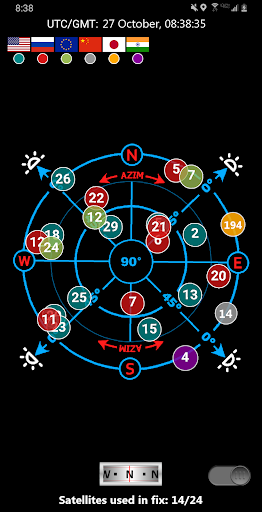
★ GPS Satellite graphs and position charts.
★ Email a map of your position.
★ Seamless integration with Google Earth.
★ Marine Navigation. Features NOAA Nautical Charts, OpenSeaMap and nautical unit reporting.
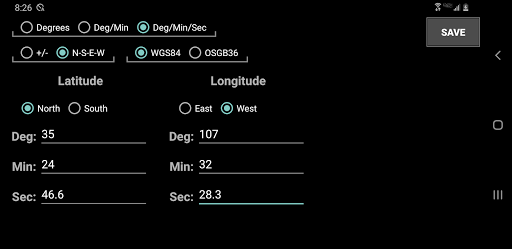
★ Supports several coordinate formats: Latitude/Longitude as degrees, deg:min or deg:min:sec, UTM, MGRS, British Ordnance Survey.
★ Waypoint proximity alerts.
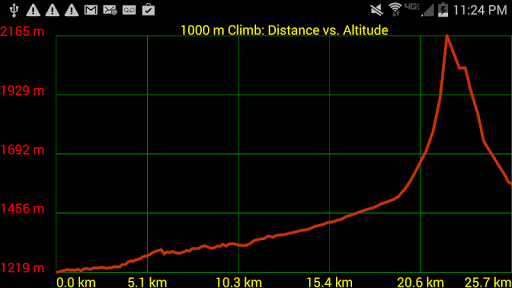
★ Altitude profiles for trails and altitude lookup for any waypoint.
★ Maps with several measurement tools allow you to get distance and bearing to any point and inter-waypoint distances.
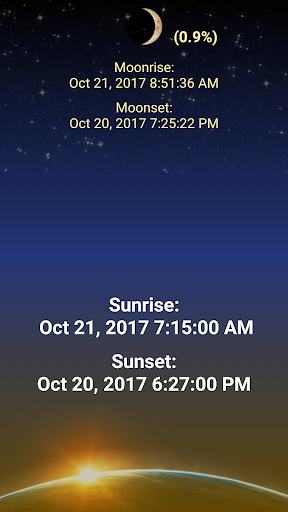
★ Stay abreast of environmental conditions that may affect navigation with weather maps and reporting for sunrise, sunset, moonrise, moonset, moon phase- also useful for planning expedition turn around time or time to make camp.
With GPS Waypoints Navigator, everything is included in your original purchase. No account setup or registration is required.
Also get:
- Turn-by-turn driving directions and driving maps via a digital connection to the Google Maps app on your device.
- Control settings for all compasses. Use magnetic control for indoors, underground or in caves, use GPS otherwise.
- Export your tracks and waypoints as GPX files and upload them to Openstreetmap to help build / update the map.
- Import GPX files from Garmin.
- Altitude sourcing: Choose satellite, US Geologic Survey location based altitude or SRTM data. USGS available only in contiguous U.S.A, Canada and Mexico.
- Excellent customer service.
- Supports multiple languages: English, Spanish, German, Portuguese, Japanese, French, Italian, Russian, Chinese (traditional and simplified).
With GPS Waypoints Navigator, every navigation experience will be as easy as a walk in the park!
GPS Waypoints Navigator offers dozens of options for navigating the back-country, waterways and roadways. Venture beyond network reach using offline maps and tools that only require a good view of the sky. Create and organize waypoints, record trails and share location data with friends.
★ Typical Usage:
✔️ Trail hiking and track recording.
✔️ Off road and ATV (all-terrain vehicle) navigation.
✔️ Maritime navigation.
✔️ Camping / orienteering.
✔️ City and wilderness exploration.
✔️ Geocaching.
✔️ Surveying and coordinate logging.
✔️ Hunting and fishing.
With GPS Waypoints Navigator, you get:
★ Unlimited access to our 3D vector map library with over 400 maps. Download maps for offline use. Maps can be transferred to your SD card to free-up internal memory.
★ Searchable waypoint and trail management systems including our one-of-a-kind waypoint filing system.
★ Waypoint photojournal - attach notes and coordinate-tagged photos to your waypoints.
★ Maps! Choose from multiple sources: Downloadable vector and raster maps, Topo Maps, Google Maps, Satellite Maps, OpenStreetMaps- MapNik, Cycling Maps, OpenSeaMap, USGS Topo Maps, Canada Toporama, Trail Hiking and Biking, NOAA Nautical Charts (raster and ENC) and several others.
★ KML, GPX and KMZ file importing and exporting for trails, waypoints, photos and notes. Share data and view it in Google Earth.
★ Reporting panel for GPS parameters.
★ Weather Maps with animated live Doppler radar and cloud patterns.
★ Navigational and waypoint compasses.
★ Trail recording and trail drawing board.
★ Drag anchor alert. Drop anchor and set a drift radius.
★ Military coordinate finder.
★ Several waypoint creation tools: Enter coordinates, drop a pin on a map, save your current position or enter an address.
★ Two Waypoint Guidance Systems including a dynamic waypoint compass that always points to your target and GPS Reflected Pseudo-Radar.
★ Map Search: Supports entry of addresses and coordinates in just about any format including UTM, MGRS.
★ GPS Satellite graphs and position charts.
★ Email a map of your position.
★ Seamless integration with Google Earth.
★ Marine Navigation. Features NOAA Nautical Charts, OpenSeaMap and nautical unit reporting.
★ Supports several coordinate formats: Latitude/Longitude as degrees, deg:min or deg:min:sec, UTM, MGRS, British Ordnance Survey.
★ Waypoint proximity alerts.
★ Altitude profiles for trails and altitude lookup for any waypoint.
★ Maps with several measurement tools allow you to get distance and bearing to any point and inter-waypoint distances.
★ Stay abreast of environmental conditions that may affect navigation with weather maps and reporting for sunrise, sunset, moonrise, moonset, moon phase- also useful for planning expedition turn around time or time to make camp.
With GPS Waypoints Navigator, everything is included in your original purchase. No account setup or registration is required.
Also get:
- Turn-by-turn driving directions and driving maps via a digital connection to the Google Maps app on your device.
- Control settings for all compasses. Use magnetic control for indoors, underground or in caves, use GPS otherwise.
- Export your tracks and waypoints as GPX files and upload them to Openstreetmap to help build / update the map.
- Import GPX files from Garmin.
- Altitude sourcing: Choose satellite, US Geologic Survey location based altitude or SRTM data. USGS available only in contiguous U.S.A, Canada and Mexico.
- Excellent customer service.
- Supports multiple languages: English, Spanish, German, Portuguese, Japanese, French, Italian, Russian, Chinese (traditional and simplified).
With GPS Waypoints Navigator, every navigation experience will be as easy as a walk in the park!
What's New
Discover over 600,000 hiking and biking trails!
App Information
Version Name
8.58
Version Code
1
File Size
13.1 MB
Minimum OS
Android 5.0+
Target SDK
Android 22
Developer
Disciple Skies Software
Contact
Website
Content Rating
Everyone
Package Name
com.discipleskies.android.gpswaypointsnavigatorPermissions Required
This app may request the following permissions:
Recent Reviews

A Google user
5.0★
This is a great, easy to use app. The app is very accurate, and uses very little battery. You can download areas for offline use. The trails feature let's you find Trails either near your current location or near a location you pick on a map. It even gives you driving directions to the trail. I bought this app years ago and I still use it. Thanks!
ThreeMallards
5.0★
this is a navigation app. It will tell you your GPS position and speed and direction of travel in cars, walking, on bicycles, and at sea. if you sit next to the window it will work on airplanes. you can download maps and mark waypoints on your journey. You can also link photos of the waypoints. Very useful for getting back from a wilderness hike. I have found it to be reliable for years. When you pay the small amount to get the Pro version the Pro status transfers to the next phone.
A Google user
5.0★
Very nice for boating, hiking, etc! . . We use it to plan and draw trails from the easy chair to our favorite spots on the lake, and to navigate around submerged hazards using the nautical charts. Followimg the pre-drawn trails over the nautical charts and satellite maps, gets us there safely every time. It also has a unique "go to waypoint function" that points to your waypoint, with speed, distance, ETA, heading, waypoint coordinates, etc. Just point the boat in the direction of the arrow.
Ed Sychra
3.0★
Love everything about it! Maps are great, planning a route is great, everything is great EXCEPT: If I record a track, I can't go back and view the stats for said track (max speed, average speed, total distance, etc), and if I forget to turn off track recording when I get back to my car (I use this app while sailing), I cannot go back and edit the track to get rid of the section that got recorded while driving.
A Google user
5.0★
Works great, pretty straight forward nav app, has been 100% reliable. If I had to knock it on anything it would be that it isn't a pretty interface, and I can't seem to drop waypoints without going out of the map mode and into the waypoints menu. Also some of directory names are too long to be displayed in some menus. None are big enough gripes for me to knock off a star. This has become my go-to hiking and hunting app. Much more straight forward and less buggy than oruxmaps (my former fav.)

I AM ANONYMOUS
1.0★
Not a good program. I thought by upgrading to the GPS Waypoint navigator from the Polaris version that it would get better. It hasn't and I'm having buyer's remorse. First of all the maps are not as detailed as similar programs, more importantly is that the GPS tracking just draws a straight line from one point to the other it does not show your course along the way in active time. You have to go back to the trail and then back out to the map to find out where you've been. Major downfall
Ad slot: In-Content