
piZap: Design & Edit Photos
com.digitalpalette.pizap
by piZap
Screenshots
Ad slot: Top Leaderboard
About this app
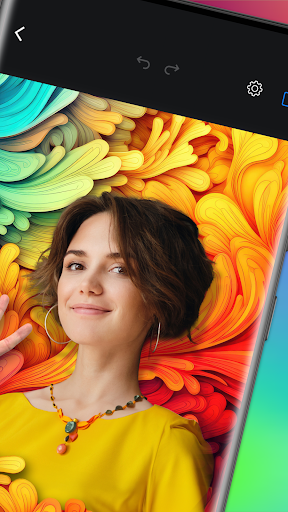
Create a photo layout that’s sure to turn some heads with piZap. Whip up a viral post, stories and memes, edit and enhance photos, put together an amazing photo grid and so much more! piZap has loads of fonts, stickers, borders, filters, and stock images to choose from to help you create a design that’s uniquely your own. Best of all, most of our tools and features come at no cost to you.
Professional-grade photo editing is at your fingertips with piZap. Say goodbye to complicated design and photo layout software and say hello to your all-in-one picture editor that’s just as easy to use as it is fun! What will you create next?
PIZAP FEATURES
DESIGN ANYTHING – SOCIAL POSTS, COLLAGES, MEMES & MORE
- There are literally thousands of ways you can create an image with piZap’s Design Tools in a snap!
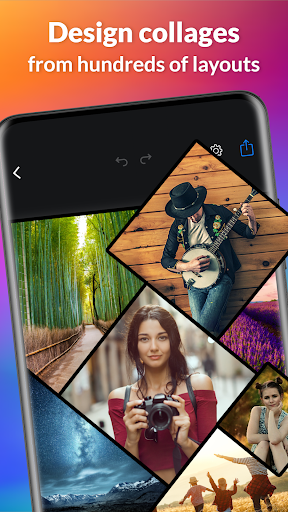
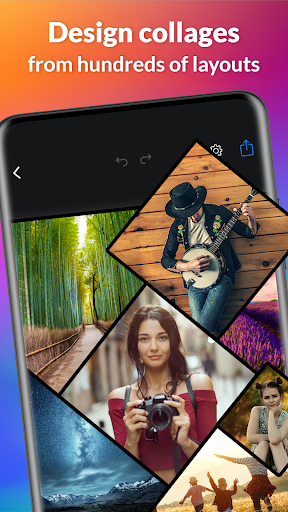
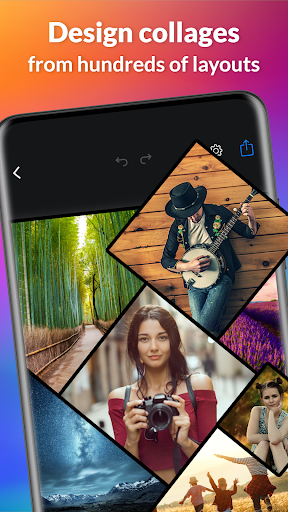
- Photo Collage Maker: Create a custom photo grid with 1000’s of unique layouts to choose from
- Social Media Photo Editor: Edit photo masterpieces for all of your favorite social channels
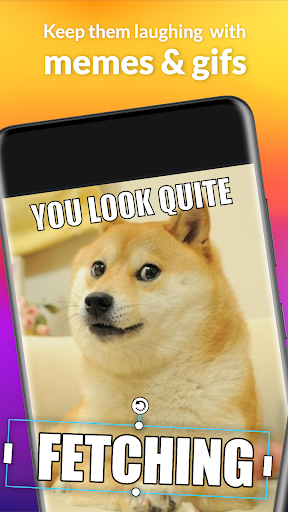
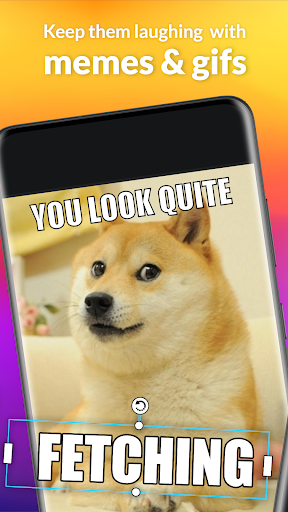
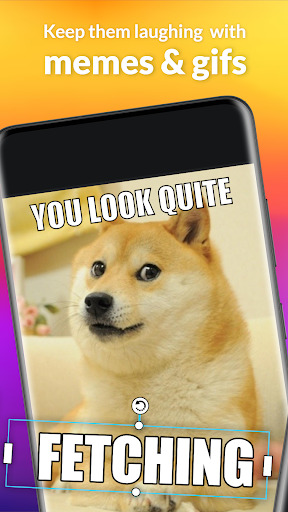
- Meme Maker: Memes are fun! Why not create your very own? With piZap, you can!
- Everything from Instagram to LinkedIn, you can design posts for all social media formats
- Design photos & graphics for flyers, websites, presentations, or create your own emojis with ease
INTUITIVE PHOTO EDITING
- You don’t need to be a Photoshop expert to get up and running quickly with piZap
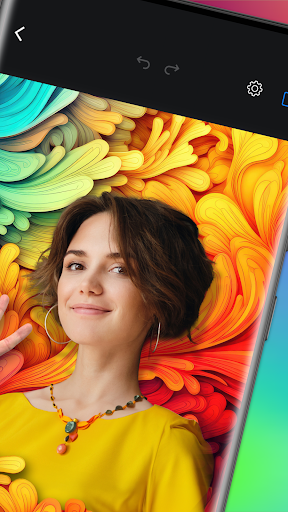
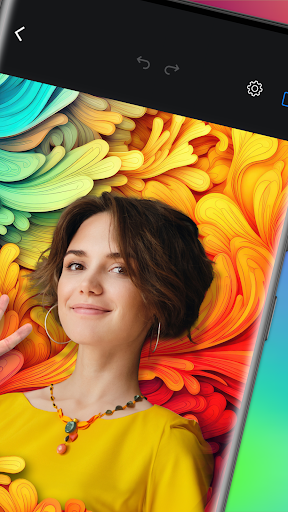
- Use photo crop tools to capture all you want and get rid of everything you don’t
- Apply unique filters for a perfect social media photo layout
- Smooth over imperfections with touch up & photo retouching
- Adjust the colors & tones of your photos with just a few taps
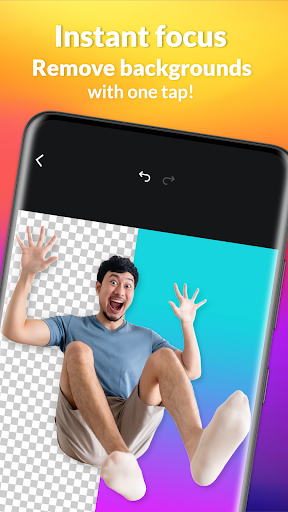
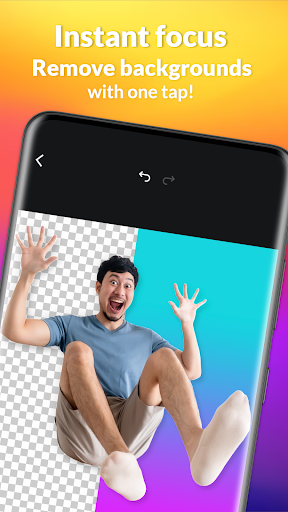
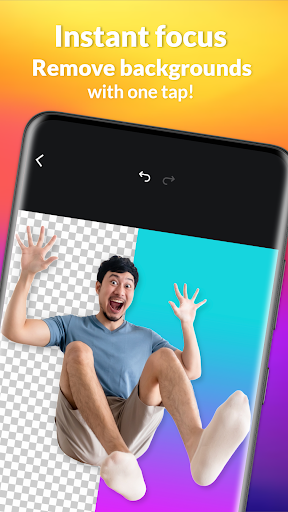
- Use cut-out tools to create
DESIGN PHOTOS & LAYOUTS
- Apply frames & borders to your photos for a personalized touch
- Use the paint tool & graphics to create a masterpiece
- Adding dimension to your photos is a breeze with our photo layering tool
- Choose from over 1.8 million royalty free stock images
- Discover over 100 photo filters & effects
PROFESSIONAL GRADE GRAPHIC DESIGN MADE EASY
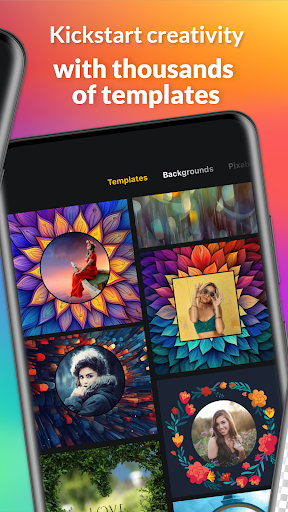
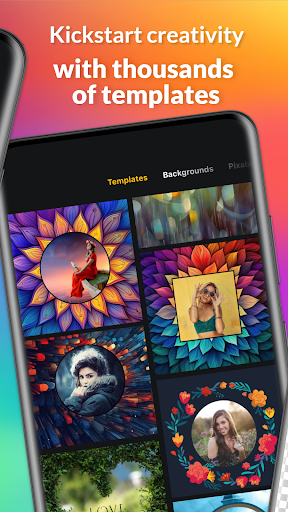
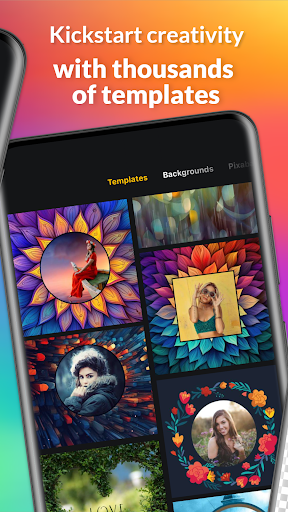
- With 1000’s of premade templates you can get started fast and skip the blank paper stage
- Create flyers, social media posts and so much more!
- Choose from hundreds of fonts and text styles to customize your creation
- Print your designs in a snap with print ready layouts
- Resize your projects to fit all popular social media & print sizes with the click of a button
SOCIAL MEDIA DESIGN
- All your social media design tools in one easy-to-use design app!
- Create fun and engaging social media posts
- Whip up a Facebook, LinkedIn or Twitter header image in minutes
- Put together motivational quotes, sayings & tips
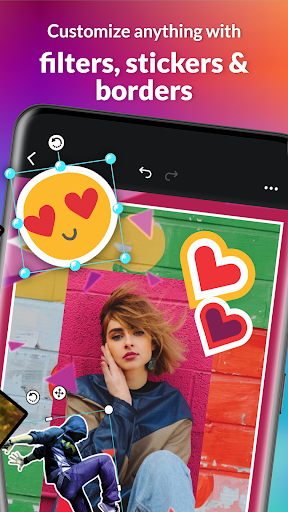
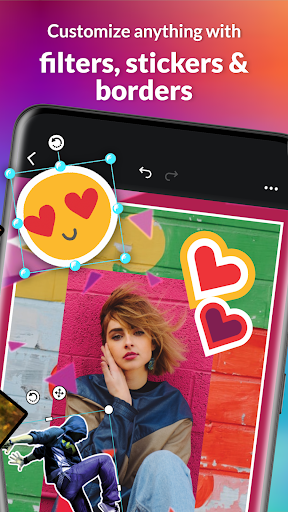
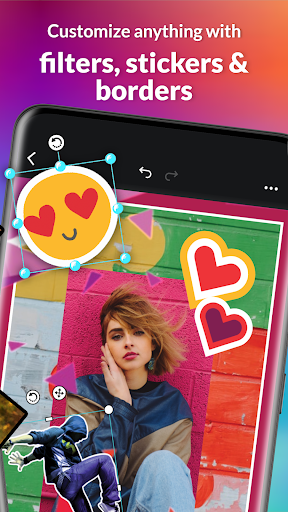
ADD TEXT, BORDERS & STICKERS
- Get creative with your photo design! Enjoy these fun graphic art features:
- 367 unique & fun fonts
- 4530 stickers
- 304 borders
- And more festive pic tools
- Curved text tool
- Text styles like outline, drop shadow and text bubbles
Quickly and easily design photos & anything you can think of with piZap! Download it today to get started!
UPGRADE TO PIZAP PRO:
- 7-day free trial
- Unlock everything
- No ads
piZap Pro Annual - $59.99 usd/year, billed annually ($4.99/month)
piZap Pro Monthly - $9.99 usd/month, billed monthly
Professional-grade photo editing is at your fingertips with piZap. Say goodbye to complicated design and photo layout software and say hello to your all-in-one picture editor that’s just as easy to use as it is fun! What will you create next?
PIZAP FEATURES
DESIGN ANYTHING – SOCIAL POSTS, COLLAGES, MEMES & MORE
- There are literally thousands of ways you can create an image with piZap’s Design Tools in a snap!
- Photo Collage Maker: Create a custom photo grid with 1000’s of unique layouts to choose from
- Social Media Photo Editor: Edit photo masterpieces for all of your favorite social channels
- Meme Maker: Memes are fun! Why not create your very own? With piZap, you can!
- Everything from Instagram to LinkedIn, you can design posts for all social media formats
- Design photos & graphics for flyers, websites, presentations, or create your own emojis with ease
INTUITIVE PHOTO EDITING
- You don’t need to be a Photoshop expert to get up and running quickly with piZap
- Use photo crop tools to capture all you want and get rid of everything you don’t
- Apply unique filters for a perfect social media photo layout
- Smooth over imperfections with touch up & photo retouching
- Adjust the colors & tones of your photos with just a few taps
- Use cut-out tools to create
DESIGN PHOTOS & LAYOUTS
- Apply frames & borders to your photos for a personalized touch
- Use the paint tool & graphics to create a masterpiece
- Adding dimension to your photos is a breeze with our photo layering tool
- Choose from over 1.8 million royalty free stock images
- Discover over 100 photo filters & effects
PROFESSIONAL GRADE GRAPHIC DESIGN MADE EASY
- With 1000’s of premade templates you can get started fast and skip the blank paper stage
- Create flyers, social media posts and so much more!
- Choose from hundreds of fonts and text styles to customize your creation
- Print your designs in a snap with print ready layouts
- Resize your projects to fit all popular social media & print sizes with the click of a button
SOCIAL MEDIA DESIGN
- All your social media design tools in one easy-to-use design app!
- Create fun and engaging social media posts
- Whip up a Facebook, LinkedIn or Twitter header image in minutes
- Put together motivational quotes, sayings & tips
ADD TEXT, BORDERS & STICKERS
- Get creative with your photo design! Enjoy these fun graphic art features:
- 367 unique & fun fonts
- 4530 stickers
- 304 borders
- And more festive pic tools
- Curved text tool
- Text styles like outline, drop shadow and text bubbles
Quickly and easily design photos & anything you can think of with piZap! Download it today to get started!
UPGRADE TO PIZAP PRO:
- 7-day free trial
- Unlock everything
- No ads
piZap Pro Annual - $59.99 usd/year, billed annually ($4.99/month)
piZap Pro Monthly - $9.99 usd/month, billed monthly
What's New
- Add new secure PNG search
- Improved UI
- Fixed issues
- Improved UI
- Fixed issues
App Information
Version Name
6.4.5
Version Code
645
File Size
91.4 MB
Minimum OS
Android 11+
Target SDK
Android 33
Developer
piZap
Contact
Website
Content Rating
Everyone
Package Name
com.digitalpalette.pizapPermissions Required
This app may request the following permissions:
Recent Reviews

Rosalee Humbert
2.0★
I use to really love this app when it was fully free and would have gave it 5 stars easily. I was disappointed when it updated and you then had to have a subscription to access some things. With the last update or should I say downgrade, it plummeted even farther off my favorite list. Even more things became inaccessible without a subscription. It, also, does not save your items as well, and you can not access albums for easy access to specific pictures as you did before. Pizap, do better.

Donna Kaplan
5.0★
I love this app. It is easy and allows me to contribute puzzles to the public -- more importantly people with low vision and children. It's amazing what people learn when not even realizing the puzzle is teaching them something new. I did upgrade, but not due to function, it was only to prevent ads. It was worth it. Please know, the app works extremely well without the subscription.

Brandy Lee
3.0★
This had always been one of my favorite apps. I'm having problems with making collages when adding photos to projects that I'm trying to do. When I go to add the photo, I can not resize it to fit it the way I wanted to fit it in the project. Also, when I'm coloring in a photo, there's a problem there too. It colors in way above from where my finger is or when using stencils

Karen Gendron
1.0★
I've used this app for years and loved it. In the last few months though I've been having trouble with moving and resizing stickers and images. I preferred when the font size used numbers. It was easier to match text that way! Edit: December 20, 2021 The bugs have NOT been fixed yet! Now the paint is not right. It doesn't go where I tap. I emailed the developer as requested in their response to my review. They said to use their website which is difficult from a phone! That's why we use apps!

cordes2421
5.0★
I recently paid for the pro version and started using Pizap again. I'm so glad I did. The AI Background Eraser is one of the best I've used, and I've used many. It even removes the background from geological features accurately, such as rock formations in the foreground. And I've been looking for a photo editing app for years that offered the choice of a light or dark workspace, which this does. Thank you, Pizap!

A Google user
1.0★
Doesn't do the most basic thing you need a meme app to do: allow you to apply the classic meme style formatting to any text boxes you create. You know, the bold, white text, black outline. Otherwise the app has a lot of nice features and I'm going to keep it to use some of those features from time to time, but I have to rate it very poorly for that atrocious oversight on the most important feature missing from the app.
Ad slot: In-Content