
Weather & Clock Widget Plus
com.devexpert.weatheradfree
by Interactive Saudi Arabia
Screenshots


Ad slot: Top Leaderboard
About this app
Stay updated with the latest weather observations and the most accurate future weather forecast.
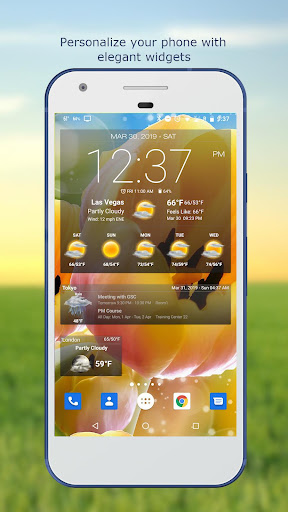
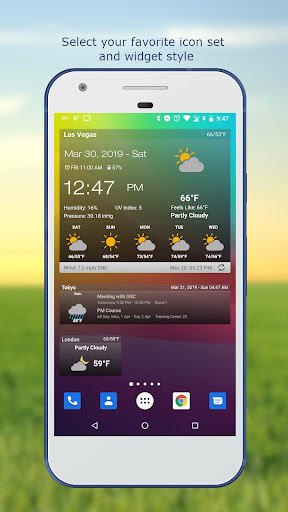
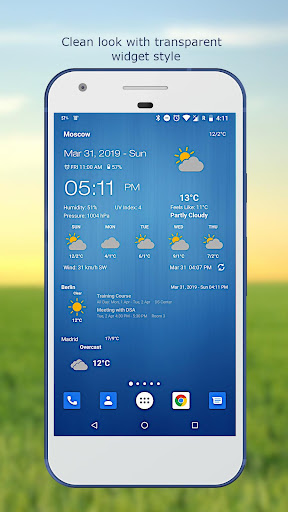
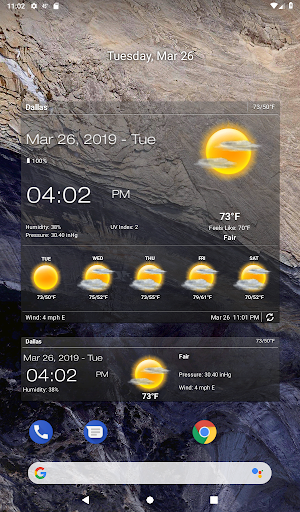
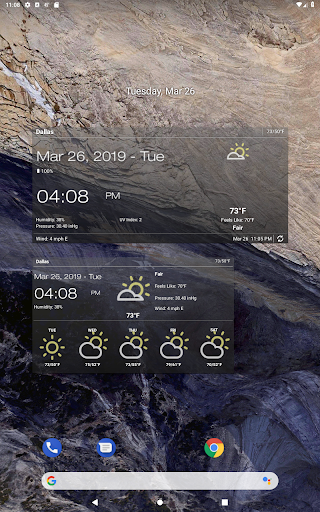
Personalize your phone/tablet with the most elegant and customizable widgets, showing current weather, hourly/daily forecast, moon phase, time and date, your calendar events, next alarm, battery level.
Features:
- Automatic location detection
- Locate by network and GPS (Global Positioning System).
- Manually search for location by name or zip code.
- Weather notification alerts.
- Multiple weather providers.
- Current weather condition.
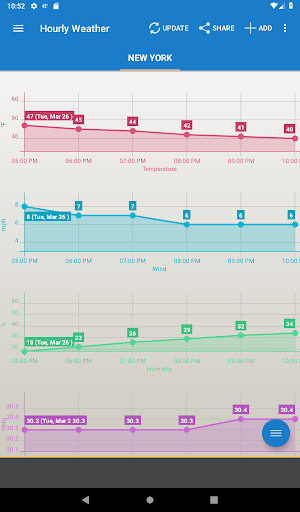
- Hourly weather forecast.
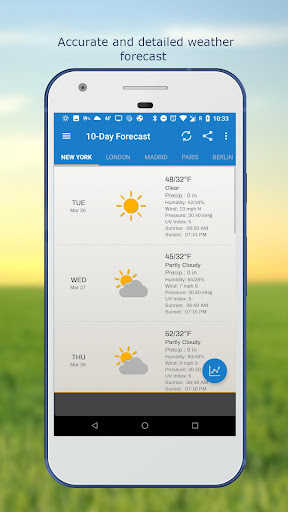
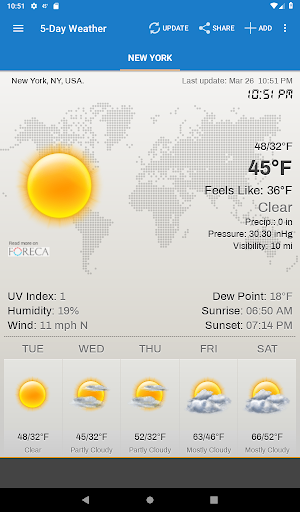
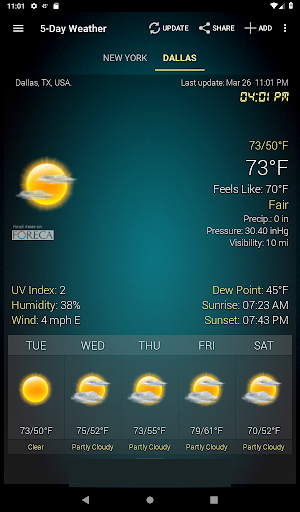
- 10-day weather forecast.
- Temperature.
- Celsius and Fahrenheit temperature unit.
- Relative humidity percentage.
- Atmospheric pressure.
- Visibility distance.
- Precipitation.
- UV-Index.
- Dew point.
- Wind speed and direction with different units.
- Sunrise and Sunset times.
- Display temperature in status bar (Notification bar).
- Share weather and location information with friends.
- Elegant home screen widgets.
- Customize font for clock and date.
- Moon phase.
- Update on WiFi only and stop while roaming.
- Automatic update intervals: 15, 30 min, 1, 3, 6, 9, 12 hours or Manual update.
- Follow weather and forecast for multiple locations.
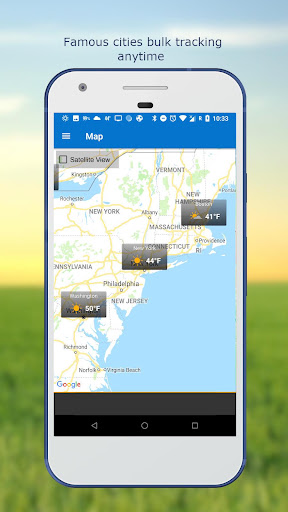
- Weather map.
- Android Wear support.
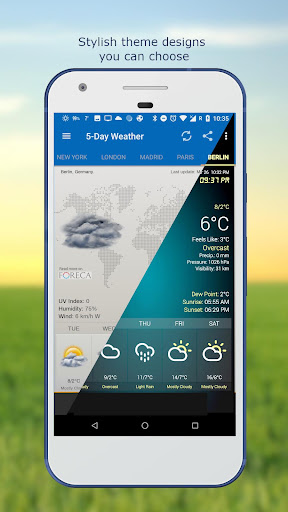
- Themes.
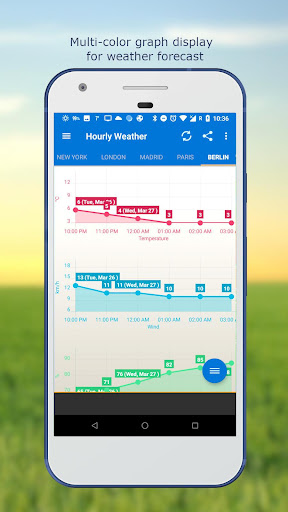
- Chart graphs.
- Localized to many world languages.
FAQ page: http://devexpert.net/weather/FAQ
For more information: http://devexpert.net/weather/
Like us on Facebook: https://www.facebook.com/Weather-Clock-Widget-182414791859010/
Personalize your phone/tablet with the most elegant and customizable widgets, showing current weather, hourly/daily forecast, moon phase, time and date, your calendar events, next alarm, battery level.
Features:
- Automatic location detection
- Locate by network and GPS (Global Positioning System).
- Manually search for location by name or zip code.
- Weather notification alerts.
- Multiple weather providers.
- Current weather condition.
- Hourly weather forecast.
- 10-day weather forecast.
- Temperature.
- Celsius and Fahrenheit temperature unit.
- Relative humidity percentage.
- Atmospheric pressure.
- Visibility distance.
- Precipitation.
- UV-Index.
- Dew point.
- Wind speed and direction with different units.
- Sunrise and Sunset times.
- Display temperature in status bar (Notification bar).
- Share weather and location information with friends.
- Elegant home screen widgets.
- Customize font for clock and date.
- Moon phase.
- Update on WiFi only and stop while roaming.
- Automatic update intervals: 15, 30 min, 1, 3, 6, 9, 12 hours or Manual update.
- Follow weather and forecast for multiple locations.
- Weather map.
- Android Wear support.
- Themes.
- Chart graphs.
- Localized to many world languages.
FAQ page: http://devexpert.net/weather/FAQ
For more information: http://devexpert.net/weather/
Like us on Facebook: https://www.facebook.com/Weather-Clock-Widget-182414791859010/
What's New
Frequently Asked Questions (FAQ): http://apps.interactive.sa/weather
---
- Performance improvement
- Bug fixing
---
- Performance improvement
- Bug fixing
App Information
Version Name
4.2.6.7
Version Code
95
File Size
13.3 MB
Minimum OS
Android 5.0+
Target SDK
Android 29
Developer
Interactive Saudi Arabia
Contact
Website
Content Rating
Everyone
Package Name
com.devexpert.weatheradfreePermissions Required
This app may request the following permissions:
Recent Reviews

A Google user
5.0★
I've been a user and a fan of this widget for the longest time, due to its ability to show hourly weather right in the main screen, besides being highly configurable. Recently it gained the ability to show longer intervals (3h), which allows me a quick glance of what I can expect for the whole day. That was the only feature I was missing, and I got it in the free version! I'm more than happy to pay for the premium version of the app.

Ville Walveranta
5.0★
Works well. But I still wish there was an easier way to switch between Celsius and Fahrenheit! Such as by tapping on the temperature. That's the only feature I (and probably most people who live in the U.S., but who didn't grow up here) miss in this app. Still liking the app six years later. Still wishing an easier way to switch between C/F. 🙂

Rebecca Fouts
3.0★
I used this app for years. I love how many options the widget had. But the format of the actual weather data within the app I find confusing compared to most others. I'm not a fan at all of its weather tracking graph display. Other apps have a much easier to read way to display the changes over time. I was using this apps widget for my clock & weather display on my home screen, then using a small weather bug widget to access looking at more in depth weather forecast info.
A Google user
2.0★
For some reason the app always defaults to Sacramento. I wish there were a way to default to a preferred location or the GPS detected location on the widget. It's pointless to have the widget defaulting to the weather in a location 600 miles away. I have to click on the widget icon to open the app then select the location to see my local weather. I can't find a setting to change this and I'd love to just see it at a glance on the widget.
A Google user
4.0★
I liked it better when it was a widget that I could see open all the time on my home screen. And there's a really irritating number 1 notification alert signal that has shown up on the app shortcut that won't go away. It doesn't give me any indication what it's referring to and I can't get it to go away! Really irritating everytime I look at the shortcut!

Robert H (simataas)
5.0★
I've been using this robust weather app for many years. So many options - love it! Also works with Nova Launcher. Highly recommended.
Ad slot: In-Content