
Scan & Translate: Photo camera
com.datacomprojects.scanandtranslate
by Brain Vault
Screenshots
Ad slot: Top Leaderboard
About this app
"Imagine you are traveling to a foreign country where you don’t speak the language and need to carry a dictionary with you for translation. Imagine you come across a document that is in Spanish or Chinese and you cannot quite make sense of it as an English speaker. Perhaps you simply got a copy of a text, picture, or video that needs to be translated. You need a photo translator app, and Scan & Translate is here to help!
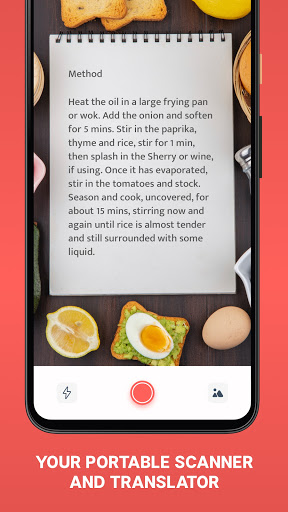
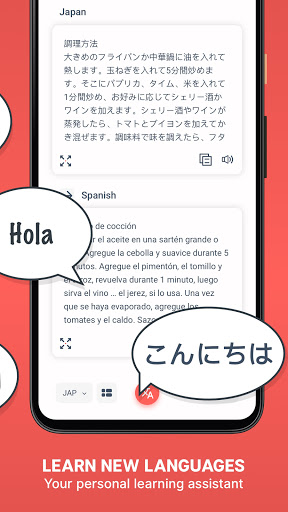
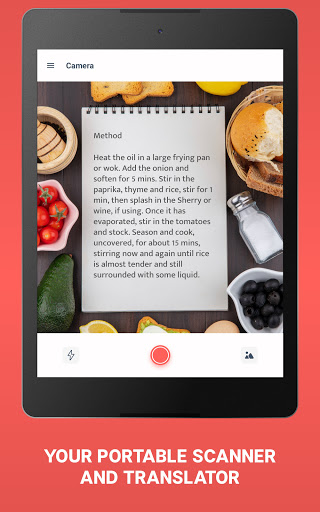
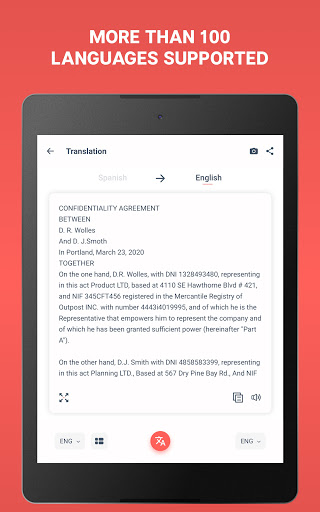
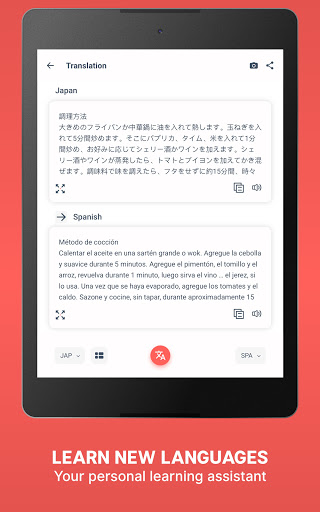
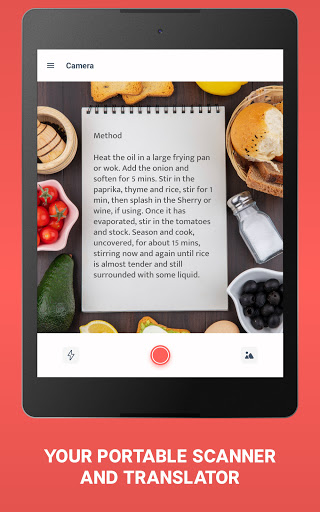
Scan & Translate is your new camera translator and language recognizer. Use the app whenever you need to translate an image, a menu, a document, or anything else. Simply point the camera scanner at the text and choose to translate now. Use our English to Mexican Spanish translator, or select any other language pair. Scan the text and you will receive the correct pronunciation of the foreign words too. You’ll speak perfect Español before you know it! We will gladly help you to explore the world.
Snap a pic of a PDF document or translate photo texts using just our camera scanner. Turn any image into text with our Spanish, Korean or French translator, and more.
Features
- Smart voice system shares the correct pronunciation with you via text to speech to help you hold a conversation with your foreign friends
- Text reader OCR scanner (Optical Character Recognition) technology transforms an image to text on your screen
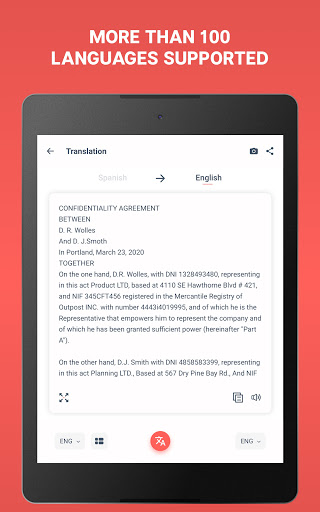
- Translate pictures, jpeg, PDF and Word files live!
- Scan handwriting with our language translator
- Often used for menus, manuals, instructions, product labels, and road signs
- Italian, Russian, Russian, Japanese, and much more!
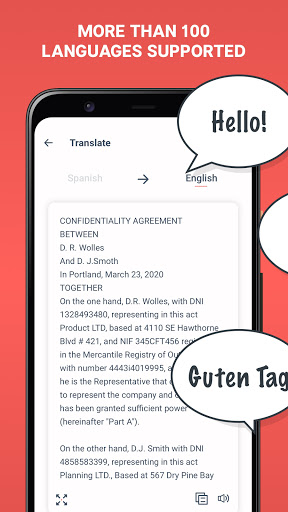
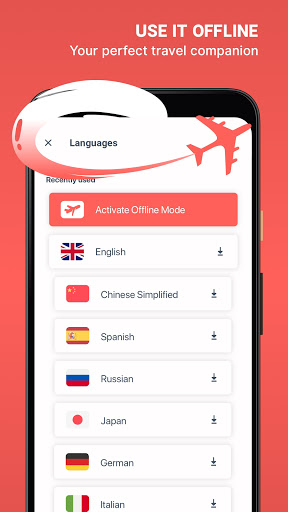
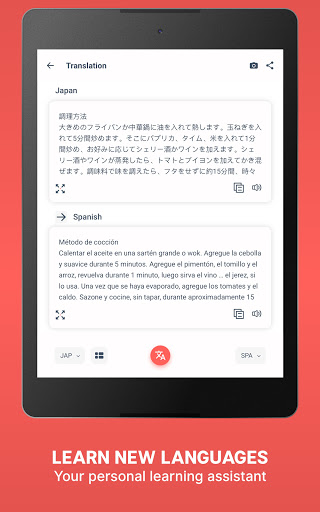
Translations between the following languages are supported: Arabic, Afrikaans, Albanian, Amharic, Armenian, Azerbaijani, Basque, Belarusian, Bengali, Bosnian, Bulgarian, Catalan, Cebuano, Chichewa, Chinese (Simplified), Chinese (Traditional), Corsican, Croatian, Czech, Danish, Dutch, English, Esperanto, Estonian, Filipino, Finnish, French, Frisian, Galician, Georgian, German, Greek, Gujarati, Haitian Creole, Hausa, Hawaiian, Hebrew, Hindi, Hmong, Hungarian, Icelandic, Igbo, Indonesian, Irish, Italian, Japanese, Javanese, Kannada, Kazakh, Khmer, Kinyarwanda, Korean, Kurdish (Kurmanji), Kyrgyz, Lao, Latin, Latvian, Lithuanian, Luxembourgish, Macedonian, Malagasy, Malay, Malayalam, Maltese, Maori, Marathi, Mongolian, Myanmar (Burmese), Nepali, Norwegian, Odia (Oriya), Pashto, Persian, Polish, Portuguese, Punjabi, Romanian, Russian, Samoan, Scots Gaelic, Serbian, Sesotho, Shona, Sindhi, Sinhala, Slovak, Slovenian, Somali, Spanish, Sundanese, Swahili, Swedish, Tajik, Tamil, Tatar, Telugu, Thai, Turkish, Turkmen, Ukrainian, Urdu, Uyghur, Uzbek, Vietnamese, Welsh, Xhosa, Yiddish, Yoruba, Zulu.
How to use Scan & Translate
- Select the original language in the translate app
- Conduct a photo scan
- Press “Scanner” to activate the text translator and convert picture to text
- Select the target language
- Press “Voice” to hear the correct pronunciation
Download Scan & Translate!
Our tool will become a great buddy during your travels. You will use it more than any other utilities on your phone. Download the image translator to be able to communicate with people in foreign countries.
For full access to the Scan & Translate app and all language change features, you will need to allow access to the following:
*Camera
*Photos
Note: The Free version of Scan & Translate may be subject to limitations (ex. number of daily text recognitions and translations), which are subject to change
Сhoose from different subscription options. Our subscription options are:
1-month Subscription
1-year Subscription
Subscription plans unlock:
- Unlimited translations
- Unlimited text recognition
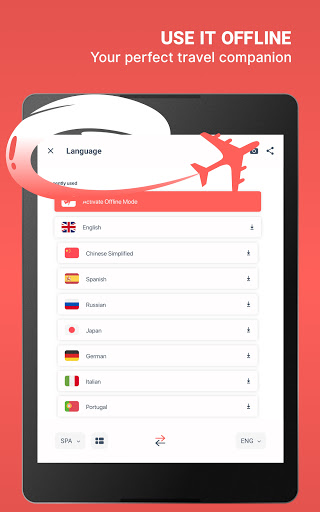
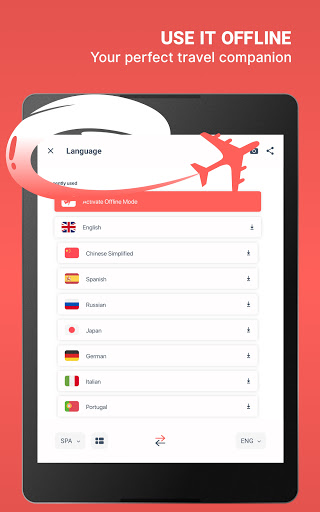
- Offline text recognition
- Offline translations
- Ad-free translation experience
- Snap Mode"
Scan & Translate is your new camera translator and language recognizer. Use the app whenever you need to translate an image, a menu, a document, or anything else. Simply point the camera scanner at the text and choose to translate now. Use our English to Mexican Spanish translator, or select any other language pair. Scan the text and you will receive the correct pronunciation of the foreign words too. You’ll speak perfect Español before you know it! We will gladly help you to explore the world.
Snap a pic of a PDF document or translate photo texts using just our camera scanner. Turn any image into text with our Spanish, Korean or French translator, and more.
Features
- Smart voice system shares the correct pronunciation with you via text to speech to help you hold a conversation with your foreign friends
- Text reader OCR scanner (Optical Character Recognition) technology transforms an image to text on your screen
- Translate pictures, jpeg, PDF and Word files live!
- Scan handwriting with our language translator
- Often used for menus, manuals, instructions, product labels, and road signs
- Italian, Russian, Russian, Japanese, and much more!
Translations between the following languages are supported: Arabic, Afrikaans, Albanian, Amharic, Armenian, Azerbaijani, Basque, Belarusian, Bengali, Bosnian, Bulgarian, Catalan, Cebuano, Chichewa, Chinese (Simplified), Chinese (Traditional), Corsican, Croatian, Czech, Danish, Dutch, English, Esperanto, Estonian, Filipino, Finnish, French, Frisian, Galician, Georgian, German, Greek, Gujarati, Haitian Creole, Hausa, Hawaiian, Hebrew, Hindi, Hmong, Hungarian, Icelandic, Igbo, Indonesian, Irish, Italian, Japanese, Javanese, Kannada, Kazakh, Khmer, Kinyarwanda, Korean, Kurdish (Kurmanji), Kyrgyz, Lao, Latin, Latvian, Lithuanian, Luxembourgish, Macedonian, Malagasy, Malay, Malayalam, Maltese, Maori, Marathi, Mongolian, Myanmar (Burmese), Nepali, Norwegian, Odia (Oriya), Pashto, Persian, Polish, Portuguese, Punjabi, Romanian, Russian, Samoan, Scots Gaelic, Serbian, Sesotho, Shona, Sindhi, Sinhala, Slovak, Slovenian, Somali, Spanish, Sundanese, Swahili, Swedish, Tajik, Tamil, Tatar, Telugu, Thai, Turkish, Turkmen, Ukrainian, Urdu, Uyghur, Uzbek, Vietnamese, Welsh, Xhosa, Yiddish, Yoruba, Zulu.
How to use Scan & Translate
- Select the original language in the translate app
- Conduct a photo scan
- Press “Scanner” to activate the text translator and convert picture to text
- Select the target language
- Press “Voice” to hear the correct pronunciation
Download Scan & Translate!
Our tool will become a great buddy during your travels. You will use it more than any other utilities on your phone. Download the image translator to be able to communicate with people in foreign countries.
For full access to the Scan & Translate app and all language change features, you will need to allow access to the following:
*Camera
*Photos
Note: The Free version of Scan & Translate may be subject to limitations (ex. number of daily text recognitions and translations), which are subject to change
Сhoose from different subscription options. Our subscription options are:
1-month Subscription
1-year Subscription
Subscription plans unlock:
- Unlimited translations
- Unlimited text recognition
- Offline text recognition
- Offline translations
- Ad-free translation experience
- Snap Mode"
What's New
• Bug fixes and stability improvements
App Information
Version Name
4.9.17
Version Code
421
File Size
27.9 MB
Minimum OS
Android 5.0+
Target SDK
Android 31
Developer
Brain Vault
Contact
Website
Content Rating
Everyone
Package Name
com.datacomprojects.scanandtranslatePermissions Required
This app may request the following permissions:
Recent Reviews

Cassandra
5.0★
Very accurate scan & text translator. Transcribes things easily and quite accurately. Has cropping capabilities and the interface is beautiful. A well-designed app and very useful. I use it for translating Japanese text in photobooks to English. If it can be synced to all your devices under your Google login that would make it perfect. Oh, and if there was a buy for a lifetime purchase for using the app. Looking into it. I think they do have that option as well.

A Google user
1.0★
I downloaded this app in December and cancelled it well before the free trial was over. I know I did it the right way because I followed the instructions to a tee. I just realized that I have been being charged $5.99 for six months for an app that isn't even installed on my phone and was appropriately cancelled. It's not the end of the world, but be cautious if anyone offers a "free" trial, make sure you check a few times that they are not still charging you.

Ara Hoekstra
1.0★
I paid for the Lifetime premium, I still don't have my account activated, I sent an email to the only email listed in the support menu, but this email is not working. I will appreciate it if someone contacts me to get this problem resolved, it's almost a week with this issue.

William Melycher
1.0★
Not a free app, requires purchase to translate Spanish to English *edited for the reply. The app, not being user friendly, allowed me to take a pic of the document and translate it to a randomly predetermined language. After figuring out the settings I attempted to redo the translation. At which point it prompted a purchase to be able to continue services of translation. To insult me by stating I "need to turn my internet on," is ridiculous. Your app has been pumped up w fake positive reviews

Yamille Lonning
1.0★
Anything I tried to take a photo of and translate just gave me an error: "Oops! Something went wrong." The cover of the novel was understandable because the colourful font probably couldn't be read properly, but it was even giving this error on the black and white text inside, despite choosing the languages.

Marco Padovani
5.0★
Amazed at how great it is. Am using it to translate a book from Italian to English (no English edition available). And it's doing an amazing job. A few notes that I've learned. If the book pages are not completely flat, ithe OCR occasionally misses the last character (where the page is curving at the spine). Next, it sometimes helps the final English translation if I remove the grad carriage returns (from the book's actual layout), and let normal wrapping happen. Otherwise, amazing!
Ad slot: In-Content