

BackCountry Navigator GPS PRO
com.crittermap.backcountrynavigator.license
by Nii Game INC
Screenshots


Ad slot: Top Leaderboard
About this app
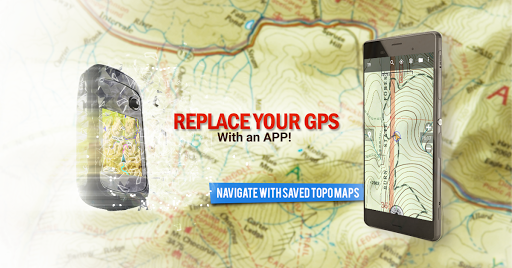
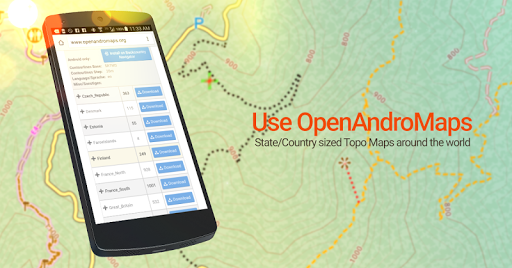
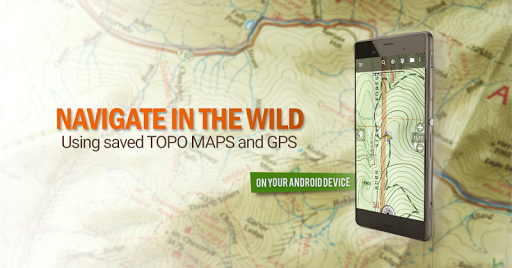
Download topo maps for an offline outdoor navigator! Use your phone or tablet as an offroad topo mapping handheld GPS with the bestselling outdoor navigation app for Android! Explore beyond cell coverage for hiking and other recreation.
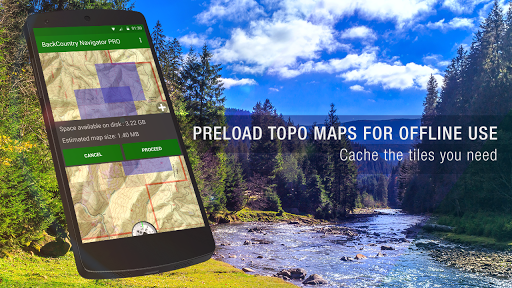
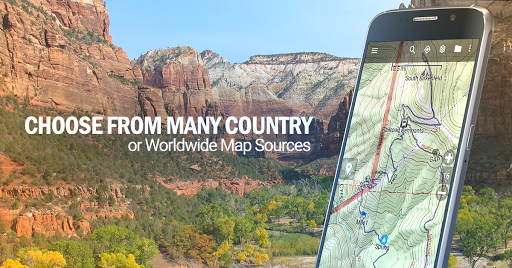
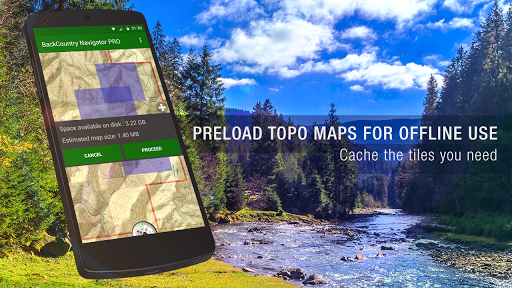
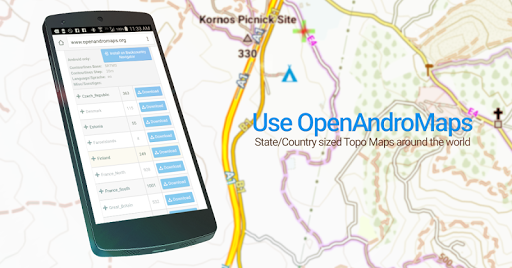
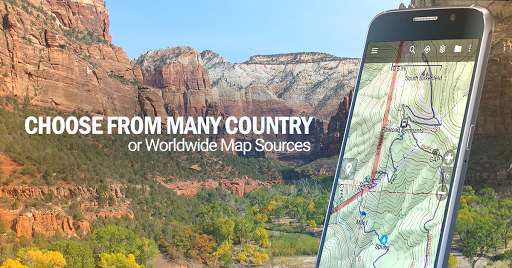
Download topo maps for the US and many other countries in advance, so you won't need cell coverage for navigation. Use storage memory for maps.
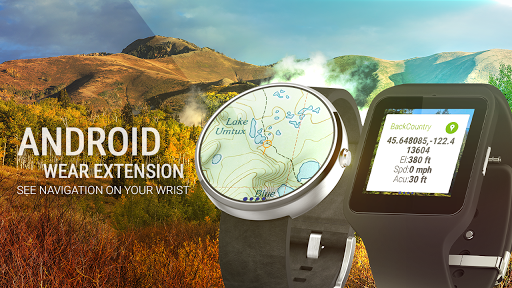
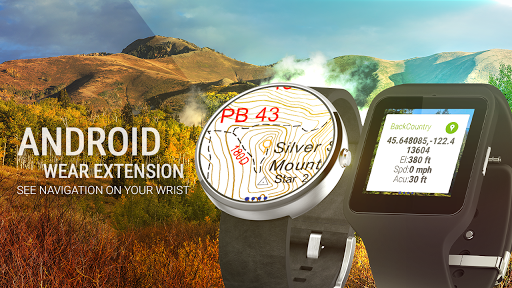
New: Android Wear support to see navigation at a glance on wrist
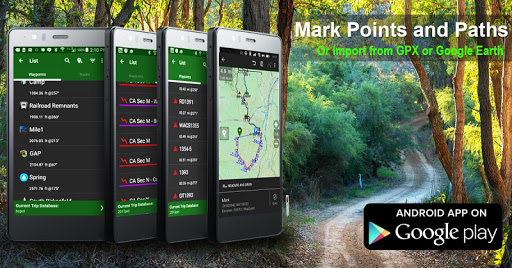
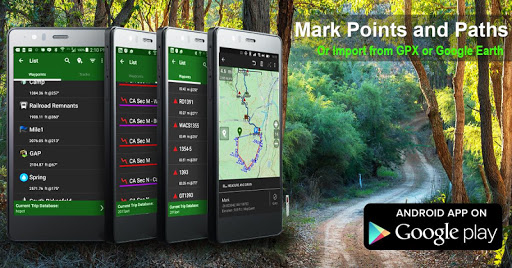
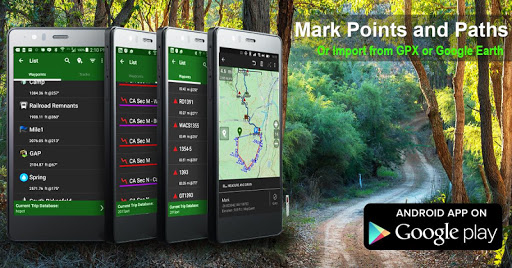
Use GPS waypoints from GPX or KML files, or enter your own coordinates using longitude/latitude, UTM, MGRS, or grid reference. Using GOTO makes a waypoint a locus for navigation.
This uses many publicly available map sources as free downloads. Some additional content available as an in app purchase:
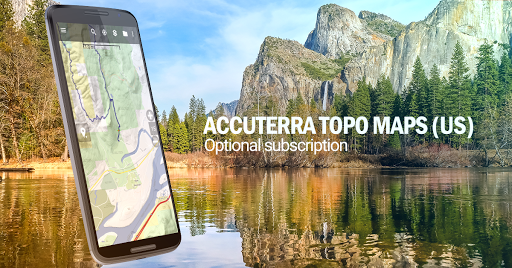
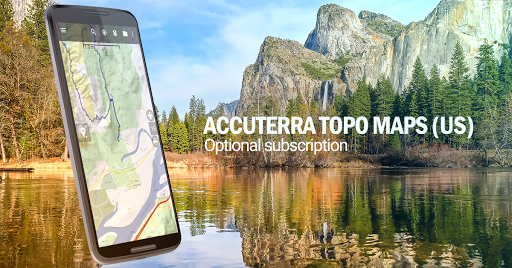
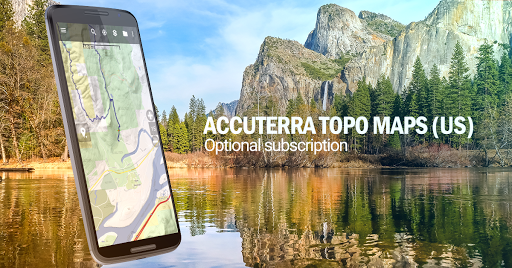
-Accuterra Topo Map Source for $19.99/year. This can be purchased and used with or in instead of the free sources.
-Thunderforest Map Sources - worldwide for $11.99 per year.
- Boundary maps for 12 western states from the Bureau of Land Management(BLM) Overlay for topo maps valued by hunters.
-GMU boundaries in some states
-Lake Contours in several states.
-Content from US TrailMaps including:
-ATV, Whitewater, and Equestrian Trail Maps
See the menu under More-> "Purchasing AddOns". They can be shown on top of topo maps.
You may try the DEMO version to make sure you like the maps in your country.
About topo (topographic) maps: Topo maps show terrain through color and contours, and are useful for navigation offroad. Topo maps and GPS can be used for hiking, hunting, kayaking, snowshoeing, & backpacker trails.
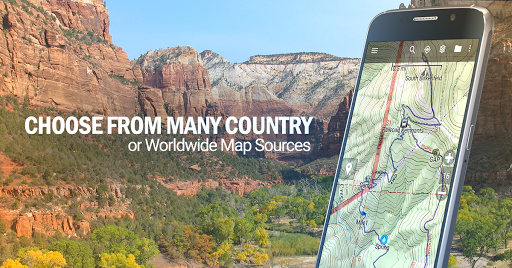
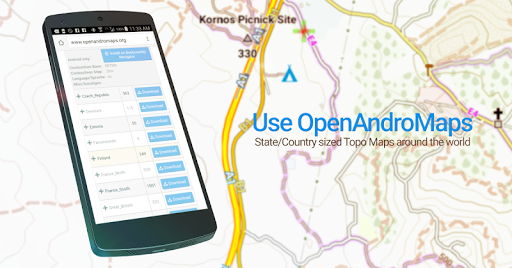
You can create your own maps with Mobile Atlas Creator, or specify a custom tile server. Built in sources include:
OpenStreetMaps from MapQuest
OpenCycleMaps showing terrain worldwide
US Topo Maps from Caltopo and the USGS
USTopo: Aerial Photography with markup.
Canada Topo Maps from Toporama
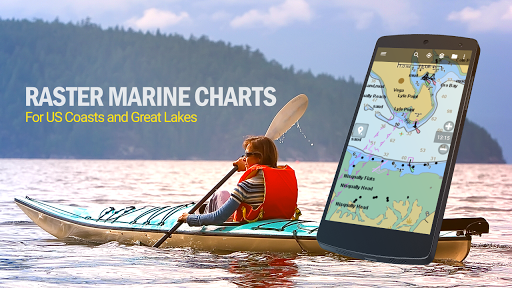
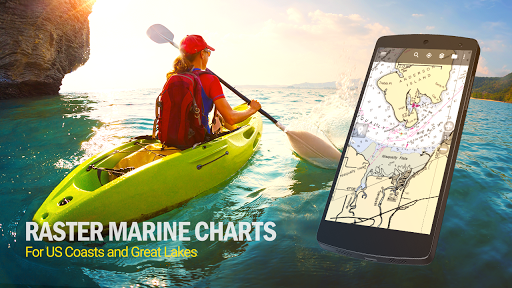
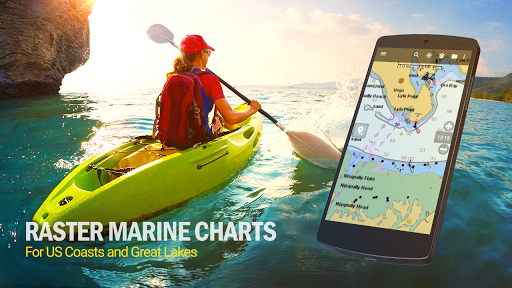
Marine maps: NOAA RNC Nautical Charts (coastal)
USGS Color Aerial photography
Topographic Maps of Spain and Italy
Topo maps of New Zealand
Japan GSI maps.
Many of the above sources are generally free to use.
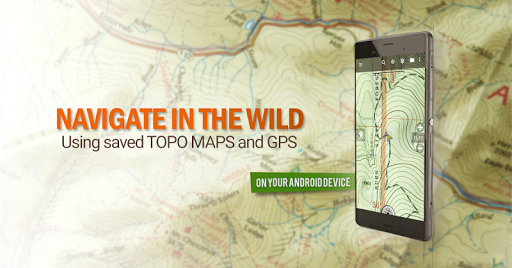
Use offline topo maps and GPS on hiking trails without cell service. The GPS in your Android phone can get its position from GPS satellites, and you don’t have to rely on your data plan to get maps. Have more fun and safe GPS navigation in the backcountry.
Use as a geocaching navigator by getting a pocket query as GPX.
Besides geocaching, use GPS for recording tracks and GPS waypoints on your trip, all the while tracking your GPS quest on topographic maps. It may replace your Garmin handheld GPS.
Here are some of the outdoor GPS activities BackCountry Navigator has been used for:
As a hiking GPS both on hiking trails and off trail.
Camping trips to find that perfect camping site or the way back to camp with GPS.
Hunting trips for hunting wild game in rugged areas.
Doing recon for a hunt or as your hunting GPS
Fishing: make it your fishing GPS.
Search and Rescue (SAR).
Trekking the Pacific Crest trail or other long term hiking.
Kayak and canoe treks on inland lakes and streams or marine, coastal waters.
Backpacker trips: using topo maps of wilderness areas and national forests for navigation on trails with the GPS in your rucksack or backpack.
Find your own ways to have fun in the outdoors. Be a maverick by venturing beyond cell service boundaries with your GPS. Become a pro at navigation with GPS for the outdoors.
BackCountry Navigator has been on WM devices and preloaded on the Trimble Nomad outdoor rugged device. This Android version is more flexible, featured, and fun. Create a memory with maps.
For a one time fee, this a great addition to the outdoor gear you bought at Cabelas, REI, or another outdoor store. Many have found the Android GPS in a phone or tablet to substitute for a Garmin GPS or Magellan GPS, such as the Garmin GPS units Montana, Etrex, or Oregon. Android can be your handheld GPS.
Download topo maps for the US and many other countries in advance, so you won't need cell coverage for navigation. Use storage memory for maps.
New: Android Wear support to see navigation at a glance on wrist
Use GPS waypoints from GPX or KML files, or enter your own coordinates using longitude/latitude, UTM, MGRS, or grid reference. Using GOTO makes a waypoint a locus for navigation.
This uses many publicly available map sources as free downloads. Some additional content available as an in app purchase:
-Accuterra Topo Map Source for $19.99/year. This can be purchased and used with or in instead of the free sources.
-Thunderforest Map Sources - worldwide for $11.99 per year.
- Boundary maps for 12 western states from the Bureau of Land Management(BLM) Overlay for topo maps valued by hunters.
-GMU boundaries in some states
-Lake Contours in several states.
-Content from US TrailMaps including:
-ATV, Whitewater, and Equestrian Trail Maps
See the menu under More-> "Purchasing AddOns". They can be shown on top of topo maps.
You may try the DEMO version to make sure you like the maps in your country.
About topo (topographic) maps: Topo maps show terrain through color and contours, and are useful for navigation offroad. Topo maps and GPS can be used for hiking, hunting, kayaking, snowshoeing, & backpacker trails.
You can create your own maps with Mobile Atlas Creator, or specify a custom tile server. Built in sources include:
OpenStreetMaps from MapQuest
OpenCycleMaps showing terrain worldwide
US Topo Maps from Caltopo and the USGS
USTopo: Aerial Photography with markup.
Canada Topo Maps from Toporama
Marine maps: NOAA RNC Nautical Charts (coastal)
USGS Color Aerial photography
Topographic Maps of Spain and Italy
Topo maps of New Zealand
Japan GSI maps.
Many of the above sources are generally free to use.
Use offline topo maps and GPS on hiking trails without cell service. The GPS in your Android phone can get its position from GPS satellites, and you don’t have to rely on your data plan to get maps. Have more fun and safe GPS navigation in the backcountry.
Use as a geocaching navigator by getting a pocket query as GPX.
Besides geocaching, use GPS for recording tracks and GPS waypoints on your trip, all the while tracking your GPS quest on topographic maps. It may replace your Garmin handheld GPS.
Here are some of the outdoor GPS activities BackCountry Navigator has been used for:
As a hiking GPS both on hiking trails and off trail.
Camping trips to find that perfect camping site or the way back to camp with GPS.
Hunting trips for hunting wild game in rugged areas.
Doing recon for a hunt or as your hunting GPS
Fishing: make it your fishing GPS.
Search and Rescue (SAR).
Trekking the Pacific Crest trail or other long term hiking.
Kayak and canoe treks on inland lakes and streams or marine, coastal waters.
Backpacker trips: using topo maps of wilderness areas and national forests for navigation on trails with the GPS in your rucksack or backpack.
Find your own ways to have fun in the outdoors. Be a maverick by venturing beyond cell service boundaries with your GPS. Become a pro at navigation with GPS for the outdoors.
BackCountry Navigator has been on WM devices and preloaded on the Trimble Nomad outdoor rugged device. This Android version is more flexible, featured, and fun. Create a memory with maps.
For a one time fee, this a great addition to the outdoor gear you bought at Cabelas, REI, or another outdoor store. Many have found the Android GPS in a phone or tablet to substitute for a Garmin GPS or Magellan GPS, such as the Garmin GPS units Montana, Etrex, or Oregon. Android can be your handheld GPS.
What's New
Fixes for stability Updates for API level as required by Google Play. Fixes for Maps Subscription Issues. Possible fixed for Purchases Add-ons. Other minor bugs fixes.
App Information
Version Name
5.7.9
Version Code
1
File Size
12.9 MB
Minimum OS
Android 5.0+
Target SDK
Android 22
Developer
Nii Game INC
Contact
Website
Content Rating
Everyone
Package Name
com.crittermap.backcountrynavigator.licensePermissions Required
This app may request the following permissions:
Recent Reviews

James Vesely
1.0★
It was a great app and it still works but after Android undated it's file access permissions you cannot backup your data and the file migration option does not work on new Android operating systems. Fix the issues and I would be happy to pay an upgrade fee to start using it again. If you cannot backup your data it's makes the app pretty much useless.
Maurice l'Annee de Betrancourt
3.0★
Backcountry Nav used to be my go to app for a lot of things. But it feels a bit outdated at this point. I wish they would have the option for multiple layers at a time. One of the biggest reasons I stopped using the app. MVUM data is from 2017, and honestly, the color coding scheme is a bit annoying. I need to carry a print out to understand what the colors mean. Also not very useful for the color blinded folks probably. It will live on my phone, untouched.

Chuck Buker
5.0★
it took me a little while to understand all the features of this app, but it is really powerful. I use it every time I hike. ou can record tracks, you can record pens, and you can associate photographs with it. you can export your tracks in either GPX or KML format, and you can also import any KML file, which gives you the ability to build a hike using caltopo or other web services and then import i into your phone with backcountry navigator. in addition, there are many maps, both topographical

A Google user
5.0★
left a bad review some time ago when I changed devices while trying to move data to a new device. got it handled then. this time I was worried also. downloaded the pdf, followed the steps. Worked, took a few but I'm good to go. oh and their customer service reached out to make sure I was solid. perfect! this is my go to app when off grid.

MPP 2019
2.0★
This app worked extremely reliably for many years and has helped me on numerous outdoor adventures in the past. I prefered it above all other similar apps because it did not require me to create an account just to be able to use the app.
After recent updates it has become completely unusable for me because it keeps displaying a message saying "Internet Off, See Layers Menu". I have confirmed that the "Internet Enabled" option is turned on. Reinstalling, clearing data/cache did not help.
A Google user
5.0★
This app is awesome! I use this on my phone and I have a handheld garmin GPS, using them side by side, obviously I much prefer the screen size, brightness and responsiveness of my phone. Be sure to download your map ahead of time. While youre on the trail turn off mobile data, bluetooth, etc. Leave location services enabled. I also use the battery saver mode and can get my phone to go a few days without a charge. I always carry a backup battery just incase.
Ad slot: In-Content