

Design Space: DIY with Cricut
com.cricut.designspace
by Cricut
Screenshots

Ad slot: Top Leaderboard
About this app
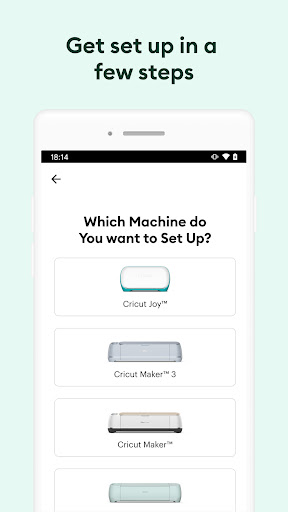
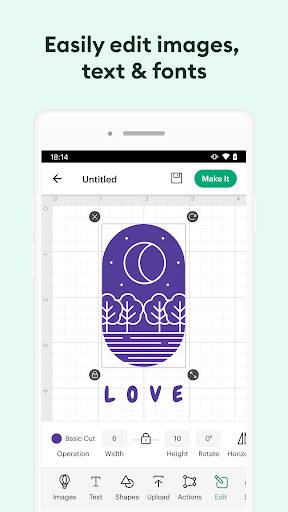
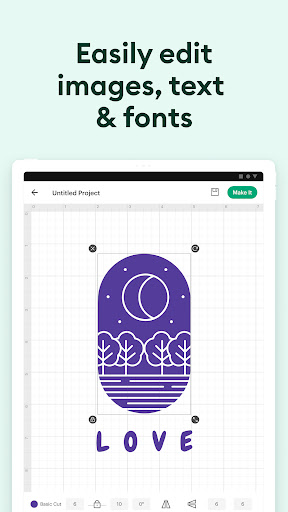
Enjoy total creative freedom over your next DIY project with Cricut Design Space™. Design, cut, or draw by connecting to Cricut Explore™ or Cricut Maker™ machines.
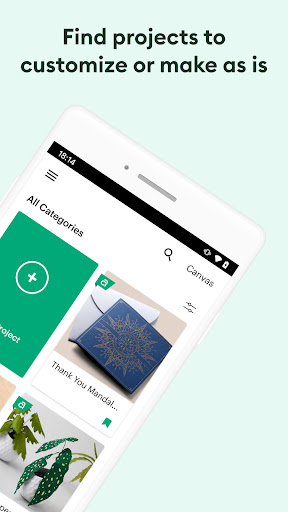
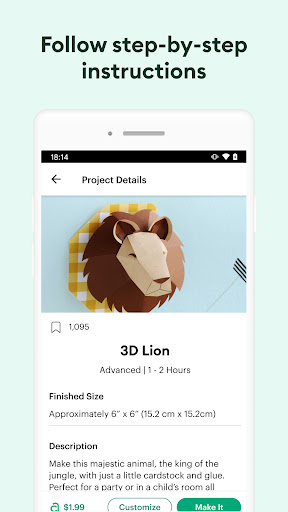
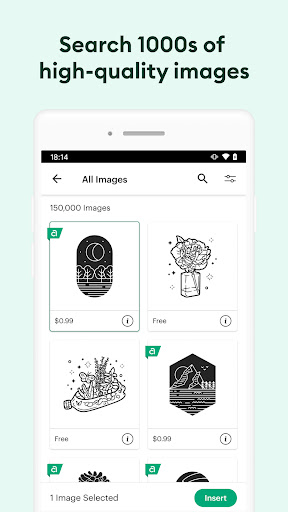
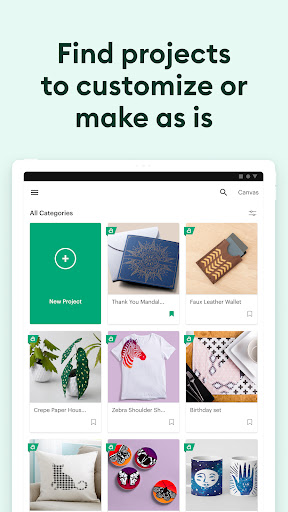
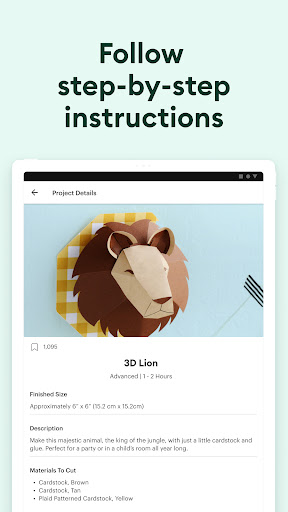
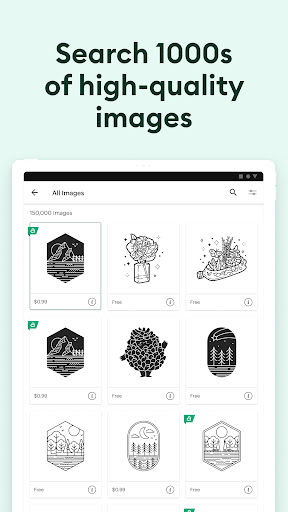
Start your project from scratch or browse thousands of images, ready-to-make projects, and unique fonts in the Cricut Image Library.
Create from anywhere, any time inspiration sparks with cloud-based syncing across devices.
Connect to your compatible Cricut cutting machine with a Bluetooth® connection.
Experience brand-new features like kerning, spell check, right-to-left text & more by upgrading your device to Android 9 or above.
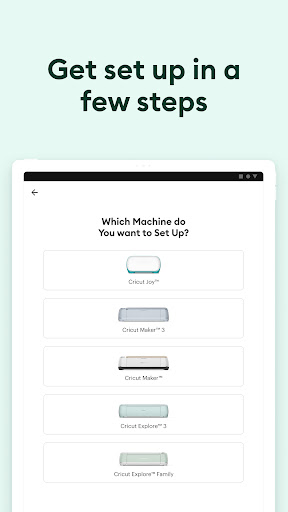
New to Cricut? Welcome! To use this companion Design Space app, first activate your new machine at cricut.com/setup
NEED HELP? WE'RE HERE FOR YOU.
Chat, call, or email Cricut Member Care
http://help.cricut.com
Use of the Cricut Design Space app is subject to terms at cricut.com/legal
Start your project from scratch or browse thousands of images, ready-to-make projects, and unique fonts in the Cricut Image Library.
Create from anywhere, any time inspiration sparks with cloud-based syncing across devices.
Connect to your compatible Cricut cutting machine with a Bluetooth® connection.
Experience brand-new features like kerning, spell check, right-to-left text & more by upgrading your device to Android 9 or above.
New to Cricut? Welcome! To use this companion Design Space app, first activate your new machine at cricut.com/setup
NEED HELP? WE'RE HERE FOR YOU.
Chat, call, or email Cricut Member Care
http://help.cricut.com
Use of the Cricut Design Space app is subject to terms at cricut.com/legal
App Information
Version Name
5.60.1
Version Code
21079
File Size
618.1 MB
Minimum OS
Android 9+
Target SDK
Android 34
Developer
Cricut
Contact
Website
Content Rating
Everyone
Package Name
com.cricut.designspacePermissions Required
This app may request the following permissions:
Recent Reviews

Sierra Walker
2.0★
I used to prefer the mobile app to the desktop version, but not anymore. The UI is the opposite of inuitive, and the menus coming down from the top literally make it impossible to move text around once it's there because the menu blocks the text entirely. Everything feels cluttered and difficult to work with, and the constant push to join the subscription is super annoying. Why do I need to say no each time I use the app and sometimes just when going to a new page in it?

Carla Crewe
1.0★
The app always crashes the cutting machine most the time just rips my paper up so I think I spent more time and money and got nothing out of it. the machines are really expensive! And all I see on here is oh we're sorry about your experience blah blah blah then why don't you fix it. cuz I'm pretty mad that this was supposed to be a fun thing to do and turned into an expensive aggravating experience.

Alice Snow
1.0★
I had to cancel my subscription THREE TIMES after the free trial, and now that the app and website all say my subscription has been canceled, they STILL charged me $100 last night. Absolutely ridiculous, and I would've NEVER bought a Cricut machine if I knew they were going to try to steal my money on top of the costs of their machine and equipment.

Lamar Battle
2.0★
Wow what happened after the update? I am missing some things like delete, duplicate, and group which usually is on the top side of the screen on the right side. but since the update I no longer have those features you're supposed to update for the better, not the worst. By the way, this is on my Windows computer. I have not checked my Android tablet or phone.

Daniel Girardi
4.0★
app is getting better as time goes on. I'm not the biggest fan of the new interface at the bottom, and where things are, i got so used to the way the menus were and got so fast using it. I use this app a lot, probably more than 99% of the people using it. Now its changed up and it slows me down, but its not the worst. Overall, this app keeps getting better with time. I wish image editor had an option to make the white and gray background a little darker for erasing lighter colors easier

Jared Pattynama
1.0★
I have no idea what happened. This was a great app that I've used for years. The last update took it from that to being absolutely useless. Won't connect to my machine to print from my phone, and even on my iPad, the app freezes up as soon as I try to cut something. Literally, the only thing the app is useful for and it doesn't work. Unbelievable. Now, I get to be behind on projects!
Ad slot: In-Content