

Draw Pixel Art
com.crazydecigames.lets8bit.art.free
by Decipixel Games
Screenshots












Ad slot: Top Leaderboard
About this app
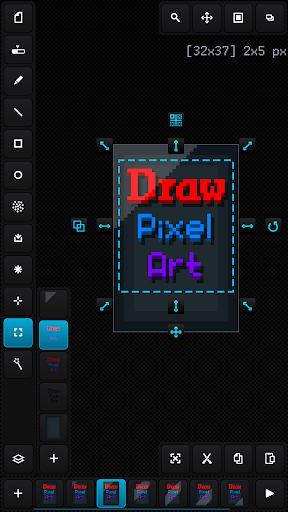
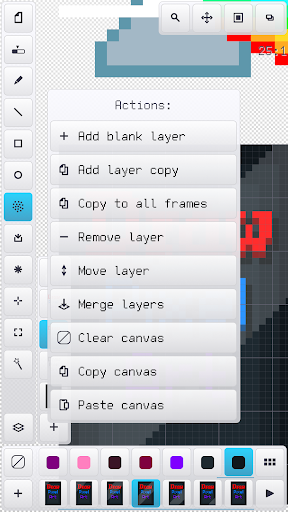
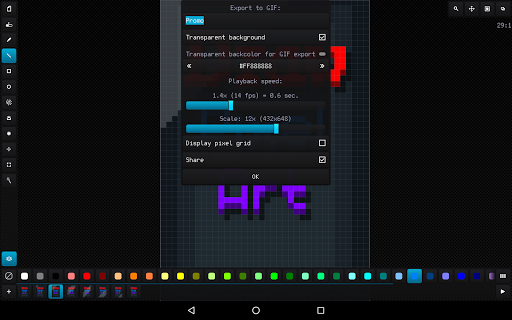
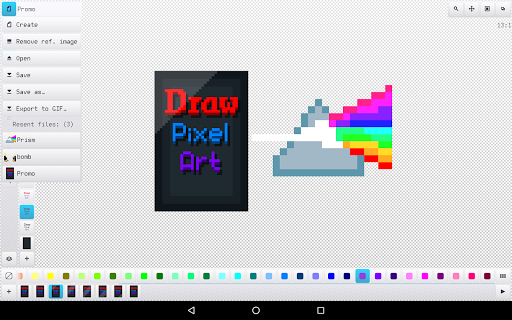
Easy raster graphics editor optimized for work with pixel precision images (pixel art design) with the ability to create animations and work with sprite-sheets.
The best solution to make graphics for games, create art and draw animation just for fun.
The app benefits:
- Nice and easy interface in portrait and landscape on different screen resolution and dpi
- Tiny app size and optimized work with all available RAM
- Recognizing PNG, JPG, BMP, GIF and WEBP image file formats and JASC PAL, HEX, Paint.net TXT and Gimp GPL palette file formats
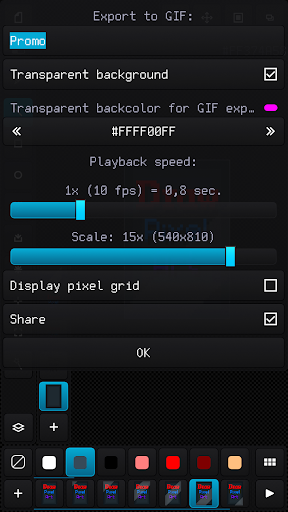
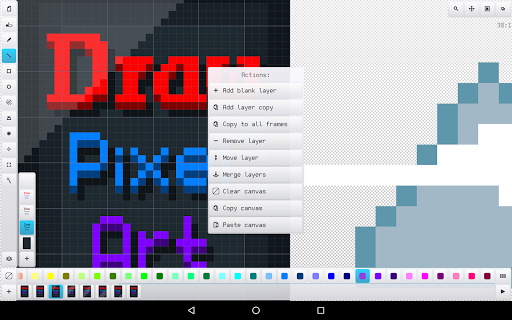
- Advanced work with animation and layers, ability create up to 10 000 frames with 10 000 layers if you have enough RAM
- Canvas size up to 8 Megapixels with any width, height and aspect (for example 4096 x 2048 pixels)
- Customizing interface, background, grids and previous phantom frame
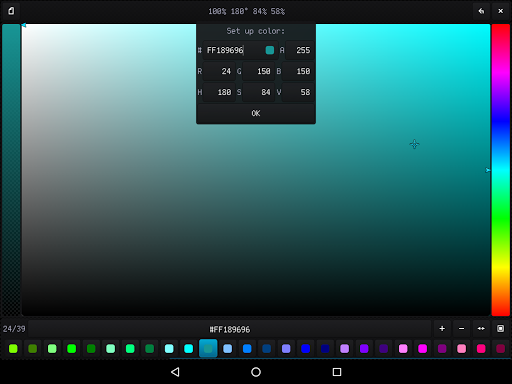
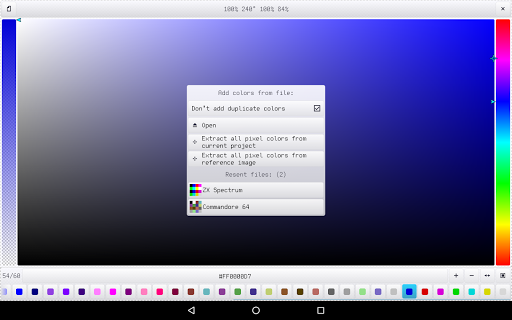
- High-grade 32-bit ARGB palette (with alpha channel) up to 10 000 color samples
- Configurable tools for quick and easy drawing
- Auto saving and resuming current project with all configuration
- Undoing changes in the canvas up to 50 times
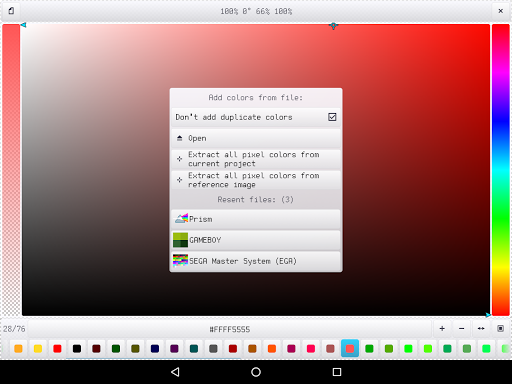
- Ability to load a reference image and build a palette based on it
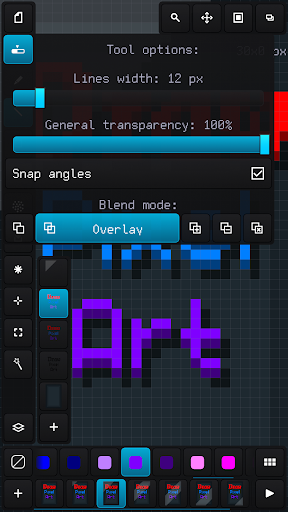
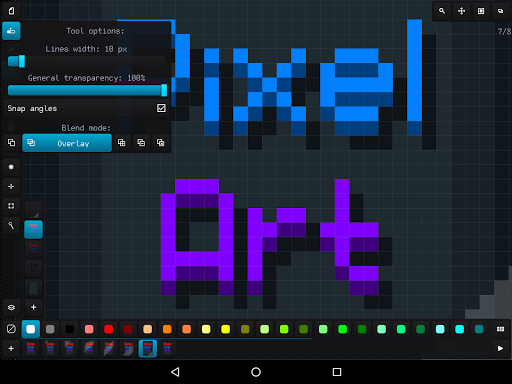
- Applying up to 6 color blend modes: normal, overlay, lighten, darken, multiply and add
- Convenient tool for selecting and transforming an area, add area from the external file and save area to the file
- Built-in file browser with specs and thumbnails of images and palettes
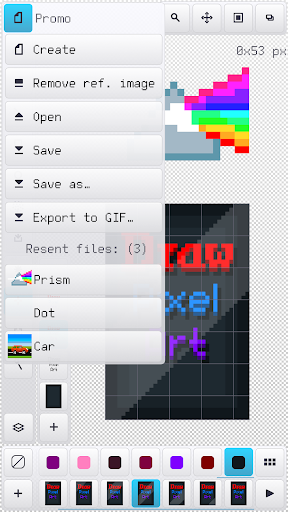
- Quick access up to 20 recent image files and palettes
The best solution to make graphics for games, create art and draw animation just for fun.
The app benefits:
- Nice and easy interface in portrait and landscape on different screen resolution and dpi
- Tiny app size and optimized work with all available RAM
- Recognizing PNG, JPG, BMP, GIF and WEBP image file formats and JASC PAL, HEX, Paint.net TXT and Gimp GPL palette file formats
- Advanced work with animation and layers, ability create up to 10 000 frames with 10 000 layers if you have enough RAM
- Canvas size up to 8 Megapixels with any width, height and aspect (for example 4096 x 2048 pixels)
- Customizing interface, background, grids and previous phantom frame
- High-grade 32-bit ARGB palette (with alpha channel) up to 10 000 color samples
- Configurable tools for quick and easy drawing
- Auto saving and resuming current project with all configuration
- Undoing changes in the canvas up to 50 times
- Ability to load a reference image and build a palette based on it
- Applying up to 6 color blend modes: normal, overlay, lighten, darken, multiply and add
- Convenient tool for selecting and transforming an area, add area from the external file and save area to the file
- Built-in file browser with specs and thumbnails of images and palettes
- Quick access up to 20 recent image files and palettes
What's New
- Ability to undo group actions (changing frames and layers, effects, resizing)
- Undo and redo with the volume buttons
- Ability to underlay a reference image under the canvas
- Fixed bugs and crashes
- Undo and redo with the volume buttons
- Ability to underlay a reference image under the canvas
- Fixed bugs and crashes
App Information
Version Name
1.4
Version Code
10
File Size
799.5 KB
Minimum OS
Android 4.0+
Target SDK
Android 9
Developer
Decipixel Games
Contact
Website
Content Rating
Everyone
Package Name
com.crazydecigames.lets8bit.art.freePermissions Required
This app may request the following permissions:
Recent Reviews

Mason Pitkin
5.0★
The best pixel art app for Android. It's only a little buggy when moving frames around with the animation manager, as it usually glitches out and crashes when going back to drawing afterward. Maybe it could just be my phone though, but it's still easy to work around as the app launches very fast! #1 tip: Save early, save often. This goes for both projects and palettes. Would highly recommend, and maybe upgrade to pro later to support devs, since I don't need the extra features.

A Google user
5.0★
I instantly fell in love with this app and pixel art as well! There's just this bug where if you zoom in or out it glitches in a different place and sometimes undo's some of the art and it's really annoying! To me it happens every 3-5 seccond but that's because I have to zoom out and see if the art's looking fine and what I have to fix and I hope the developer-/s fix this glitch in the next update and then I'll change it to all 5 stars! :)))

Brian Rivet
3.0★
This is the best on Android. That being said there are a lot of glitches in the program, and a few quality of life changes that could be made, ie a color sorting button for after you pull colors from an image would be amazing as I can't find a sorter anywhere on the web. Also I can't find the eraser on the app anywhere.

Tangle Tophat (Bingus)
5.0★
This app’s been really fun to use! When I first tried it, I was surprised by how simple it was to figure out. I’ve stuck with it for over 3 years now, and it’s helped me a lot—especially with making mods and fixing up some of my pixel game resources. Honestly, it’s just one of those apps that ends up being way more useful than you expect.

Patrina Godlike
3.0★
I used pro version many years ago and it's good. But first, the anti-alias always mess up GIF images, especially all small size ones, I wish it has option to on/off. Second, when the canvas has more than 1 layers and I save it into sheet format, the sheet can't open. Third, this has 3 view modes and the 1st mode (frame interface mode) usually froze so I've to edit in 3rd mode (no frame interface) and switch back to the 1st, which inconvenient especially editing image per frames for animations.

Alan Kenneally
5.0★
I love this app sooo much, it makes pixel art so much easier and I know I may sound like them fake reviews saying this, but the app is just perfect. The one thing they need to add is definitely a tool that can give you the color that you tap on. Definitely a better than other apps and more easier to use. I would definitely recommend this app for beginner artists like me.
Ad slot: In-Content