

CorelDraw Design Templates
com.coreldrawdesign.app
by Empretus
Screenshots

Ad slot: Top Leaderboard
About this app
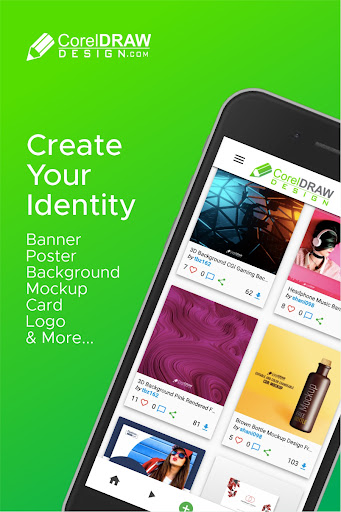
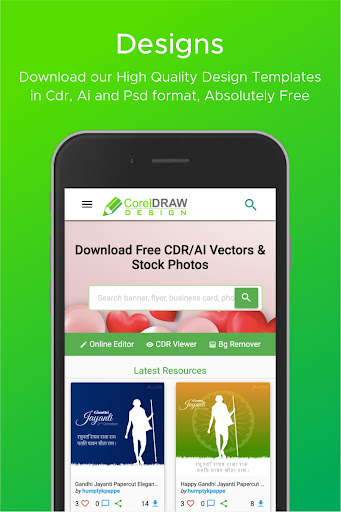
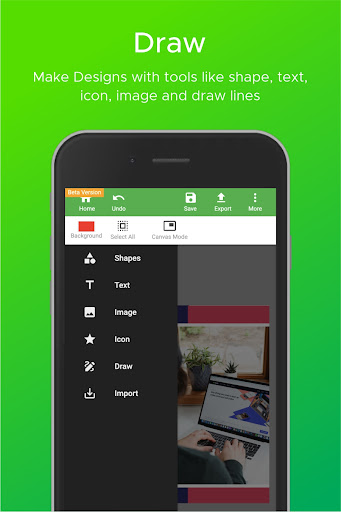
Use CorelDraw Design App to download free .CDR design templates and use it to create beautiful creatives/designs for your business.
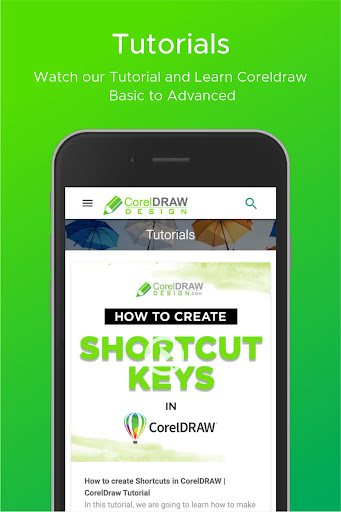
Get Royalty free high quality DSLR images absolutely free. Learn designing with our quality tutorials. Get aware of latest tips and tricks with CorelDraw design app.
Join the Designer community all over world with lovers of CorelDraw Software.
Get Royalty free high quality DSLR images absolutely free. Learn designing with our quality tutorials. Get aware of latest tips and tricks with CorelDraw design app.
Join the Designer community all over world with lovers of CorelDraw Software.
What's New
Android 12 & 13 Support Added
App Information
Version Name
5
Version Code
5
File Size
336.2 KB
Minimum OS
Android 4.4+
Target SDK
Android 33
Developer
Empretus
Contact
Website
Content Rating
Everyone
Package Name
com.coreldrawdesign.appPermissions Required
This app may request the following permissions:
Recent Reviews

Ernest Nwoyi
2.0★
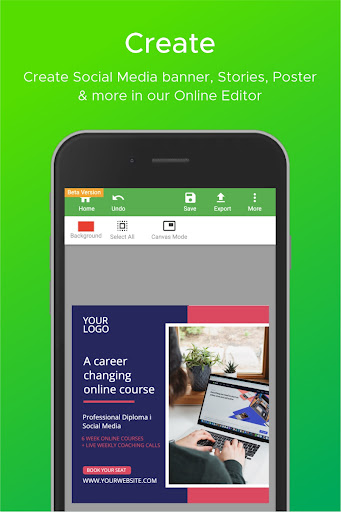
Well, I don't know if this was actually originally made by CorelDraw. If it was, I'm still surprised. You can't do much with this app or rather, in the linked site. So many other design apps you might not expect are better. Apart from making few regular shapes, simple texts and grouping them, nothing else. But, I'm still with them hoping they'll improve it soon and add more tools and features

Jay Vee Alcantara
2.0★
All in all it's good, but, it needs some improvements. You need to add some functions like for example, replacing or adjusting the canvas. It is a lot more easier if you put a function that can tilt the canvas and lock the subjects.

Maria Torres
2.0★
I download this app for my assignment in graphics hoping it can helped me.The canvas is fine you can manually operate it and input contents on it but the problem lies with the saving.Everytime I tried to save my progress,it just won't save.Sure the app said it was saved but as soon as I hit the home tab all the work I did was gone, tried again this time I saved it by downloading my progress. But sadly the image itself was blurred in every download.Tried to search for help but led to the main app

CATHYBETH
1.0★
Corel draw is an app of creativity and it is nice but when u want to save something Corel draw starts to misbehave It is nice but disappoints me at the same time. It is a nice but disappointing, dissatisfying and a frustrating app. See I like this app So please fix the problem of saving because I tried to save a document up to 5 times now, so please fix this nonsense. Yours faithfully.

A Google user
1.0★
first off all thank you Corel. I want to draw your attention towards the misunderstanding you have created. I have my idea. but dumbo let me create in phone. login is not necessary when some have already have purchase it for premium based. it was a urgent call for editing and I thought to install. you had to pay me for my data... and this is how it goes if dont answer a filter? it doesn't allowed you to post. challenge accepted sir. duck off. I m all ready a designer.

Sana Chaudhary
1.0★
Worst experience with this app, I can't found my editing which i had made, and in the my editing section, nothing to be shown.. My all work had gone every time .
Ad slot: In-Content