

Pixelup - AI Photo Enhancer
com.codeway.pixelup
by Codeway Dijital
Screenshots
Ad slot: Top Leaderboard
About this app
Turn your old, blurry photos into high definition with Pixelup's AI photo enhancer!
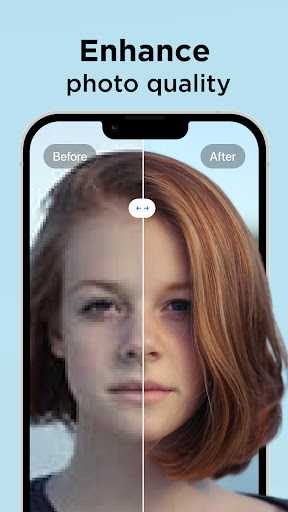
With Pixelup's enhanced Artificial Intelligence (AI), you can enhance photo quality instantly. Colorize and unblur old, pixelated, damaged pictures and turn them into crystal clear HD photos and get revitalized.
Pixelup helps you to:
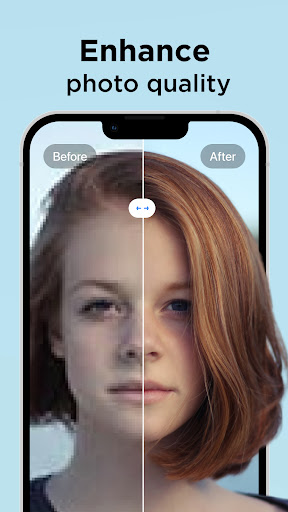
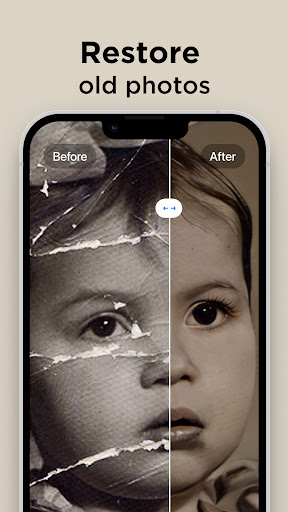
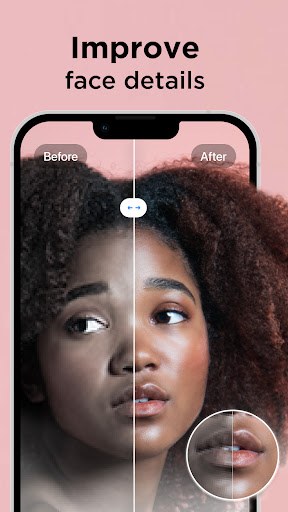
ENHANCE PHOTO QUALITY
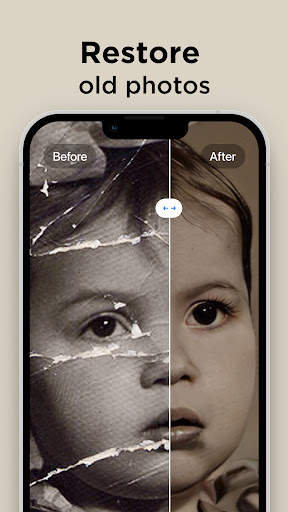
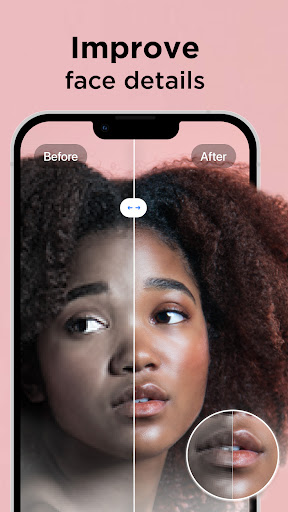
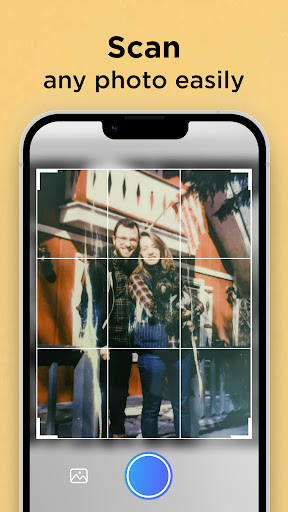
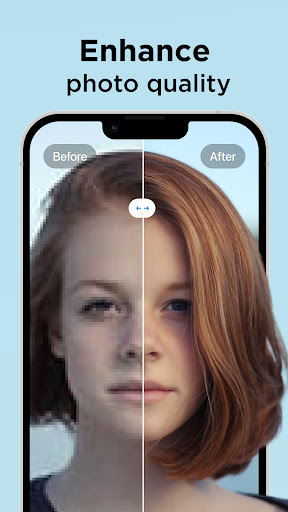
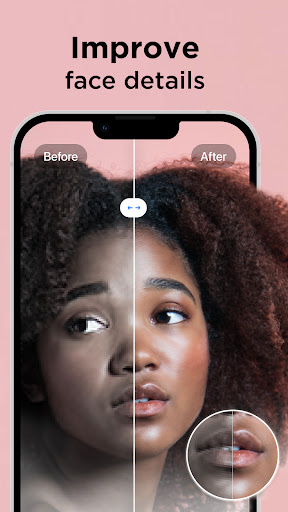
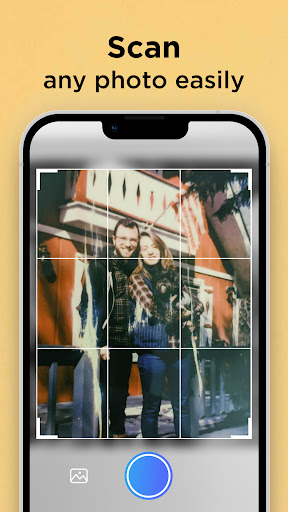
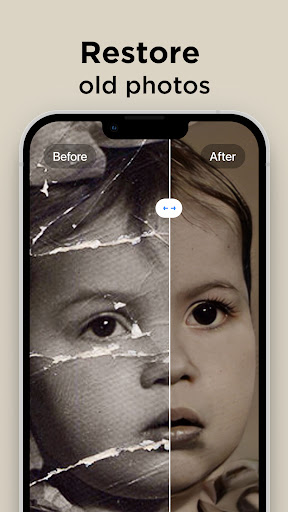
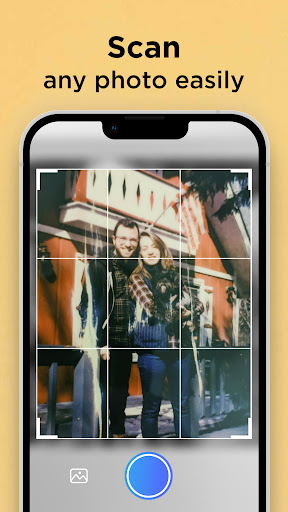
Either upload your best selfie or take a photo of an old picture with the camera, Pixelup’s photo enhance feature will make your photos brand new and in HD resolution. Enhanced AI algorithms will give you a flawless face even when zoomed in. You can easily restore old photos now.
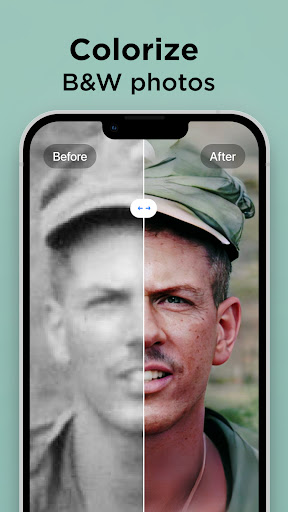
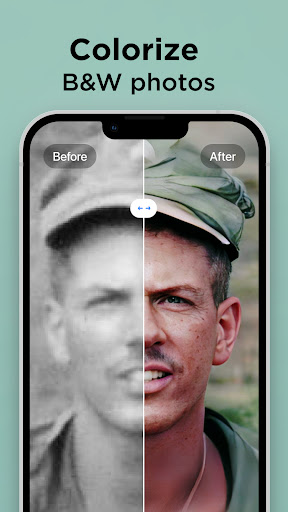
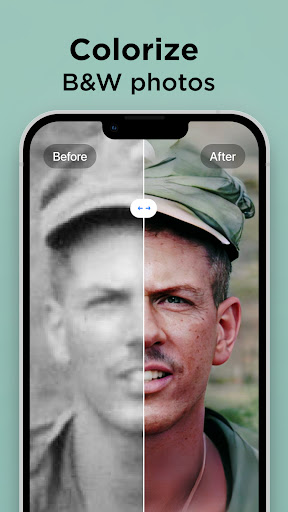
COLORIZE BLACK AND WHITE PICS
Colorize your nostalgic, old, black & white family photos and make them new again. Bring color to any photo with only one tap. Unblur your videos, face and text. Increase the resolution of photos. Colorize your all photos. The best solution for Blurry Photo is here!
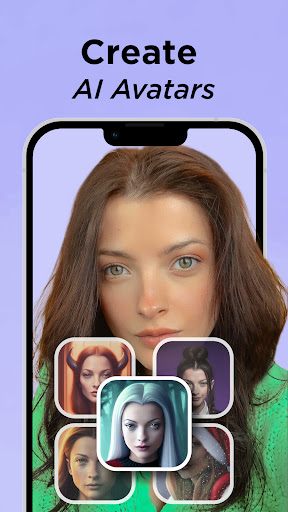
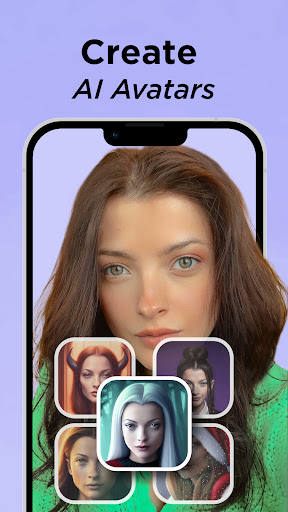
CREATE YOUR AI AVATARS
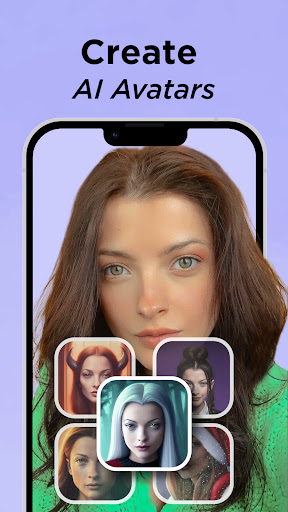
With PixelUP, you can create your avatars using your photos. Avatar maker is pretty easy, you can have fun with your avatar by selecting the photo you want to create. Express your presence on social media by creating your own personalized avatar!
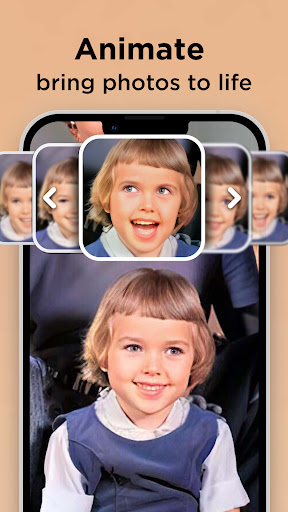
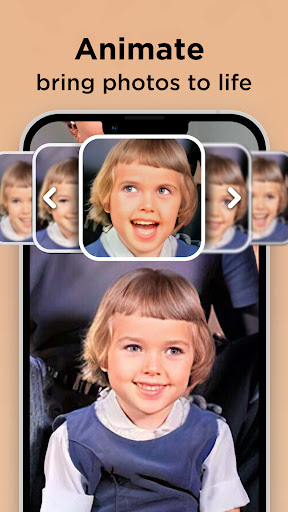
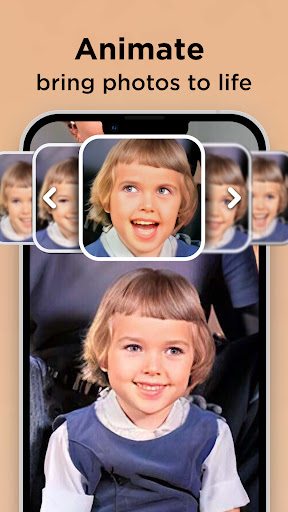
ANIMATE PHOTOS
Bring memories back to life! All you need to do is find an old, black & white photo, apply the enhance filter to maket it HD, colorize it and then use one of the animations to bring your loved ones back to life.
SHARE PHOTOS & VIDEOS WITH ONE TAP
Pixelup gives you a perfectly enhanced photo or an animated video that's ready to share & get the most likes on Instagram, TikTok, Snapchat, Facebook, or your favorite chat group!
Let's enhance and animate your blurred photos!
Payment & Subscription Terms:
Choose between the following subscription options for unlimited access to all features:
• Weekly Subscription
• Monthly Subscription
• 3 Months Subscription
• Annual Subscription
***You may cancel your subscription at any time***
Have a feature in mind but you don’t see it in the app? Do not hesitate to contact us at [email protected]
Terms & Condition - EULA: https://storage.googleapis.com/codeway.co/pixelup.co/terms.html
Privacy Policy: https://storage.googleapis.com/codeway.co/pixelup.co/privacy.html
With Pixelup's enhanced Artificial Intelligence (AI), you can enhance photo quality instantly. Colorize and unblur old, pixelated, damaged pictures and turn them into crystal clear HD photos and get revitalized.
Pixelup helps you to:
ENHANCE PHOTO QUALITY
Either upload your best selfie or take a photo of an old picture with the camera, Pixelup’s photo enhance feature will make your photos brand new and in HD resolution. Enhanced AI algorithms will give you a flawless face even when zoomed in. You can easily restore old photos now.
COLORIZE BLACK AND WHITE PICS
Colorize your nostalgic, old, black & white family photos and make them new again. Bring color to any photo with only one tap. Unblur your videos, face and text. Increase the resolution of photos. Colorize your all photos. The best solution for Blurry Photo is here!
CREATE YOUR AI AVATARS
With PixelUP, you can create your avatars using your photos. Avatar maker is pretty easy, you can have fun with your avatar by selecting the photo you want to create. Express your presence on social media by creating your own personalized avatar!
ANIMATE PHOTOS
Bring memories back to life! All you need to do is find an old, black & white photo, apply the enhance filter to maket it HD, colorize it and then use one of the animations to bring your loved ones back to life.
SHARE PHOTOS & VIDEOS WITH ONE TAP
Pixelup gives you a perfectly enhanced photo or an animated video that's ready to share & get the most likes on Instagram, TikTok, Snapchat, Facebook, or your favorite chat group!
Let's enhance and animate your blurred photos!
Payment & Subscription Terms:
Choose between the following subscription options for unlimited access to all features:
• Weekly Subscription
• Monthly Subscription
• 3 Months Subscription
• Annual Subscription
***You may cancel your subscription at any time***
Have a feature in mind but you don’t see it in the app? Do not hesitate to contact us at [email protected]
Terms & Condition - EULA: https://storage.googleapis.com/codeway.co/pixelup.co/terms.html
Privacy Policy: https://storage.googleapis.com/codeway.co/pixelup.co/privacy.html
What's New
We fixed some pesky bugs and improved the overall performance of the app.
App Information
Version Name
1.9.5
Version Code
403
File Size
221.7 MB
Minimum OS
Android 8.0+
Target SDK
Android 34
Developer
Codeway Dijital
Contact
Website
Content Rating
Everyone
Package Name
com.codeway.pixelupPermissions Required
This app may request the following permissions:
Recent Reviews

Kendalyn Shumaker
2.0★
The app works well besides contorting faces when you zoom in. However, the main concern is the subscription. I paid for the pro features to not have ads, unlimited edits, and the removal of the pixleup logo. However, after purchasing the subscription, the pro benefits did not apply to my account,and the only feedback I received was an apology and statement that pixleup can not make changes to my subscription. Well , paid for the subscriptions and none of the features have been applied.

Eric Jones
2.0★
This is fun, but the technology is very low tech and the program freezes at times. I was using it to colorized and animate historic photos. The ability to manipulate the color range is too limited to really be worthwhile for museum quality work. Only one facial expression can be applied to the photo, so unless you want all faces to act in the same way simultaneously, you can only animate one face in a group photo. Often the program will not detect all faces, it depends on photo quality.
Diva Ramirez
1.0★
Not Quite Mr. App! Ummm, first off you have a 3-day trial for a subscription. Uploading pictures is seamless and great. The images that are "pixelupped" are all sorts of wrong. It had my family cracking up at the way they depicted some of the faces. 🤣 Not quite right, not quite a real person's face, just not what I was looking for. I'm not looking to recreate the person into a zombie, just fix the pixels. It appears that the app just picks up random face features like a zombie game.

Christopher T
3.0★
This app works pretty good when IT wants to. I tried signing up for the weekly subscription which is crazy at the price it is. And then every so often when I open the app it kicks me back to the original free trial with ads. And when i go into setting to And hit "restore purchase" nothing happens. So annoying. It won't let you restore it back but they gladly keep charging you. Such a waste of money!

Barry Foxworth
3.0★
It's a fun app and really works. The trial allows 3 choices of animation and all 3 are quite slow with limited movement. Example; one shows a smile, showing white teeth. When you enter your photo, it's not smiling and shows no teeth; rather bland and boring. I'm guessing the paid pro version has many styles and movement for your pictures. It's similar to other like apps but much more limited. In other words, the unpaid version is too limited to to know wether it's good enough to buy pro.

yesenia moreno
3.0★
The animation is weird. Also when creating a clearing imagen they put blue eye when obviously they had brown eye,they almost look like cartoons eye. When adding color it will miss some parts like ears and you can't manually changed it. I know it's not like Photoshop ,but if you have a good photo, the enhance comes out decent. It was fun out of 10 pics I tried to edit I can only use 2. Work on the eyes.
Ad slot: In-Content