

Co Co: Movie & Video Browser
com.coccoc.trinhduyet
by Cốc Cốc
Screenshots

Ad slot: Top Leaderboard
About this app
Co Co is the best browser with built-in video adblocker, unlimited entertainment features as well as many useful information lookups.
Set Co Co as your default web browser on your Android device. Follow the instructions on Co Co app, or go to Settings > Apps > Co Co > Set as your default browser.
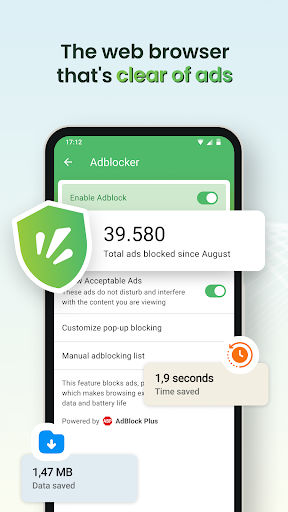
★ POWERFUL ADBLOCK
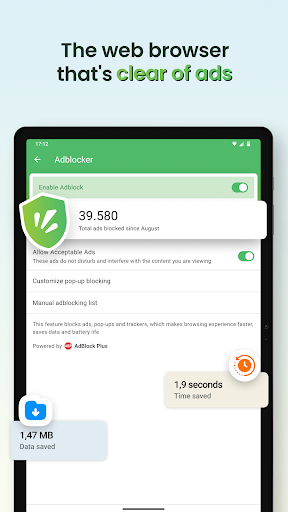
- Integrating Adlock Plus technology: Allow you to browse the web without malicious and annoying ads.
- More enhanced with Co Co optimization: Effectively block ads that interrupt the video you are watching, pop-up ads and auto redirect ads.
★ UNLIMITED ENTERTAINMENT
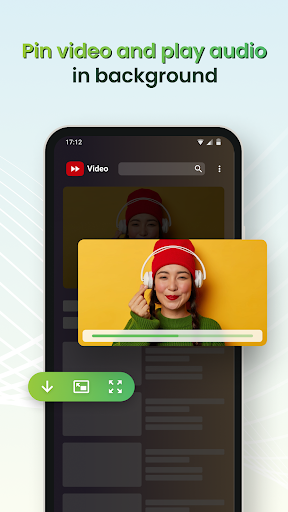
- Pin Video: Continue watching video in Picture-in-Picture mode (PiP) when switching to another app
- Play Audio in Background: Listen to music when the screen is off, while you're surfing social media, chatting or playing game on another app.
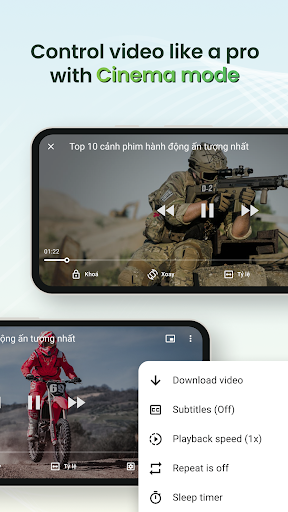
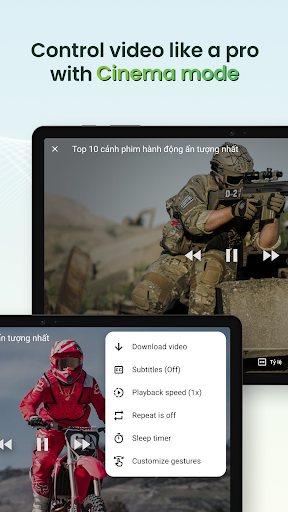
- Cinema Mode: Watch video in fullscreen mode and personalize your experience with advanced settings such as adjusting volume, brightness and seeking in video using touch gestures; disabling touch gestures; selecting play speed, screen ratio, subtitles and setting sleep timer.
★ MULTIPLE BROWSER UTILITIES
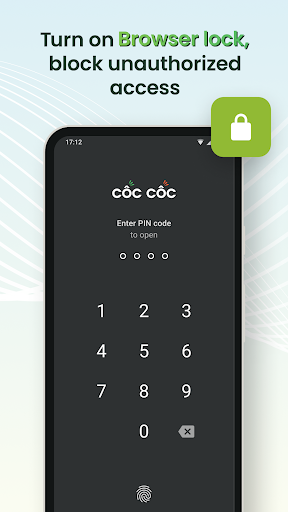
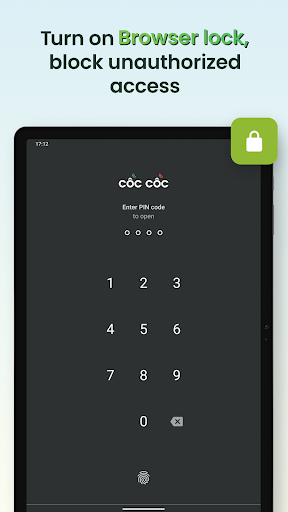
- Browser Lock: Secure the Co Co app with a PIN code, Touch ID, or Face ID. Protect your browsing activity and personal data. Now supporting Incognito Lock for extra privacy during private sessions.
- Dark Mode: Change browser appearance from light to dark theme, helping to save battery and reduce eye strain.
- Synchronization: Get the same bookmarks, passwords, and browsing history across all your devices.
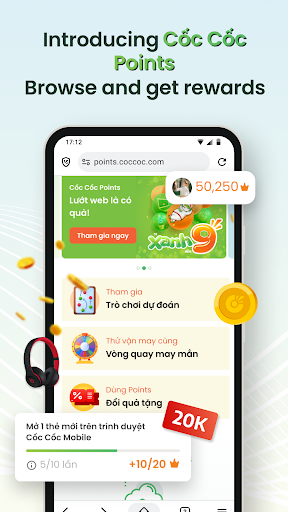
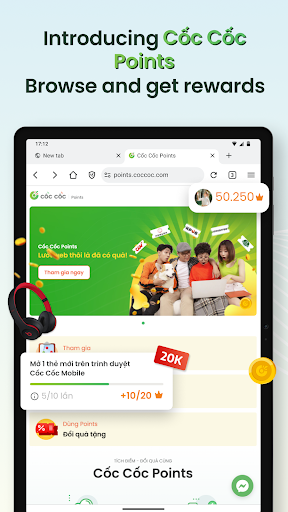
- Earn Points - Exchange Gifts: Earn Co Co Points for your daily browsing activities. Redeem points to exchange gifts or join interesting games with valuable rewards.
★ EASY TO SEARCH
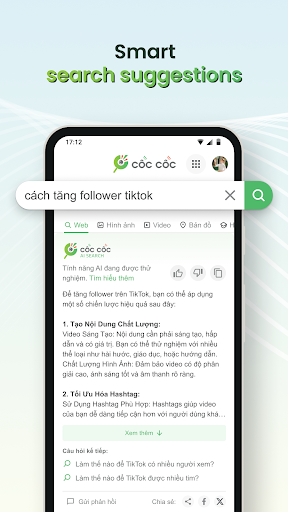
- Search: More than 20 vertical search about news, entertainment and education; Voice search and QR code scanner.
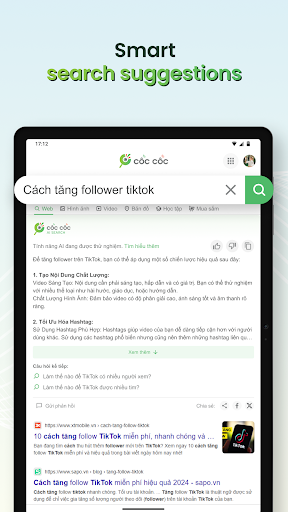
- AI Search Summarizer Assistant: Automatically summarize information from multiple sources for you on how-to queries. Save time with more concise and relevant answers right at the top of the search result page.
Choose Entertainment, Choose Co Co!
Download Co Co Mobile Browser today and enjoy!
Follow us:
- Website: https://www.coccoc.com/
- YouTube: https://www.youtube.com/@CocCocCom
- Facebook: https://facebook.com/CocCocTrinhDuyet/
- Blog: http://blog.coccoc.com/
- Community: https://facebook.com/groups/CocCocGroup/"
Set Co Co as your default web browser on your Android device. Follow the instructions on Co Co app, or go to Settings > Apps > Co Co > Set as your default browser.
★ POWERFUL ADBLOCK
- Integrating Adlock Plus technology: Allow you to browse the web without malicious and annoying ads.
- More enhanced with Co Co optimization: Effectively block ads that interrupt the video you are watching, pop-up ads and auto redirect ads.
★ UNLIMITED ENTERTAINMENT
- Pin Video: Continue watching video in Picture-in-Picture mode (PiP) when switching to another app
- Play Audio in Background: Listen to music when the screen is off, while you're surfing social media, chatting or playing game on another app.
- Cinema Mode: Watch video in fullscreen mode and personalize your experience with advanced settings such as adjusting volume, brightness and seeking in video using touch gestures; disabling touch gestures; selecting play speed, screen ratio, subtitles and setting sleep timer.
★ MULTIPLE BROWSER UTILITIES
- Browser Lock: Secure the Co Co app with a PIN code, Touch ID, or Face ID. Protect your browsing activity and personal data. Now supporting Incognito Lock for extra privacy during private sessions.
- Dark Mode: Change browser appearance from light to dark theme, helping to save battery and reduce eye strain.
- Synchronization: Get the same bookmarks, passwords, and browsing history across all your devices.
- Earn Points - Exchange Gifts: Earn Co Co Points for your daily browsing activities. Redeem points to exchange gifts or join interesting games with valuable rewards.
★ EASY TO SEARCH
- Search: More than 20 vertical search about news, entertainment and education; Voice search and QR code scanner.
- AI Search Summarizer Assistant: Automatically summarize information from multiple sources for you on how-to queries. Save time with more concise and relevant answers right at the top of the search result page.
Choose Entertainment, Choose Co Co!
Download Co Co Mobile Browser today and enjoy!
Follow us:
- Website: https://www.coccoc.com/
- YouTube: https://www.youtube.com/@CocCocCom
- Facebook: https://facebook.com/CocCocTrinhDuyet/
- Blog: http://blog.coccoc.com/
- Community: https://facebook.com/groups/CocCocGroup/"
What's New
We continue to improve performance and fix bugs for the latest versions. Keep updating so that you won't miss out.
App Information
Version Name
127.0.293
Version Code
816729322
File Size
223.0 MB
Minimum OS
Android 10+
Target SDK
Android 34
Developer
Cốc Cốc
Contact
Website
Content Rating
Everyone
Package Name
com.coccoc.trinhduyetPermissions Required
This app may request the following permissions:
Recent Reviews

Mark Haury
1.0★
Worked great initially, but when my device got its next update the controls in Co Co Browser completely stopped working. Can't maximize videos and the play transport controls don't do anything. that makes it completely useless for my purposes. And if I have to jump through hoops every time there's an update, you can forget it. I'm not going to do that.

Murali Kumar
4.0★
Today add blocking is not working... In youtube. Pls fix it as early as possible... I am eagerly waiting for coco browser... Till 11.10.2025 Add blocking option is not working...

VIJAY
4.0★
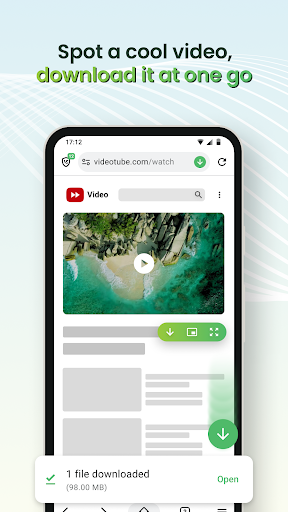
geat app. video downloading works on every website except YouTube. how to download video from YouTube. current update🔥: thank you for enabling downloading also from YouTube. 😥 18 October 2025: again YouTube downloading button is not showing.

DEEPAK
5.0★
please solve the issue of not showing all shortcuts in home page, only 8 shortcuts showing rest of are not showing , there is no utility or all shortcuts options in the home page . I think there is something wrong with my phone I am using redmi 13 5G

NICK KL4US
3.0★
*Adblock doesn't work on twitter & co co team should give an option to block shorts on YouTube. *The option to have a unified toolbar either at top or bottom since the split toolbar eats too much space & ability to customise the options we wish to keep just like the soul browser...(like i'd like to keep the address bar, home button, add tab & menu bar). *option to filter news based on the region. Rest is good so far. edit- App crashes when tapping on Settings.

Sam Samuel
4.0★
This is the best browser for watching sports and movies with full screen mode app was amazing but if they change chrome interface and inbuilt VPN mode would be great
Ad slot: In-Content