
Flyers, Poster Maker, Design
com.bg.flyermaker
by Apps You Love
Screenshots
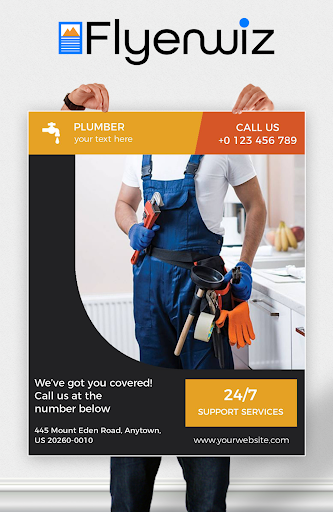
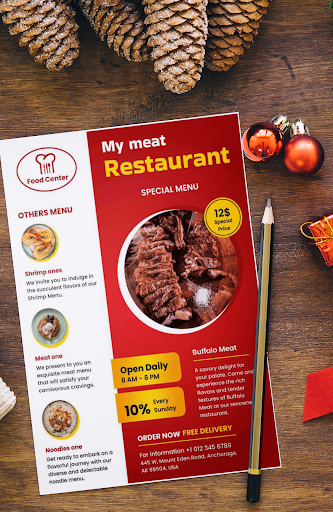
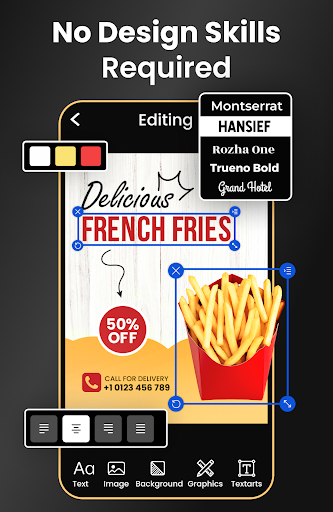
Ad slot: Top Leaderboard
About this app
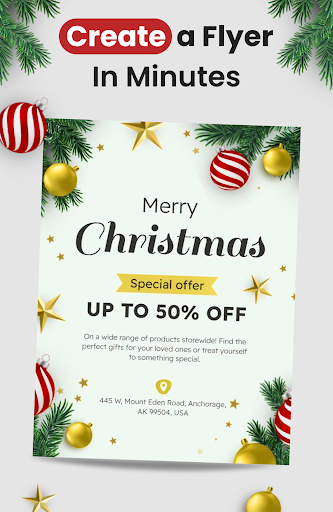
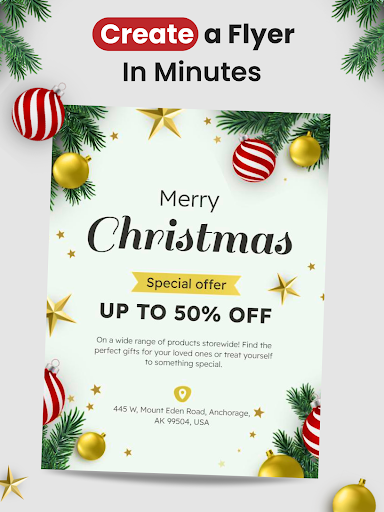
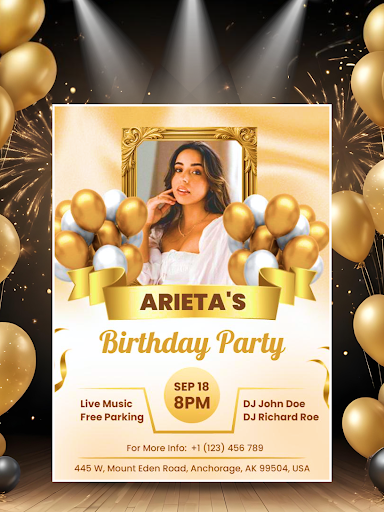
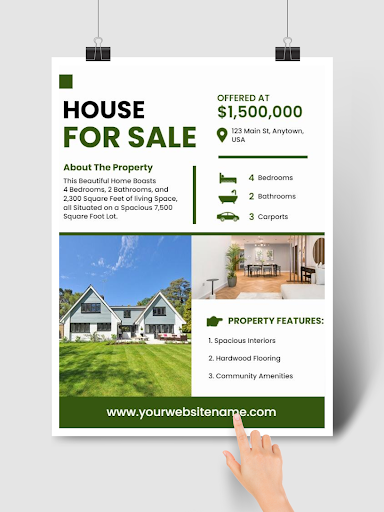
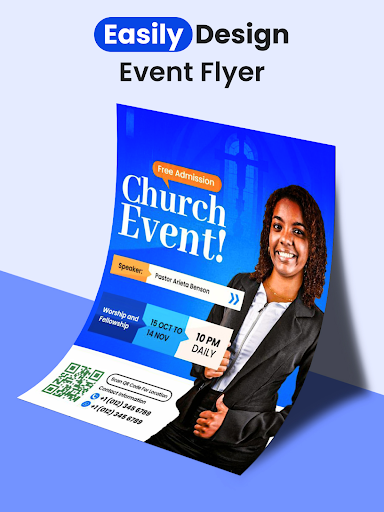
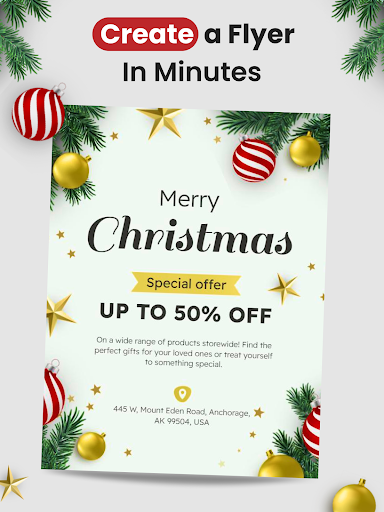
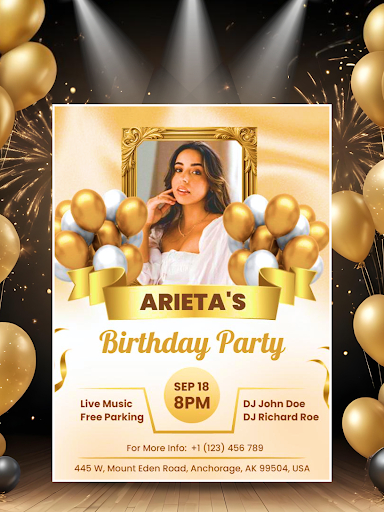
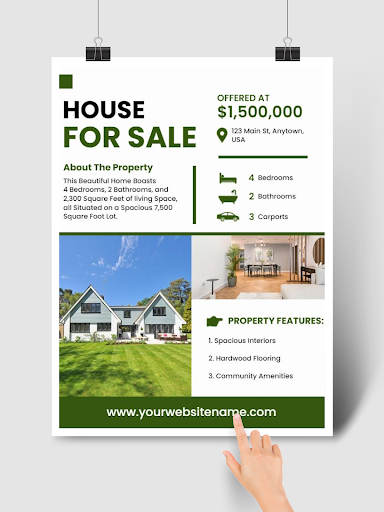
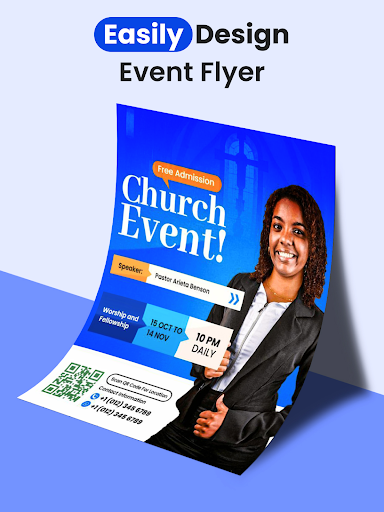
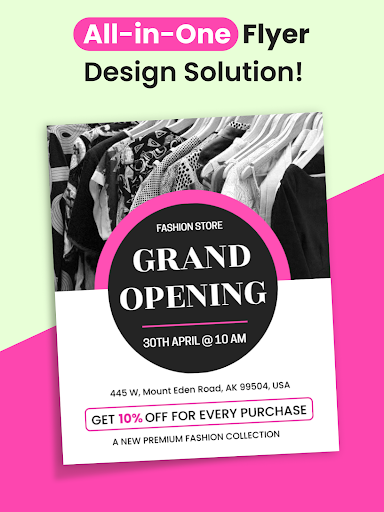
Create a flyer with the flyer maker app. 30000+ flyer templates. Easy to customize. Generate flyers using AI flyer generator. Quick & Easy to Use. No design skills are needed.
Looking to promote your shop, restaurant, office, or social pages with eye-catching visuals? Our Poster & Flyer Maker app helps you design professional graphics in minutes — even if you’ve never designed before.
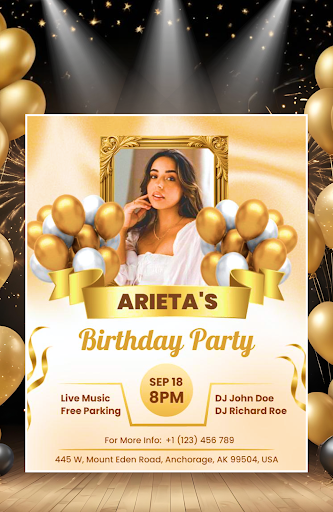
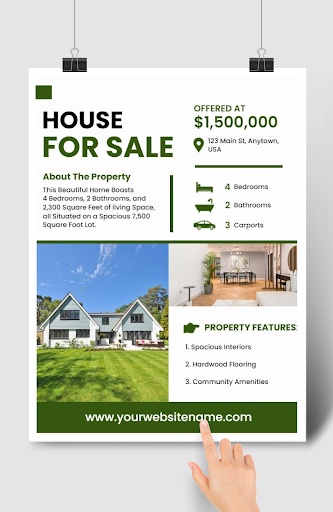
Need eye-catching posters, flyers, or banners for your business or personal projects? With our Poster Maker & Flyer Maker app, you can design stunning graphics in minutes — no graphic design skills required. From shop promotions to social media ads, restaurant menus to event invitations, everything is just a few taps away.
Why Choose Our Poster & Flyer Maker?
- 30,000+ ready-to-use templates designed for 200+ businesses and 500+ events & festivals
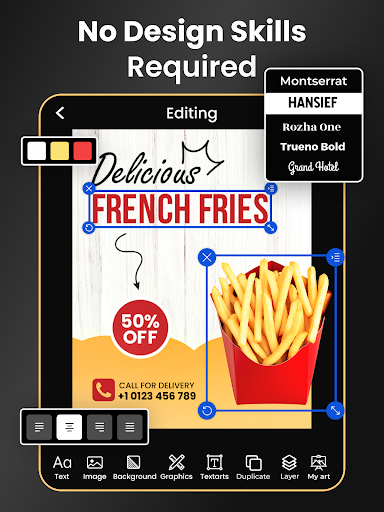
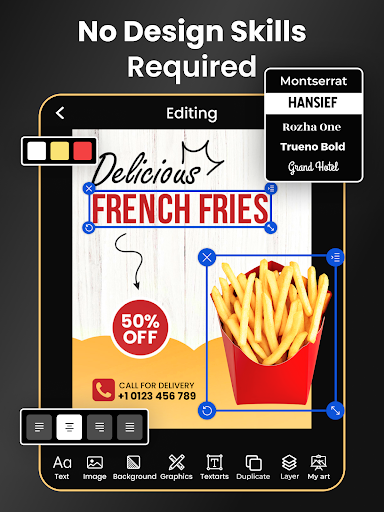
- Customize easily with fonts, stickers, backgrounds, shapes & textures
- Add your logo, brand colors, and unique style to every design
- Export in multiple formats — ready for print or instant sharing
- Suitable for posters, flyers, banners, ads, invitations, cover photos, menus, and social media graphics
AI Tools for Effortless Design
Our app goes beyond traditional editors with powerful AI tools:
AI Flyer Generator – Generate unique flyer designs instantly with smart suggestions
AI Background Remover – Remove or replace photo backgrounds with one tap
AI Listicle Content Writer – Write perfectly aligned list-based content for posters & ads
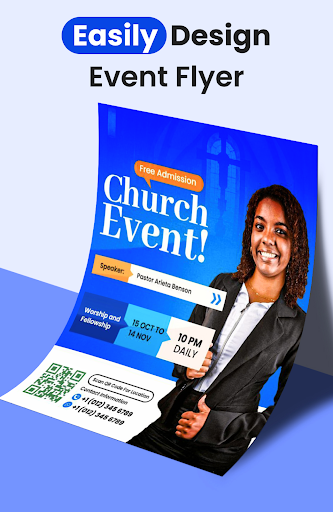
QR Code Generator – Add scannable QR codes to your flyers for instant engagement
Clickable Links in PDFs – Insert links that redirect when your exported PDF is opened
NEW: Video Flyers (Animated Designs)
Take your designs to the next level with Video Flyers. Once you finish your poster or flyer, turn it into an animated design with dynamic effects. Perfect for:
- Social media ads & reels
- Business promotions with motion graphics
- Festival & event announcements that stand out
- Digital displays in shops, restaurants, and events
With Video Flyers, your promotions get noticed faster and leave a lasting impression.
These advanced tools make designing faster, smarter, and more professional than ever.
Templates for Every Need
Whether you are a small business, marketer, or individual creator, our poster maker offers templates for:
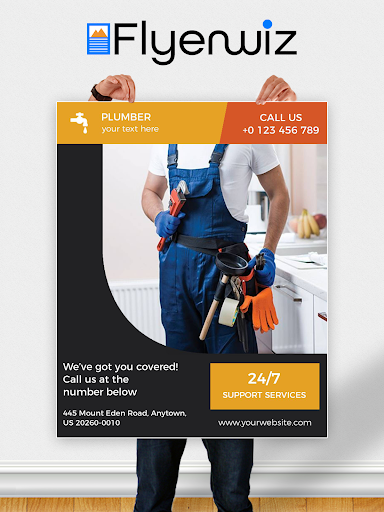
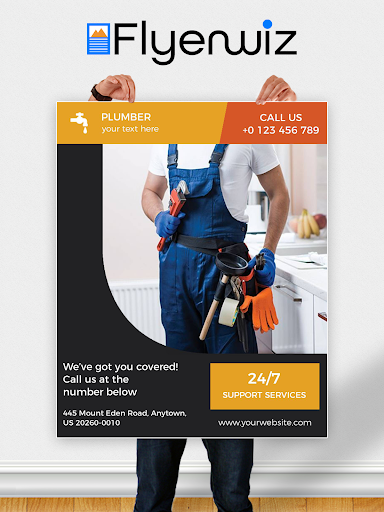
- Business promotions & sales announcements
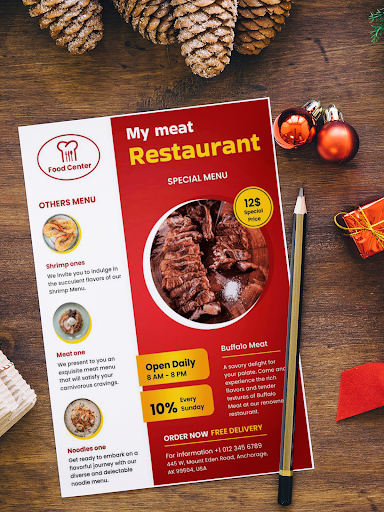
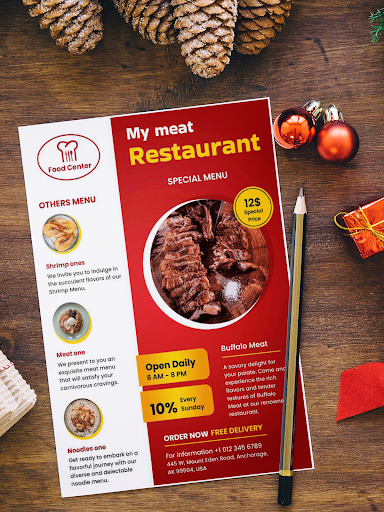
- Restaurants & cafés menus
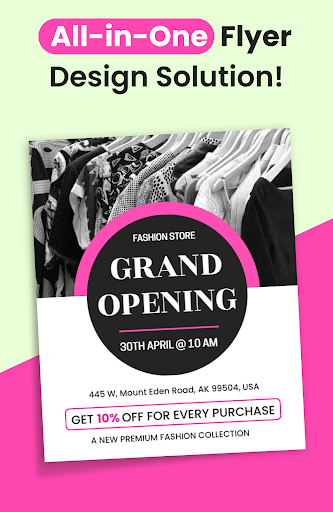
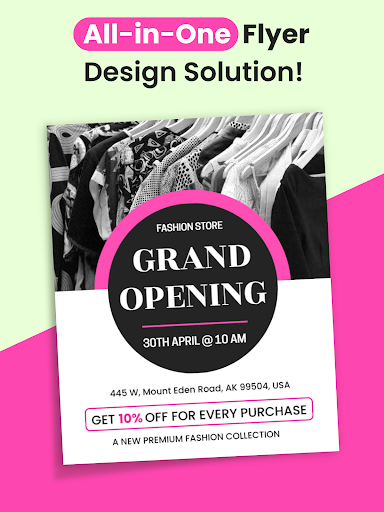
- Fashion & lifestyle ads
- Healthcare & educational posters
- Event invitations & festival specials
- Social media banners & ads
Fast, Simple & Professional
- Choose a template that matches your goal
- Customize with text, images, logos, and colors
- Enhance with AI tools, stickers, QR codes & effects
- Export or share directly to print, email, or social media
Key Features
- Poster Maker, Flyer Maker & Banner Designer in one app
- AI Flyer Generator & AI Background Remover
- QR Code Generator & Link Embedding in PDFs
- 30,000+ templates across 200+ industries & 500+ events
- Rich collection of fonts, stickers, shapes & text effects
- Social media post designer with ad-ready templates
- Invitation card & typography maker
- Free to use with premium-quality results
Grow Your Business with Design
Download the Free Poster & Flyer Maker app today and start designing graphics that grab attention and drive results.
Have feedback or ideas? Write to us anytime at [email protected]. we’re always improving our design tools for you.
Flyer maker offers premium subscriptions to unlock all of the features.
• Remove Ads
• Access to all premium graphics including templates.
Subscription Details:
Payment for flyer maker will be charged to your Google Play Account at confirmation of purchase. Your flyer maker subscription will automatically renew unless auto-renew is turned off within your Google Play Account at least 24 hours before the end of the current subscription billing period.
Looking to promote your shop, restaurant, office, or social pages with eye-catching visuals? Our Poster & Flyer Maker app helps you design professional graphics in minutes — even if you’ve never designed before.
Need eye-catching posters, flyers, or banners for your business or personal projects? With our Poster Maker & Flyer Maker app, you can design stunning graphics in minutes — no graphic design skills required. From shop promotions to social media ads, restaurant menus to event invitations, everything is just a few taps away.
Why Choose Our Poster & Flyer Maker?
- 30,000+ ready-to-use templates designed for 200+ businesses and 500+ events & festivals
- Customize easily with fonts, stickers, backgrounds, shapes & textures
- Add your logo, brand colors, and unique style to every design
- Export in multiple formats — ready for print or instant sharing
- Suitable for posters, flyers, banners, ads, invitations, cover photos, menus, and social media graphics
AI Tools for Effortless Design
Our app goes beyond traditional editors with powerful AI tools:
AI Flyer Generator – Generate unique flyer designs instantly with smart suggestions
AI Background Remover – Remove or replace photo backgrounds with one tap
AI Listicle Content Writer – Write perfectly aligned list-based content for posters & ads
QR Code Generator – Add scannable QR codes to your flyers for instant engagement
Clickable Links in PDFs – Insert links that redirect when your exported PDF is opened
NEW: Video Flyers (Animated Designs)
Take your designs to the next level with Video Flyers. Once you finish your poster or flyer, turn it into an animated design with dynamic effects. Perfect for:
- Social media ads & reels
- Business promotions with motion graphics
- Festival & event announcements that stand out
- Digital displays in shops, restaurants, and events
With Video Flyers, your promotions get noticed faster and leave a lasting impression.
These advanced tools make designing faster, smarter, and more professional than ever.
Templates for Every Need
Whether you are a small business, marketer, or individual creator, our poster maker offers templates for:
- Business promotions & sales announcements
- Restaurants & cafés menus
- Fashion & lifestyle ads
- Healthcare & educational posters
- Event invitations & festival specials
- Social media banners & ads
Fast, Simple & Professional
- Choose a template that matches your goal
- Customize with text, images, logos, and colors
- Enhance with AI tools, stickers, QR codes & effects
- Export or share directly to print, email, or social media
Key Features
- Poster Maker, Flyer Maker & Banner Designer in one app
- AI Flyer Generator & AI Background Remover
- QR Code Generator & Link Embedding in PDFs
- 30,000+ templates across 200+ industries & 500+ events
- Rich collection of fonts, stickers, shapes & text effects
- Social media post designer with ad-ready templates
- Invitation card & typography maker
- Free to use with premium-quality results
Grow Your Business with Design
Download the Free Poster & Flyer Maker app today and start designing graphics that grab attention and drive results.
Have feedback or ideas? Write to us anytime at [email protected]. we’re always improving our design tools for you.
Flyer maker offers premium subscriptions to unlock all of the features.
• Remove Ads
• Access to all premium graphics including templates.
Subscription Details:
Payment for flyer maker will be charged to your Google Play Account at confirmation of purchase. Your flyer maker subscription will automatically renew unless auto-renew is turned off within your Google Play Account at least 24 hours before the end of the current subscription billing period.
What's New
Transform Your Flyer into a Video in Seconds. And Grab More Attention From Your Audience.
Performance Improvements – Enjoy faster, smoother editing.
Thank you for using FlyerWiz — create stunning flyers, posters, banners, and now videos with ease.
Performance Improvements – Enjoy faster, smoother editing.
Thank you for using FlyerWiz — create stunning flyers, posters, banners, and now videos with ease.
App Information
Version Name
118.0
Version Code
118
File Size
37.0 MB
Minimum OS
Android 8.0+
Target SDK
Android 33
Developer
Apps You Love
Contact
Website
Content Rating
Everyone
Package Name
com.bg.flyermakerPermissions Required
This app may request the following permissions:
Recent Reviews

Isaac Gonzalez
1.0★
Easy to use and a ton of options. Definitely a must for our band!! Changed my review. They changed their subscription format, and want additional an additional fee on top of the monthly fee to keep the watermark off. Shame on them for being greedy. I canceled my subscription. There are other options at much more reasonable rates.
Sarah Moore
4.0★
even though the pricing is relatively low 5 dollars might as well be 100 when you don't have money. I'm starting a business and I need to advertise to obtain work to get money. I give them 4 stars because they have a lot of professional looking flyers. they have a search bar so finding the right template is fast. The tools for editing are easy to use and you have the option to edit everything on the project. I would have given them 5 stars if they had more free templates it's extremely limited

BaileyBrea Benson
4.0★
They're premium plan is great. its like 30 bucks for a whole year. you get tons and tons of premade flyer layouts plus you can customize them in pretty much infinite ways. The free plan is fine -- it's limited but you can still make cute flyers and customize them, just not to the degree of the premium plan. one text editing feature that took me forever to figure out : it auto wraps the text boxes and the way to stop it is the "auto paragraph" slider (not making the text box bigger). Set to 0.

Tamika G
1.0★
It was better before you had to pay for everything. 1. Why is there no FREE template button instead of searching through templates I'm not going to purchase. It's a huge waste of time. 2. Why limit what I can create on a FREE template? Ex. I would like to adjust a frame, but you aren't allowed to adjust/ delete it. I completely closed the app and started my flyer w. Another app because after I took a while to find what I was looking for, I couldn't move onto creating what I wanted. Please fix!

A Google user
5.0★
This is very easy to use. I needed to make a flyer to put on social media at the last minute, so I just Googled flyer apps. This came up & seemed better than a couple other similar options. I was able to add my logo from my phone's gallery, choose from free templates, edit the template to my liking (including color, font, size, images), & it even helps ensure things are straight. It only took me a few minutes to figure out, & not too much longer to get the design the way I wanted.
A Google user
4.0★
Fantastic but the controls should be more intuitive, can be really headache inducing figuring out why you cannot grab a piece on the canvas (not so simple as locking and it's not clear UI wise what is locked vs not). That isn't the only thing. All pieces on the canvas, including the background, should be available in the layer list. The background is not, so once you start adding on more items, it can get really frustrating if you want to go back and adjust. You can easily give up on it.
Ad slot: In-Content