

Color Portfolio
com.benjaminmoore.colorportfolio
by Benjamin Moore Co.
Screenshots




Ad slot: Top Leaderboard
About this app
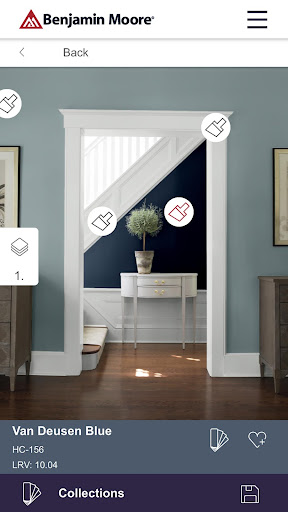
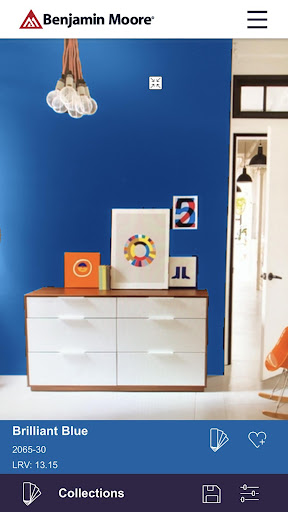
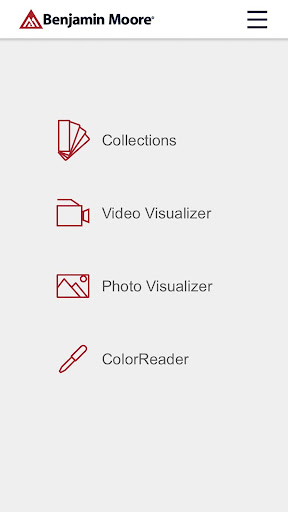
Apply paint color to photos of your space, access fan decks, match favorite hues to Benjamin Moore colors and more with the Benjamin Moore Color Portfolio® app.
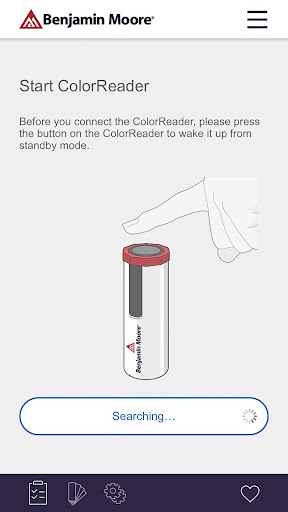
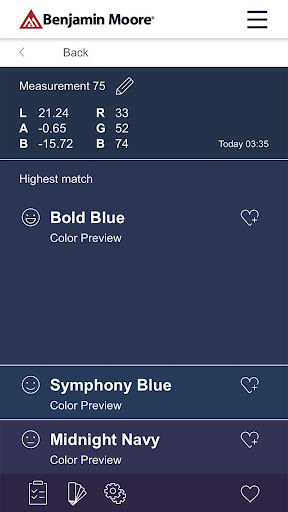
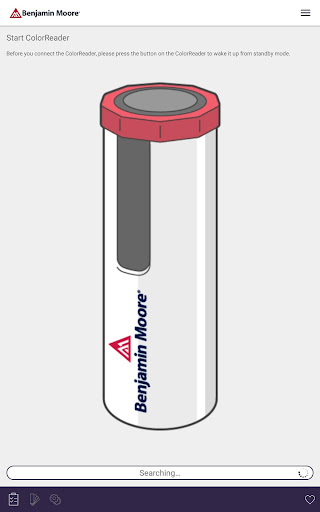
Take color capture even further with the Benjamin Moore ColorReader, our integrated color capture device.
Find the right paint colors (and have fun doing it) with these features:
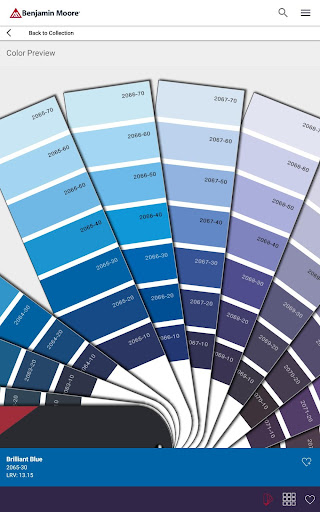
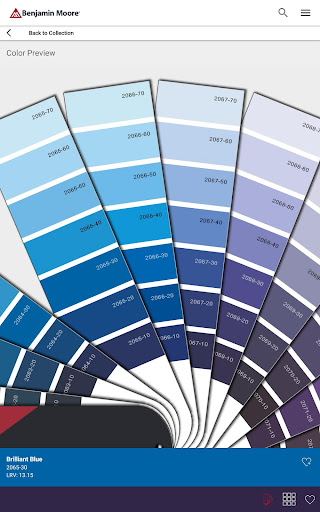
VIRTUAL FAN DECK Easily scroll through Benjamin Moore’s library of trusted colors including Color Preview®, Benjamin Moore Classics®, Affinity®, Historical Collection, Off-Whites and the Designer Classics.
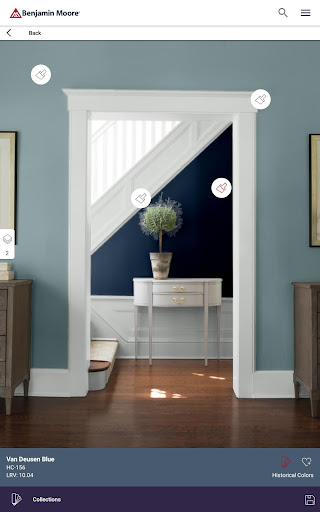
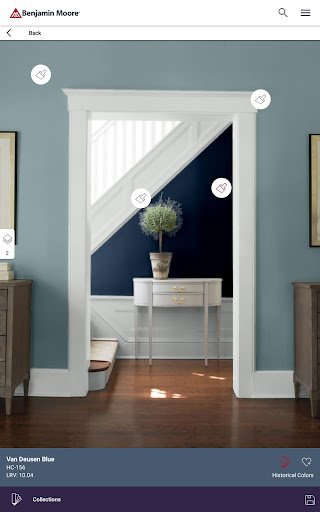
PHOTO VISUALIZER Take a photo of a room and “try on” colors by tapping a surface for instant masking, or use photos from our inspiration gallery.
VIDEO VISUALIZER Step into augmented reality and apply Benjamin Moore paint color to surfaces in real-time.
PRECISION COLOR MATCHING With purchase of the Benjamin Moore ColorReader or ColorReader Pro device by Datacolor, you can match any color IRL to colors in our library. To order a device, visit datacolor.com/bmorders.
Take color capture even further with the Benjamin Moore ColorReader, our integrated color capture device.
Find the right paint colors (and have fun doing it) with these features:
VIRTUAL FAN DECK Easily scroll through Benjamin Moore’s library of trusted colors including Color Preview®, Benjamin Moore Classics®, Affinity®, Historical Collection, Off-Whites and the Designer Classics.
PHOTO VISUALIZER Take a photo of a room and “try on” colors by tapping a surface for instant masking, or use photos from our inspiration gallery.
VIDEO VISUALIZER Step into augmented reality and apply Benjamin Moore paint color to surfaces in real-time.
PRECISION COLOR MATCHING With purchase of the Benjamin Moore ColorReader or ColorReader Pro device by Datacolor, you can match any color IRL to colors in our library. To order a device, visit datacolor.com/bmorders.
What's New
A new guided experience is now available in the app, offering a step-by-step introduction to exploring colors. Designed for both newcomers and returning users, this onboarding highlights essential features and simplifies the learning process.
App Information
Version Name
2.3.5
Version Code
195
File Size
165.0 MB
Minimum OS
Android 7.1+
Target SDK
Android 33
Developer
Benjamin Moore Co.
Contact
Website
Content Rating
Everyone
Package Name
com.benjaminmoore.colorportfolioPermissions Required
This app may request the following permissions:
Recent Reviews

Rob Walsh
1.0★
Awful. First of all, it's hard to use. And regardless, it's completely useless because the colors on the app don't match reality AT ALL: We applied a color (Allspice) to a photo of our kitchen cabinets. The image didn't seem to match the color sample card from the store; so we held the card up to the phone to compare, and it wasn't even close. What the sample card displayed for the colors was shockingly, astonishingly different from the app's image. As in, nowhere close. So what's the point?

Christopher Davis
1.0★
frustrating waste of time. App is too stupid to select wall vs trim. It selects whole surface, then one tiny piece of trip at a time. Doesn't give you any idea what it will look like. plus, there's no way to edit your selections, you spend a bunch of time adding the colors you want and then you can't find them to add to your picture, all I can find is some stupid pink color Basically all they want to do is sell you paint. I am going to delete the app, not worth wasting any more time on it.

Elysa Francisco
2.0★
It's okay if all you want to do is scroll colors, but most features either don't work or don't work properly. It's also very temperamental and will throw you back to the previous page for the slightest thing. Let's just say that if I weren't already a fan of BM paints and this app was my first impression, I wouldn't buy their products because I'd assume the same care they put in the app is the same care they put into their paints.

Kristen Dawes
2.0★
Color shows up transparent on photos. It doesn't suggest trim colors or anything. The BM website has better information even if you can't view it in your room. It doesn't have collections like colors of the year, most popular, etc. Mostly just view virtual paint chips and purchase. You can't compare colors, you can't put them side by side. It doesn't suggest colors like if I want a pale blue for my north facing bathroom, which one won't look gray or too blue.

Diana Cowan
3.0★
This app is missing the Williamsburg colors and is missing any way to create a portfolio of the paint actually in my house (beyond designating favorites). And, it's missing a color coordinator. I was hoping to input the paint I've chosen and play with suggestions for paint that will contrast with and complement it. It does have a good search feature (if you know name or #) and a nice link to purchase products. Wish I could see purchase history from my local SW store.

Michael Metzger
1.0★
Downloaded because I previously colored a photo of my house on the browser app and wanted to access it since I couldn't log in from mobile Chrome. I didn't see an option to log in to the Benjamin Moore account I set up to save the recolored picture and, when I tried to recreate it, the colors I had used (from the Colonial Williamsburg Collection) aren't available, even if you search by name instead of browsing the missing collection. At that point I gave up, so I can't speak to usability issues.
Ad slot: In-Content