
AR Draw Sketch: Sketch & Trace
com.banix.drawsketch.ardraw
by Banix Studio
Screenshots

Ad slot: Top Leaderboard
About this app
🎉 Welcome to AR Draw Sketch: Sketch & Trace, where you can turn photos into freehand art. Embark on a journey of self-discovery and create incredible artwork. Convert all beautiful moments into unique works of art with the Draw Sketch app. With AR Draw Sketch, you can express your creativity through various key features:
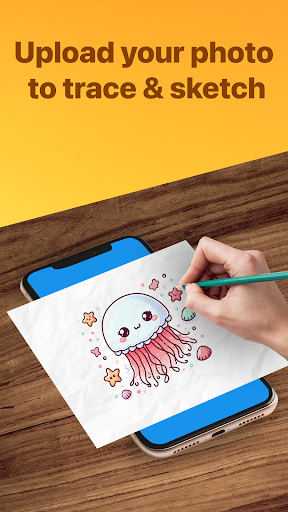
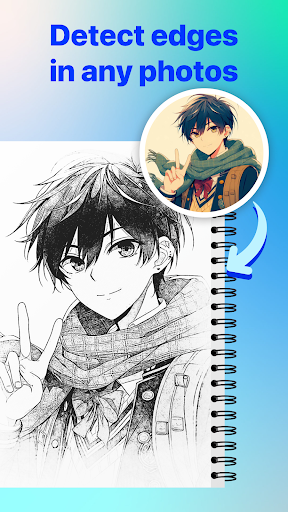
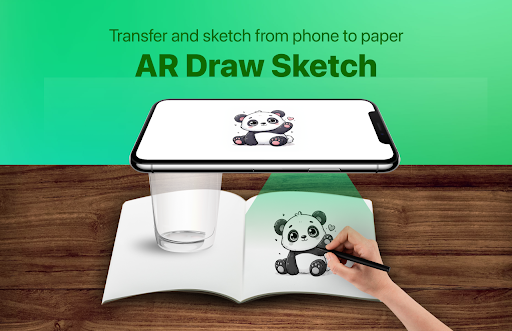
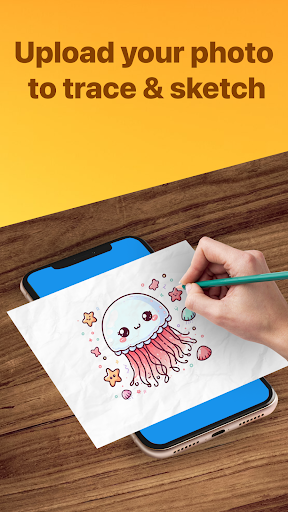
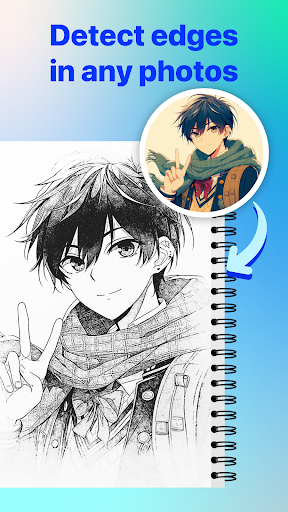
🖋️ Trace: Find inspiration in any image or artwork and transform them into line art. Place your drawing paper over the image and sketch the lines you desire. Create artistic renditions of your favorite pieces.
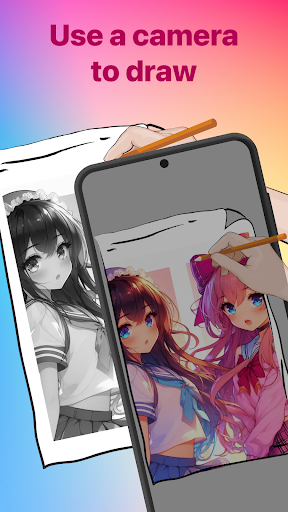
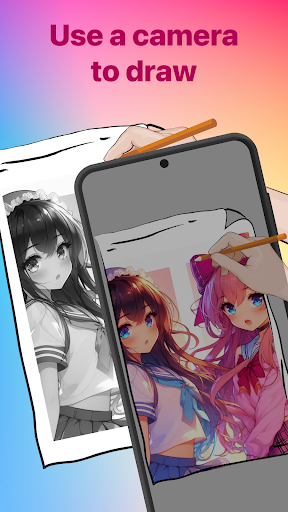
📸 Sketch (Camera Sketch): Utilize your phone's camera to create freehand artwork from real-life images. Draw by tapping on the screen, enabling you to produce unique pieces from photos.
🎥 Record Video: Capture every step of your creative process with the integrated video recording feature. Share the journey of creating your artwork with friends and family.
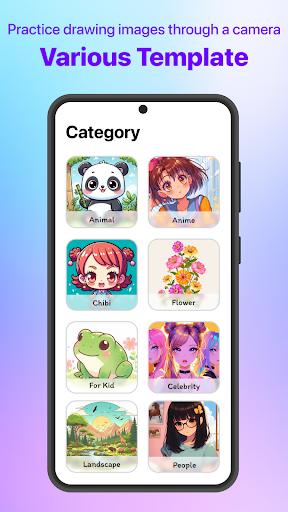
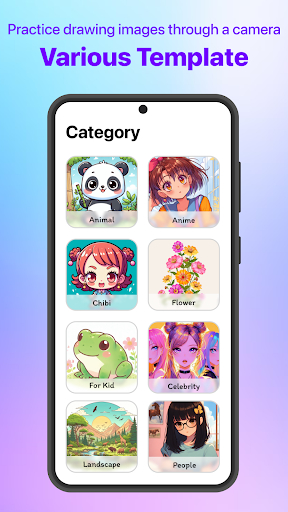
📚 Diverse Template Library: Choose from a wide range of tracing templates to fit your preferences. Explore various categories such as Animals, Cars, Nature, Food, Anime, and more.
🔦 Integrated Flashlight: The flashlight function helps you create beautiful art even in low-light conditions.
📏 Advanced Features: Enhance your drawings with advanced options:
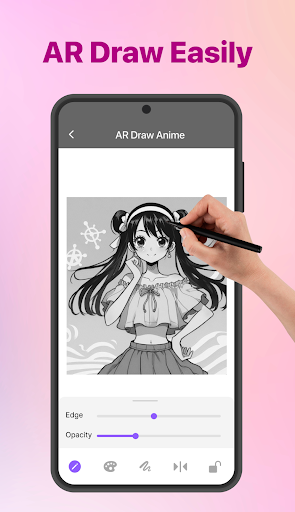
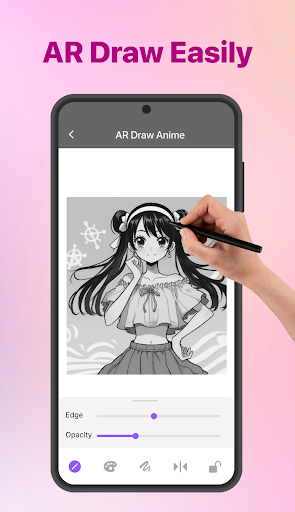
Edge Size: Adjust the edge size to make your strokes thicker.
Opacity: Make the drawing template more or less transparent, allowing for various artistic effects.
Unleash unlimited creativity and turn your ideas into reality with AR Draw Sketch. Download now to begin your artistic journey!
🖋️ Trace: Find inspiration in any image or artwork and transform them into line art. Place your drawing paper over the image and sketch the lines you desire. Create artistic renditions of your favorite pieces.
📸 Sketch (Camera Sketch): Utilize your phone's camera to create freehand artwork from real-life images. Draw by tapping on the screen, enabling you to produce unique pieces from photos.
🎥 Record Video: Capture every step of your creative process with the integrated video recording feature. Share the journey of creating your artwork with friends and family.
📚 Diverse Template Library: Choose from a wide range of tracing templates to fit your preferences. Explore various categories such as Animals, Cars, Nature, Food, Anime, and more.
🔦 Integrated Flashlight: The flashlight function helps you create beautiful art even in low-light conditions.
📏 Advanced Features: Enhance your drawings with advanced options:
Edge Size: Adjust the edge size to make your strokes thicker.
Opacity: Make the drawing template more or less transparent, allowing for various artistic effects.
Unleash unlimited creativity and turn your ideas into reality with AR Draw Sketch. Download now to begin your artistic journey!
What's New
- Fix some issues
App Information
Version Name
5.0
Version Code
41
File Size
131.9 MB
Minimum OS
Android 6.0+
Target SDK
Android 33
Developer
Banix Studio
Contact
Website
Content Rating
Everyone
Package Name
com.banix.drawsketch.ardrawPermissions Required
This app may request the following permissions:
Recent Reviews

Abug
1.0★
Absolutely horrible. All you can do is pick a picture, which most of them you have to watch an add for, or you can take a picture. The thing is that even if you allow it to use your camera, it only shows the picture that you chose or took and doesn't show your hard or anything. There's also constant ads but at least their short. Again, horrible.
xpawz
1.0★
There is time to draw and that's why I can't draw it completely. And if the time runs out in one drawing, the new time does not start when you enter another drawing. I cannot easily draw what I want. It's better if I draw by placing the paper on the phone. It's a very bad app, literally the synonym of bad. Don't install it, it's a complete disaster.

Bellyy0xzx !
1.0★
Totally terrible!! When I installed it, I already came across an ad, normal up to that point, almost every app (tracing) has that. But then, several ads come up! And when 2 ads came up at once and I clicked "Close" on the ad, an screen of the app 99, yk? appeared. I couldn't get rid of it, I exited and entered, uninstalled it and it continued the same. Horrible! Don't download it, I've seen many complaints too! So its not just mine.

Haiming Liang
1.0★
Hated it. Absolutely hated it. Way too many ads. WAY TOO MANY ADS. Like, what do you do? Sit there and wait for ads to load? Like seriously. This isn't even drawing anymore. This is nothing like the ads! I installed it because of the ad, and I wanted to get better at drawing! No. It didn't make me get me better at drawing, it just wasted my time. I even tried opening it multiple times and it didn't work. I EVEN RESTARTED MY PHONE.
Philip Boardman
4.0★
I have been using this app for a few weeks now and after a small learning curve it's a really good app! But your arms need to be longer to fill a full page..I find myself at arms length with my head pushed back as far as I can.holding my breath trying not to move anything but it does give fantastic results once you get used to it..it's well worth the price!! And if possible could you add a button to self level the zoomed in picture please, It wastes so much time to set it level again.

Brad Vrba
1.0★
False advertising. It makes you believe that you can trace anything from your gallery but all it does is take an image and only let you crop It and move it around. Nothing actually happens and when you grant it access to camera it still does nothing. Wish I could give you 0 stars for false advertising. Nice job.
Ad slot: In-Content