
Smart TV Remote for Sony TV
com.backslash.tv.remote.control.sonysmart
by Backslash
Screenshots


Ad slot: Top Leaderboard
About this app
There are currently many generations of Sony Smart TVs manufactured in the past decade and therefore, as you probably have discovered, there are many different remote control apps available on app stores for Sony TV.
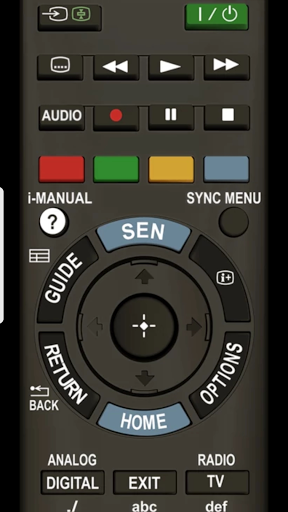
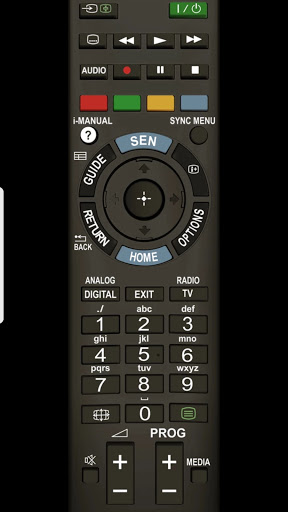
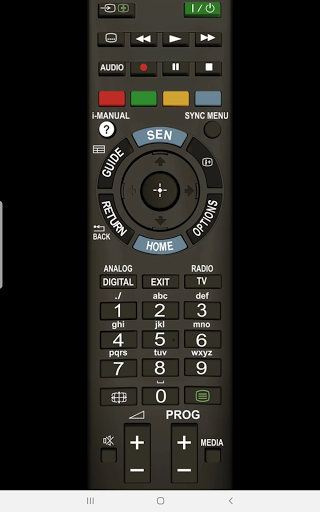
This is an “all-in-one” remote for Sony TV for controlling Sony
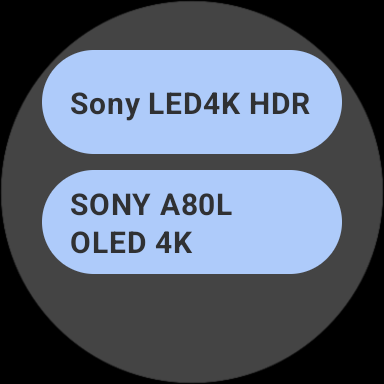
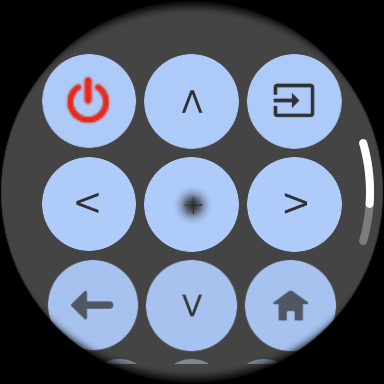
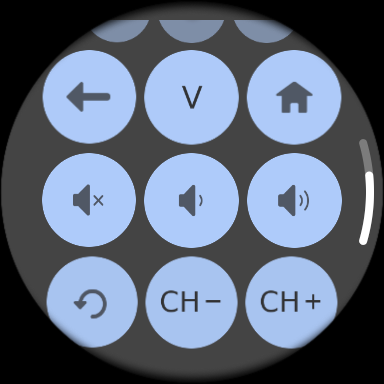
Smart TV models manufactured since 2011 on your phone or from your wrist, with the Wear OS app
Available functions
The available TV remote control functions depend on your Sony TV model and/or the connection type used.
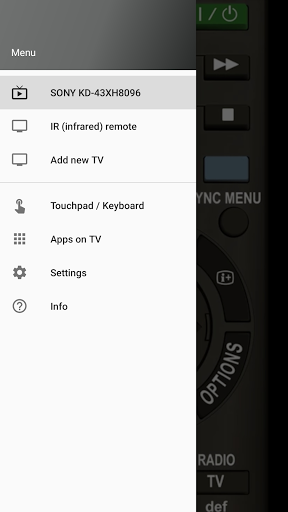
★ You can control multiple Sony TVs and easily switch between them including TVs without WiFi (IR control).
★ If your phone has an infrared port and you use an infrared connection (no WiFi needed), then the same functions as with the TV’s physical remote are available.
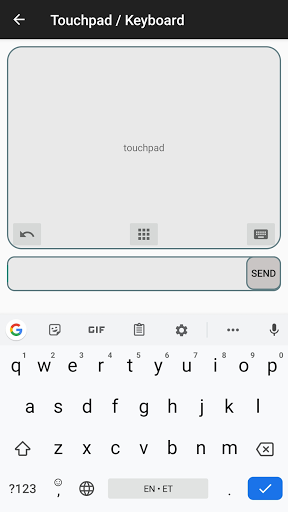
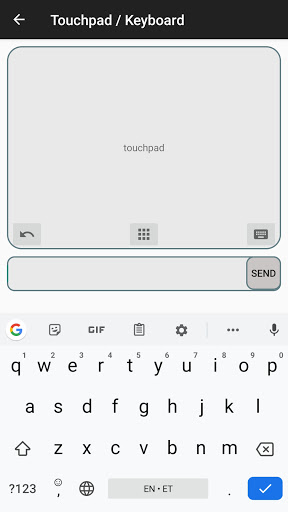
★ If you use a network connection (WIFI, WI-FI Direct, LAN), available functionality differs depending on your Sony TV model. Usually you will get some additional features (e.g. touchpad and qwerty keyboard) compared to an infrared remote.
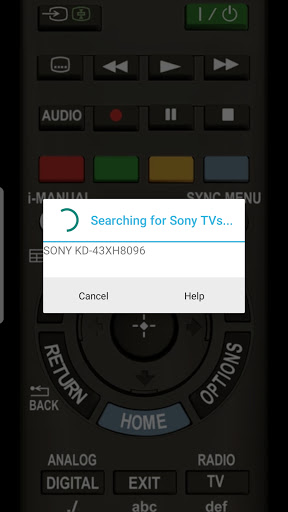
In the app you will find detailed instructions how to connect your smartphone to your TV but to save time, here are some important prerequisites for this app to work:
- your Sony TV model must have an “IP remote control” or “Control remotely” feature (most Sony smart TV models do).
- when choosing a network connection (WiFi or LAN), both devices (your smartphone and TV) must be connected to the same local home network.
- an infrared remote (IR) is available only on devices with an infrared port. These include some older Samsung phones and tablets like S4 – S6, Note 4, Tab 4 and new Huawei, Honor and Xiaomi high-end smartphones.
Please do not hesitate to contact us by email if you have any questions.
Disclaimer/Trademarks
This is a third-party remote control app for Sony TV and this app is not affiliated with or endorsed by Sony Corporation. Sony is a trademark of Sony Corporation.
This is an “all-in-one” remote for Sony TV for controlling Sony
Smart TV models manufactured since 2011 on your phone or from your wrist, with the Wear OS app
Available functions
The available TV remote control functions depend on your Sony TV model and/or the connection type used.
★ You can control multiple Sony TVs and easily switch between them including TVs without WiFi (IR control).
★ If your phone has an infrared port and you use an infrared connection (no WiFi needed), then the same functions as with the TV’s physical remote are available.
★ If you use a network connection (WIFI, WI-FI Direct, LAN), available functionality differs depending on your Sony TV model. Usually you will get some additional features (e.g. touchpad and qwerty keyboard) compared to an infrared remote.
In the app you will find detailed instructions how to connect your smartphone to your TV but to save time, here are some important prerequisites for this app to work:
- your Sony TV model must have an “IP remote control” or “Control remotely” feature (most Sony smart TV models do).
- when choosing a network connection (WiFi or LAN), both devices (your smartphone and TV) must be connected to the same local home network.
- an infrared remote (IR) is available only on devices with an infrared port. These include some older Samsung phones and tablets like S4 – S6, Note 4, Tab 4 and new Huawei, Honor and Xiaomi high-end smartphones.
Please do not hesitate to contact us by email if you have any questions.
Disclaimer/Trademarks
This is a third-party remote control app for Sony TV and this app is not affiliated with or endorsed by Sony Corporation. Sony is a trademark of Sony Corporation.
What's New
- Bug fixes and overall improvements.
App Information
Version Name
1.3.8-release
Version Code
38
File Size
10.1 MB
Min SDK
Android 24+
Target SDK
Android 34
Developer
Backslash
Contact
Website
Content Rating
Everyone
Package Name
com.backslash.tv.remote.control.sonysmartPermissions Required
This app may request the following permissions:
Recent Reviews

Pas Cal
5.0★
5 stars, easily. The first remote app that not only works without any issue, it didn't even require any setup. There is also no delay whatsoever. The only thing I am missing is a dedicated Netflix button like on my real remote. But that app never claimed it had that. Great app overall, since my remote just stopped working overnight.

Noah Blair
5.0★
brilliant, it has all the buttons plus they all work with no lag at all! I was hesitate to download due to the bad reviews, but I assume theyre from people who are using it on the wrong tv, or their phones not compatible. Im using it on my 42" bravia. The only negative I have is the remote image is bad quality. They just need to update it to a higher quality image and it would be great!

Kjartan Adolfsson
5.0★
At last a remote that works.... In last hour I have installed about 5 or 6 remote controls, and then uninstall when they didn't work. This work, and the future I was looking for is there too. Sometimes I want to use keyboard to type in URL for stream I want to play on the TV and this remote HAVE the keyboard to type the URL (it is boring to use arrow buttons to select each letter on the TV-screen keyboard). Happy to found this...

Daniel R. Greenfield
4.0★
Works well with my seven year old Bravia. The only app that has worked out of the many I tried. But the developer does not provide a paid version to eliminate the intrusive ads. Some ads I've gotten are full screen and right wing political, and so it's not a great app, just so-so.

ePoL vGm (ePoL vGm)
4.0★
Seriously there is no SLEEP button??There is some model come with SLEEP short cut button for sony remote are available in market. Unfortunately, i realised almost all sony tv remote apps in playstore dont have it!!. Funny i think its important for my purpose.. Overall, this remote apps is working well.. tq

Deb Kelliher (DeeBusyBee)
5.0★
Works great with our Sony Bravia 2020 Sony X950H aka KD-65X9500H. (Other apps I tried (that required IR maybe?) Couldn't connect. If my network restarts - the wifi turns on and off again) you have to reconnect it - guessing the IP address (network address) changes for the tv so they are no longer connected. The fix for that would be to add a static IP address for the tv saved in the router so TV's IP address would stay the same. It's easy to reconnect tho. Wish for an an ad-free pro version
Ad slot: In-Content