

Launcher OS™
com.babydola.launcherios
by Apps Genz
Screenshots
Ad slot: Top Leaderboard
About this app
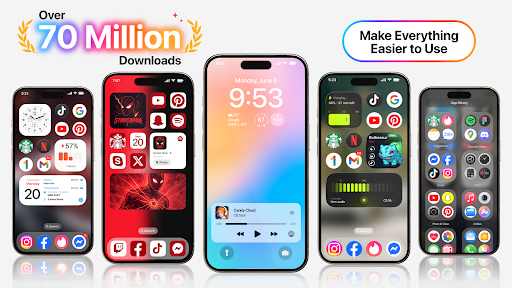
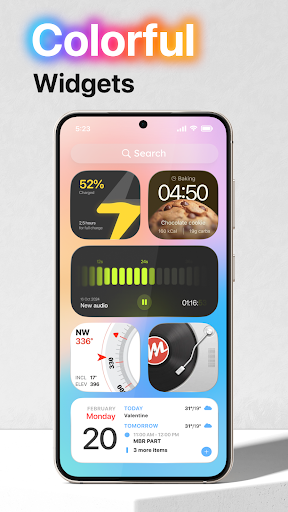
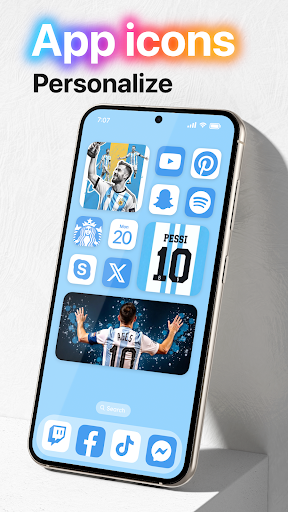
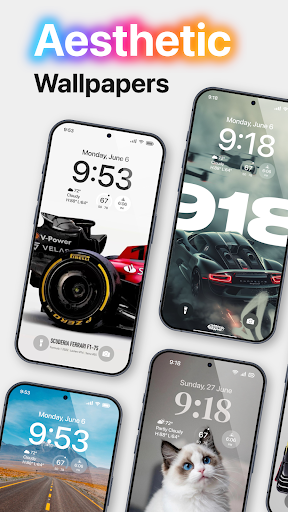
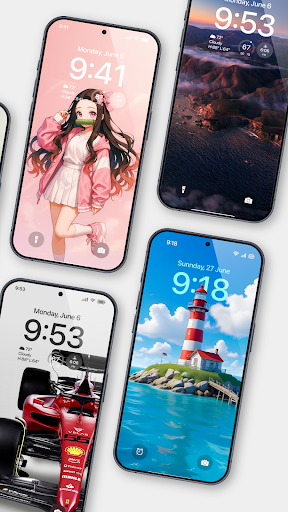
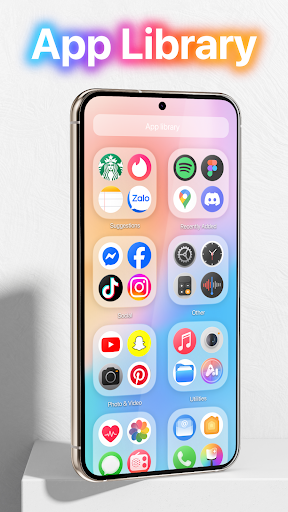
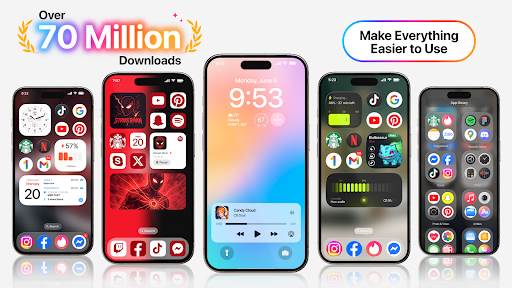
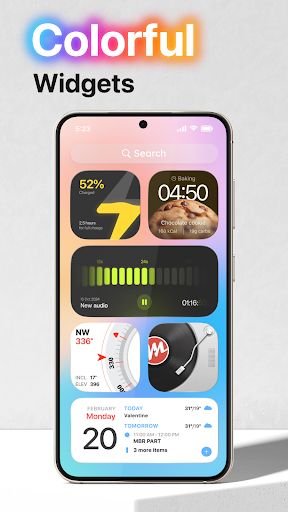
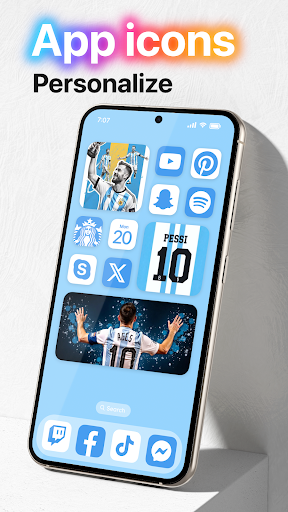
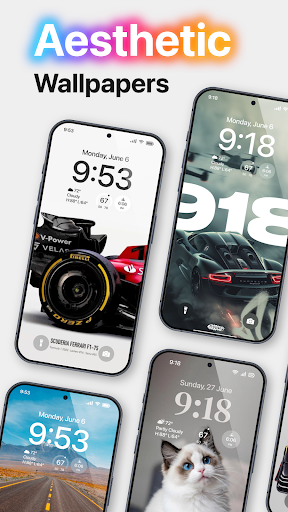
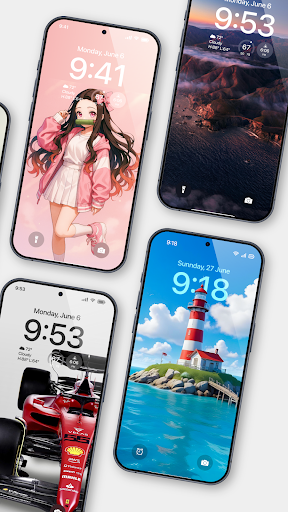
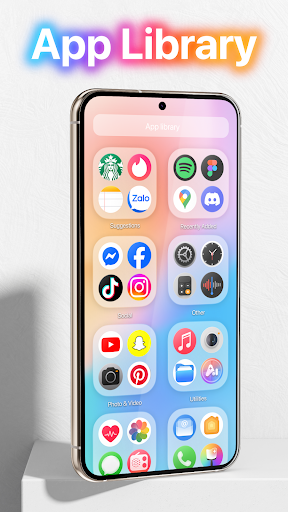
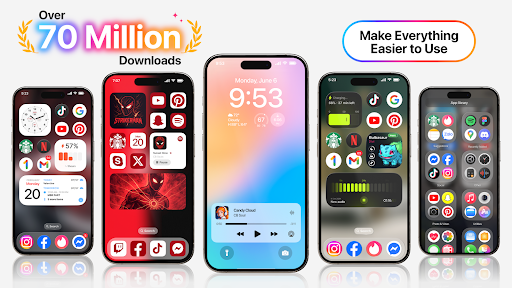
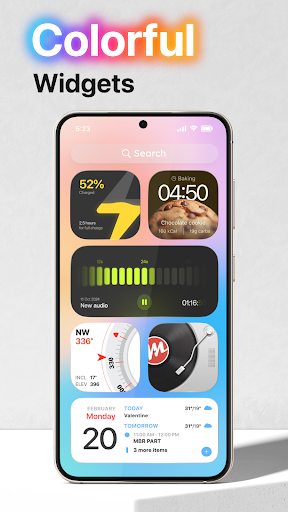
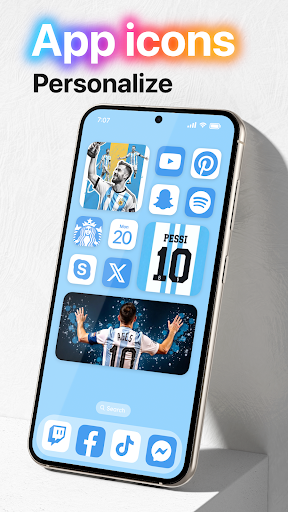
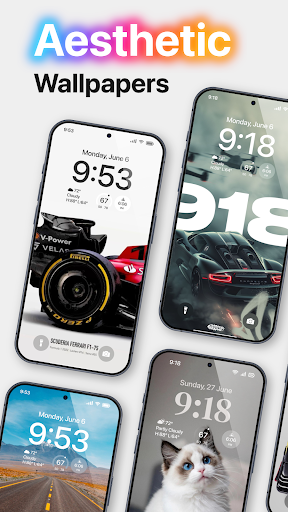
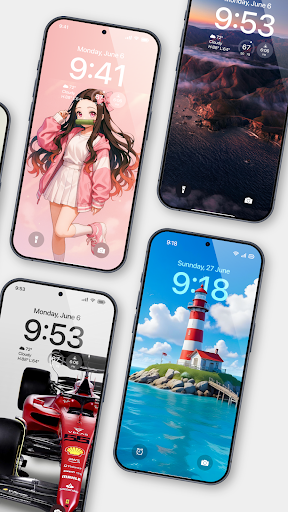
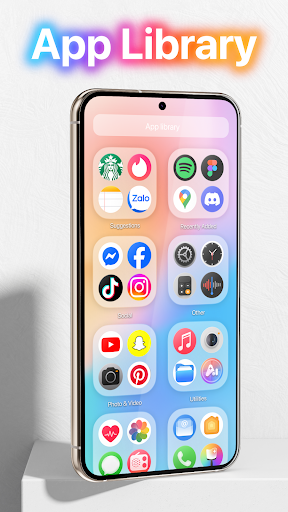
Launcher OS™ sets a new standard for the Android mobile operating system. It makes your phone better than before. And now it opens up to amazing possibilities for launcher on your phone. With Launcher OS™, Your phone is the most powerful, personal, and intelligent devices they've ever been.
To make Launcher OS™ working most perfectly. You must grant some special permissions like to:
- CAMERA: Open camera in your phone when screen is locked.
- READ_PHONE_STATE: Show phone call when screen is locked.
- NOTIFICATION ACCESS: Show notification when screen is locked.
- READ/WRITE_EXTERNAL_STORAGE: Support wallpaper set from your storage and our server save image.
- DRAW OVER SCREEN: Show Lock Screen in over all application.
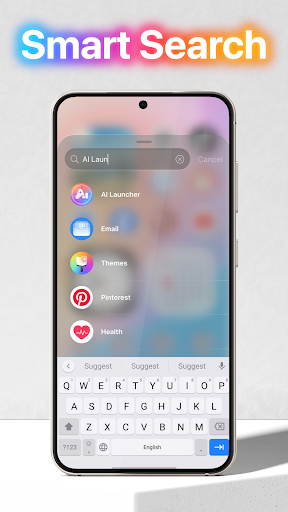
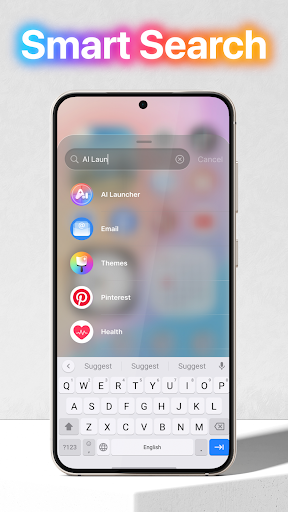
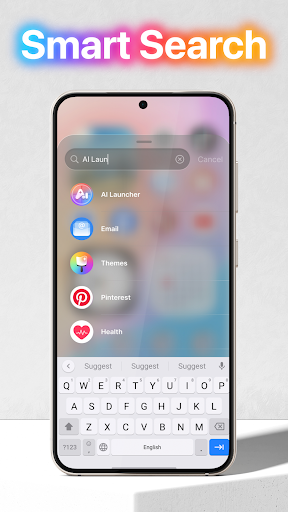
- MANAGE_EXTERNAL_STORAGE: Includes a built-in universal file search feature to help users quickly find any file on their device.
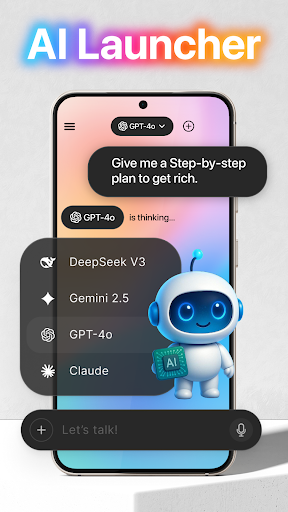
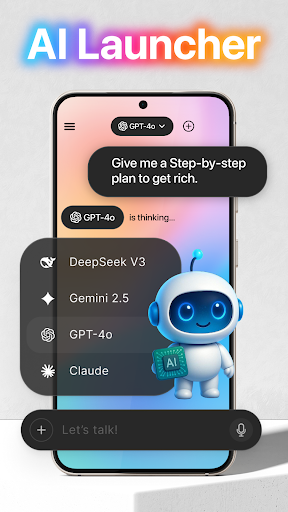
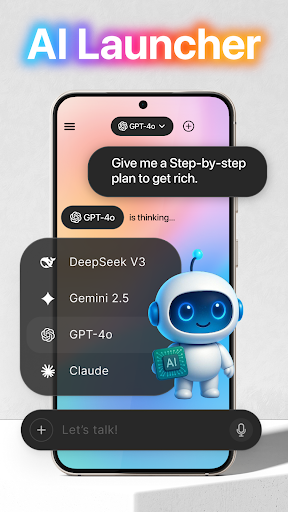
- RECORD_AUDIO: Uses microphone access to convert your voice to text in AI chat.
If you have any problem, please contact me via email [email protected]
THANK YOU SO MUCH FOR YOUR USING MY APPLICATION!
To make Launcher OS™ working most perfectly. You must grant some special permissions like to:
- CAMERA: Open camera in your phone when screen is locked.
- READ_PHONE_STATE: Show phone call when screen is locked.
- NOTIFICATION ACCESS: Show notification when screen is locked.
- READ/WRITE_EXTERNAL_STORAGE: Support wallpaper set from your storage and our server save image.
- DRAW OVER SCREEN: Show Lock Screen in over all application.
- MANAGE_EXTERNAL_STORAGE: Includes a built-in universal file search feature to help users quickly find any file on their device.
- RECORD_AUDIO: Uses microphone access to convert your voice to text in AI chat.
If you have any problem, please contact me via email [email protected]
THANK YOU SO MUCH FOR YOUR USING MY APPLICATION!
What's New
Launcher OS version 6.1.6 (341)
- Fix ANR
- Improve Data
- Fix ANR
- Improve Data
App Information
Version Name
5.1.7
Version Code
228
File Size
31.9 MB
Minimum OS
Android 8.0+
Target SDK
Android 34
Developer
Apps Genz
Contact
Website
Content Rating
Everyone
Package Name
com.babydola.launcheriosPermissions Required
This app may request the following permissions:
Recent Reviews

Shaidan Smetana
4.0★
I installed this to test it out, and it really works! My only problem is the ads. I know you need ads to support a free version, but they are excessive. The app search always has an ad displayed and I find that to be annoying because I don't want ads when I'm scrolling my phone. The app itself that you have to go into to turn it on has SO many ads. Literally you get 1 ad for opening the app, and another EVER TIME you click on something. With this I might just buy the paid version. It's only 0.99

Becky Freeman
2.0★
I just get my apps organized, labeled, and efficiently accessable, then the app reloads. It rearranges EVERYTHING and changes my settings & keyboard back to the default settings. it's BEYOND maddening. I also paid for the pro version, but it doesn't show up in my downloads. The visuals are great, but I am frustrated beyond belief with the constant resets.
Pha NengHa
4.0★
This app is almost perfect. You can have the iOS 26 control center, the iOS feel on the home screen together with the liquid glass and icons, and even add widgets. 2 main problems are: 1: There is no notification center: Like if you're gonna have a control center, pair it with a notification center. 2: I can't add my own icon pack: Just let me add my own icon pack to make it more customisable. Overall, would recommend it.
Illyana
1.0★
I really loved this app in the beginning, great widgets, each customization. The constantly popping up ads didn't bother me much, even when they showed up when I was uninstalling apps (who does that??) Now, today I went on there, and everything was messed up. the launcher changed, fine. but it's no longer 4 app icons, it's 5. I think I did my original homescreen perfectly! it's pretty messed up now, so I'll be uninstalling this. Nice while it lasted, chao
Advik Sanjit Burnwal
4.0★
Great app. It almost reaches the iOS level. But I have some problems. First, there aren't enough customization options. Second, it changes app icons of many apps. Play Store to App Store made it confusing. Moreover, we couldn't even revert it back. Please add this option. And, ads. Ads are filled everywhere. Please do not give ads when you are in the app drawer atleast. It ruins the entire experience. Just give them in the apps. And the extra Gallery is bad. Don't add it there are duplicates.
Olga Mhekyla Morimonte
1.0★
it has a new update now. at first i thought it would be great, but I don't think so. why does you guys have to put some advertisement in the apps bar? it's so disappointing, i keep on being disappointed from the updates you guys always have. please, KINDLY FIX THIS. it frustrates me, and I CANNOT REMOVE THE ADS.
Ad slot: In-Content