
Scribbl - Photo & Video Effect
com.axndx.ig
by ZipoApps
Screenshots

Ad slot: Top Leaderboard
About this app
Unique Photo and Video Editor with Scribble Animation Effect. Discover the ultimate neon video editor. Add neon effect to your photos and videos easily!
Use stylish neon effect on your Photos & Videos!
⭐ SCRIBBL - PHOTO AND VIDEO ANIMATION EFFECT ⭐
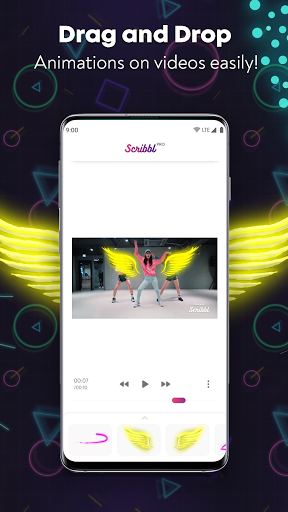
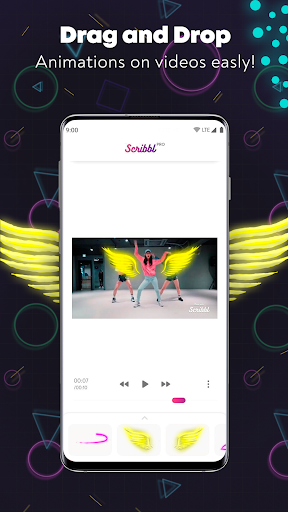
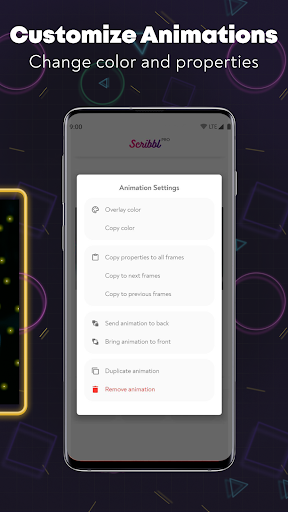
Adding Scribble Animations has never been easier! Just tap on the animation of your choice from our list of animations and add it directly to your videos! Customize the animation by changing its color, size, or position at any time. More animations will be added regularly.
VFX Effects - Unique photo & video animation effect to spice up your social media posts!
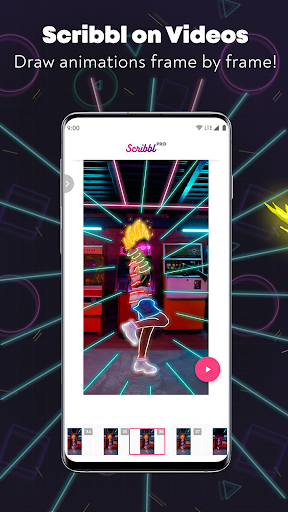
DOODLE AND ADD SCRIBBLE ANIMATIONS OVER YOUR VIDEOS
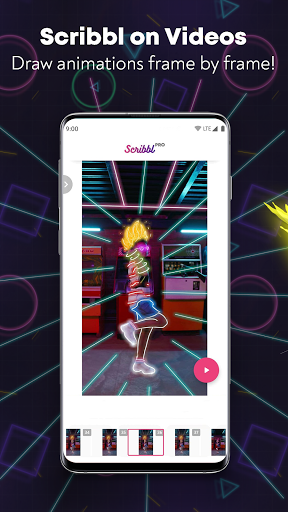
Forget the complexity involved in creating a scribble animation video in After Effects. Draw on your videos and easily use the inbuilt tools to add scribble animations to your videos. With easy-to-use features, a simplified timeline, and various brush and path effects, the Scribbl app makes video animations simpler, faster, and fun. This feature is currently in Beta, and we are working hard to improve it and add new features based on your feedback.
⭐ ADD ANIMATIONS TO YOUR PICS FOR FREE ⭐
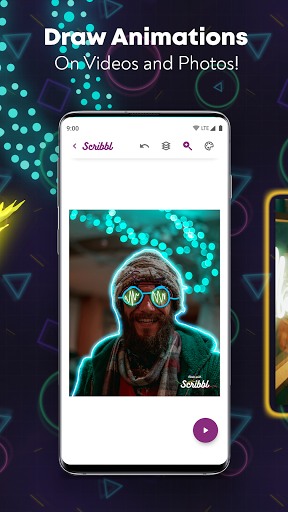
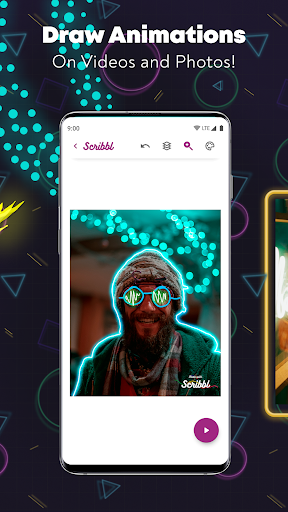
Scribbl is a photo and video animation maker which allows you to draw animations on your images to achieve the Scribble Animation effect. We've simplified the process of animating your images. Forget drawing frame by frame. You can easily create an excellent photo and video effect by drawing over your picture once.
⭐ LOTS OF FREE ANIMATION EFFECTS TO CHOOSE FROM ⭐
Scribbl gives you a wide variety of tools and lets you decide which animations you want on your videos and photos. With different animation effects, you have all the control over what effect you want on your pics or how you draw and set up your scene per frame on the video of your choice. Don't like an effect you've drawn? No problem, choose the path in the layers option and edit it without drawing it all over again!
⭐ CREATE GLOW ANIMATIONS ALONG WITH OTHER ART BRUSH OPTIONS ⭐
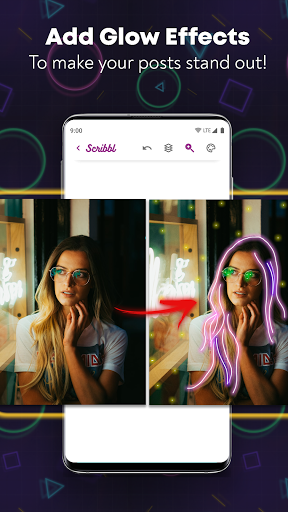
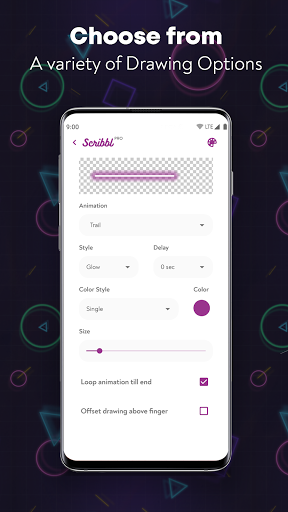
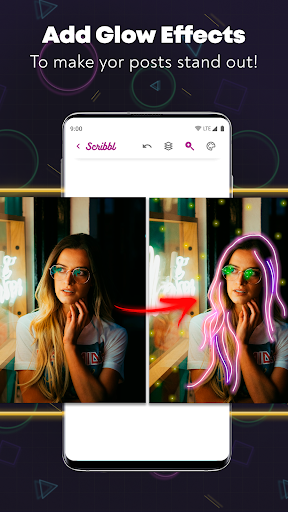
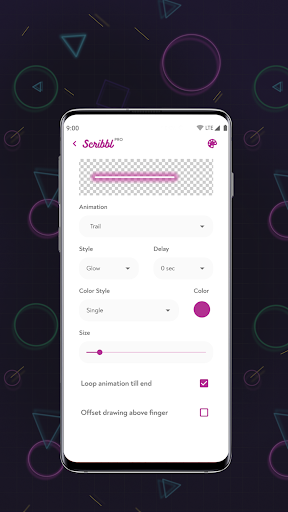
Scribbl gives you the option to customize your art brush. Play around with different sizes and styles. Scribbl also has the cool feature of adding glow animation to achieve that awesome neon sign or lightning effect.
SPICE UP YOUR SOCIAL MEDIA STORIES AND POSTS!
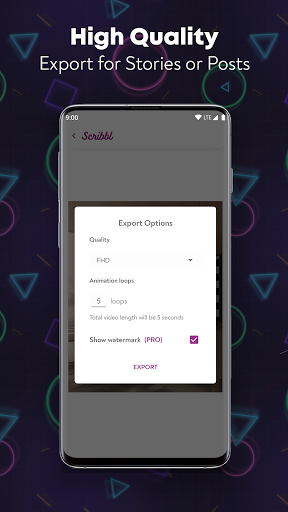
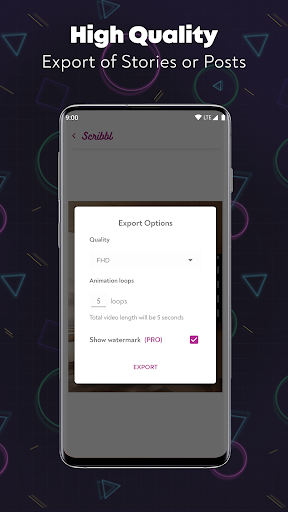
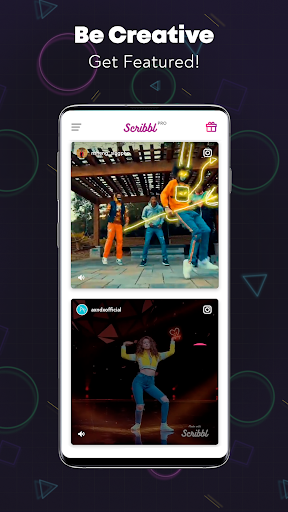
Once you have drawn your animation, you can export it in Full HD quality for your social media posts. Forget boring static images or videos without that extra flair for your social media stories and posts. Download Scribbl now and show off your creative side to the world with crazy animations!
Stay tuned for updates with new features and more photo and video animation options. Discover VFX effects & Glowing Neon effects!
Disclaimer
All product names, logos, brands, trademarks and registered trademarks, which are not owned by us, are property of their respective owners.
All company, product and service names used in this app are for identification purposes only. Use of these names, trademarks and brands does not imply endorsement.
Scribbl - Photo & Video Effects app is owned by us. We are not affiliated, associated, authorized, endorsed by, or in any way officially connected with any 3rd party apps or companies.
Use stylish neon effect on your Photos & Videos!
⭐ SCRIBBL - PHOTO AND VIDEO ANIMATION EFFECT ⭐
Adding Scribble Animations has never been easier! Just tap on the animation of your choice from our list of animations and add it directly to your videos! Customize the animation by changing its color, size, or position at any time. More animations will be added regularly.
VFX Effects - Unique photo & video animation effect to spice up your social media posts!
DOODLE AND ADD SCRIBBLE ANIMATIONS OVER YOUR VIDEOS
Forget the complexity involved in creating a scribble animation video in After Effects. Draw on your videos and easily use the inbuilt tools to add scribble animations to your videos. With easy-to-use features, a simplified timeline, and various brush and path effects, the Scribbl app makes video animations simpler, faster, and fun. This feature is currently in Beta, and we are working hard to improve it and add new features based on your feedback.
⭐ ADD ANIMATIONS TO YOUR PICS FOR FREE ⭐
Scribbl is a photo and video animation maker which allows you to draw animations on your images to achieve the Scribble Animation effect. We've simplified the process of animating your images. Forget drawing frame by frame. You can easily create an excellent photo and video effect by drawing over your picture once.
⭐ LOTS OF FREE ANIMATION EFFECTS TO CHOOSE FROM ⭐
Scribbl gives you a wide variety of tools and lets you decide which animations you want on your videos and photos. With different animation effects, you have all the control over what effect you want on your pics or how you draw and set up your scene per frame on the video of your choice. Don't like an effect you've drawn? No problem, choose the path in the layers option and edit it without drawing it all over again!
⭐ CREATE GLOW ANIMATIONS ALONG WITH OTHER ART BRUSH OPTIONS ⭐
Scribbl gives you the option to customize your art brush. Play around with different sizes and styles. Scribbl also has the cool feature of adding glow animation to achieve that awesome neon sign or lightning effect.
SPICE UP YOUR SOCIAL MEDIA STORIES AND POSTS!
Once you have drawn your animation, you can export it in Full HD quality for your social media posts. Forget boring static images or videos without that extra flair for your social media stories and posts. Download Scribbl now and show off your creative side to the world with crazy animations!
Stay tuned for updates with new features and more photo and video animation options. Discover VFX effects & Glowing Neon effects!
Disclaimer
All product names, logos, brands, trademarks and registered trademarks, which are not owned by us, are property of their respective owners.
All company, product and service names used in this app are for identification purposes only. Use of these names, trademarks and brands does not imply endorsement.
Scribbl - Photo & Video Effects app is owned by us. We are not affiliated, associated, authorized, endorsed by, or in any way officially connected with any 3rd party apps or companies.
What's New
⚠️ Important Note : Please export all the existing projects in Scribbl before updating to this new version. You will not be able to edit any projects created in older versions of Scribbl starting this update.
• Minor UI updates and bug fixes.
• Minor UI updates and bug fixes.
App Information
Version Name
5.2.0.1
Version Code
129
File Size
81.4 MB
Minimum OS
Android 7.0+
Target SDK
Android 33
Developer
ZipoApps
Contact
Website
Content Rating
Everyone
Package Name
com.axndx.igPermissions Required
This app may request the following permissions:
Recent Reviews
ynot Ochouno (ynot)
2.0★
Runs slow as heck even on high-end phones. Very expensive monthly for the offering. The monthly price at most should be a one time cost. It forces people to look elsewhere for other options or for less especially when the app crashes or loads the videos and won't process them. Worth the try definitely. The subscription? Well, it depends on the number of videos and your level or knowledge of editing. Wait.... Does that say $60 a month for this app?

A Google user
3.0★
They really need to add emojis or basic shapes that people would commonly use, think musical notes, numbers, ect, to add more flexibility. I think they should consider a "long press" as a "fill", like using a fountain pen, so you can fill areas easily and intuitively, then tou shoil be able to move you finger after selecting the "width" of the fill area so make thinker lines as an added bonus, again, intuition should be your goal. Unfortunately I think its extremely limited in its current form.
A Google user
4.0★
Amazing app. It's a lot cheaper than purchasing popular editing software brands and it's portable and easy to handle. I am aware that the Video Editing is still in Beta Testing but I think the video should be moved up a bit to allow us to use the frame scroller more easily. Every time I've attempted to use it, it rarely actually works and ends up putting an extra graphic on the video that I have to remove. Other than these small changes that should be made, amazing app.

Robann Quintin Kerr
1.0★
When I try to work on a video, it will say, "You will be working on *however many* frames. Do you want to continue?" So, I select "yes," and then it says,"Importing frames - 0% done. " immediately, the box will disappear, and the app goes back to the home screen. Nothing ever happens. I've tried different videos of different lengths. The app is basically useless. I am unable to do anything.
A Google user
5.0★
Very cool app , I'm just starting to use it , so far very impressed , some very basic tools to use ,. There are so many possibilities with this app with hopefully tons of added features in the future!! Like ..neon shapes, faces , symbols, half circles etc , or a feature for when you create a line it automatically smooths out the lines?? Just a few ideas there ! But carry on with this lots of potential here !!
A Google user
3.0★
I purchased the pro version, it's ok... but I sort of regret it now. I cannot edit a layer shape once drawn, neither can I erase a portion of it... or even complete layer for that matter. Zero editing (correction) options in terms of shapes once drawn. Still, I won't opt for a refund... I just hope you guys add such options. You're a Indian startup... I wish you all the best 👍
Ad slot: In-Content