

Jira Cloud by Atlassian
com.atlassian.android.jira.core
by Atlassian
Screenshots


Ad slot: Top Leaderboard
About this app
Create, update, edit, plan, track, analyze – all in the palm of your hand with the Jira mobile app by Atlassian. It’s the accelerated collaboration tool for teams, including software teams, service delivery teams, ITSM teams, and DevOps.
MOVE WORK FORWARD ANYWHERE, ANYTIME
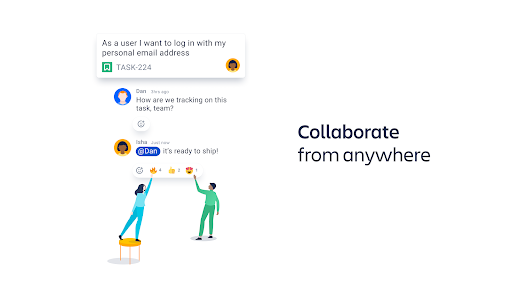
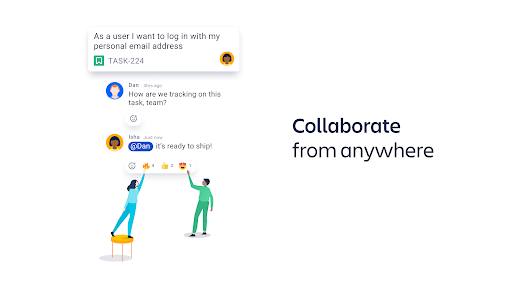
Powerful and palm-sized, Jira Cloud for Android lets you move work forward from anywhere. Create, update, plan, track, and analyze on-the-go. Collaboration and project management is faster and easier than ever with the Jira mobile app.
SCRUM, KANBAN, BUG TRACKING
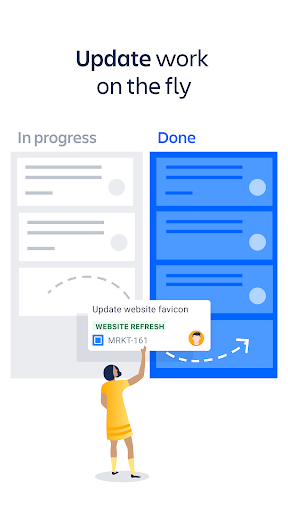
Create a project and select scrum or kanban agile methodologies, or manage your tasks with simplified task-tracking boards.
REAL-TIME NOTIFICATIONS
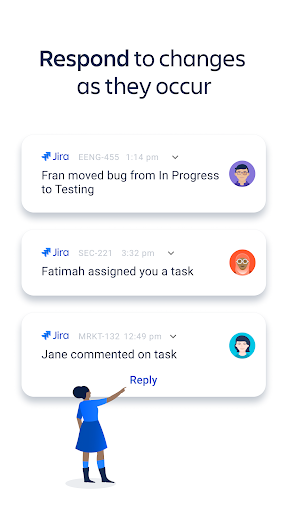
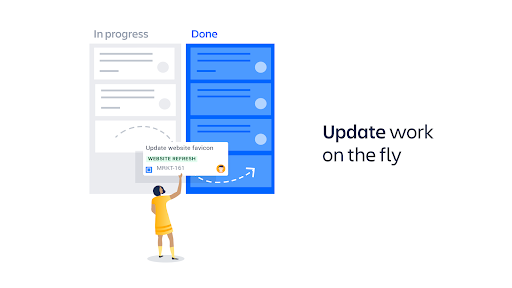
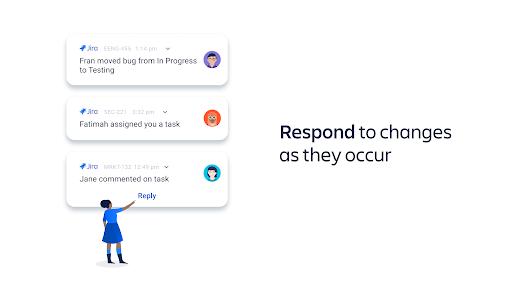
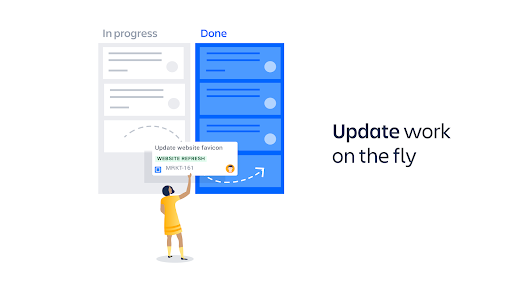
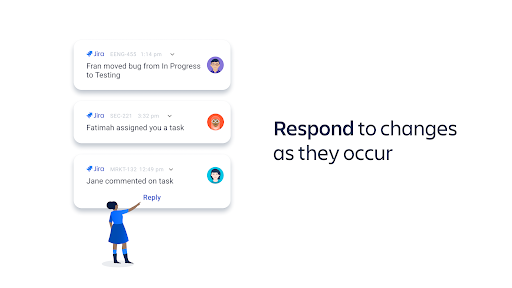
Stay updated with real-time push notifications; respond to work on-the-fly; collaborate faster; sync with teammates anywhere. Choose which events to get notified about: issues you’re assigned, issues you’re watching, status changes, and more. Snooze all notifications. Set your working hours.
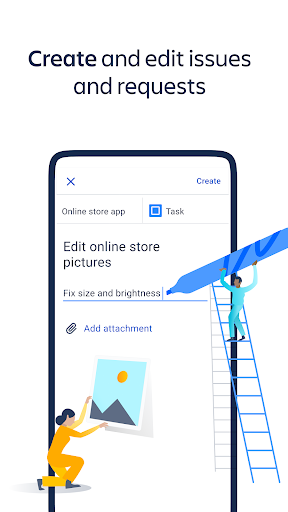
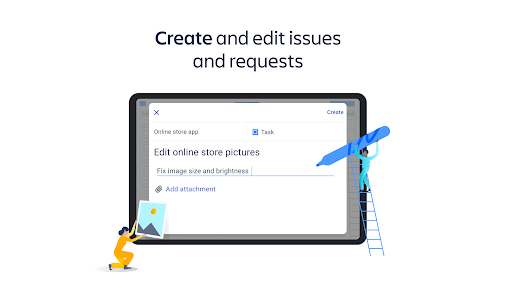
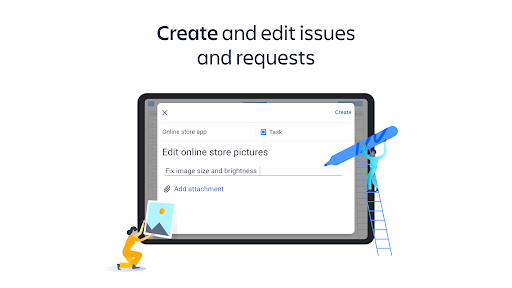
CREATE & UPDATE ISSUES
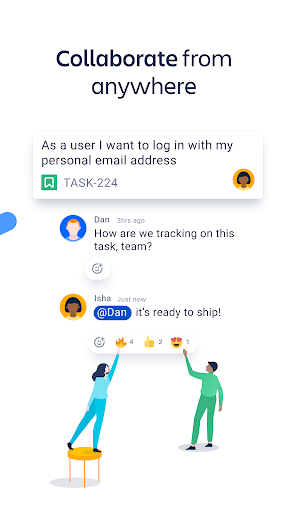
Create, update, transition, and comment on issues. View development details within issues, including git branches, commits, and pull requests.
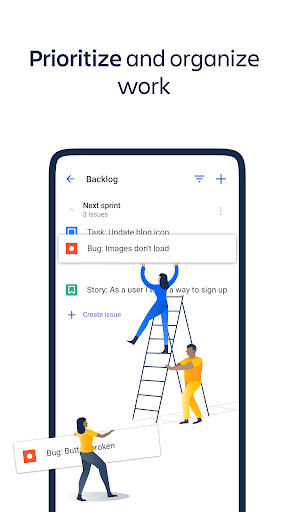
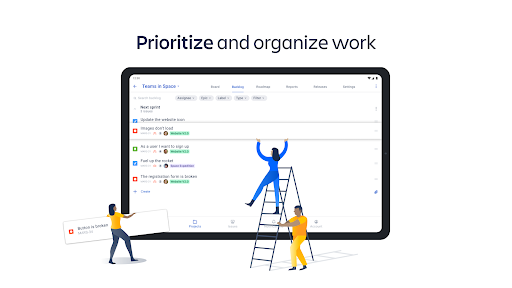
ORGANIZE YOUR BACKLOG
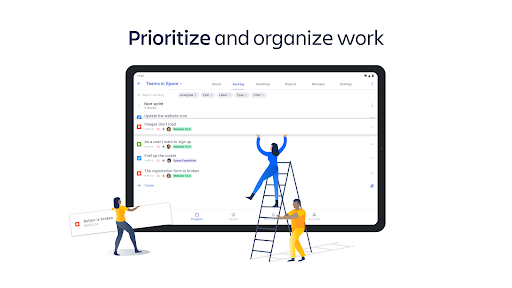
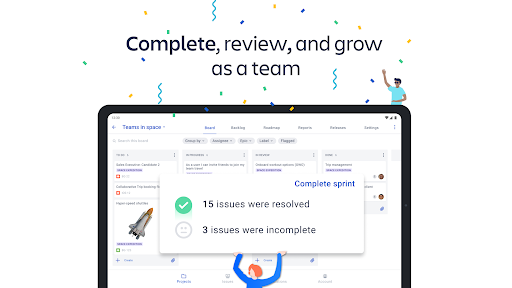
Rank issues according to priority; create and edit sprints; quickly collapse sprints and backlog issues to streamline your view and maximize your productivity. Grooming your to-do list is easier than ever with Jira.
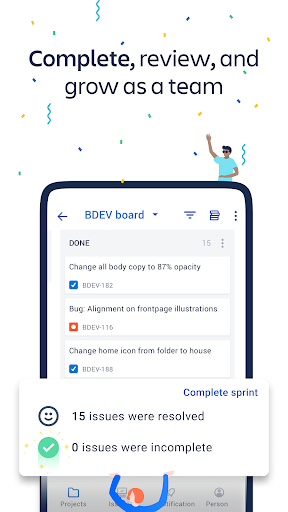
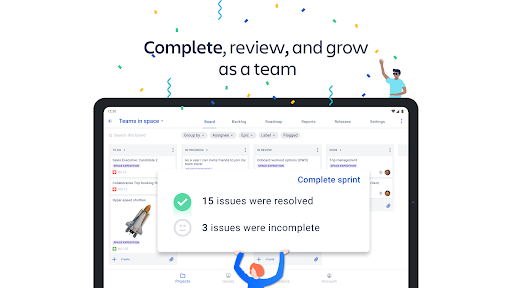
MANAGE YOUR BOARD
Create new columns; rename column titles; set column limits; view multiple statuses mapped to a single column in team-managed projects.
SEARCH FOR ISSUES WITH FILTERS
Find issues faster using filters on the board and backlog. Filter by reporter, assignee, epic, label, status, type.
PLAN WITH ROADMAPS
Editing a long-term project’s roadmap in the palm of your hand is a powerful feeling. Try it. Create epics; choose to plan in weeks, months, or quarters; view the roadmap as a list or chart. Roadmaps are similar to Gantt charts -- perfect for large-scale project planning.
MONITOR PROGRESS WITH DASHBOARDS
Dashboards help you stay on top of multiple moving parts. They can display progress and updates of your most important pieces of work, giving you an overview at a glance.
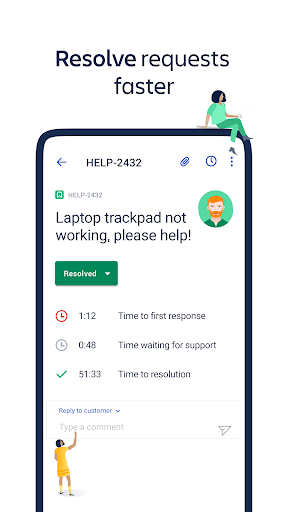
APPROVE & DECLINE SERVICE REQUESTS
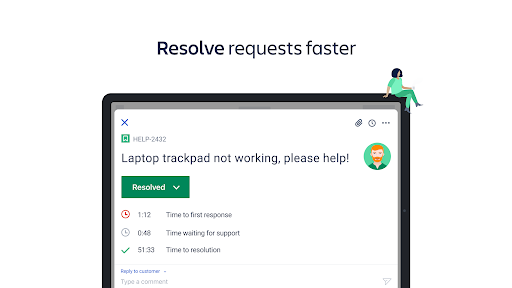
Approve or decline service requests; edit request participants; stay on top of service desk and help desk requests on-the-go.
MANAGE RELEASES
Create and edit versions with ease.
TRACK PROGRESS WITH REPORTS
Track and analyze your team’s workflow with velocity charts, burndown charts, and cumulative flow diagrams.
GO DARK WITH DARK MODE
Night owl? We’ve got you covered. Enable dark mode via your account settings in the app, and embrace your productivity once the sun goes down.
Download the app and create an account for free, or login using your existing details.
MOVE WORK FORWARD ANYWHERE, ANYTIME
Powerful and palm-sized, Jira Cloud for Android lets you move work forward from anywhere. Create, update, plan, track, and analyze on-the-go. Collaboration and project management is faster and easier than ever with the Jira mobile app.
SCRUM, KANBAN, BUG TRACKING
Create a project and select scrum or kanban agile methodologies, or manage your tasks with simplified task-tracking boards.
REAL-TIME NOTIFICATIONS
Stay updated with real-time push notifications; respond to work on-the-fly; collaborate faster; sync with teammates anywhere. Choose which events to get notified about: issues you’re assigned, issues you’re watching, status changes, and more. Snooze all notifications. Set your working hours.
CREATE & UPDATE ISSUES
Create, update, transition, and comment on issues. View development details within issues, including git branches, commits, and pull requests.
ORGANIZE YOUR BACKLOG
Rank issues according to priority; create and edit sprints; quickly collapse sprints and backlog issues to streamline your view and maximize your productivity. Grooming your to-do list is easier than ever with Jira.
MANAGE YOUR BOARD
Create new columns; rename column titles; set column limits; view multiple statuses mapped to a single column in team-managed projects.
SEARCH FOR ISSUES WITH FILTERS
Find issues faster using filters on the board and backlog. Filter by reporter, assignee, epic, label, status, type.
PLAN WITH ROADMAPS
Editing a long-term project’s roadmap in the palm of your hand is a powerful feeling. Try it. Create epics; choose to plan in weeks, months, or quarters; view the roadmap as a list or chart. Roadmaps are similar to Gantt charts -- perfect for large-scale project planning.
MONITOR PROGRESS WITH DASHBOARDS
Dashboards help you stay on top of multiple moving parts. They can display progress and updates of your most important pieces of work, giving you an overview at a glance.
APPROVE & DECLINE SERVICE REQUESTS
Approve or decline service requests; edit request participants; stay on top of service desk and help desk requests on-the-go.
MANAGE RELEASES
Create and edit versions with ease.
TRACK PROGRESS WITH REPORTS
Track and analyze your team’s workflow with velocity charts, burndown charts, and cumulative flow diagrams.
GO DARK WITH DARK MODE
Night owl? We’ve got you covered. Enable dark mode via your account settings in the app, and embrace your productivity once the sun goes down.
Download the app and create an account for free, or login using your existing details.
What's New
Performance improvements and bug fixes.
App Information
Version Name
143.1.7
Version Code
143001007
File Size
70.0 MB
Minimum OS
Android 11+
Target SDK
Android 33
Developer
Atlassian
Contact
Website
Content Rating
Everyone
Package Name
com.atlassian.android.jira.corePermissions Required
This app may request the following permissions:
Recent Reviews

Michael Miller
1.0★
this app is frustratingly complex to use. limited features make using the site in a mobile browser a better option. It is only possible to attach one file to a record via the app. Any further attached files either are blocked or the existing file is removed. status updates are limited, crossed project searches and connections either can't be made or the process is not intuitive, records cannot be elevated to higher tier support, buttons don't size well and often disappear from the screen.

A Google user
1.0★
Constantly hangs, leads to blank pages, and comments rarely work. When tapping on a notification, it often leads to a blank page. I have to close out, and even sometimes it still leads to a blank page. Past versions were even worse! Sometimes the notification page was completely blank. I also am very rarely able to post a comment on mobile, as the comment field is missing!! Most of the time I just give up.

Dena C
1.0★
Commenting on tickets has become impossible. My cursor gets randomly moved and I type in the middle of a sentence. Or 10 blank lines will randomly get added. I find myself only looking at tickets in the app and just going to my computer to comment to do any actual work. We are Premium users for several Atlassian products, and are 24/7. It's incredibly frustrating that the app is so unreliable. I may end up deleting the app and just using mobile web.
A Google user
2.0★
Compared to the website, the app is VERY lacking. The app is unintuitive and is missing a lot of the features that make the website more useable. For example: the backlog does not list the time frame of a sprint, just its name, and the task list only contains the name, id and number of points. This makes the backlog much more difficult to use.

Austin White
3.0★
It's fine. It gives me basic info I need, but when I need to actually use Jira I'll go use the laptop. I mainly use it to check on comments on ongoing tasks. It would be very handy if the issue counter would allow me to add custom filters to that widget. So when I quick check Jira with the issue counter on the homepage, I could see if issues are in which specific columns with our sprints, so I can manage team members who need to do approval or take action when it's in their column.

Jake Storm
2.0★
Aside from the core Jira program being difficult to set up, mobile leaves a lot to be desired. The worst part is that it includes a non-functioning dashboard. In order to use the majority of dashboard gadgets, you have to log in through the browser. The app is difficult to set up but much more capable than the competition. If they improve the app so that the dashboard functions, and maybe make the design a bit more user friendly, they have a winner. Recommend only to devs, end users beware.
Ad slot: In-Content