
ASUS Digital Clock & Widget
com.asus.deskclock
by Mobile, ASUSTek Computer Inc.
Screenshots


Ad slot: Top Leaderboard
About this app
Asus Clock provides intuitive and clear UI for faster and easier access to local time, home time, setting alarms and using timer.
Key features
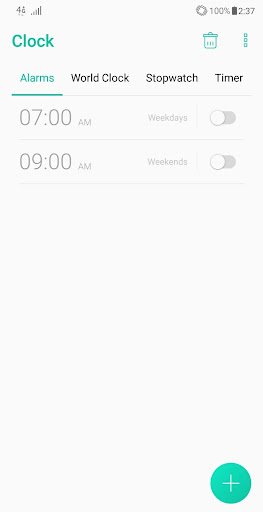
* Alarm
You can easily set the alarm to repeat daily, on weekdays, on weekends, or weekly.
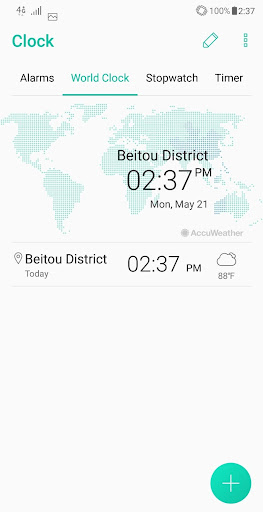
* World Clock
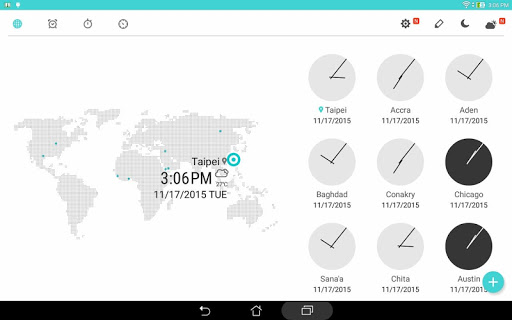
This feature displays your home time and the local time of your location.
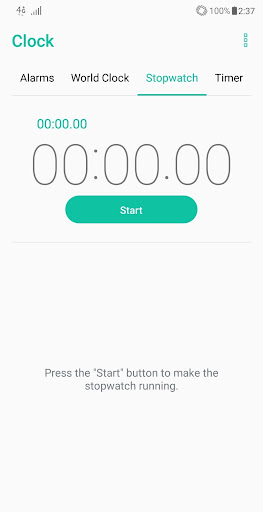
* Stopwatch
This feature gives you multiple lap times with a maximum time of 99 hours, 59 minutes and 59 seconds.
* Timer
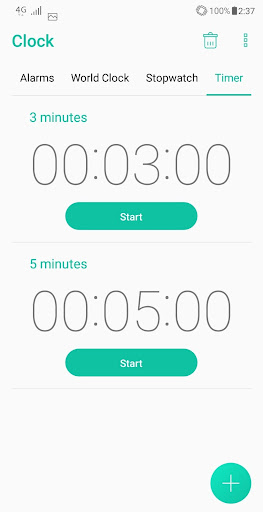
This feature lets you set multiple countdown timers. You can even assign a different alarm tone for each countdown.
* Ascending alarm
Alarm volume increases gradually.
* Auto snooze
You can enable automatic snooze to set snooze length and number of snoozes.
* Alarm tone selection
Customize your alarm tones by selecting them in your local storage or from external source.
Key features
* Alarm
You can easily set the alarm to repeat daily, on weekdays, on weekends, or weekly.
* World Clock
This feature displays your home time and the local time of your location.
* Stopwatch
This feature gives you multiple lap times with a maximum time of 99 hours, 59 minutes and 59 seconds.
* Timer
This feature lets you set multiple countdown timers. You can even assign a different alarm tone for each countdown.
* Ascending alarm
Alarm volume increases gradually.
* Auto snooze
You can enable automatic snooze to set snooze length and number of snoozes.
* Alarm tone selection
Customize your alarm tones by selecting them in your local storage or from external source.
What's New
v5.0.0.45_190227
-Support ASUS Data transfer
-Support ASUS Data transfer
App Information
Version Name
2.0.0.8_160422
Version Code
1520000042
File Size
12.3 MB
Min SDK
Android 17+
Target SDK
Android 23
Developer
Mobile, ASUSTek Computer Inc.
Contact
Website
Content Rating
Everyone
Package Name
com.asus.deskclockPermissions Required
This app may request the following permissions:
Recent Reviews

J-BEATS IMAGINATION STUDIO
3.0★
Update changed the way the clock is set... horrible idea. Its has to be spun around to get the numbers your looking for now and it passes the number your trying to get most of the time, no matter how careful you try. Come on folks, it was easier to just use a number pad! May uninstall and get a different one if the option doesn't revert back to the original input used for YEARS. Thank You for listening 😊 i should have reviewed the Asus clock app before, id have given it 5 stars.

A Google user
1.0★
Don't know why the alarm sound times then snooze automatically. Then after 10min it repeated again. 3 times the alarm sound then silence. How do i gonna been wake it up then. And plus i also didn't have the chance to reach the phone & turn the alarm off in that short 3 sound alarm, even in the pocket. Pls fix the bugs...if not the alarm is usefulness

Neninho_
4.0★
I like the grouping feature, A nice feature would be to be able to "Skip next alarm" on an entire group, since usually if I don't need 1 inside a group, I don't need all of them. It would make it easier than skipping the next alarm on all inside of a group 1 by 1. Everything else is good.
A Google user
1.0★
The new updates cause the app to constantly stop or crush. The app doesn't update the time which makes it unreliable and pointless. Who needs clock app that doesn't show you the correct time? Because of that neither timer or alarms work properly. Thanks to this 'amazing' app I was late for work, because neither off my 3 alarms went off. To say that I don't recommend would be and understatement.
A Google user
2.0★
Wow, you've managed to irritate me with a clock. After the new update, setting up an alarm clock comes with a vibration when scrolling through the numbers and there's no option in the settings to turn it off. The first thing I do on a new phone is turn off vibration on tap, yet you decided that I must have it in this app regardless

rana chandrakant
4.0★
It is a good app ..I love it. If it is possible then image should be also shown while it ring alarms so we can motivate by image, what we choose to display or by seeing image remember the task for what alarms is set...try to add this feature in next update...hope you will read my comment (feedback) ..and .....
Ad slot: In-Content