

ASUS Router
com.asus.aihome
by ASUSTeK Computer inc.
Screenshots



Ad slot: Top Leaderboard
About this app
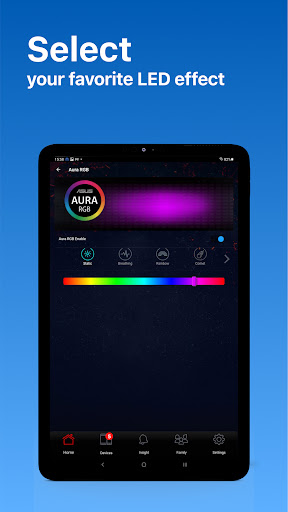
The ASUS Router app unlocks the power to manage your network in just a few taps whenever you want, wherever you go. We are aiming to provide the best WiFi and Internet-surfing experiences you have ever had with these comprehensive features.
KEY FEATURES:
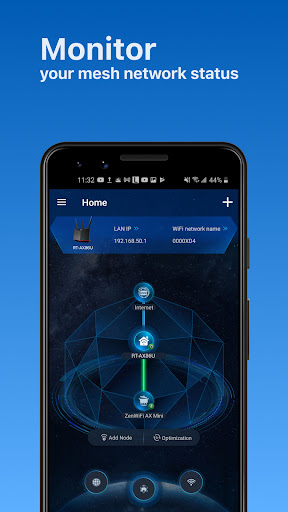
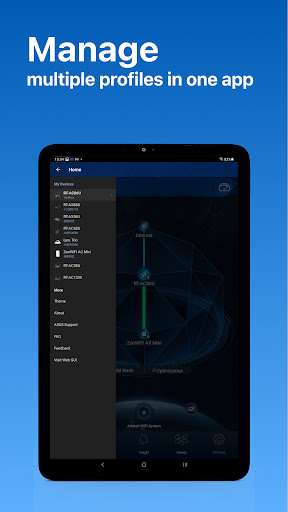
*Router Monitoring and Remote Management
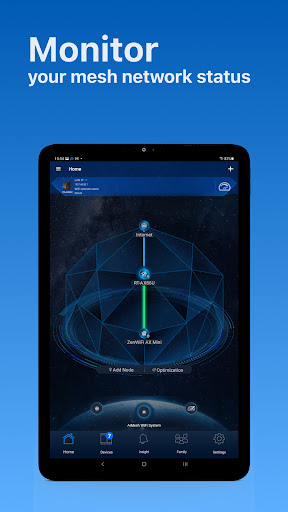
*AiMesh
….….Add AiMesh node
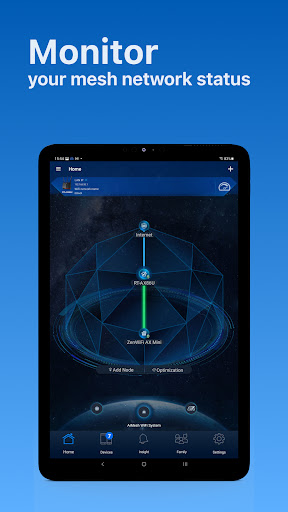
….….AiMesh Network Topology
….….Network management and optimization
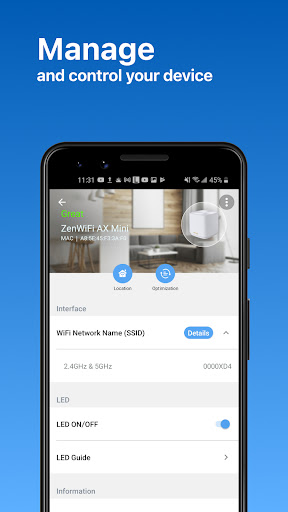
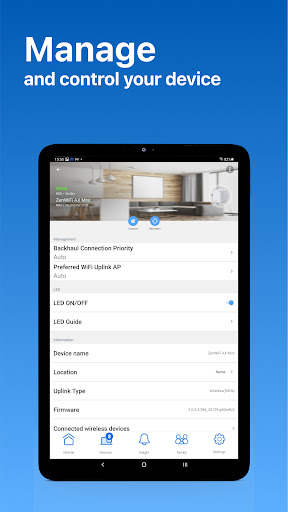
….….AiMesh node monitoring and customized settings
….….Full backhaul options
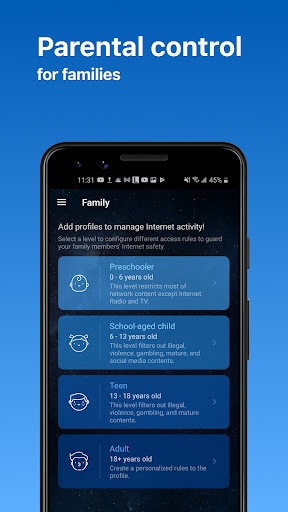
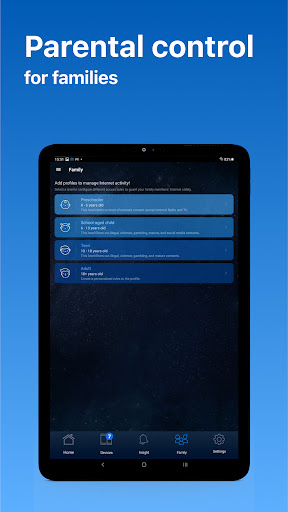
*Parental Controls
….….Time scheduling
….….Content Block
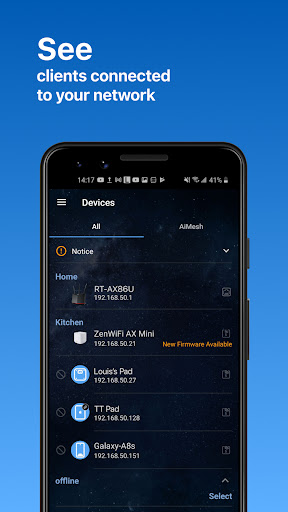
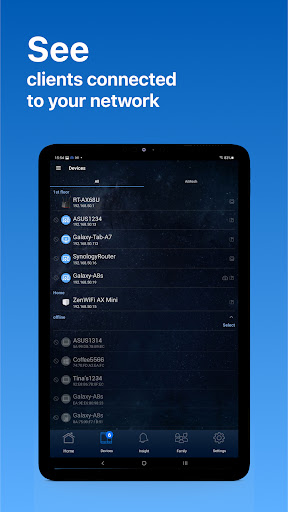
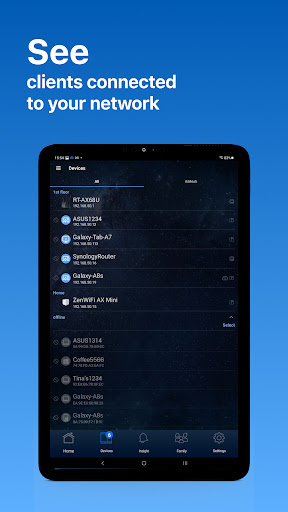
*Client Device Management
….….Safe Browsing
….….Bandwidth limiter
….….Block Internet access
….….Customizable device icon and nickname
*Guest network
….….Create guest network
….….Share WiFi with QR code
*More Features
….….Account binding
….….4G / 5G Auto Mobile Tethering
….….Port Status
….….VPN Fusion
….….VPN Server
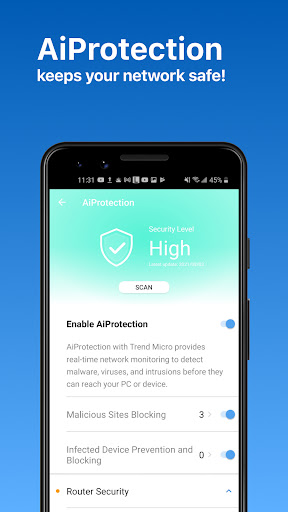
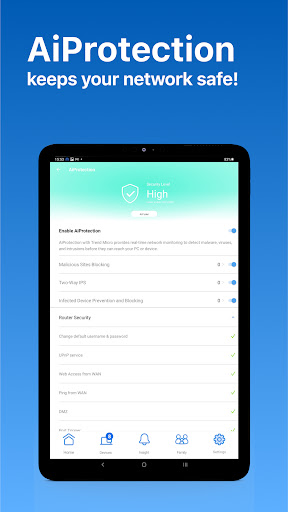
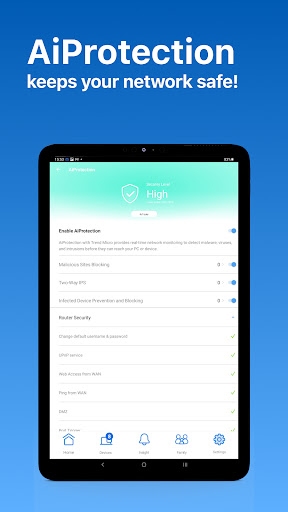
….….AiProtection
….….Firmware Update
….….QoS
….….Mobile Game Mode
….….DNS settings
….….VPN clients
….….Wireless settings
….….Connect with Alexa
….….Google assistant
….….Router setting backup
….….IP Binding
….….WOL (Wake-on-LAN)
….….Port forwarding (RT models)/ OpenNAT (ROG Models)
….….Schedule Reboot
….….ASUS Notice
-----
SUPPORTED MODELS
- All ZenWiFi line up
- All 802.11ax line up
- All ROG Rapture line up
- All ROG Strix line up
- All TUF Gaming line up
- Lyra/Lyra mini/Lyra Trio/Lyra Voice (needs to be at least 3.0.0.4.384 version)
- Blue Cave
- RT-AC5300
- RT-AC3100
- RT-AC88U
- RT-AC3200
- RT-AC2900
- RT-AC2600
- RT-AC2400
- RT-AC2200
- RT-AC87U/R
- RT-AC86U
- RT-AC85U
- RT-AC85P
- RT-AC65P
- RT-AC57U
- RT-AC68U/R/P/W/UF
- RT-AC65U
- RT-AC1900
- RT-AC1900P/U
- RT-AC1750
- RT-AC1750 B1
- RT-AC66U/R/W
- RT-AC66U B1
- RT-AC66U+
- RT-AC1300UHP/ G+
- RT-AC1200
- RT-AC1200G/HP/G+/ E/ GU
- RT-AC58U
- RT-AC56U/R/S
- RT-AC55U
- RT-AC55UHP
- RT-AC53
- RT-AC52U B1
- RT-AC51U/ U+
- RT-ACRH17
- RT-ACRH13
- RT-N66U/R/W/C1
- RT-N18U
- RT-N19
- RT-N14UHP
- RT-N12E B1/C1
- RT-N12HP B1
- RT-N12VP B1
- RT-N12+ B1
- RT-N12D1
- 4G-AC53U
- 4G-AC68U
- Selected DSL models
[Only supports router login and partial management functions. The QIS (Quick Internet Setup) process is excluded]
-DSL-AX5400
-DSL-AX82U
-DSL-AC68U
-DSL-AC68R
-DSL-AC52U
-DSL-AC55U
-DSL-AC56U
-DSL-AC51
-DSL-AC750
-DSL-N17U
-DSL-N16
-DSL-N16P
-DSL-N16U
-DSL-N14U
-DSL-N14U_B1
-DSL-N55U_C1
-DSL-N55U_D1
-DSL-N12U_C1
-DSL-N12U_D1
-DSL-N12E_C1
-DSL-N10_C1
-DSL-N66U
-----
UNSUPPORTED MODELS:
-All Cable modem models
-----
New features are consistently being added. Get excited for the ASUS Router App!
-----
PLEASE NOTE:
Some of the features are only available on supported models or firmware later than 3.0.0.4.388.xxxxx. Please visit the official ASUS website to view the latest list of supported models.
KEY FEATURES:
*Router Monitoring and Remote Management
*AiMesh
….….Add AiMesh node
….….AiMesh Network Topology
….….Network management and optimization
….….AiMesh node monitoring and customized settings
….….Full backhaul options
*Parental Controls
….….Time scheduling
….….Content Block
*Client Device Management
….….Safe Browsing
….….Bandwidth limiter
….….Block Internet access
….….Customizable device icon and nickname
*Guest network
….….Create guest network
….….Share WiFi with QR code
*More Features
….….Account binding
….….4G / 5G Auto Mobile Tethering
….….Port Status
….….VPN Fusion
….….VPN Server
….….AiProtection
….….Firmware Update
….….QoS
….….Mobile Game Mode
….….DNS settings
….….VPN clients
….….Wireless settings
….….Connect with Alexa
….….Google assistant
….….Router setting backup
….….IP Binding
….….WOL (Wake-on-LAN)
….….Port forwarding (RT models)/ OpenNAT (ROG Models)
….….Schedule Reboot
….….ASUS Notice
-----
SUPPORTED MODELS
- All ZenWiFi line up
- All 802.11ax line up
- All ROG Rapture line up
- All ROG Strix line up
- All TUF Gaming line up
- Lyra/Lyra mini/Lyra Trio/Lyra Voice (needs to be at least 3.0.0.4.384 version)
- Blue Cave
- RT-AC5300
- RT-AC3100
- RT-AC88U
- RT-AC3200
- RT-AC2900
- RT-AC2600
- RT-AC2400
- RT-AC2200
- RT-AC87U/R
- RT-AC86U
- RT-AC85U
- RT-AC85P
- RT-AC65P
- RT-AC57U
- RT-AC68U/R/P/W/UF
- RT-AC65U
- RT-AC1900
- RT-AC1900P/U
- RT-AC1750
- RT-AC1750 B1
- RT-AC66U/R/W
- RT-AC66U B1
- RT-AC66U+
- RT-AC1300UHP/ G+
- RT-AC1200
- RT-AC1200G/HP/G+/ E/ GU
- RT-AC58U
- RT-AC56U/R/S
- RT-AC55U
- RT-AC55UHP
- RT-AC53
- RT-AC52U B1
- RT-AC51U/ U+
- RT-ACRH17
- RT-ACRH13
- RT-N66U/R/W/C1
- RT-N18U
- RT-N19
- RT-N14UHP
- RT-N12E B1/C1
- RT-N12HP B1
- RT-N12VP B1
- RT-N12+ B1
- RT-N12D1
- 4G-AC53U
- 4G-AC68U
- Selected DSL models
[Only supports router login and partial management functions. The QIS (Quick Internet Setup) process is excluded]
-DSL-AX5400
-DSL-AX82U
-DSL-AC68U
-DSL-AC68R
-DSL-AC52U
-DSL-AC55U
-DSL-AC56U
-DSL-AC51
-DSL-AC750
-DSL-N17U
-DSL-N16
-DSL-N16P
-DSL-N16U
-DSL-N14U
-DSL-N14U_B1
-DSL-N55U_C1
-DSL-N55U_D1
-DSL-N12U_C1
-DSL-N12U_D1
-DSL-N12E_C1
-DSL-N10_C1
-DSL-N66U
-----
UNSUPPORTED MODELS:
-All Cable modem models
-----
New features are consistently being added. Get excited for the ASUS Router App!
-----
PLEASE NOTE:
Some of the features are only available on supported models or firmware later than 3.0.0.4.388.xxxxx. Please visit the official ASUS website to view the latest list of supported models.
What's New
[Improvements]
-Supports Router Assistant. (Only with certain model)
-Fixed the group creation issue on Family setup.
-Fixed account sign-in timeout issue.
[Important Notice]
Please obtain Android 9 or above version to keep your ASUS Router App always up to date, and remain an optimal using experience.
-Supports Router Assistant. (Only with certain model)
-Fixed the group creation issue on Family setup.
-Fixed account sign-in timeout issue.
[Important Notice]
Please obtain Android 9 or above version to keep your ASUS Router App always up to date, and remain an optimal using experience.
App Information
Version Name
1.0.0.2.50
Version Code
84
File Size
13.1 MB
Minimum OS
Android 9+
Target SDK
Android 22
Developer
ASUSTeK Computer inc.
Contact
Website
Content Rating
Everyone
Package Name
com.asus.aihomePermissions Required
This app may request the following permissions:
Recent Reviews

DramaLess Earthbound
3.0★
I never had issues before but now, there's a lag in the app when I look at the router. It takes a few seconds for connected devices to show up in the app and I get connection errors when I open the app. I've cleared app data, deleted the app, and made sure the router is updated. I even reset the router and I'm still having connection issues and lag through the Asus app.

Matt Qualls
5.0★
A clean, well put together app considering it's am app for a phone. I don't belive you can do EVERYTHING that you can do through a browser, but it still shows lots of info, connected devices, has a form of QoS for gaming on your phone if you're into that, and more. That plus the clean design gives it 5 stars for me. If I need to get technical with my router, I use a browser on my PC app that I have access to everything my router offers. However, this app still has a lot of features.

J. Smith
2.0★
App is buggy and sometimes just refuses to connect. I shouldn't have to restart my entire mesh system just to get an app to work. Also the app and the web interface don't match, there are some features only on the app, and some only on the web interface. They should match. If they could make this less buggy and more stable, it would be a really amazing app.

Chris Mann
3.0★
I thought I was getting a great quality router, but what I have been finding is that most of my devices are periodically disconnecting from the router for like 30 seconds before reconnecting for no rhyme or reason that makes sense, or a few devices in particular (doorbell, Amazon devices and my printer) will disconnect and won't reconnect until the router is rebooted. I have had a super cheap router from my ISP for years without this many issues!

Arnie Jonassen
2.0★
Too many bugs. I went into the app and changed my router login password and now it tells me the new password is wrong, even the old password won't work now. I just configured about 50 devices with the Mac filtering and now I'm going to have to factory reset the router and lose everything because this app can't save the configuration files to the phone. Ridiculous.

A Google user
2.0★
Can't log in to my router using this app. Bought a GT-AX11000 two days ago. Seems like a great router and I can easily log in to the router using a web browser on my laptops, desktops, phone, and tablets. But it fails every time when I try to log on using this app (on phone or tablets). It acts like the username and /or password is wrong. After about 5 attempts it locks me out from even trying for about 5 minutes. Firmware is updated to version 3.0.0.4.384_7978 which says it is the latest.
Ad slot: In-Content