

Insta360
com.arashivision.insta360akiko
by Insta360
Screenshots





Ad slot: Top Leaderboard
About this app
Insta360 cameras and handheld gimbals give creators, athletes and adventurers tools to create like they’ve never created. Whether you’re upping your shooting game with an Insta360 cameras, the Insta360 app is a creative powerhouse in your pocket that acts as your camera’s sidekick. Let AI do the work with auto editing tools and templates, or dial in on your edit with a host of manual controls. Editing on your phone has never been easier.
New Album Page Layout
Thumbnails now automatically uses the best angle to easily identify and manage files.
AI Edit
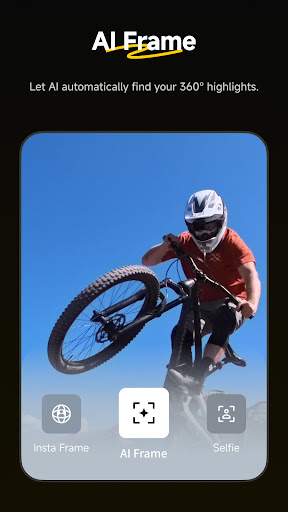
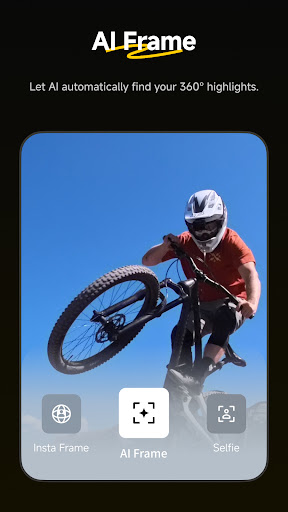
AI can handle the entire reframing process! Sit back and let your action highlights make themselves, now faster with improved subject detection for even easier editing.
Shot Lab
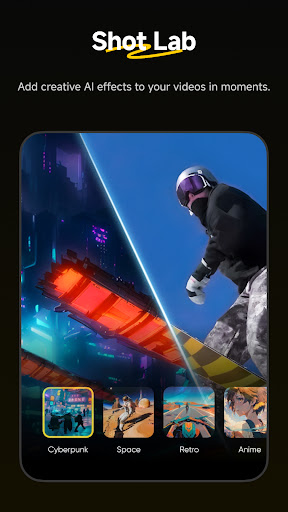
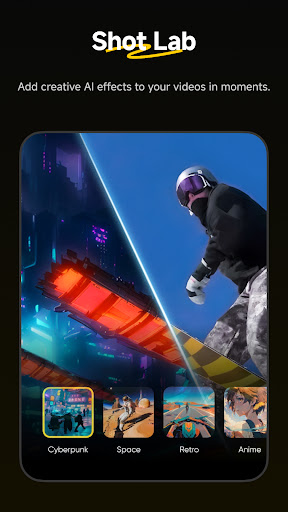
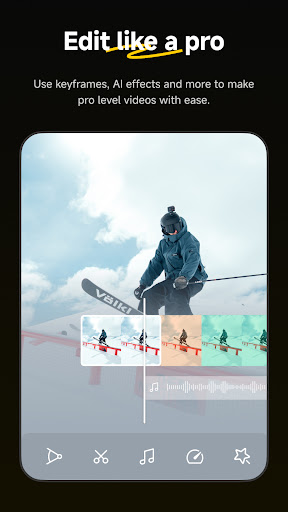
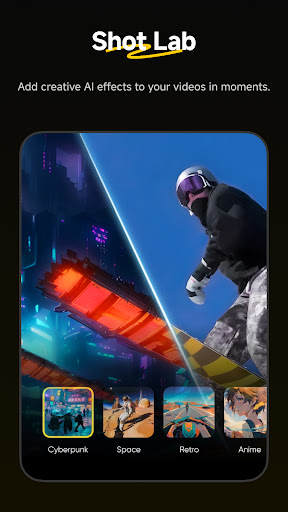
Shot Lab is home to tons of AI-powered editing templates that help you create viral clips in just a few taps. Discover over 25 templates, including Nose Mode, Sky Swap, AI Warp and Clone Trail!
Reframing
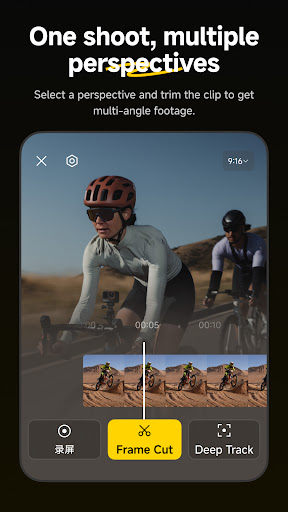
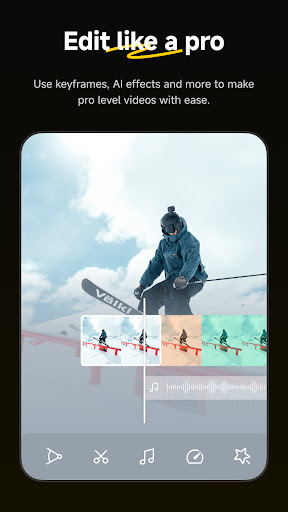
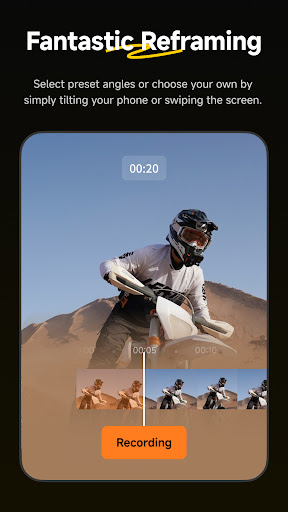
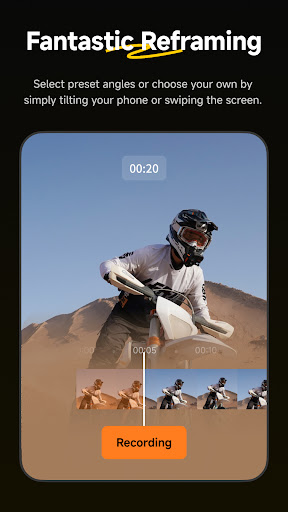
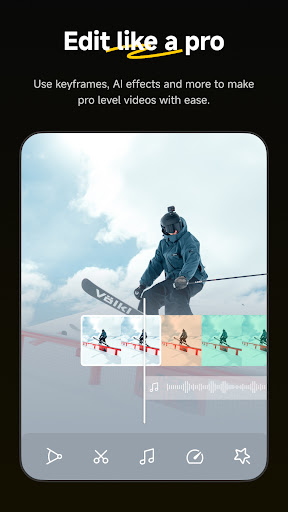
The creative possibilities are endless with easy 360 reframing tools in the Insta360 app. Tap to add a keyframe and change the perspective of your footage.
Deep Track
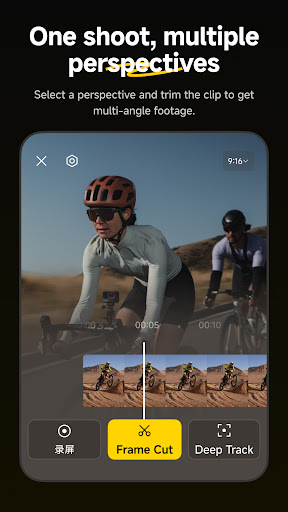
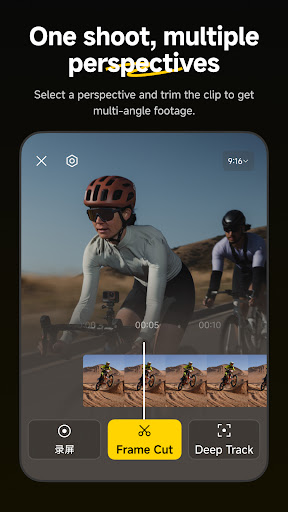
Whether a person, animal, or a moving object, keep the subject centered in your shot with a single tap!
Hyperlapses
Speed up your videos to create a stabilized hyperlapse in just a few taps. Adjust the speed of your clip on a whim—you have full control over time and perspective.
Download-Free Editing
Edit and share your clips to social media without downloading them to your phone first! Save your phone’s storage space and edit clips while you’re on the go.
Please feel free to reach out to us at any time!
Official website: www.insta360.com (you can also download the Studio desktop software and the latest firmware updates)
Official customer service email: [email protected]
Plus, discover the best content from creators around the world in the Insta360 app! Find new video ideas, learn from tutorials, share content, interact with your favorite creators, and more. Download now and start exploring!
Here are the Insta360+Privacy Policy and Insta360+ User Service Agreement
Insta360+Privacy Policy: https://www.insta360.com/support/supportcourse?post_id=20767&utm_source=app_oner
Insta360+ User Service Agreement: https://www.insta360.com/support/supportcourse?post_id=20768&utm_source=app_oner
If you would like to share feedback about our app, please search for the "Insta360 Official" account in the app private message system, and send us a private message after following.
When connecting their phones to cameras via the camera's Wi-Fi (a local network without internet access), most users lose internet connectivity, causing inconveniences like frequent disconnection/reconnection for WeChat authorization during live streaming. To solve this, we use VPNService to route specific requests to the cellular network, eliminating the need for users to repeatedly switch connections with the camera.
New Album Page Layout
Thumbnails now automatically uses the best angle to easily identify and manage files.
AI Edit
AI can handle the entire reframing process! Sit back and let your action highlights make themselves, now faster with improved subject detection for even easier editing.
Shot Lab
Shot Lab is home to tons of AI-powered editing templates that help you create viral clips in just a few taps. Discover over 25 templates, including Nose Mode, Sky Swap, AI Warp and Clone Trail!
Reframing
The creative possibilities are endless with easy 360 reframing tools in the Insta360 app. Tap to add a keyframe and change the perspective of your footage.
Deep Track
Whether a person, animal, or a moving object, keep the subject centered in your shot with a single tap!
Hyperlapses
Speed up your videos to create a stabilized hyperlapse in just a few taps. Adjust the speed of your clip on a whim—you have full control over time and perspective.
Download-Free Editing
Edit and share your clips to social media without downloading them to your phone first! Save your phone’s storage space and edit clips while you’re on the go.
Please feel free to reach out to us at any time!
Official website: www.insta360.com (you can also download the Studio desktop software and the latest firmware updates)
Official customer service email: [email protected]
Plus, discover the best content from creators around the world in the Insta360 app! Find new video ideas, learn from tutorials, share content, interact with your favorite creators, and more. Download now and start exploring!
Here are the Insta360+Privacy Policy and Insta360+ User Service Agreement
Insta360+Privacy Policy: https://www.insta360.com/support/supportcourse?post_id=20767&utm_source=app_oner
Insta360+ User Service Agreement: https://www.insta360.com/support/supportcourse?post_id=20768&utm_source=app_oner
If you would like to share feedback about our app, please search for the "Insta360 Official" account in the app private message system, and send us a private message after following.
When connecting their phones to cameras via the camera's Wi-Fi (a local network without internet access), most users lose internet connectivity, causing inconveniences like frequent disconnection/reconnection for WeChat authorization during live streaming. To solve this, we use VPNService to route specific requests to the cellular network, eliminating the need for users to repeatedly switch connections with the camera.
What's New
1. Added keyframe editing, tracking, and other multiview features, making it easier to create videos from multiple angles.
Note: Only available on 360 cameras.
For further support, head to Me > Help and Feedback > Insta360 Technical Support.
Note: Only available on 360 cameras.
For further support, head to Me > Help and Feedback > Insta360 Technical Support.
App Information
Version Name
1.62.0
Version Code
1648
File Size
881.9 MB
Minimum OS
Android 9+
Target SDK
Android 33
Developer
Insta360
Contact
Website
Content Rating
Everyone
Package Name
com.arashivision.insta360akikoPermissions Required
This app may request the following permissions:
Recent Reviews

Jim Bunting
2.0★
Do not open app unless on wifi. I had to clear the cache which caused me to log in again. After logging in, not doing anything else, I get an alert that i have a spike in data usage. 190mb just to log in and load the app! Ridiculous! The app is good for editing but not much else. But just cost me $2 on my bill just to log in. Get rid of all the bloat or make an option to not load previews/videos/ads unless on wifi! And don't download firmware updates unless on wifi!

Thor Mccammon
1.0★
I've been using Insta360 for about 3 years. The cameras work great but the Android app is complete piece of junk. It was a hot mess but still functioned OK. Now after the last upgrade it crashes about every 30-60 seconds and is unusable. I've completely cleared the cache, still crashes. I installed it on a new clean phone and it still crashes.

John Ritter
1.0★
App keeps crashing trying to load camera data. I've had the previous version without AI and liked it a lot better -easier to use and more stable. Got a new x5, and it wanted the software update. All the editing tools I had gotten used to were gone or buried, and now if it's a large file it just crashes trying to load. Can I - or you - revert to the former GUI without all the AI stuff? At least then I could load and edit my files.

Beerwhisperer Gaming
2.0★
buggy, app freezes after ending a live video. Phone also gets hot. Remove the analytical and tracking software. Initial setup for firmware give unable to connect message, but it connects. You'd expect something better from a company like this. EDIT. it now it says I now need an update from 2.9 to 2.10 and to go to Google play ,where there is no update, only a open app button.

James Jarman
1.0★
GPS activity used to work just fine. Now it doesn't matter if I record a video with phone app staying open, it will recognize there is original gps data and let me select it. But when editing always says "No GPS at this time". Even when I record videos manually and use to app to only track gps. It will let me sync the gps data with the video but still says "No GPS at this time" when displaying stats. it used to work just fine for months then all the sudden stopped working. insta360 x4

Louis Vetere
1.0★
Not a fan of this app at all. It takes forever to connect to the camera itself, half the time I just go to watch a video in my albulm and it crashes before loading, and every time I go to export a video to my phone no matter how short it is the app crashes. Only thing I can get are pictures. Sad really wanted the insta360 x5 but this app is making me think I wasted my time
Ad slot: In-Content