

Calculator Vault - App Hider
com.app.calculator.vault.hider
by Hide Apps (NO ROOT)
Screenshots





Ad slot: Top Leaderboard
About this app
The core features of this app are:
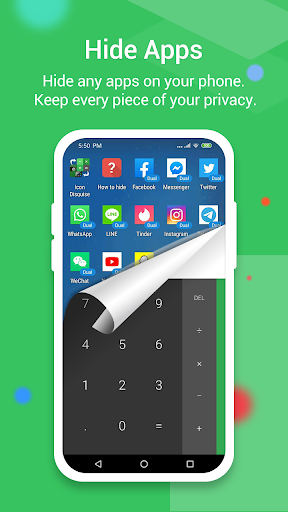
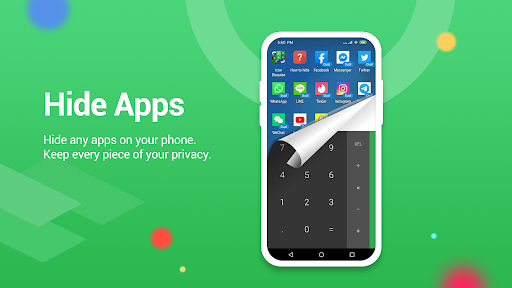
1. Hide Apps - which based on app clone technology. It Can clone any of the apps installed on your device and run the clone even after you remove the app from system.
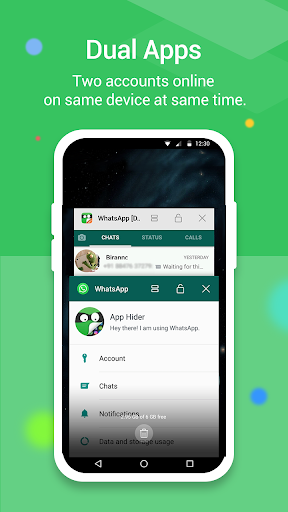
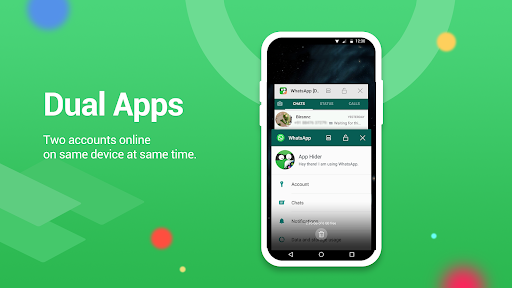
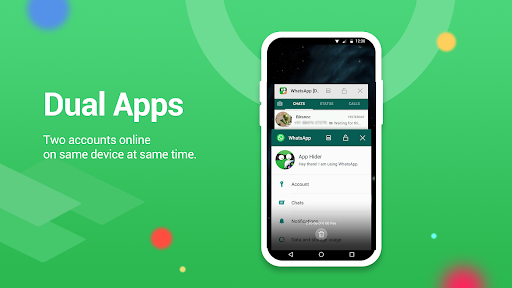
2. Dual App / multiple accouts - It can clone any app installed on your device multiple times with multiple accounts.
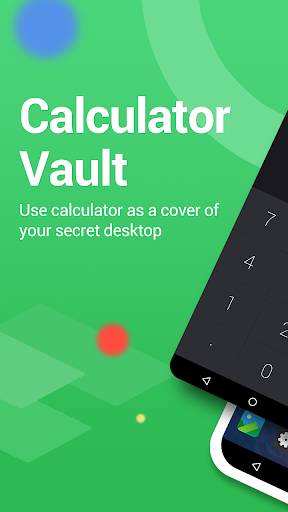
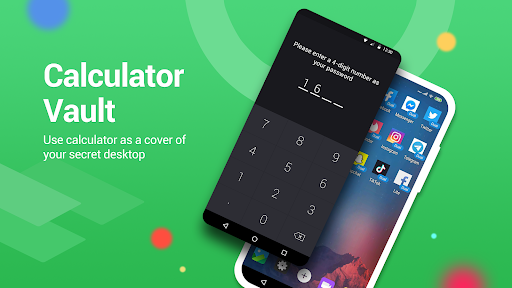
This is not a Calculator app. The calculator is for cover and pin code input.
Unlock the full potential of Calculator Vault hidden applications with these distinctive advantages:
●Notice bar information tips: Only display the standard calculator's icon.
●Check phone system settings: The application name appears as Calculator+ (not app hider).
●When checking recent apps: The app name is Calculator Vault (not app hider).
Calculator Vault is your go-to solution for hiding any app and maintaining your privacy by concealing them. You can access hidden apps either within Calculator Vault or through your phone's interface. Additionally, Calculator Vault offers a hidden picture function, allowing you to import pictures into the gallery where others cannot view them. Browse your protected pictures in the hider's gallery.
App Characteristics:
1.Hide all installed applications (No ROOT required).
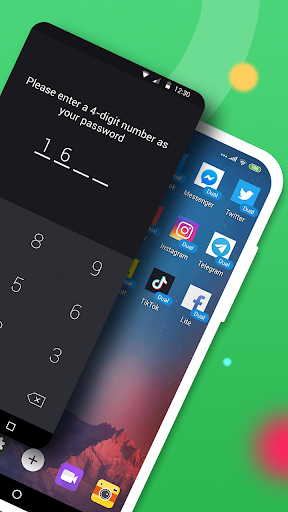
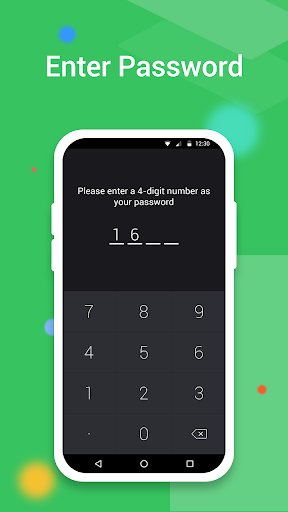
2.Password protection (Create a password on the first use).
3.Support for hiding any applications used on mobile phones (Easy way to hide apps).
4.Hidden apps can be used in Calculator Vault or the main phone interface.
5.Open the app as a standard calculator; without the password, Calculator Vault remains inaccessible.
6.Hide notifications: Provide notifications in three modes— all, just number, or none.
7.Hide apps from recents.
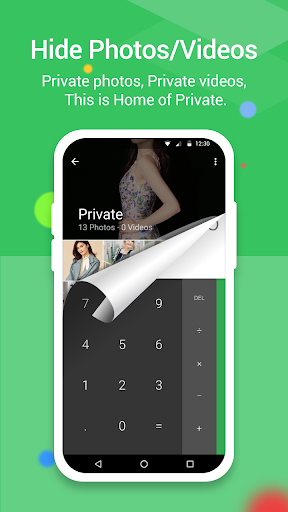
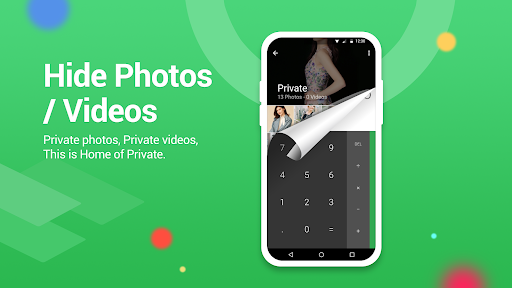
8.Gallery Module to hide photos/pictures (Protect your secret photos/pictures to avoid others finding them).
9.Add a shortcut to the hidden camera (Use the hider's built-in camera to take private photos).
10.Hide videos and play videos.
How to use Calculator Vault:
The first time you start or in a protected state, no PIN is needed to enter Calculator Vault. Open the application to set the password, and then you can start using the hidden app.
How to hide photos in Calculator Vault:
Click the app hider interface gallery icon and use the ‘Gallery Module.’ Add ‘input folder name’ to create a folder, select pictures or personal photos, and then click the save button to import the picture into the created private file.
How to add an app to Calculator Vault:
In the hidden display interface, click the add app button. You can see the phone's applications, select the app to add to Calculator Vault-App Hider, and click the import apps button.
How to delete apps from Calculator Vault:
In the hidden apps interface, long-press the hidden app, drag the application to the delete icon to remove the hidden application.
How to hide photos or videos in the hider:
Click the app hider interface gallery icon, use the ‘Gallery Module,’ add ‘input folder name’ to create a folder, select pictures or personal photos, and then click the save button to import the picture into the created private file.
Notices:
If you uninstall the application from outside and it has been hidden, Calculator Vault will not copy the app's original data to the same app in the Calculator Vault.
statement:
1.Installed Applications Information: When use our app to duplicate the applications installed on your device, we collect and upload this information to our server. Rest assured, we do not disclose your installed applications data to any third party. The collection and upload of such information are exclusively for creating a personalized list of recommended apps that can be cloned and hide, along with relevant compatibility notes.
Android AOSP Calculator source code:
https://android.googlesource.com/platform/packages/apps/Calculator.git
Apache License, Version 2.0:
http://www.apache.org/licenses/LICENSE-2.0.html
What's New
1. compat Android 16, targetSdkVersion change to Android 15
2. fix crash of Instagram in some cases, many versions of instagram can run correctly now
3. rewrite Notification module, to fix many crashes and bugs
4. fix crash on some special cases
2. fix crash of Instagram in some cases, many versions of instagram can run correctly now
3. rewrite Notification module, to fix many crashes and bugs
4. fix crash on some special cases
App Information
Version Name
3.5.2_95bdbad81
Version Code
305014
File Size
24.1 MB
Minimum OS
Android 5.0+
Target SDK
Android 33
Developer
Hide Apps (NO ROOT)
Contact
Website
Content Rating
Everyone
Package Name
com.app.calculator.vault.hiderPermissions Required
This app may request the following permissions:
Recent Reviews

A Google user
2.0★
It will crash. you will loose access to your files. It's a very good app when it works. However, it crashed a couple of weeks later when it was installed the 1st time. I could not do anything but uninstall it. Of cause, I lost all the decuments that I saved in it. After re-installation, it worked about 2 months until today. Please fit it, then I will give it 5 stars.
A Google user
5.0★
It took me a little bit to figure my way around the app, but very easy to
use once you get the hang of it. Plus it hides any apps you want your
devices entirely! Nobody is going to find out you have that app or how to
access it! Keeps those nosy people out of your business, just don't use
this app to cheat on your significant other/wife/husband. Please! I'm using
this app to hide my diary from my nosy and obnoxious younger sister, the
app I use to buy my phone's minutes so nobody but I can purchase service
for my phone, and my feminine health tracking app. Apps that I don't need
people sticking their huge nose into and/or apps that are too embarrassing
to have on my phone's home screen.

William Ayetey
1.0★
Recently, I have lost all the pictures and videos I sent to Calculator. It started off by me not being able to see my pictures and then needed to click a blank video screen twice to see one video. As of a week ago, I don't have any of the cherished, very personal videos I tried to hide. Works well for me. Love that I can organize the items in different folders.

Karen
1.0★
Doesn't work. I followed the instructions, and the app just deleted the apps I wanted to hide. The apps won't open. Excessive amount of adds. I found it completely useless. If I'm missing something, the instructions were nowhere to be found. The first time you open the app, you should be told how to make the apps work. It's not like someone else will set up the app for you. 0/5 ⭐️

Adekoya Michael
1.0★
stealing people data in disguise of scanning for existing gallery. why can I just choose the file since I know where it is why do you have to scan through all my storage and that's not all the scanning takes so long you get tired of it and exit the app cause it is stock in one place without moving forward. I'll appreciate if you can change your method of uploading your existing valtgallery with needing to scan through my phone storage. cause I'm still not about to get my gallery.

Ivana Igbuya
3.0★
It's really good, works as an actual calculator AND still hides apps, I deleted the OG calculator so it could be more believable, and it works well, except the adds and then when you re open it after some time it shows the home screen before quickly changing in a milli second back to the calculator ui
Ad slot: In-Content