

AnyDesk Remote Desktop
com.anydesk.anydeskandroid
by AnyDesk Software GmbH
Screenshots
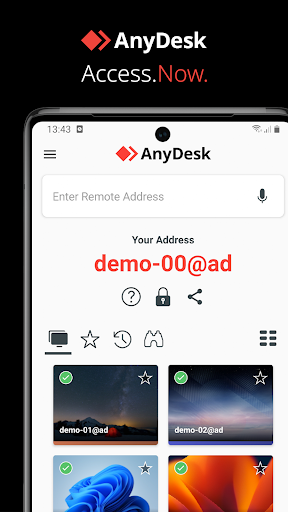


Ad slot: Top Leaderboard
About this app
Powerful Remote Assistance Software. Whether you're in the office next door or on the other side of the world, remote access via AnyDesk makes the connection possible. Secure and reliable, for IT professionals as well as private users.
AnyDesk is ad-free and free for personal use. For commercial use visit: https://anydesk.com/en/order
Whether you're in IT support, working from home, or a student studying remotely, AnyDesk's remote desktop software has a solution for you, allowing you to connect to remote devices securely and seamlessly.
AnyDesk offers a wide range of remote desktop functions such as:
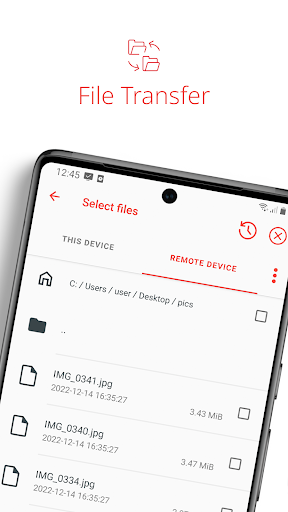
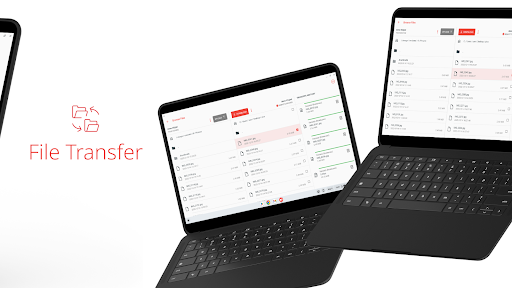
• File Transfer
• Remote Printing
• Wake-On-LAN
• Connection via VPN
and much more
The AnyDesk VPN feature allows the creation of a private network between local connecting and remote clients, providing additional security to users. It is important to note that it is not possible to access devices on the remote client's local network or vice versa. Nevertheless, after successfully connected over VPN, the following programs can be used over VPN:
• SSH – Ability to access the Remote Device over SSH
• Gaming – Ability to access a LAN-Multiplayer Game over the Internet.
For an overview of the features, visit: https://anydesk.com/en/features
If you are interested in more information, head to our Help Center by visiting: https://support.anydesk.com/knowledge/features
Why AnyDesk?
• Outstanding performance
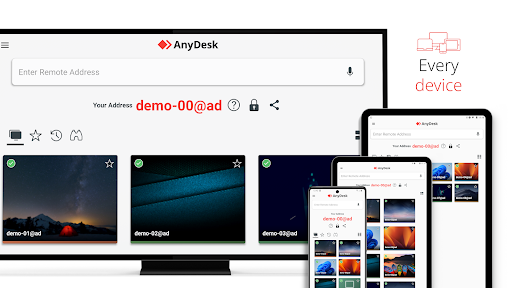
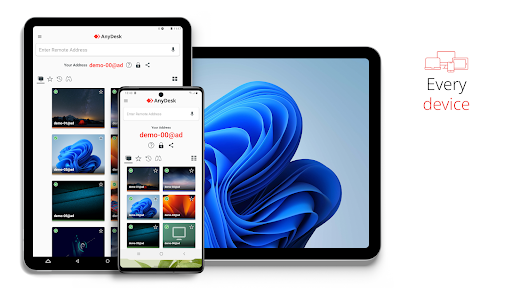
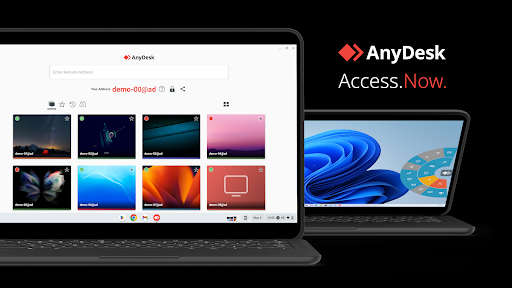
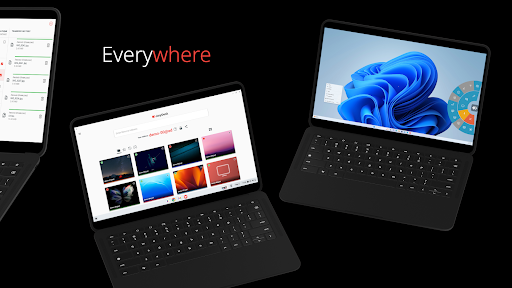
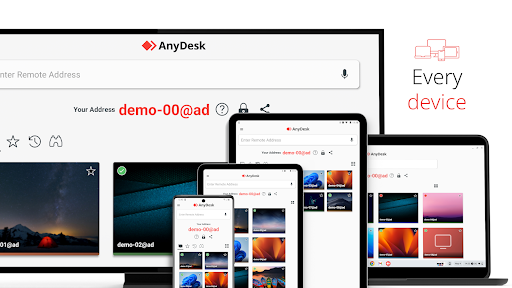
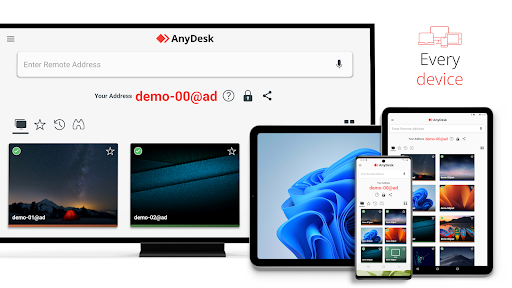
• Every operating system, every device
• Banking-standard encryption
• High frame rates, low latency
• In the Cloud or On-Premises
Every operating system, every device. Download the latest AnyDesk version for all platforms here: https://anydesk.com/en/downloads
Quick Start Guide
1. Install and launch AnyDesk on both devices.
2. Enter the AnyDesk-ID that is displayed on the remote device.
3. Confirm the access request on the remote device.
4. Done. You can now control the remote device remotely.
Do you have any questions? Contact us! https://anydesk.com/en/contact
AnyDesk is ad-free and free for personal use. For commercial use visit: https://anydesk.com/en/order
Whether you're in IT support, working from home, or a student studying remotely, AnyDesk's remote desktop software has a solution for you, allowing you to connect to remote devices securely and seamlessly.
AnyDesk offers a wide range of remote desktop functions such as:
• File Transfer
• Remote Printing
• Wake-On-LAN
• Connection via VPN
and much more
The AnyDesk VPN feature allows the creation of a private network between local connecting and remote clients, providing additional security to users. It is important to note that it is not possible to access devices on the remote client's local network or vice versa. Nevertheless, after successfully connected over VPN, the following programs can be used over VPN:
• SSH – Ability to access the Remote Device over SSH
• Gaming – Ability to access a LAN-Multiplayer Game over the Internet.
For an overview of the features, visit: https://anydesk.com/en/features
If you are interested in more information, head to our Help Center by visiting: https://support.anydesk.com/knowledge/features
Why AnyDesk?
• Outstanding performance
• Every operating system, every device
• Banking-standard encryption
• High frame rates, low latency
• In the Cloud or On-Premises
Every operating system, every device. Download the latest AnyDesk version for all platforms here: https://anydesk.com/en/downloads
Quick Start Guide
1. Install and launch AnyDesk on both devices.
2. Enter the AnyDesk-ID that is displayed on the remote device.
3. Confirm the access request on the remote device.
4. Done. You can now control the remote device remotely.
Do you have any questions? Contact us! https://anydesk.com/en/contact
What's New
Fixed Bugs
* During outgoing sessions to Windows devices, the soft keyboard is now opened more reliably when input is possible.
* Fixed issues with chat scrolling.
* Fixed wrong remote directory path in file manager after granting the file manager permission.
* Improved stability.
* Fixed reconnect button not being clickable via TV remote control.
* It is now possible to add speed dial items to favorites via TV remote control.
* Minor fixes.
* During outgoing sessions to Windows devices, the soft keyboard is now opened more reliably when input is possible.
* Fixed issues with chat scrolling.
* Fixed wrong remote directory path in file manager after granting the file manager permission.
* Improved stability.
* Fixed reconnect button not being clickable via TV remote control.
* It is now possible to add speed dial items to favorites via TV remote control.
* Minor fixes.
App Information
Version Name
7.1.0
Version Code
70100
File Size
20.4 MB
Minimum OS
Android 5.0+
Target SDK
Android 34
Developer
AnyDesk Software GmbH
Contact
Website
Content Rating
Everyone
Package Name
com.anydesk.anydeskandroidPermissions Required
This app may request the following permissions:
Recent Reviews

Jess Frazier
1.0★
Have used for years for personal use. I literally connect to my pc from my phone for a few minutes maybe once a week at most. All of a sudden now I'm getting a pop-up: "We are happy to see your increasing use of AnyDesk. If you're using it for business, please purchase a license. Free access is reserved for personal use." Yeah, nothing has increased or gotten any less personal.

yttrium tyclief
2.0★
AnyDesk is a remote access tool, so obviously, yes it can be used for scam attempts, but that's like attacking Excel because it can be used for tax fraud. The reason my score is low is because while AnyDesk's desktop product is solid, the Android app is very buggy. You can't terminate ongoing sessions. Often, sessions will just "hang", accepting input but never updating the screen. Sessions also sometimes just fail to start, but due to the first bug you can't even retry without force closing.

Kelly Walters
1.0★
Gateway for scammers at fake customer service desks. Beware of the "customer service" and "tech support" numbers listed for big name companies on Google. This may not be the fault of this app but it opens everything up to be taken at their will without your knowledge. There should really be more information made available to the potential user of this app before having to act on it in a few second countdown or lose the connection. There is no way to read an agreement that fast.

Pamela Anderson
1.0★
DO NOT down load this app. I thought I was calling ebay customer service to request a refund on a double order. That's who they said they were. Assured me it was ok, and when I realized what was going on, it was too late. I could not hang the call, I could not power down my phone, he had total control of my bank account, and I could do nothing while I watched in horror as he emptied my bank account. They got a little over one thousand dollars in 2 transactions at the same time. BEWARE please 🥺

Pa Pa
2.0★
Instead of stating it's free for personal use, it would be more accurate to mention that the free version has limitations, such as a restricted number of connections (e.g., x amount). I've experienced issues with connection limits, being told I exceeded 8 connections in a week, despite only using devices at home. I suggest revising the information to reflect the limitations. The app works mostly fine, with occasional glitches, but I've decided to switch to RustDesk

Carel Minnaar
1.0★
AnyDesk used to work great... Now it doesn't even work good enough to download TeamViewer... I can't access any of my devices after the latest update, I either get waiting for image (which never ends) or a black screen when connecting to another Android device. Also - unattended access works as long as there are no updates on the target Android device. Once it updates on the Android device which has the unattended access set-up, you need physical access again to open it again. Absollute junk...
Ad slot: In-Content