

Trending - The Everything App
com.anandroid.trending
by Anandroid Inc.
Screenshots





Ad slot: Top Leaderboard
About this app
Ever wondered what's the world up to right now?
If the answer is yes, then this is the app for you.
Google, Youtube, Reddit, Twitter, Wikipedia and News trends in one app.
Keep up with fastest rising Google searches, viral Youtube videos, top and hot Reddit posts, trending Twitter hashtags and tweets, top and latest news from 70+ news sources and most read Wikipedia articles.
Get worldwide trending searches, videos, reddit posts, news, hashtags and wiki articles at your fingertips.
Use widget to add trending to your home screen and check whats trending in the world without even opening the app. Check below how to add Trending widget to your home screen.
Searches
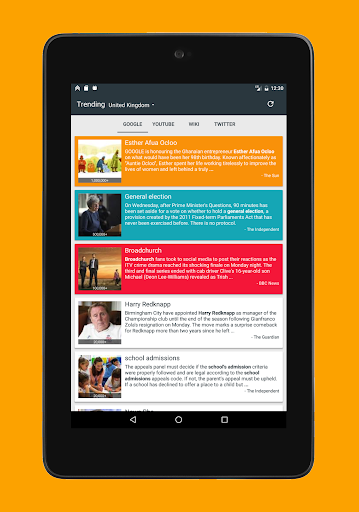
▪ Track fastest rising searches from Google trends.
▪ Trending topics with images, news snippet and search count.
▪ Get trending topic details from multiple news sources.
Videos
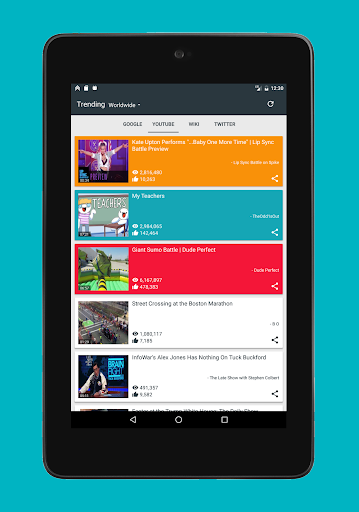
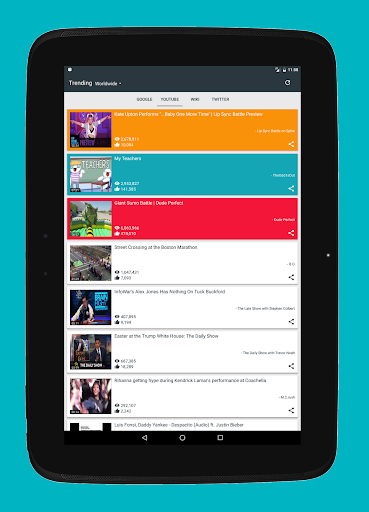
▪ Know what the whole world is watching right now from YouTube trends.
▪ Watch viral videos right from the app.
Reddit
▪ Enjoy whatever’s trending on Reddit.
▪ Get Top, Hot and Controversial reddit posts of all kinds - images, gifs, videos or articles
▪ Read all the posts comments - thats where the actual fun is.
▪ Save your favourite images to your phone.
News
▪ Read news from 70+ news sources.
▪ News from Politics, Technology, Business, Entertainment, Sport and much more.
Tweets
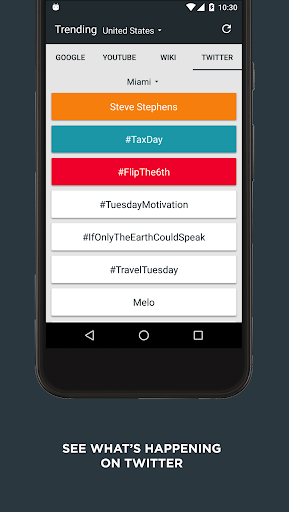
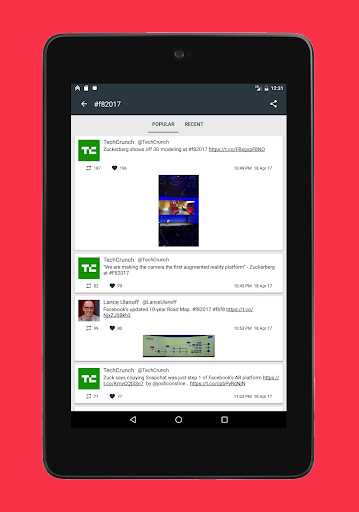
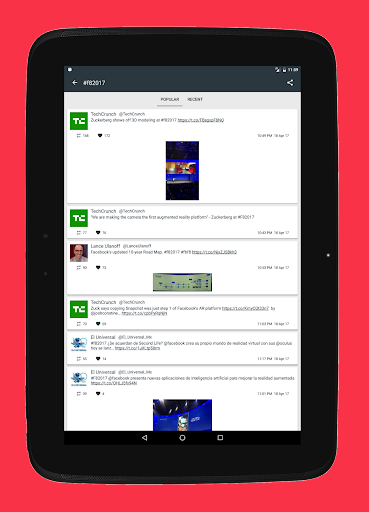
▪ Get more realtime Trending hashtags with Twitter.
▪ Get to know whats trending now on twitter not just in your Country but your neighbourhood too.
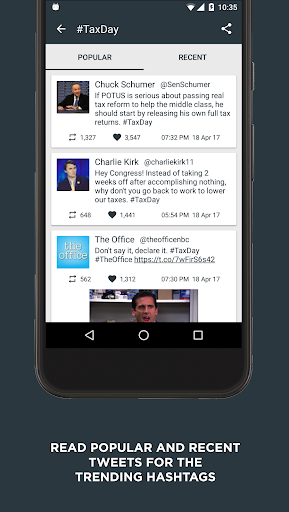
▪ Read all the tweets from your favourite celebrities to anyone who recently posted about it.
▪ Save tweeted images you love to your phone.
Articles
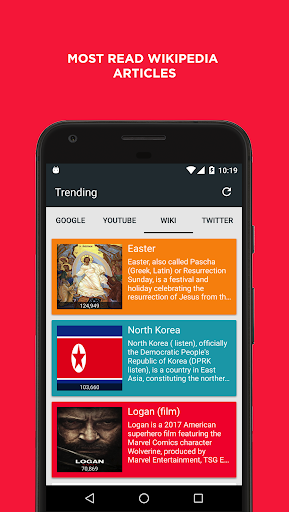
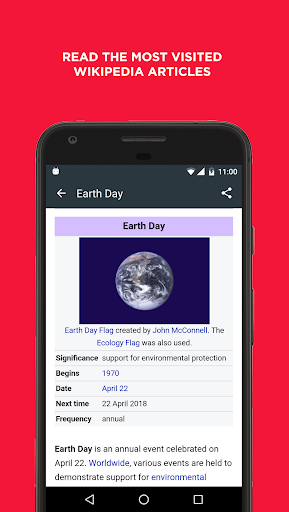
▪ Read what the world is reading on the biggest Encyclopaedia in the world - Wikipedia.
▪ Get all the currently trending Wikipedia articles from the world.
Supports over 60 countries.
** How to add Trending widget to your Home screen **
- First, touch and hold an open space on your home screen. You’ll see an option at the bottom of the screen to view the widgets drawer, which is where they dwell until summoned for duty.
- Select widget and drag and drop Trending icon from the list of widgets to your home screen.
- Thats it, Trending widget can take as small as a postage-stamp-size piece of your Home screen real estate or can be resized to cover the full screen.
- Click the refresh button to load the latest trending topics around the world. Tap on the tool bar to open trending app to check more about the trends.
If the answer is yes, then this is the app for you.
Google, Youtube, Reddit, Twitter, Wikipedia and News trends in one app.
Keep up with fastest rising Google searches, viral Youtube videos, top and hot Reddit posts, trending Twitter hashtags and tweets, top and latest news from 70+ news sources and most read Wikipedia articles.
Get worldwide trending searches, videos, reddit posts, news, hashtags and wiki articles at your fingertips.
Use widget to add trending to your home screen and check whats trending in the world without even opening the app. Check below how to add Trending widget to your home screen.
Searches
▪ Track fastest rising searches from Google trends.
▪ Trending topics with images, news snippet and search count.
▪ Get trending topic details from multiple news sources.
Videos
▪ Know what the whole world is watching right now from YouTube trends.
▪ Watch viral videos right from the app.
▪ Enjoy whatever’s trending on Reddit.
▪ Get Top, Hot and Controversial reddit posts of all kinds - images, gifs, videos or articles
▪ Read all the posts comments - thats where the actual fun is.
▪ Save your favourite images to your phone.
News
▪ Read news from 70+ news sources.
▪ News from Politics, Technology, Business, Entertainment, Sport and much more.
Tweets
▪ Get more realtime Trending hashtags with Twitter.
▪ Get to know whats trending now on twitter not just in your Country but your neighbourhood too.
▪ Read all the tweets from your favourite celebrities to anyone who recently posted about it.
▪ Save tweeted images you love to your phone.
Articles
▪ Read what the world is reading on the biggest Encyclopaedia in the world - Wikipedia.
▪ Get all the currently trending Wikipedia articles from the world.
Supports over 60 countries.
** How to add Trending widget to your Home screen **
- First, touch and hold an open space on your home screen. You’ll see an option at the bottom of the screen to view the widgets drawer, which is where they dwell until summoned for duty.
- Select widget and drag and drop Trending icon from the list of widgets to your home screen.
- Thats it, Trending widget can take as small as a postage-stamp-size piece of your Home screen real estate or can be resized to cover the full screen.
- Click the refresh button to load the latest trending topics around the world. Tap on the tool bar to open trending app to check more about the trends.
What's New
Google did a thing (without telling us, of course).
But don't worry - we fixed it. Google Trends are back and better than ever.
Trends restored. Peace returns. Widgets too :)
But don't worry - we fixed it. Google Trends are back and better than ever.
Trends restored. Peace returns. Widgets too :)
App Information
Version Name
2.2
Version Code
12
File Size
1.7 MB
Minimum OS
Android 5.0+
Target SDK
Android 23
Developer
Anandroid Inc.
Contact
Content Rating
Everyone
Package Name
com.anandroid.trendingPermissions Required
This app may request the following permissions:
Recent Reviews

Ray Hoertz
3.0★
Update: The app is much improved. It hasn't crashed in a long time, & they did add the option to pay to remove ads ($0.99), which I was happy pay. However, currently there are only 4 sources (News: Google, Wikipedia; Media: YouTube, Reddit). REALLY stretching the their tag as "the everything app". Given the name, I fully expected it to have popular social media (Instagram, Facebook, Bluesky, X, Threads, TikTok, etc). Other search engines would be great too. Plus options to disable each source

rolo roam
5.0★
Great for trending. Ads are acceptable. ..(Please don't go down the path of other apps splashing full page screaming ads every 60 seconds...they are deleted immediately). Well designed and simple. Just what was looking for. Keep.it.so..

Max Carter
5.0★
It's a good app, however 1. Extremely despise theres no option to remove ads 2. No dark mode for an app you may spend lots of time reading 3. The widget is basic as can be .. only taking time to review since I feel a few improvements can make it 5 star Update: thanks for listening, revised rating will revise review shortly

Anna “Bylinka” Bylina
5.0★
I love that app, it's useful and helping me to understand what's going on. Trends widget is great too and built in reader. really recommend the application!

A Google user
2.0★
I was really happy with the app few months back but now the Google server doesn't work, Twitter sign in doesn't work, On clicking on News section - stops the app! Please resolve it :// Tried reinstalling multiple times - nothing works

Dene. F. (Dodge)
3.0★
Problematic A great idea but alas, the widget accepts no touch input at all and so there is no point. I don't think it's my phone but maybe it is? Thanks anyway and good luck.
Ad slot: In-Content