
Adobe Capture: Illustrator,Ps
com.adobe.creativeapps.gather
by Adobe
Screenshots


Ad slot: Top Leaderboard
About this app
Try app before Sign in, free app
Adobe Capture turns your Android phone/tablet into a creation machine for graphic design.
Imagine looking through your camera to see patterns, vector, and even fonts. Now imagine turning those visions into design materials to immediately use in Adobe Photoshop, Adobe Illustrator, Adobe Premiere Pro, Adobe Fresco, and more. The power to transform the world around you into creative elements to build your projects is in the palm of your hands today.
Remove Background from Images
Take your photo inspiration and transform the background to use in your projects. Create high quality graphics to use in your projects.
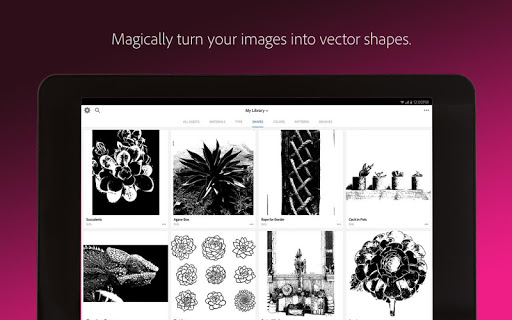
Vectorize on the Go
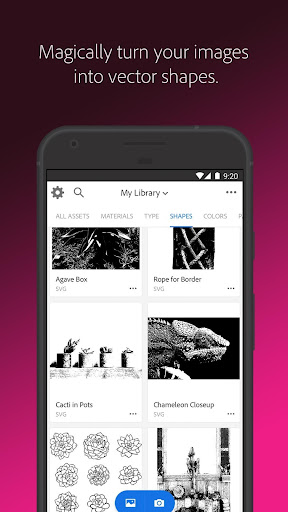
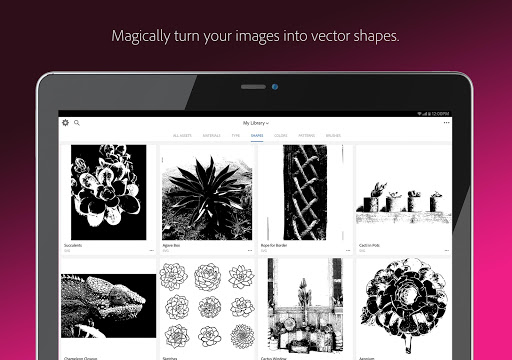
Love poster? Looking for photo to sketch, pencil sketch? Create vector instantly with Shapes. Turn images into smooth, detailed, scalable vector with 1-32 colors, for use in logos, illustration, animation, vectornator and more. Point and shoot at your drawing or upload a photo and watch it magically transform into clean, crisp lines, pencil sketch.
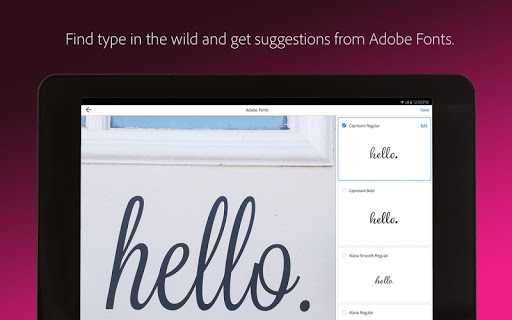
Identify Typography
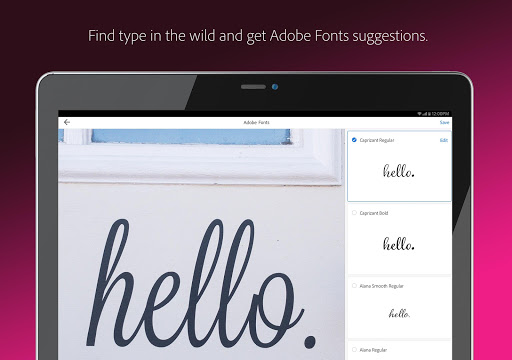
Looking for font finder? Find your perfect font using Adobe Capture. Take a photo of the type you like (in a magazine, on a label, a sign, anywhere!) and watch a list of similar Adobe Fonts magically appear.
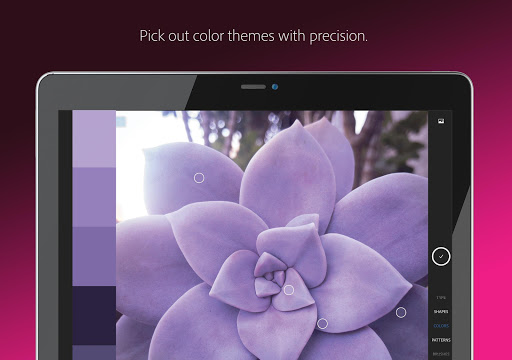
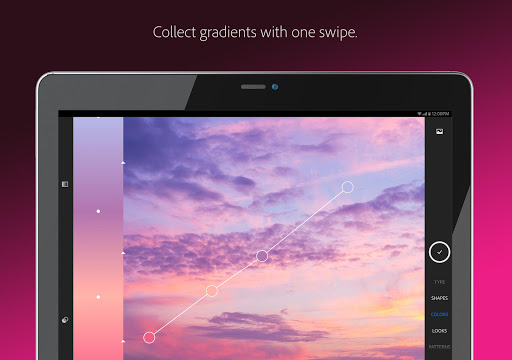
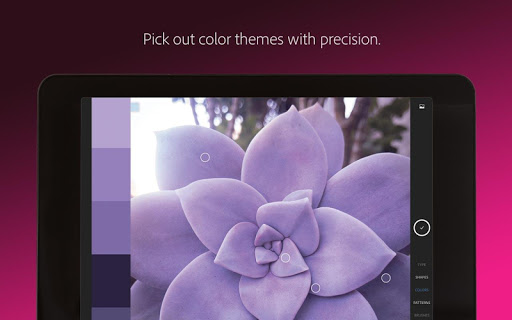
Create Color Themes and Gradients
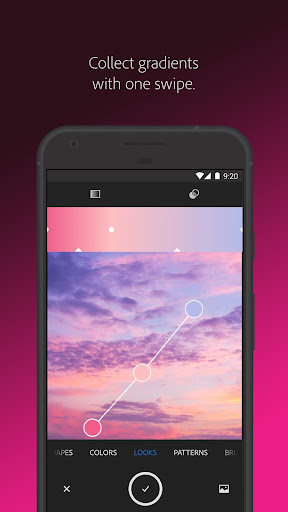
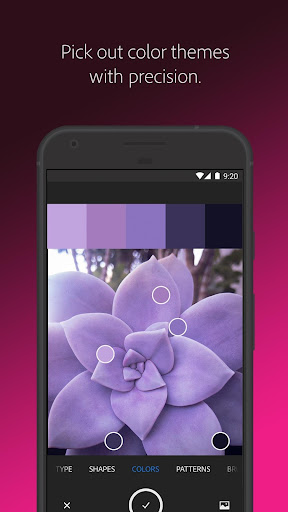
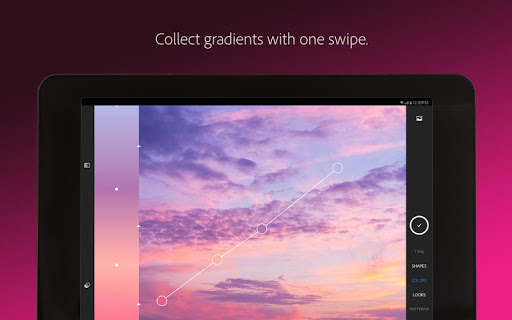
Designers, rejoice! Looking for customized color palettes, color match, color picker? Find an inspiring gradient? Find color by number or hex? Color grab? Aim your camera at the scene that has the colors you want and grab them to use in your artwork.
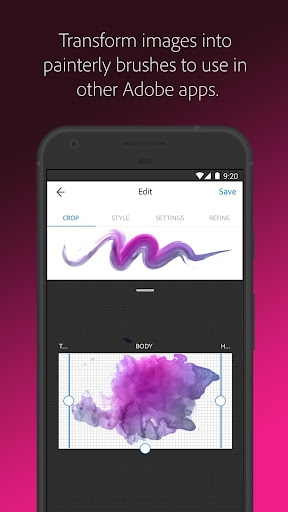
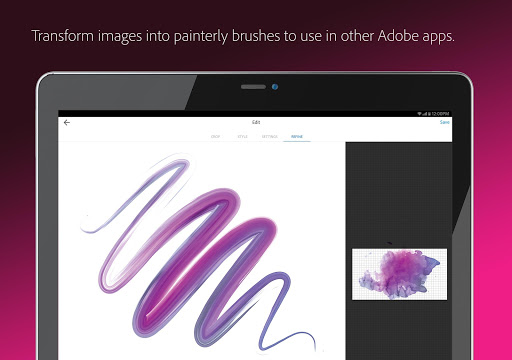
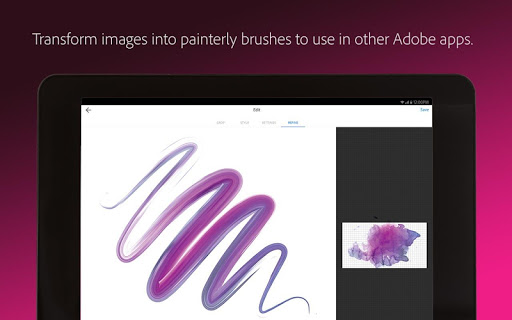
Build Beautiful Digital Brushes
Can’t find the right brush to paint? Take a photo or use an image to create brushes that match your creative vision. Use your brushes in Photoshop, Illustrator, or Fresco for rich painterly effects.
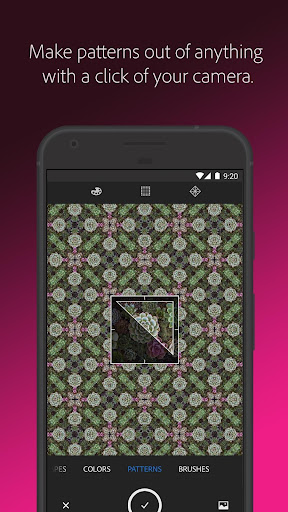
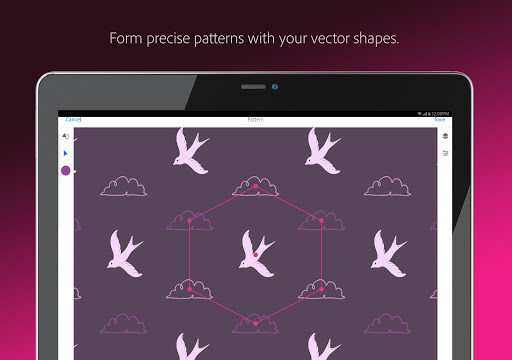
Craft Intricate Patterns
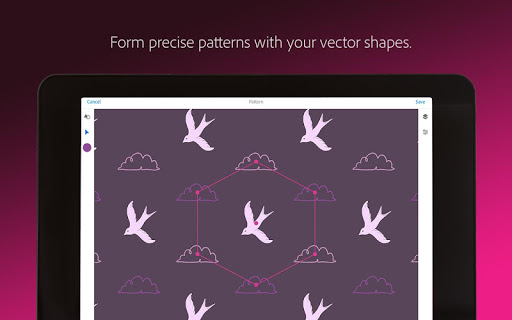
Love wallpaper? Looking for patternator? Capture inspiring images and generate patterns with Capture preset geometrics. Easily create beautiful, colorful patterns that fit with your creative projects by using your vector shapes with our precision pattern builder, patternator.
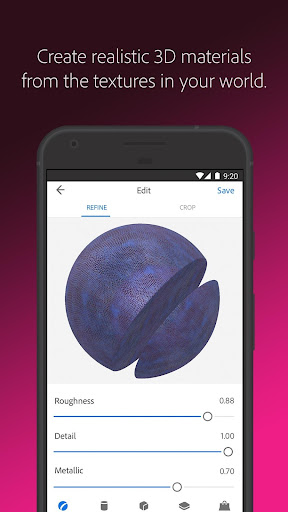
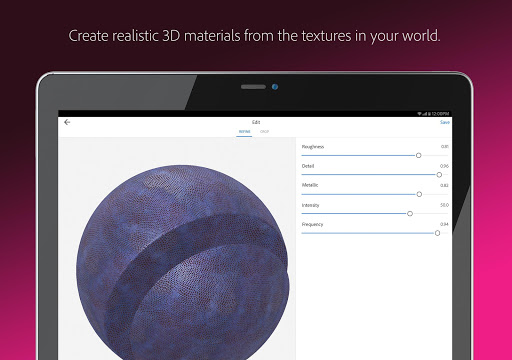
Generate 3D Textures
Generate realistic PBR materials for use in 3D design straight from the camera. Modify your materials for even more texture or blend the edges for seamless repeat tiling on your 3D objects.
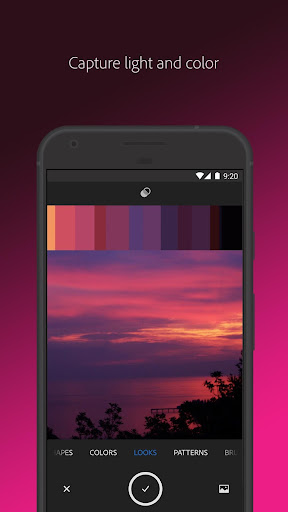
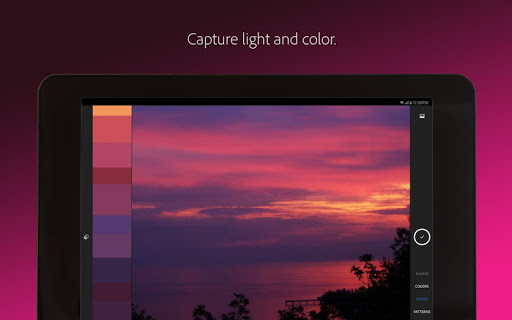
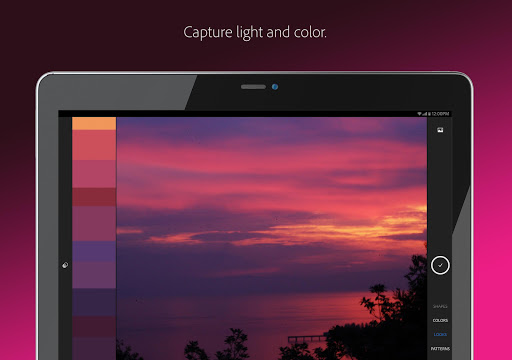
Capture Light and Color
Love photography? Collect light and hue to turn into beautiful color grading profiles for your images and videos with Looks. Record the magic of a sunset and transfer that feel to use in your photos and video projects.
Adobe capture is one solution for all graphic design needs such as color match, color picker, photo to sketch, patternator, color finder, font finder, pencil sketch, vector, pixelcut, photoroom, background eraser, background remover, background blur, mask, blur image, photo gallery, exposure, canva design photo video, remove background, photo editor, digital camera, background editor, photo studio , pantone, indesign, imagine, svg, matterport, fresco, Creative cloud, adobe express, vectornator, lightroom, substance, digital art and more.
Seamlessly Sync Creative Elements
All your element save to Adobe Creative Cloud libraries. Instantly access your digital elements from your Creative Cloud account in all compatible applications.
MediaPost Appy award winner 2016!
Compatible Adobe Apps and Programs for Creative Assets
Photoshop, Photoshop express, Adobe Fresco, Photo shop Sketch, Premiere Pro, Illustrator, adobe photoshop mix, adobe Illustrator Draw, InDesign, Dimension, After Effects, Dreamweaver, Animate, adobe photoshop fix, adobe xd, adobe spark post, cc express, canva and adobe spark.
2GB FILE STORAGE
The free, basic Creative Cloud membership includes 2GB of complimentary storage for file syncing and sharing.
Adobe Terms of Use: https://www.adobe.com/legal/terms-linkfree.html
Adobe Privacy Policy: https://www.adobe.com/privacy/policy-linkfree.html
Adobe Capture turns your Android phone/tablet into a creation machine for graphic design.
Imagine looking through your camera to see patterns, vector, and even fonts. Now imagine turning those visions into design materials to immediately use in Adobe Photoshop, Adobe Illustrator, Adobe Premiere Pro, Adobe Fresco, and more. The power to transform the world around you into creative elements to build your projects is in the palm of your hands today.
Remove Background from Images
Take your photo inspiration and transform the background to use in your projects. Create high quality graphics to use in your projects.
Vectorize on the Go
Love poster? Looking for photo to sketch, pencil sketch? Create vector instantly with Shapes. Turn images into smooth, detailed, scalable vector with 1-32 colors, for use in logos, illustration, animation, vectornator and more. Point and shoot at your drawing or upload a photo and watch it magically transform into clean, crisp lines, pencil sketch.
Identify Typography
Looking for font finder? Find your perfect font using Adobe Capture. Take a photo of the type you like (in a magazine, on a label, a sign, anywhere!) and watch a list of similar Adobe Fonts magically appear.
Create Color Themes and Gradients
Designers, rejoice! Looking for customized color palettes, color match, color picker? Find an inspiring gradient? Find color by number or hex? Color grab? Aim your camera at the scene that has the colors you want and grab them to use in your artwork.
Build Beautiful Digital Brushes
Can’t find the right brush to paint? Take a photo or use an image to create brushes that match your creative vision. Use your brushes in Photoshop, Illustrator, or Fresco for rich painterly effects.
Craft Intricate Patterns
Love wallpaper? Looking for patternator? Capture inspiring images and generate patterns with Capture preset geometrics. Easily create beautiful, colorful patterns that fit with your creative projects by using your vector shapes with our precision pattern builder, patternator.
Generate 3D Textures
Generate realistic PBR materials for use in 3D design straight from the camera. Modify your materials for even more texture or blend the edges for seamless repeat tiling on your 3D objects.
Capture Light and Color
Love photography? Collect light and hue to turn into beautiful color grading profiles for your images and videos with Looks. Record the magic of a sunset and transfer that feel to use in your photos and video projects.
Adobe capture is one solution for all graphic design needs such as color match, color picker, photo to sketch, patternator, color finder, font finder, pencil sketch, vector, pixelcut, photoroom, background eraser, background remover, background blur, mask, blur image, photo gallery, exposure, canva design photo video, remove background, photo editor, digital camera, background editor, photo studio , pantone, indesign, imagine, svg, matterport, fresco, Creative cloud, adobe express, vectornator, lightroom, substance, digital art and more.
Seamlessly Sync Creative Elements
All your element save to Adobe Creative Cloud libraries. Instantly access your digital elements from your Creative Cloud account in all compatible applications.
MediaPost Appy award winner 2016!
Compatible Adobe Apps and Programs for Creative Assets
Photoshop, Photoshop express, Adobe Fresco, Photo shop Sketch, Premiere Pro, Illustrator, adobe photoshop mix, adobe Illustrator Draw, InDesign, Dimension, After Effects, Dreamweaver, Animate, adobe photoshop fix, adobe xd, adobe spark post, cc express, canva and adobe spark.
2GB FILE STORAGE
The free, basic Creative Cloud membership includes 2GB of complimentary storage for file syncing and sharing.
Adobe Terms of Use: https://www.adobe.com/legal/terms-linkfree.html
Adobe Privacy Policy: https://www.adobe.com/privacy/policy-linkfree.html
What's New
What’s new in version 9.1.1
Edit Graphic Masks
In the new Select mode, quickly add and subtract areas of the mask after you remove the background of your Graphic.
BUG FIXES
Performance and stability improvements.
If you enjoy using Adobe Capture, please share a nice review. It really helps!
Edit Graphic Masks
In the new Select mode, quickly add and subtract areas of the mask after you remove the background of your Graphic.
BUG FIXES
Performance and stability improvements.
If you enjoy using Adobe Capture, please share a nice review. It really helps!
App Information
Version Name
9.1.1 (3594)
Version Code
90005224
File Size
525.5 MB
Minimum OS
Android 8.0+
Target SDK
Android 33
Developer
Adobe
Contact
Website
Content Rating
Everyone
Package Name
com.adobe.creativeapps.gatherPermissions Required
This app may request the following permissions:
Recent Reviews

A Google user
3.0★
I really do like the app, it's a great tool for creating vectors for use in other art apps, but there's a GLARING issue that I cannot overlook: If you open up another app or just tab out to view a bit of reference material while you're drawing, the undo button will stop working. You can get it working by going to the save page and back...but if you do, it will suddenly revert to the last saved state, or even revert entirely to the base image you're working on. I've lost hours of work now. Hours.
A Google user
3.0★
I know this app can be wonderful, if I can ever complete a picture on it. Please add a feature to allow users to save a work in progress. I have spent countless hours getting a picture just right to end up hitting the wrong button or getting interrupted too many times and losing EVERYTHING! I don't have time to waste. Its frustrating and very stressful.
A Google user
5.0★
Freaking amazing. I thought I'd have to do a TON of work digitizing my doodles and drawings. But this does it for me so quickly. The only downside is that it saves the images pretty small if you don't have a creative cloud sub. So I got one and it now show all my Adobe capute images right in illustrator in the library menu, and I can resize up as big as I want without losing sharpness, etc. . I love it.
A Google user
5.0★
so far it's doing exactly what I ask it to do. but it kind of sucks at converting line art to vectors without more involved lighting setups. but you can use photos out of your library... so that's more of a mixed bag. you should be able to set levels that you want it to use for the vector thing, you can't. but the color chooser from your camera was cool. overall it's a bunch of things that are useful for digital painters

Rosemary “Rosey” Hall
2.0★
This app is the last leg of my journey with Adobe. Not everyone has a desktop. Not everyone has a laptop. And so they decide to eliminate the only Android phone compatible illustration app they had, yet the now obsolete app still comes up on their list of creative apps available for download. And while it's super cool to be able to create these bada$$ custom brushes to use on other apps...Other Adobe apps and not with any other illustration app that allows import/export of brushes.
A Google user
5.0★
This app is way more interesting than I originally thought it was! It's the best app I've ever found for finding color schemes from surroundings or from any photo. Not only color schemes, but it also creates brushes, patterns, gradients and more. I'm having so much fun collecting patterns, palettes and brushes!
Ad slot: In-Content