

Smart TV Remote
com.adi.remote.phone
by adiroid
Screenshots





Ad slot: Top Leaderboard
About this app
Smart TV Remote is with over 23 million downloads one of the most popular universal TV remote apps in Google Play!
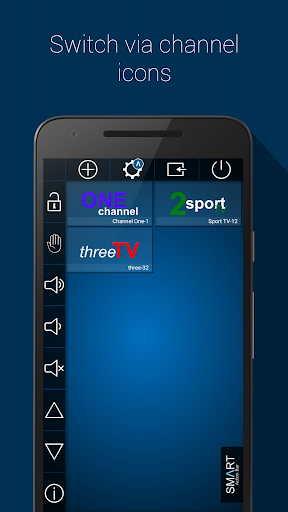
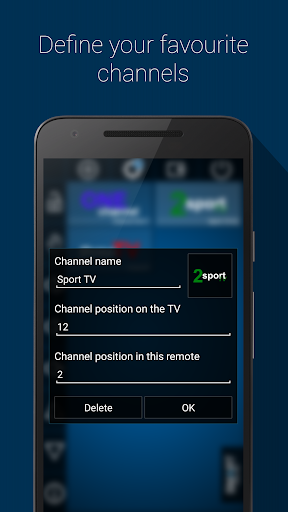
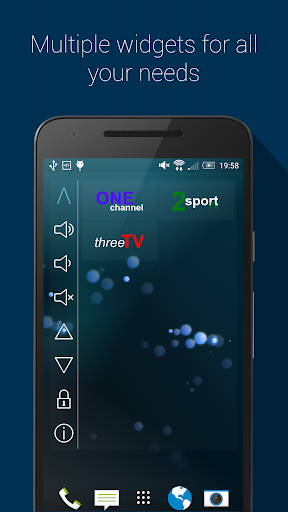
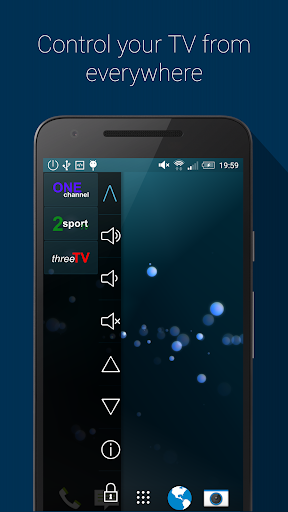
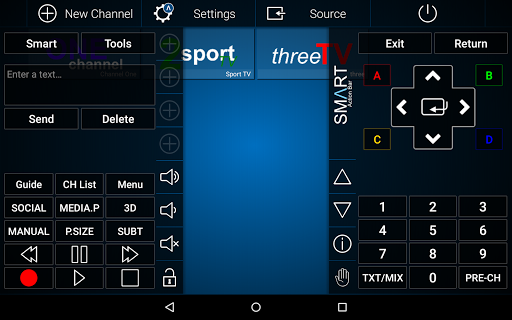
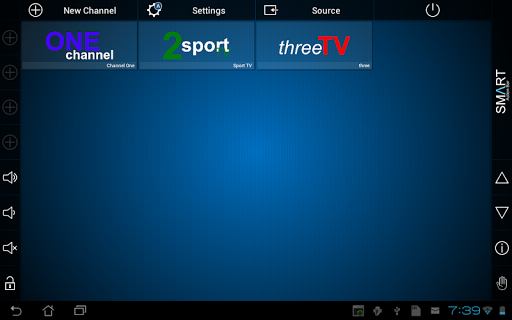
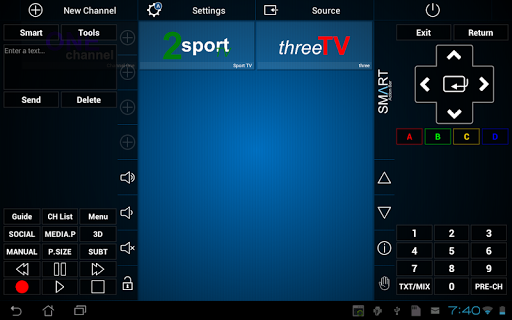
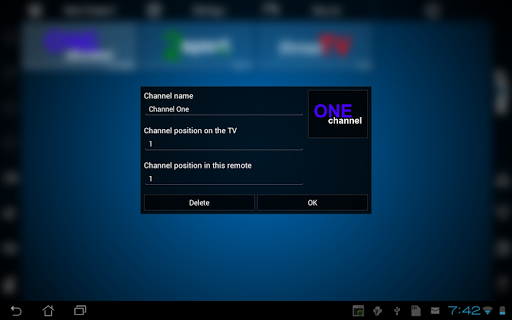
Define your favourite channels and control your TV simply via channel logos. No annoying channel sorting is needed anymore. By using widges, notifications, and the Smart Action Bar, this app is always available, even if the app is not running in foreground.
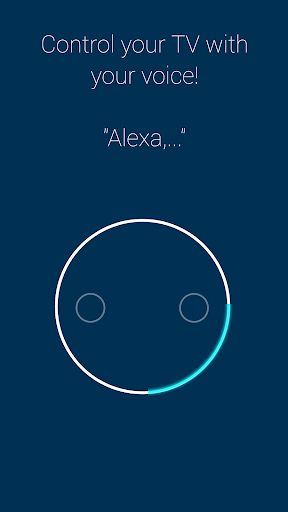
With the new Smart TV Remote Alexa Skill you can control your TV by just using your voice! The skills are are available in German, English, and shortly in Italian!
Control your home cinema over built in infrared blaster, WiFi network or external infrared sender:
Smart TV Remote as network tv remote for Samsung TVs(2011-2013, 2016, 2017, 2018):
☆Control the newest Samsung TVs over network: K, M, N and Q Series are now supported!
★Control Samsung TVs from the years 2011-2013: B,C,D,E und F Series
☆Due to changes in the network communication protocol, Samsung TVs from 2014 and 2015are not supported: H and J Series
Smart TV Remote as universal infra-red tv remote:
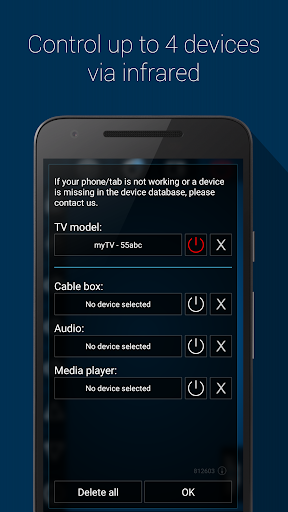
★Controls up to 4 devices without annoying remote switch: TV, cable box, audio receiver, and media player
☆Tested with following infra-red capable phones: HTC One(M7, M8, M9), Samsung (S4, S5, S6, S6 Edge, Note 3, Note 4, Mega), LG G3, G4, G5 (LG G2 and CyanogenMod are not supported right now), Huawei and Honor (Honor 7)
★No infrared blaster, no problem: Smart TV Remote supports external infrared sender like AnyMote and zmote
☆Once the remote is setup, it turns all your devices on/off and decides for every function, which of your devices is responsible for the given feature
★An own database with IR codes. If you missing a device or sth. is not working, simply contact us. We will try to fix this immediately.
We know that the first steps are not so easy. Therefore we offer you lots of help:
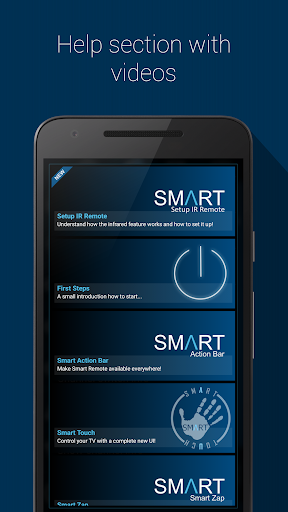
★A continuous growing list of tutorial videos, which shows simple step by step instruction for different features.
☆A continuous growing list of frequently asked questions.
★If you still have questions, don't worry. Contact us via mail and together we should solve every problem.
Note:
The app uses Google Analytics, which can be disabled in Settings/Info! No private information is stored in the app!
This version contain In-App-Purchase to support us and enjoy this app without ads. This is a paid feature.
We assume no liability for damages on the mobile device or the TV!
Define your favourite channels and control your TV simply via channel logos. No annoying channel sorting is needed anymore. By using widges, notifications, and the Smart Action Bar, this app is always available, even if the app is not running in foreground.
With the new Smart TV Remote Alexa Skill you can control your TV by just using your voice! The skills are are available in German, English, and shortly in Italian!
Control your home cinema over built in infrared blaster, WiFi network or external infrared sender:
Smart TV Remote as network tv remote for Samsung TVs(2011-2013, 2016, 2017, 2018):
☆Control the newest Samsung TVs over network: K, M, N and Q Series are now supported!
★Control Samsung TVs from the years 2011-2013: B,C,D,E und F Series
☆Due to changes in the network communication protocol, Samsung TVs from 2014 and 2015are not supported: H and J Series
Smart TV Remote as universal infra-red tv remote:
★Controls up to 4 devices without annoying remote switch: TV, cable box, audio receiver, and media player
☆Tested with following infra-red capable phones: HTC One(M7, M8, M9), Samsung (S4, S5, S6, S6 Edge, Note 3, Note 4, Mega), LG G3, G4, G5 (LG G2 and CyanogenMod are not supported right now), Huawei and Honor (Honor 7)
★No infrared blaster, no problem: Smart TV Remote supports external infrared sender like AnyMote and zmote
☆Once the remote is setup, it turns all your devices on/off and decides for every function, which of your devices is responsible for the given feature
★An own database with IR codes. If you missing a device or sth. is not working, simply contact us. We will try to fix this immediately.
We know that the first steps are not so easy. Therefore we offer you lots of help:
★A continuous growing list of tutorial videos, which shows simple step by step instruction for different features.
☆A continuous growing list of frequently asked questions.
★If you still have questions, don't worry. Contact us via mail and together we should solve every problem.
Note:
The app uses Google Analytics, which can be disabled in Settings/Info! No private information is stored in the app!
This version contain In-App-Purchase to support us and enjoy this app without ads. This is a paid feature.
We assume no liability for damages on the mobile device or the TV!
What's New
- Turn on Samsung M, N, and Q over network (beta)
- Support of Samsung M, N and Q Series
- Update Italian translations for Alexa Skill support in Italy
- Bugfixing
- Support of Samsung M, N and Q Series
- Update Italian translations for Alexa Skill support in Italy
- Bugfixing
App Information
Version Name
3.0.3
Version Code
1
File Size
4.2 MB
Minimum OS
Android 4.1+
Target SDK
Android 22
Developer
adiroid
Contact
Content Rating
Everyone
Package Name
com.adi.remote.phonePermissions Required
This app may request the following permissions:
Recent Reviews

FOR WORK
4.0★
In the absence of a remote control, this app makes it easier to manipulate my Samsung smart tv. The occasional ads are indeed annoying, but I guess it is understandable. This app compared to other remote control apps I've tried, is the least annoying and the most straightforward. No need to select the brand. One just needs to scan on the LAN and the connect at ease!

Tara-Fae Peckham
1.0★
Only works on Samsung TV's gives no indication until you start looking through the settings. I don't have a Samsung TV, in case that wasn't clear. Also, I'm downloading apps, because my infrared scanner doesn't work. Given the first step is turn it off and on, and the second step is get out the soldering iron, I figured maybe an app could connect, apparently I was wrong.

A Google user
1.0★
This app is not user friendly. Difficult to figure out how to set it up. I finally got it to connect to my Samsung tv via ip address, it didnt do anything at all. I even tried through Alexa and still nothing. Maybe it will work with an IR blaster only. But really, how many phones have IR capabilities? This was my experience with this app. Hopefully its helpful.
A Google user
3.0★
Looks like a pretty good remote would not automatically find my Samsung TV but by entering the ip address manually I was able to connect. It does need to be simplified a bit and if it were I would probably purchase. All in all good job developers. I will check back later to see if there has been any improvements
A Google user
1.0★
It doesnt even deserve the one star i was forced to give it. It can work, i made it work, but it took a very long time, the vast majority of which i spent exiting from apps on the app store which it tries to shove down your throat over and over again, and watching adverts. Its just a pool of adverts, every time you press anything you get adverts, adverts, adverts! I deleted it as its far to irritating to use. Absolute pile of rubbish.

Al
3.0★
Unfortunately, as often, adverts kept for going on with the settings. Devs, you should be careful when attacking right away with so many ads. Setting up such apps is never something easy, it requires calm and patience. Being constantly disturbed with ads while setting up an app doesn't give the user the will to go further. This way I won't even know if this app could have fit my needs. With such a monetization scheme you are running your own work.
Ad slot: In-Content