

VLC Mobile Remote - PC & Mac
adarshurs.android.vlcmobileremote
by Adarsh Urs
Screenshots



Ad slot: Top Leaderboard
About this app
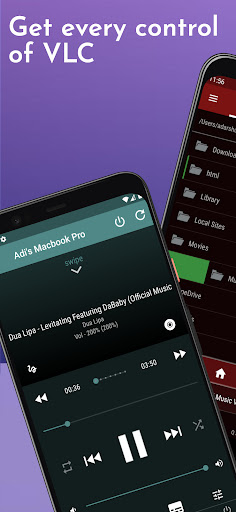
The simplest VLC Remote you'll ever find. Period. Now the simplest VLC Remote is also a complete PC Remote & Mac Remote.
Groping in the dark for keyboard shortcuts whilst watching a movie or racing to your computer in the middle of a steamy date just to change the music track? well, you'll no longer have to do that.
Meet VLC media player’s most compatible, up-to-date and user-friendly partner—VLC Mobile Remote for Android. VLC Remote is the most convenient way of controlling VLC Player from your smartphones and tablets. No more couch-to-computer workout. If you watch movies and videos offline or online on your computers, this VLC Remote gives you the awesome power to control VLC Media Player wherever you're seated, whether in the kitchen or in the garden.
Just install the app, sit back, relax and remotely control VLC Player, Netflix, YouTube and Amazon Prime from the couch.
Works well with VLC running on both Desktops & Laptops based Windows, Mac OS or Linux.
VLC Remote
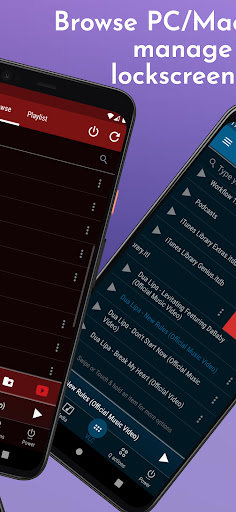
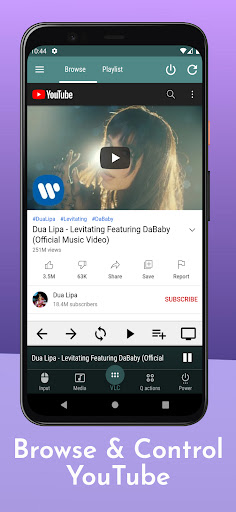
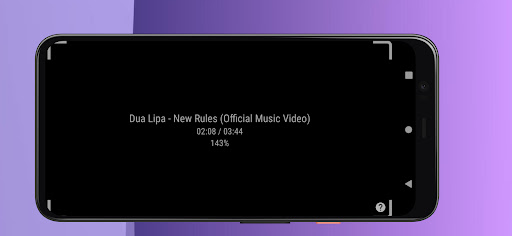
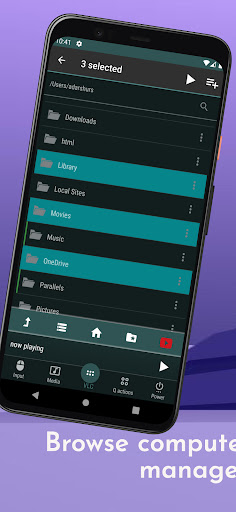
This VLC Remote Control App lets you control VLC Media Player on your desktop or laptop and allows you to browse, play your computer files as well as YouTube videos.
+ With this VLC Remote App, You don't need to install any software on your PC or Mac! (or alternatively, install our helper app, VMR Connect to your PC/Mac for easy setup)
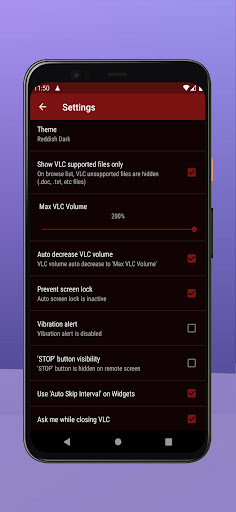
+ 'Setup Wizard' step by step guide makes it easy to setup VLC Media Player with this VLC Remote app.
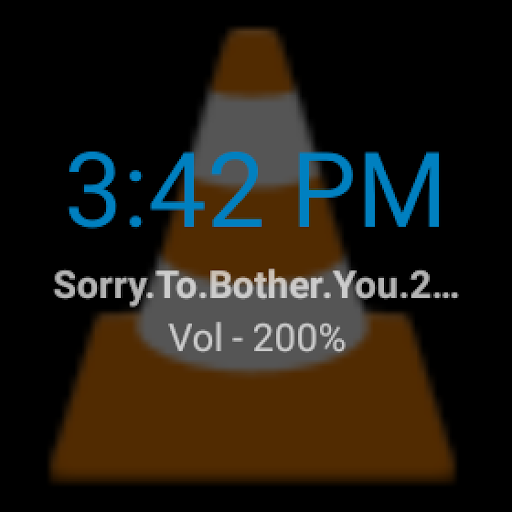
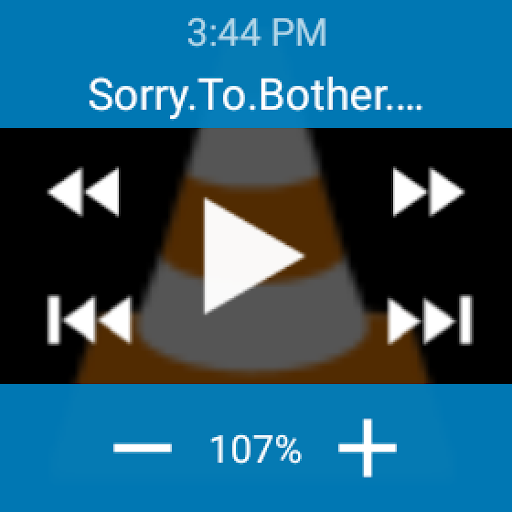
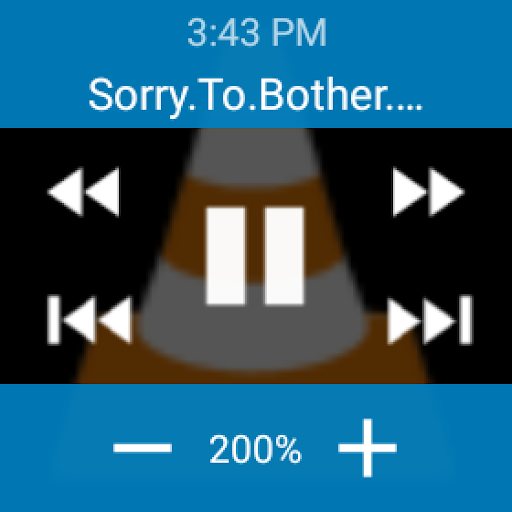
+ Control VLC from Wear OS devices aka Android watches
+ This VLC Remote App auto connects to VLC Player when you're on same Wi-Fi
+ Fast & responsive as home TV Remote
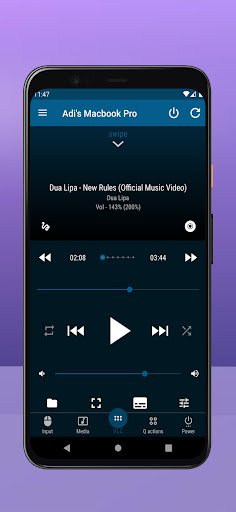
+ Stop, Play and Pause
+ Control volume, next track and previous track
+ Seek control, fast forward and fast rewind
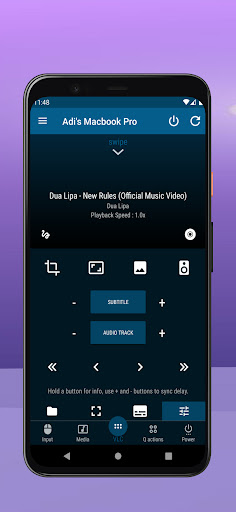
+ Toggle full-screen, Repeat, Shuffle, Loop, Aspect Ratio, Audio Track
+ Manage Subtitle, playback speed, crop
+ DVD Controls
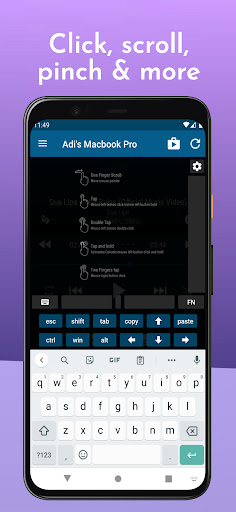
+ Gesture Controls
+ Access all your PC or Mac files & folders.
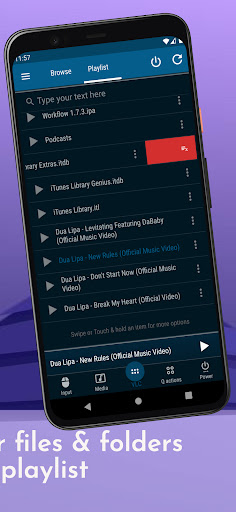
+ Manage playlist
+ Add subtitle files to currently playing video (supports .srt files only and requires VLC v2.2.0 or up).
+ Play online media files (Website videos, radio channels, etc)
+ Take screenshots of the video frame
+ Set a folder as 'Home location'
+ Save favorite folders
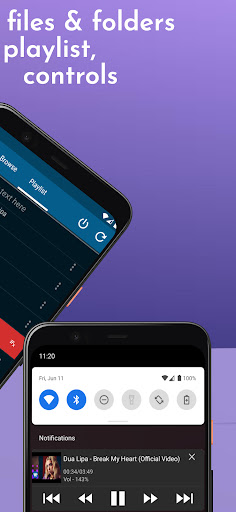
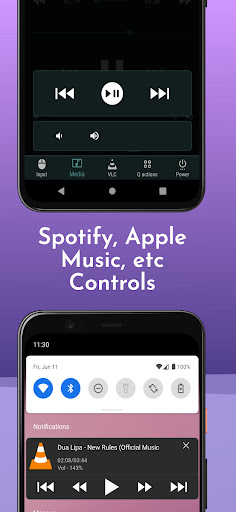
+ Home Screen Widget & Notification controls
+ Lock screen notification controls/widget
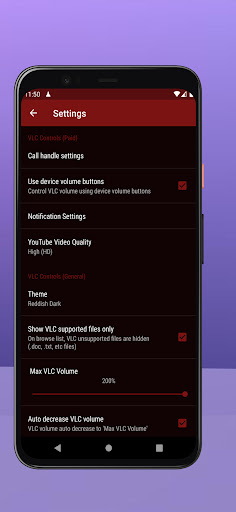
+ Incoming call handling with soft pause & soft resume options
+ Use device volume buttons to control VLC volume
+ Handle multiple files on saved computer
+ Switch Audio output devices
+ Sort Browse list
+ Save multiple host/computer addresses
+ Close/Quit VLC Media player directly from the App
+ Better than any Remote apps to control media on your computer
PC Remote & Mac Remote (Windows & Mac)
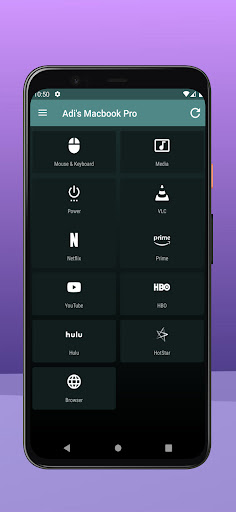
With VMR Connect on your Windows PC or Mac, it also works as a complete Remote for PC & Mac.
+ Mouse & Keyboard Remote
+ System Power Control (Shutdown, restart, sleep etc)
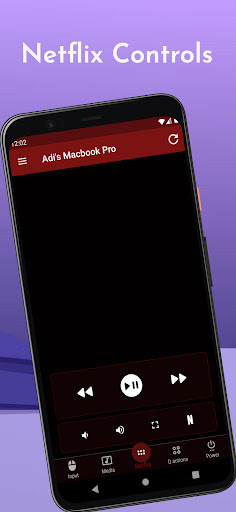
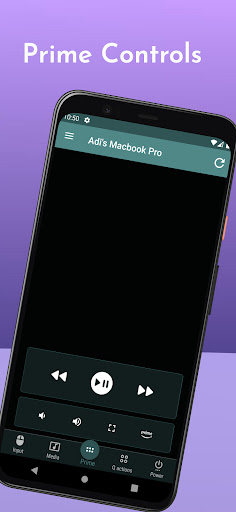
+ Works as Netflix Remote, Amazon Prime Remote, YouTube Remote, HBO Now/Go, HotStar Remote etc
+ Remote control for any media player.
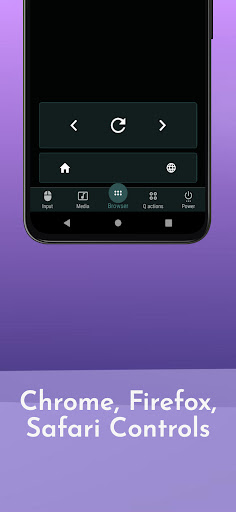
+ Launch and Control Chrome, Firefox or any other internet browser on your PC/Mac.
All You Need
- VLC Media player ( v2.0 or newer) on your Windows PC, Mac computers or Linux PC
- Common local network (LAN or WiFi) connection between your phone & desktop or laptop
- Install VMR Connect (Optional) to Windows PC or Mac from https://vlcmobileremote.com/download/
Supported Operating Systems
- Works as a VLC Remote with Windows, OSX/Mac OS and Linux operating systems.
- With Windows systems, works as a PC Remote Controller.
- Also Works as Mac Remote for Mac OS running devices.
Visit our website for more info - https://vlcmobileremote.com/
** Disclaimer **
This App do not support VLC for Android app
Groping in the dark for keyboard shortcuts whilst watching a movie or racing to your computer in the middle of a steamy date just to change the music track? well, you'll no longer have to do that.
Meet VLC media player’s most compatible, up-to-date and user-friendly partner—VLC Mobile Remote for Android. VLC Remote is the most convenient way of controlling VLC Player from your smartphones and tablets. No more couch-to-computer workout. If you watch movies and videos offline or online on your computers, this VLC Remote gives you the awesome power to control VLC Media Player wherever you're seated, whether in the kitchen or in the garden.
Just install the app, sit back, relax and remotely control VLC Player, Netflix, YouTube and Amazon Prime from the couch.
Works well with VLC running on both Desktops & Laptops based Windows, Mac OS or Linux.
VLC Remote
This VLC Remote Control App lets you control VLC Media Player on your desktop or laptop and allows you to browse, play your computer files as well as YouTube videos.
+ With this VLC Remote App, You don't need to install any software on your PC or Mac! (or alternatively, install our helper app, VMR Connect to your PC/Mac for easy setup)
+ 'Setup Wizard' step by step guide makes it easy to setup VLC Media Player with this VLC Remote app.
+ Control VLC from Wear OS devices aka Android watches
+ This VLC Remote App auto connects to VLC Player when you're on same Wi-Fi
+ Fast & responsive as home TV Remote
+ Stop, Play and Pause
+ Control volume, next track and previous track
+ Seek control, fast forward and fast rewind
+ Toggle full-screen, Repeat, Shuffle, Loop, Aspect Ratio, Audio Track
+ Manage Subtitle, playback speed, crop
+ DVD Controls
+ Gesture Controls
+ Access all your PC or Mac files & folders.
+ Manage playlist
+ Add subtitle files to currently playing video (supports .srt files only and requires VLC v2.2.0 or up).
+ Play online media files (Website videos, radio channels, etc)
+ Take screenshots of the video frame
+ Set a folder as 'Home location'
+ Save favorite folders
+ Home Screen Widget & Notification controls
+ Lock screen notification controls/widget
+ Incoming call handling with soft pause & soft resume options
+ Use device volume buttons to control VLC volume
+ Handle multiple files on saved computer
+ Switch Audio output devices
+ Sort Browse list
+ Save multiple host/computer addresses
+ Close/Quit VLC Media player directly from the App
+ Better than any Remote apps to control media on your computer
PC Remote & Mac Remote (Windows & Mac)
With VMR Connect on your Windows PC or Mac, it also works as a complete Remote for PC & Mac.
+ Mouse & Keyboard Remote
+ System Power Control (Shutdown, restart, sleep etc)
+ Works as Netflix Remote, Amazon Prime Remote, YouTube Remote, HBO Now/Go, HotStar Remote etc
+ Remote control for any media player.
+ Launch and Control Chrome, Firefox or any other internet browser on your PC/Mac.
All You Need
- VLC Media player ( v2.0 or newer) on your Windows PC, Mac computers or Linux PC
- Common local network (LAN or WiFi) connection between your phone & desktop or laptop
- Install VMR Connect (Optional) to Windows PC or Mac from https://vlcmobileremote.com/download/
Supported Operating Systems
- Works as a VLC Remote with Windows, OSX/Mac OS and Linux operating systems.
- With Windows systems, works as a PC Remote Controller.
- Also Works as Mac Remote for Mac OS running devices.
Visit our website for more info - https://vlcmobileremote.com/
** Disclaimer **
This App do not support VLC for Android app
What's New
Updated to support new guidelines of Play Store
App Information
Version Name
2.9.97
Version Code
400
File Size
20.0 MB
Minimum OS
Android 7.1+
Target SDK
Android 34
Developer
Adarsh Urs
Contact
Website
Content Rating
Everyone
Package Name
adarshurs.android.vlcmobileremotePermissions Required
This app may request the following permissions:
Recent Reviews

Greg Johnston
5.0★
Works amazingly well! Had one or two times where the app took a second to reconnect, but mostly it works seamlessly. There is no detectable lag in the controls. Was happy to pay $6 for no ads forever. Would like buttons to skip by 3 or 5 or maybe 10 seconds, especially in the controls notification. Tip: to show the controls even while your phone is locked, go to "Notifications on lock screen" under "Privacy" in your phone's settings, and make sure that silent notifications are hidden.

Timothy Rogers
5.0★
This is an easy to use use app and has been trouble free. I can either use it to control a preset playlist or to remotely browse and play files from my PC or external drive. I have few complaints about it. I do wish that there were more video controls available without going to the main screen for that video and that one could see the progress of the video (much like Spotify does with music on their app), again, without going to the video main screen.

A Google user
4.0★
Excellent, BUT!!! An excellent app, but it drains the battery so fast. My battery normally gives me around 4 hours of screen on time. This app killed my fully charged battery in 1 hour. I changed the settings so it does not stay running in the background, but it didn't fix the issue. If it was not for that I'd have given it 5 stars and bought the pro version.

Calvin Kurtz
1.0★
Terrible! I just took away my five star review and will be giving it one star. It's always been completely free with no in app purchases just like the actual VLC player more PC and Mac. No anytime you go to use a feature it says "you must pay for this feature or watch this ad and get 10 minutes of free time with the app”. I thought you guys were the big dogs. It's obvious that you aren't the same company that releases the VLC Player because that team has been and always will be free. Bums!
A Google user
4.0★
Best VLC controller I've found. Free version user for a couple years now. Banner ads at the bottom of the interface are non-intrusive and tolerable, but the latest version now triggers video ads on my phone whenever the pause button is pressed. If I'm hitting pause it usually means I need silence for a moment, not a virtual shopping trip! Bad decision guys. Uninstalled after 5 minutes and reloaded the older version. Minus one star for this, otherwise a great app.
A Google user
3.0★
Hmmm. 3 stars, bc it *technically* works, but not smoothly. It took a few attempts and restarts to get it to work even most of the time. It stops a lot and also disconnects, shows you an ad and then has to reconnect before (hopefully) regaining control. Why? The power button does nothing. It was easier just to control it from the laptop. I had to get up more to get this to work and it was an ordeal. I'll give it another shot later to see if its worth keeping but so far, it looks doubtful.
Ad slot: In-Content